50+ anime.js Examples
anime.js is a lightweight yet powerful JavaScript animation library that makes it easy to animate CSS, SVG, DOM attributes, and JavaScript objects. This collection of anime.js examples showcases smooth transitions, staggered animations, morphing paths, and interactive effects with clean, readable code.
Examples
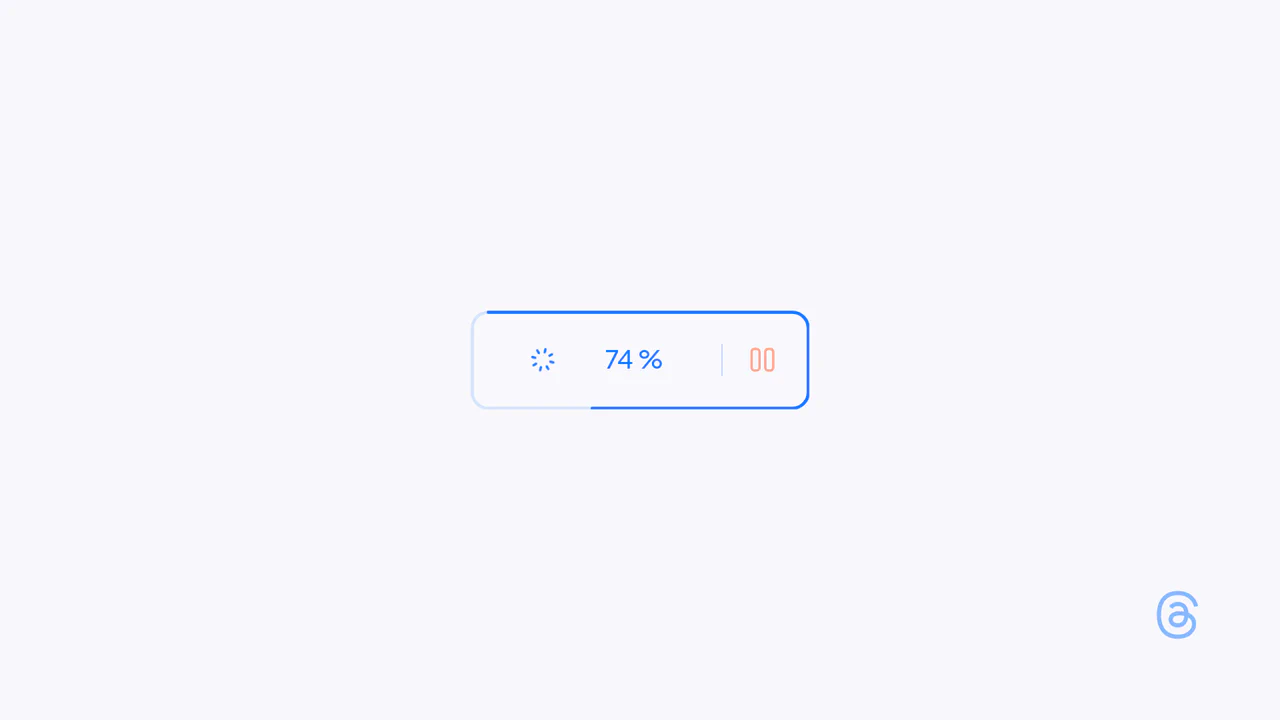
Interactive Loading Progress Button
This is an Interactive Loading Progress Button. It consolidates complex system feedback — progress indication, pausing, and completion — into a single geometric constraint. Its function is to keep the user anchored to one focal point during data-heavy operations, eliminating the need for disjointed, full-screen loading modals. (Requires: Anime.js)
 Chrome 60+
 Edge 79+
 Firefox 55+
 Safari 12+
See the Pen Interactive Loading Progress Button.

Staggered Particle Blob Effect
This is a Staggered Particle Blob Effect. It clusters multiple DOM nodes into a cohesive, glowing entity that tracks cursor movement. Its function is to provide highly organic, procedural background interaction, replacing static canvases with an ecosystem of independent, mathematically linked elements. (Requires: AnimeJS)
Chrome 79+
Edge 79+
Firefox 71+
Safari 13+
See the Pen Staggered Particle Blob Effect.

Shaders Example #17
A psychedelic, fluid transition between images where the picture spirals, stretches, and “melts” before morphing into the next one.
See the Pen Shaders Example #17.
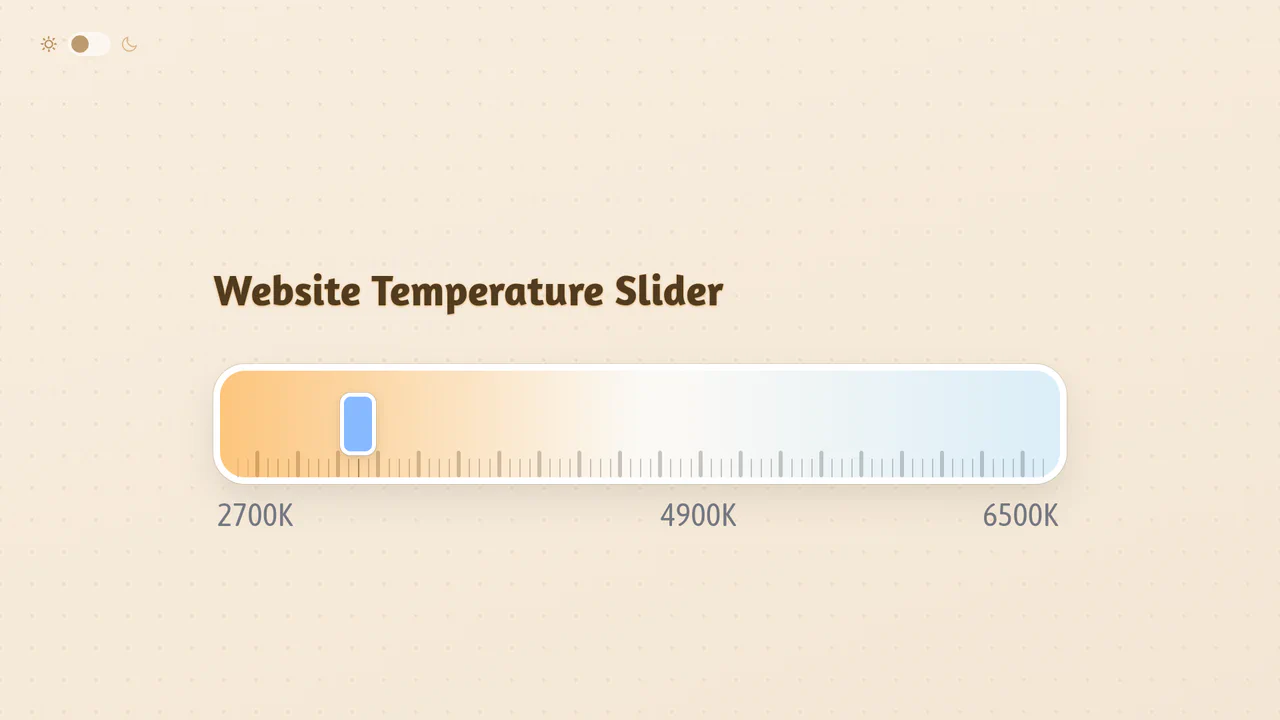
Website Temperature Slider with Color Overlay
Dynamic website color temperature control using the feature-rich svelte-range-slider-pips library: explore responsive Kelvin-based filtering with CSS overlays, leveraging simple JS logic to map slider values directly to opacity for instant visual feedback.
See the Pen Website Temperature Slider with Color Overlay.
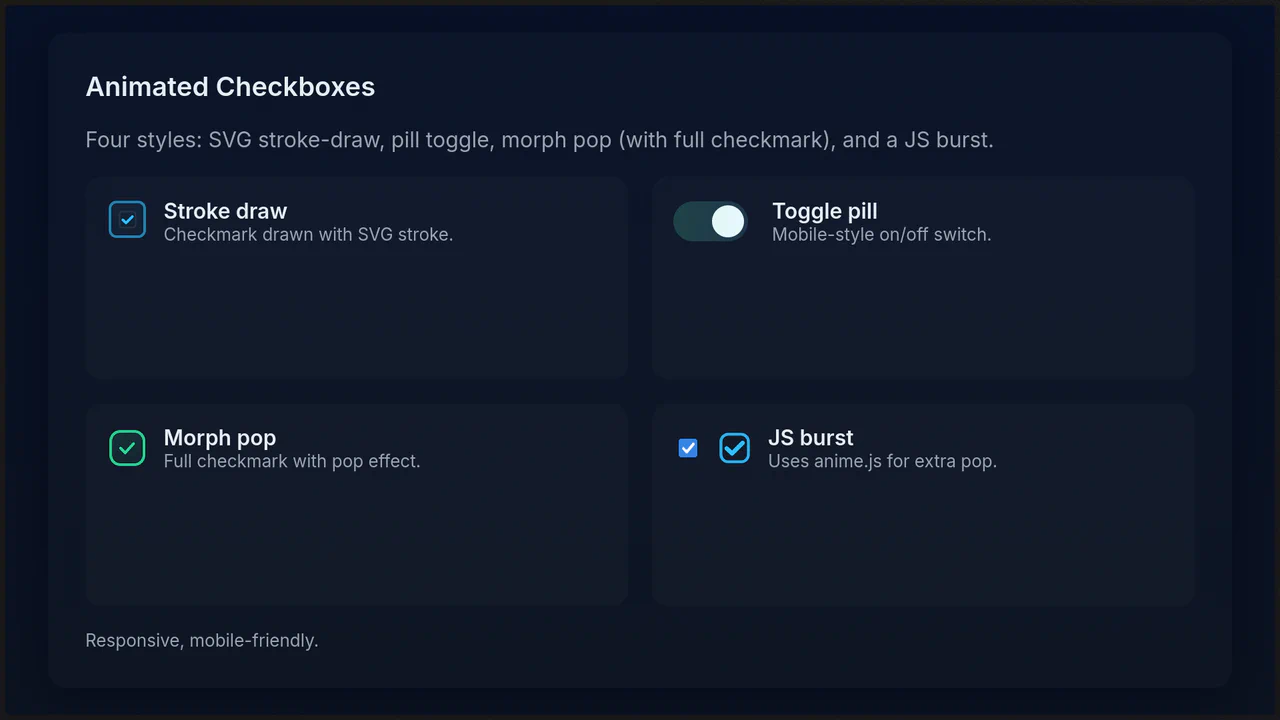
Animated Checkboxes Demonstration
A demonstration of styling hidden input[type="checkbox"] functionality with modern CSS. It features four distinct, responsive styles, from minimalist SVG-drawing and pill toggles to complex pop and anime.js timeline animations.
See the Pen Animated Checkboxes Demonstration.
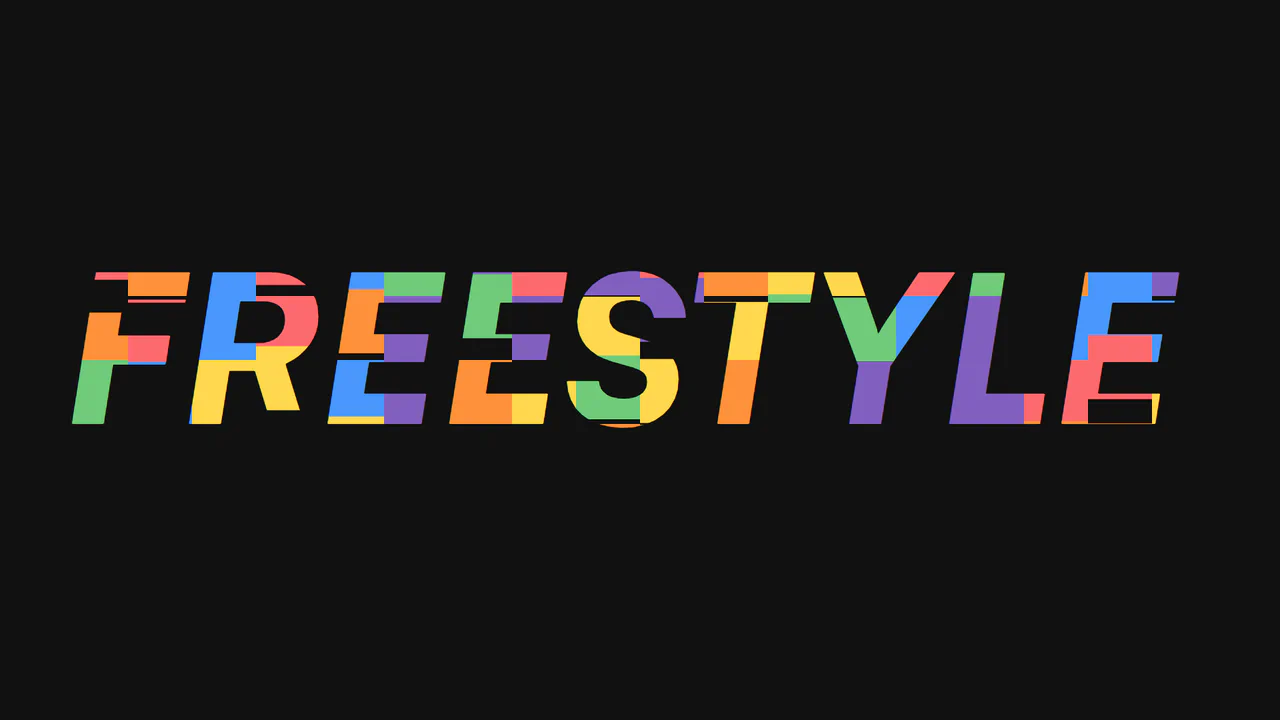
Untitled SVG Text Effect
A lightweight, unique SVG text effect powered by JavaScript, demonstrating the use of a dynamically generated pattern fill with individual element animations via Anime.js.
See the Pen Untitled SVG Text Effect.
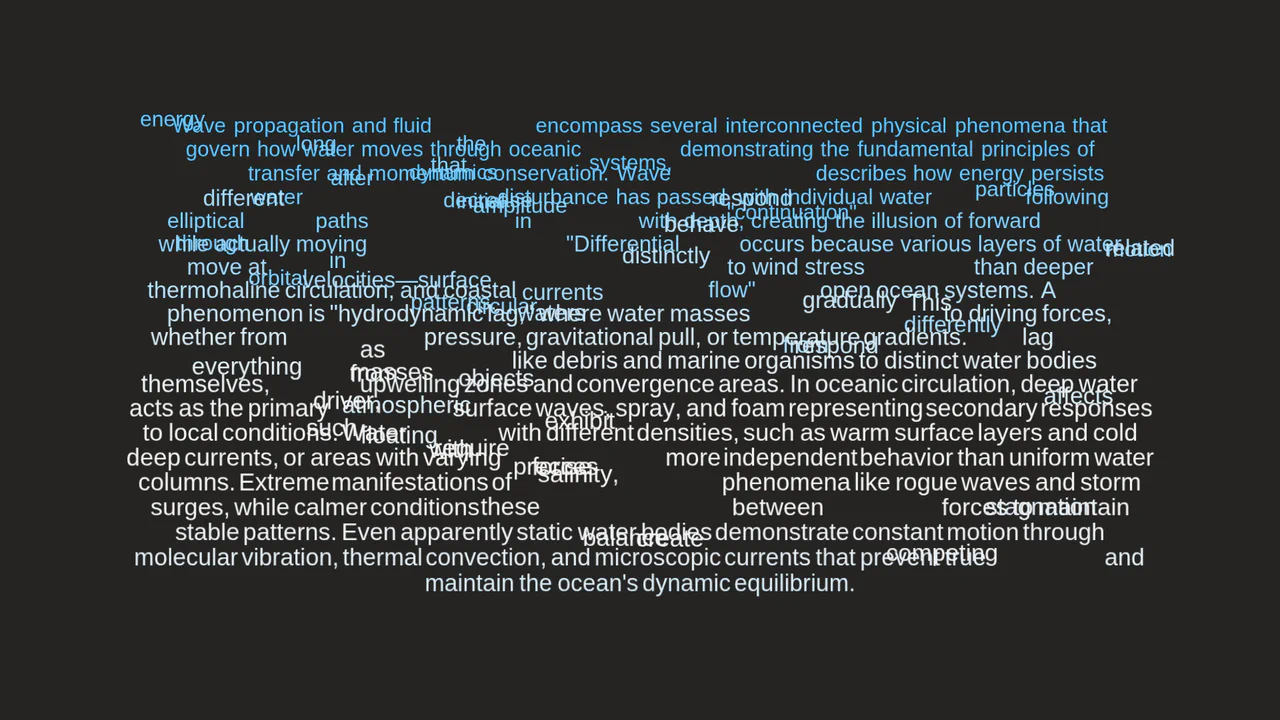
Anime.js Text Split Effect
This demo reveals the power of the new text.split API in anime.js v4, creating complex, stateful text animations with timelines and interactive controls.
See the Pen Anime.js Text Split Effect.
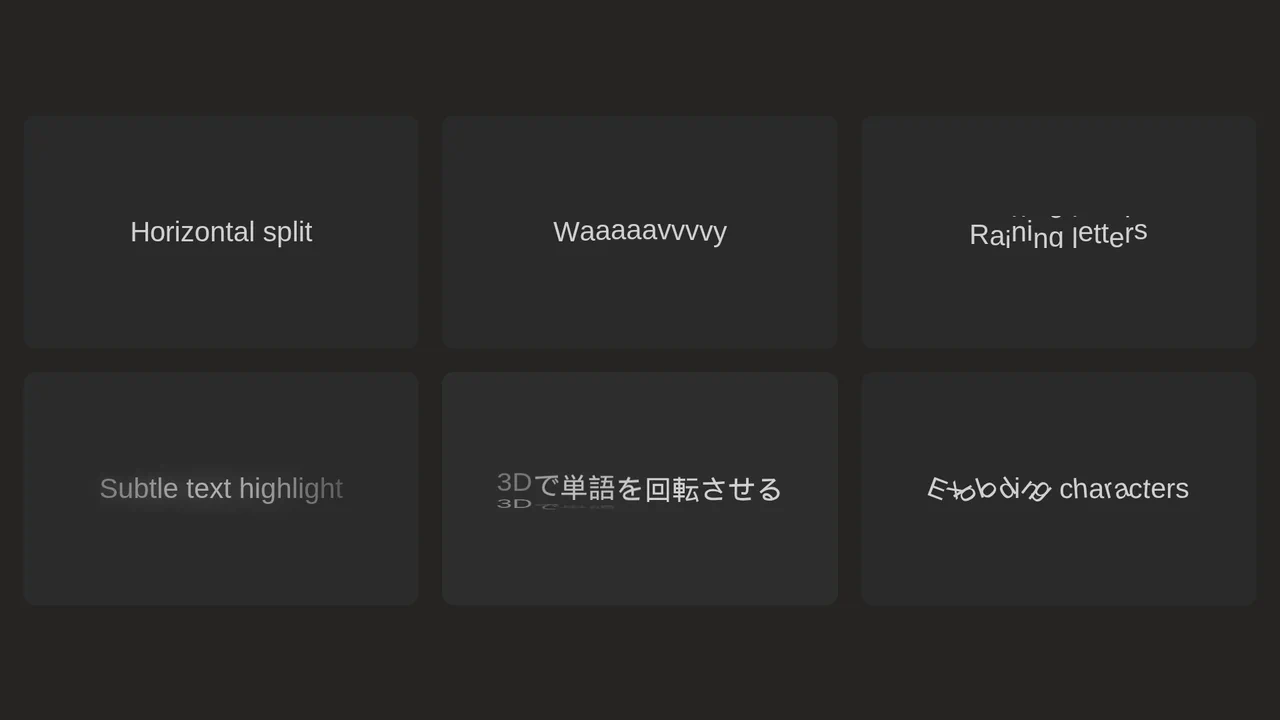
Anime.js Split Text Hover Effects
This demo is a powerful showcase of the Anime.js library’s capabilities for creating complex text animations. It features various effects, from 3D rotations and explosions to wavy motions, highlighting the library’s flexibility and performance.
See the Pen Anime.js Split Text Hover Effects.