20+ Bootstrap Galleries
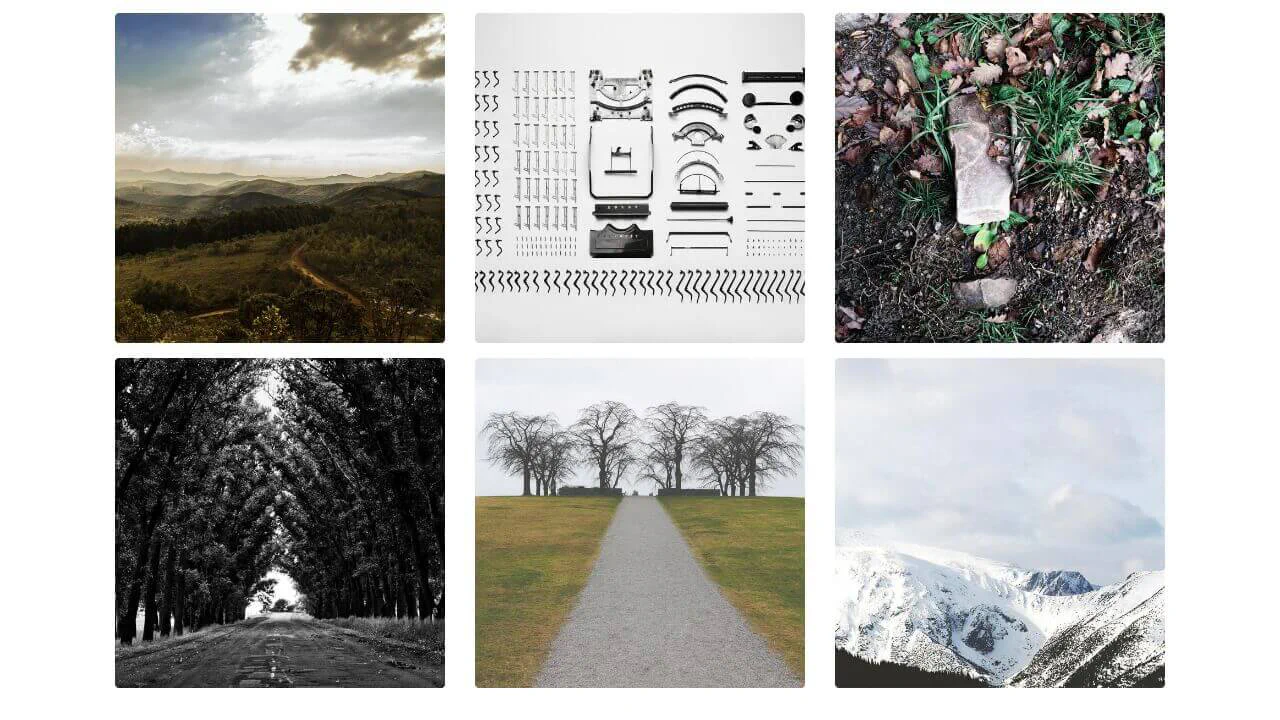
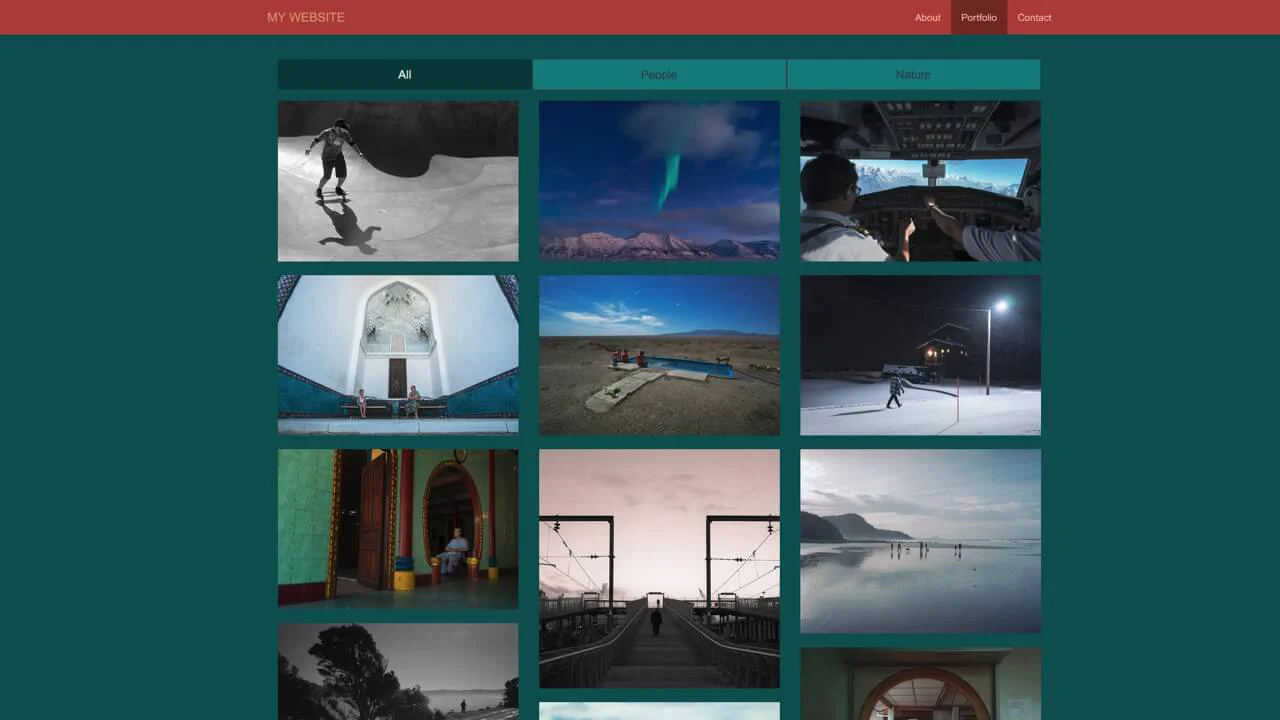
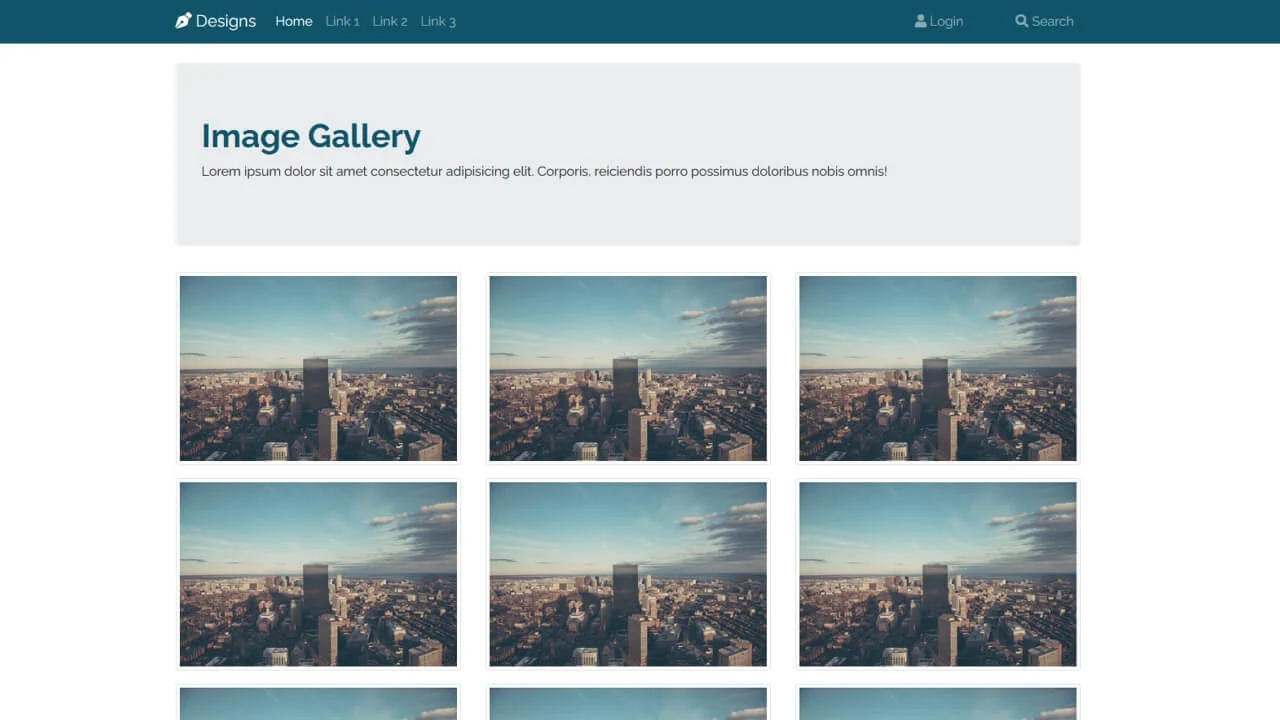
This collection offers versatile solutions for creating image galleries in Bootstrap. Responsive grids are built using the Grid system, along with Masonry-like layouts for content of varying heights. Interactivity is achieved via the Modal component for implementing lightboxes with dynamic content and the Carousel for cinematic slideshows. Examples also include styling icon overlays that appear on thumbnail hover, ensuring a rich user experience.
Examples

Responsive Image Gallery with jQuery Lightbox
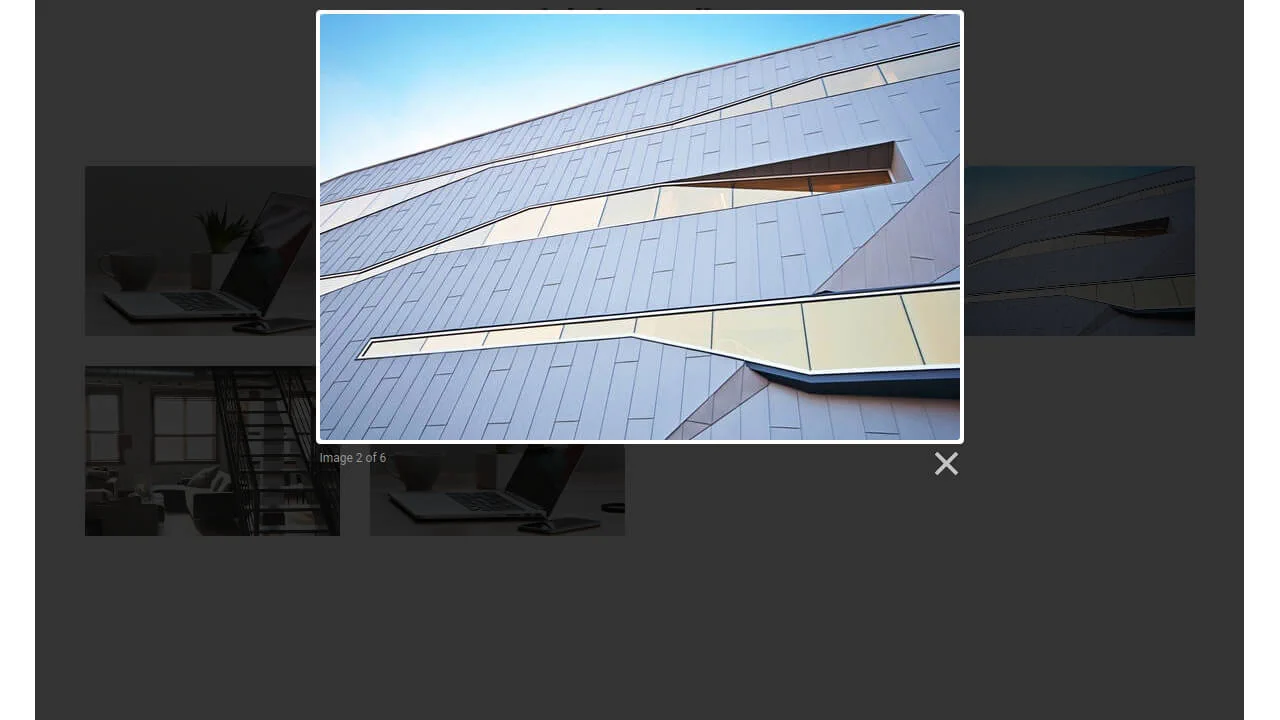
A dynamic gallery featuring an overlay hover effect which, upon click, activates a lightweight Lightbox module. Technically implemented using Bootstrap for the grid system and jQuery for generating and managing the modal DOM elements.
See the Pen Responsive Image Gallery with jQuery Lightbox.

Bootstrap 5 Gallery Grid
A responsive magazine-style blog grid featuring a central vertical highlight flanked by stacked horizontal posts. It utilizes CSS gradients via pseudo-elements for text readability over images.
See the Pen Bootstrap 5 Gallery Grid.

Bootstrap 5 Lightbox Gallery
A fully functional, interactive photo viewer that operates smoothly and quickly without heavy third-party plugins, relying solely on native Bootstrap and JS capabilities.
See the Pen Bootstrap 5 Lightbox Gallery.

Slider with Thumbnails: Glide.js and Bootstrap 5
A functional gallery where the user can preview all available images at once and quickly jump to the desired one without scrolling sequentially.
See the Pen Slider with Thumbnails: Glide.js and Bootstrap 5.