10+ Bootstrap Select Boxes
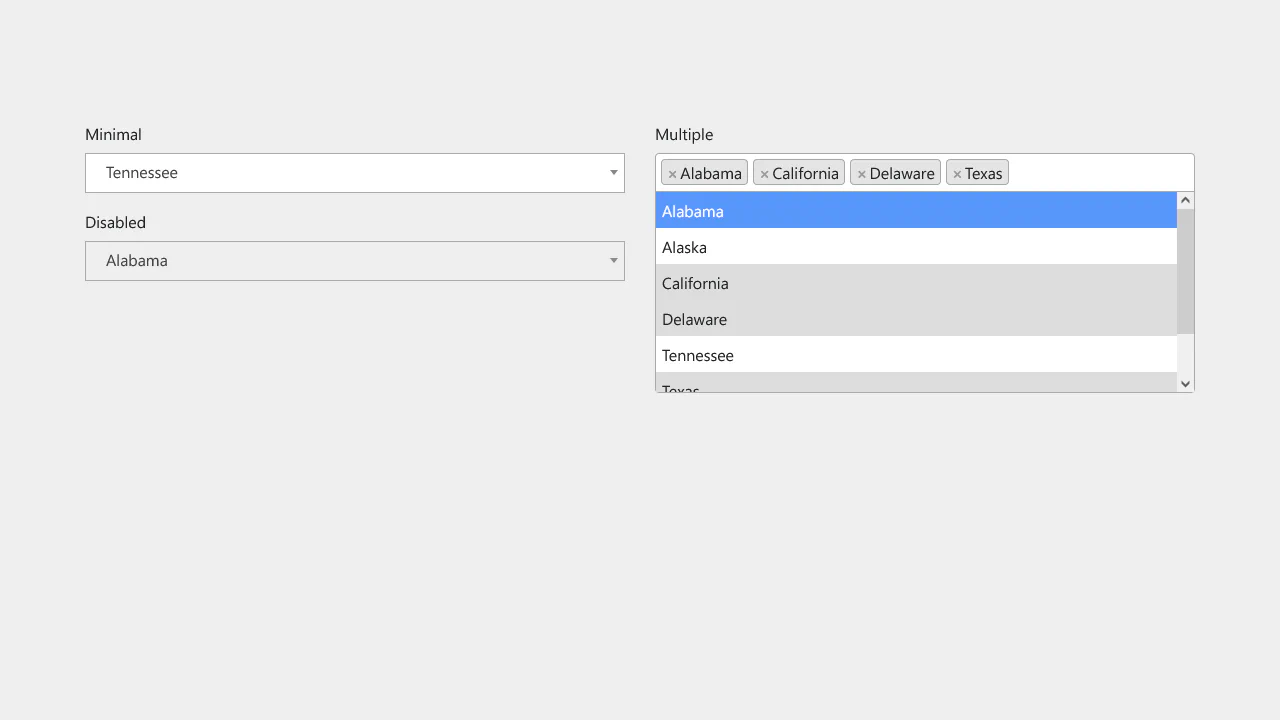
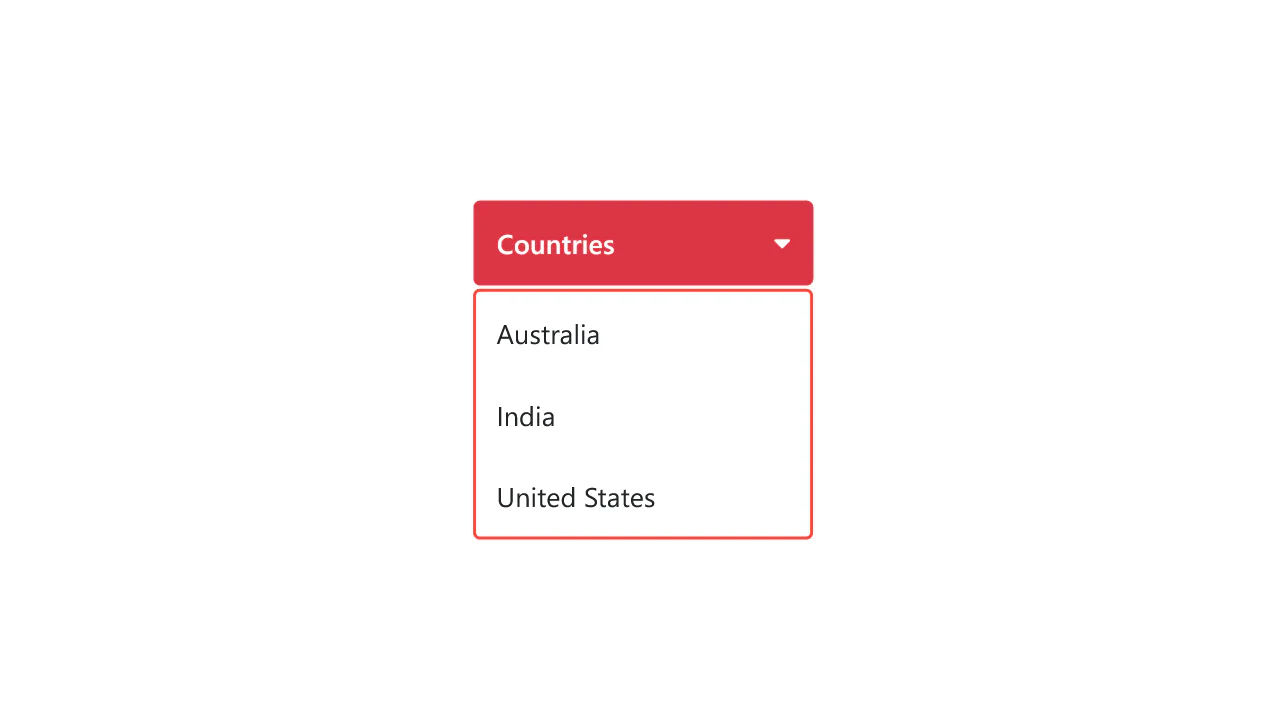
This collection covers all methods for implementing dropdown lists in Bootstrap: from native to custom. Styling the standard .form-select and managing its sizes is the starting point. For enhanced functionality, select emulation via the Dropdown component is demonstrated, adding search and custom option layout. Advanced examples include implementing multiple selection with tag display, offering flexible solutions for any form.
Examples

Bootstrap 5 Select Dropdown with Search Box
A convenient “all-in-one” search bar, typical for e-commerce sites or catalogs, where the user needs to refine the query before submitting.
See the Pen Bootstrap 5 Select Dropdown with Search Box.

Multi-Select Dropdown with Search in Bootstrap 5
See the Pen Multi-Select Dropdown with Search in Bootstrap 5.
Select Picker (Bootstrap 5)
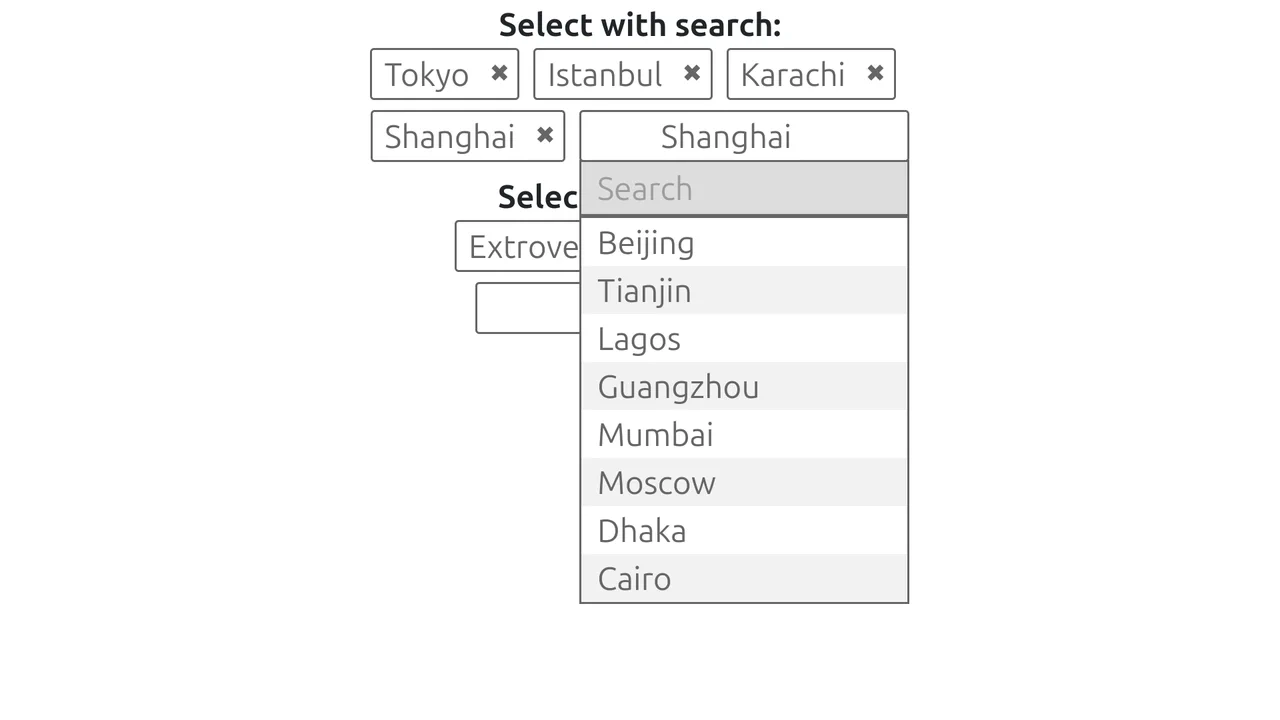
A user-friendly multi-select interface powered by the Select Picker jQuery plugin. It enhances standard <select> elements by injecting a search bar and enforcing selection caps, while custom CSS fine-tunes the generated tag UI for a polished look.
See the Pen Select Picker (Bootstrap 5).