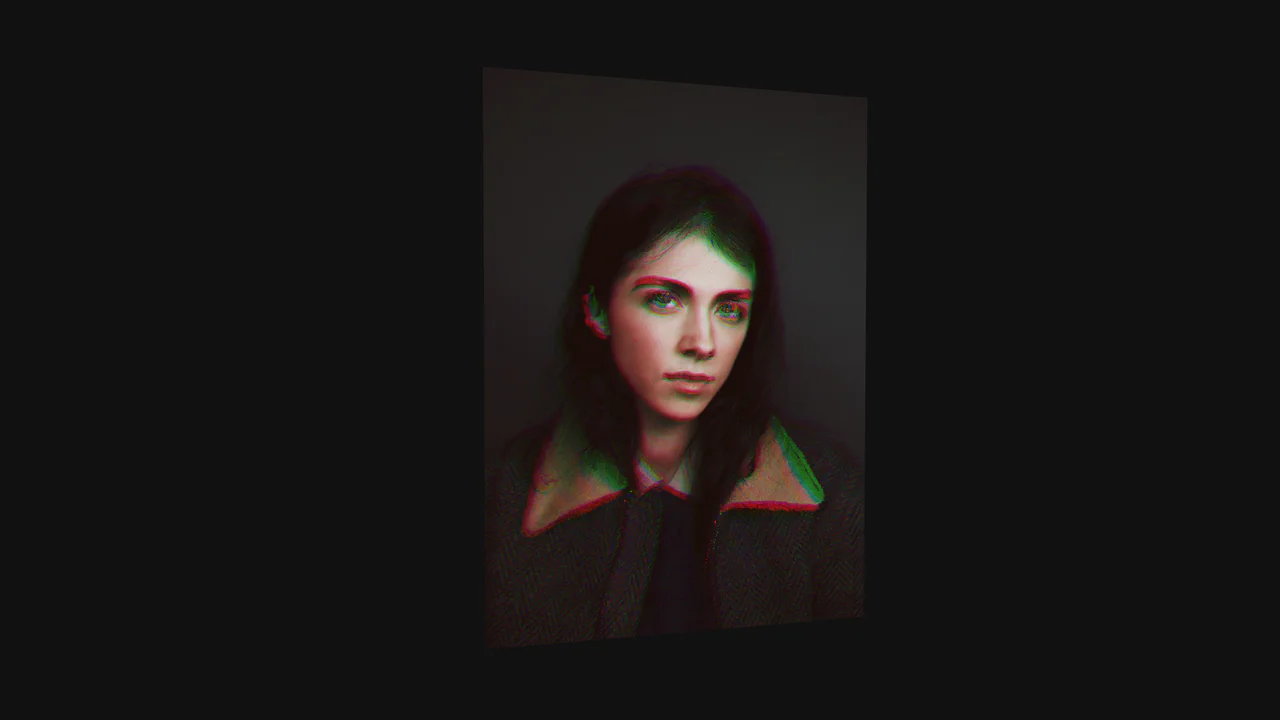
3D Glass Photo Lens
See the Pen 3D Glass Photo Lens.
Tech & Dependencies
Features
- ✓ Physically Based Rendering (PBR)
- ✓ Real-time Refraction
- ✓ Drag & Drop Upload
- ✓ Procedural Geometry
Browser Support
Core
This 3D Glass Photo Lens creates a stunning, tactile digital object - a thick glass block that refracts user-uploaded photos. Built with Three.js, it simulates the physics of light (transmission, IOR, thickness) to produce high-fidelity glass renders directly in the browser. Users can change the lens shape (Heart, Square, Hexagon), adjust the glass tint, and even modify the environmental lighting to see how reflections dance across the beveled edges.
Core Technique
The realism relies on Three.js’s MeshPhysicalMaterial, specifically configured for transmissive objects.
- Transmission & IOR: By setting
transmission: 1.0andior: 1.5(Index of Refraction), the material acts like real glass, bending light from the texture behind it. Thethicknessproperty adds volumetric depth, creating the distorted “magnifying” look at the edges. - Environment Mapping: The scene uses an HDR (High Dynamic Range) environment map via
RGBELoader. This map isn’t just a background; it provides the rich, realistic reflections seen on the glass surface (envMapIntensity). - Procedural Geometry: Instead of loading 3D models, shapes are generated on the fly using
THREE.ShapeandExtrudeGeometryorRoundedBoxGeometry. This allows parameters likecurveSegments(smoothness) and bevel size to be updated dynamically via the GUI.
Customization
You can control nearly every physical aspect of the glass via the params object or the provided GUI.
const params = {
    shape: 'Heart', // Options: 'Square', 'Circle', 'Hexagon (6)', etc.
    glassColor: '#ffffff', // Tint color
    internalReflect: 1.5,  // Refraction strength (1.0 = Air, 1.5 = Glass, 2.4 = Diamond)
    photoScale: 1.2        // Zoom level of the image behind the glass
};
To use your own default image, simply replace the URL in the textureLoader.load() call:
textureLoader.load('path/to/your-image.jpg', (tex) => { ... });
Tips
1. Performance - Power Preference:
The renderer is initialized with powerPreference: "high-performance". This hints the browser to use the discrete GPU on dual-GPU systems (like MacBooks). Be mindful that PBR glass rendering is resource-intensive; avoid adding too many other heavy effects to the page.
2. Handling Alpha:
The MeshPhysicalMaterial has transparent: true. If you load a PNG with transparency as the photo, the glass will composite correctly over the background color (scene.background), but the refraction might look weird if there is nothing behind the transparent parts. Ensure your background color complements the scene.