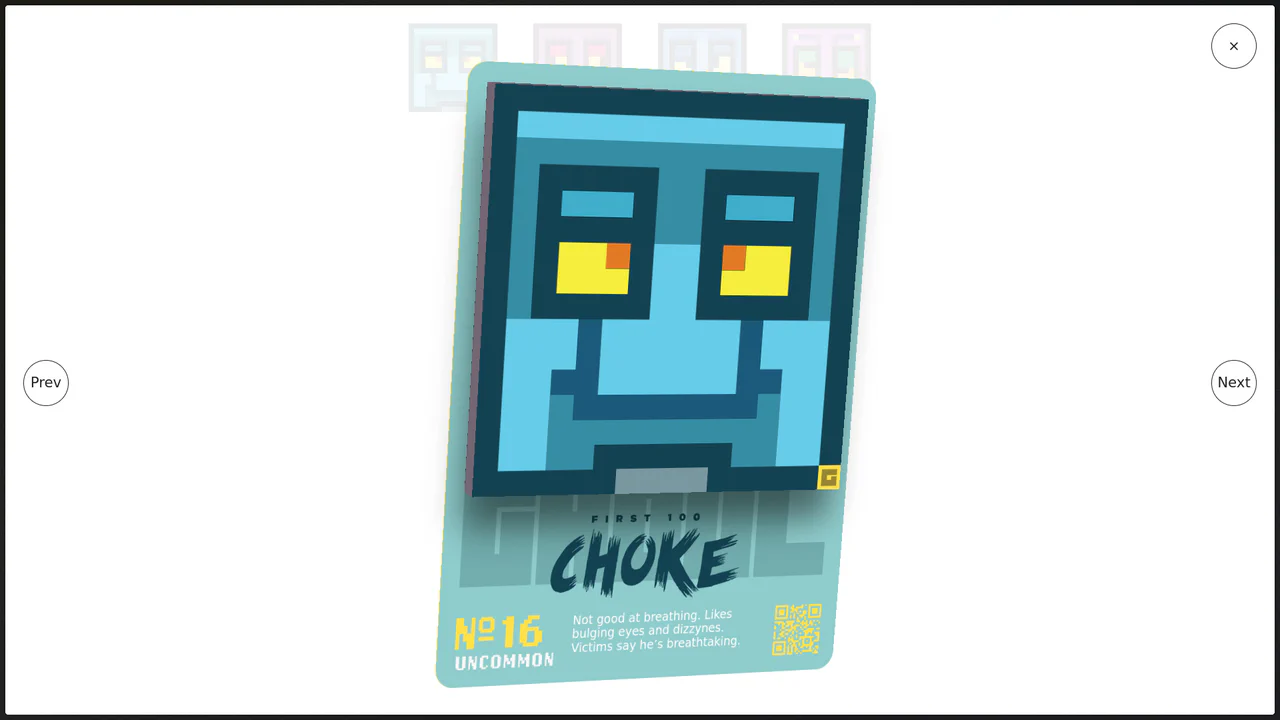
3D Parallax Card Slider
See the Pen 3D Parallax Card Slider.
Tech & Dependencies
Features
- ✓ 3D Tilt Effect
- ✓ Physics Interpolation
- ✓ State Management
- ✓ Image Preloader
Browser Support
Core
This 3D Parallax Card Slider brings a tangible, high-fidelity feel to web galleries. It goes beyond simple sliding by implementing a physics-based tilt effect that reacts to mouse movement, giving each card weight and depth. The background adapts seamlessly to the active slide, creating an immersive atmosphere perfect for luxury travel sites or premium portfolios.
Core Technique
The magic happens through a combination of CSS 3D transforms and a custom JavaScript physics loop using requestAnimationFrame.
- Physics Loop (RAF): A custom
Rafclass manages the animation loop. It continuously interpolates (lerp) the current rotation values towards the target mouse position. This creates the smooth “lag” or weight when tilting the card, rather than a jittery 1:1 movement. - 3D Tilt Logic: The
tiltfunction calculates the mouse offset relative to the card’s center. It updates CSS custom properties (--rotX,--rotY) on the fly, which CSS uses intransform: rotateX(...) rotateY(...). - State Transitions: The
changefunction manages thedata-current,data-previous, anddata-nextattributes. CSS transitions handle the movement of cards between these states (center vs. off-screen), while JS handles the z-index swapping to ensure correct layering.
Customization
The motion feel is controlled by the lerpAmount variable and CSS transition settings.
// In tilt function
let lerpAmount = 0.06; // Lower = heavier/slower, Higher = snappier
To change the slide dimensions or spacing, update the CSS variables in :root.
:root {
  --slide-width: min(25vw, 300px);
  --slide-transition-duration: 800ms; /* Speed of slide changing */
}
Tips
1. Performance Optimization:
The tilt function uses toFixed(2) when setting CSS variables. This is a crucial micro-optimization. Writing values with 10+ decimal places to the DOM on every frame forces the browser to parse longer strings, which can cause layout thrashing on lower-end devices.
2. Image Preloading:
The script includes a robust preloader using imagesLoaded. For a heavy visual component like this, displaying a loader is essential. Without it, the layout might jump or the 3D effect might look broken until textures are fully available.