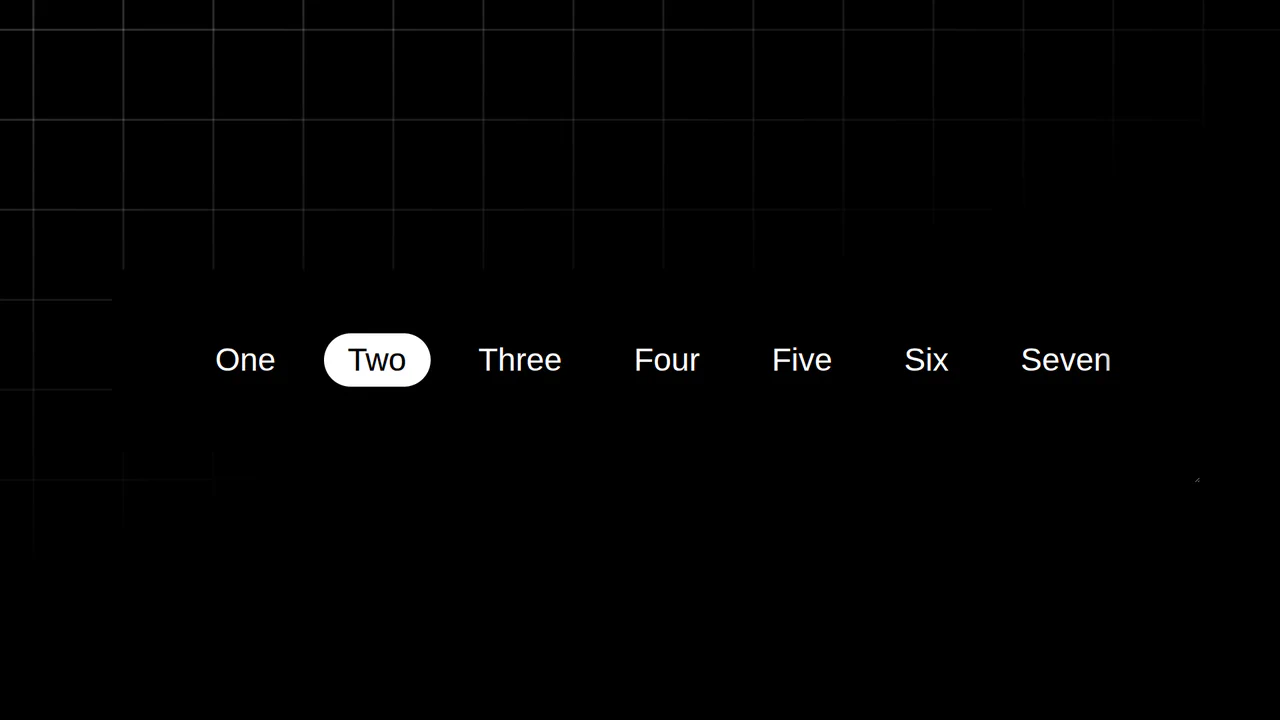
Anchored Glassmorphic Tab Indicator
See the Pen Anchored Glassmorphic Tab Indicator.
Tech & Dependencies
Features
- ✓ Anchor Positioning
- ✓ Popover Tooltips
- ✓ Spring Animation
- ✓ SVG Displacement
Browser Support
Core
This is an Anchored Glassmorphic Tab Indicator. It utilizes the cutting-edge CSS Anchor Positioning API to physically tether a floating visual highlight to the currently active or hovered navigation button. Its function is to provide highly fluid, magnetic feedback without relying on complex JavaScript bounding-box calculations.
Specs
- Weight: ~3 KB. No external frameworks. Requires a material symbols web font.
- Performance: Exceptionally high. Position interpolation (
top,left) is handled entirely by the CSS engine using theposition-anchorproperty, bypassing JavaScript DOM reflows. - Theming / Customization: The glassmorphic effect is a combination of CSS
radial-gradientmasks and an inline SVG<filter>(feDisplacementMap). - Responsiveness: Fluid. Because the indicator anchors to the DOM node dynamically, it flawlessly tracks the button even if the layout wraps or resizes.
- Web APIs: Popover API (
popover="hint"and the experimentalinterestforattribute). - Graceful Degradation: [!] Highly experimental. CSS Anchor Positioning is currently unsupported in Firefox and Safari. In unsupported browsers, the visual indicator fails to render or position correctly, though the base buttons remain clickable.
Anatomy
The component bridges standard DOM elements with the new anchor coordinate system.
- HTML (The Skeleton): A flex container (
.action-bar) holding standard<button>elements. A standalone<div>(.anchored-pointer) sits outside the button flow. Floating tooltips utilize the newpopover="hint"spec. - CSS (The Skin): Introduces
position-anchor: --selected,top: anchor(top), andleft: anchor(left). It leverages an insanely complexlinear()easing function (--spring-easing) to mimic physical spring tension. - JS (The Nervous System): Exists solely to reassign the anchor target. On
click,mouseenter, orfocus, JS updates the inlinestyle.anchorName = '--selected'of the target button, telling the CSS where to magnetic-snap the pointer.
Logic
The core breakthrough is “Declarative Tethering”:
.anchored-pointer {
    position: absolute;
    position-anchor: --selected;
    top: anchor(top);
    left: anchor(left);
    margin-top: calc(anchor-size(height) * -0.5);
}
Historically, building a tracking indicator required JS to measure getBoundingClientRect() on every hover, calculate the X/Y coordinates, and apply inline transform styles. The Anchor API delegates this to the browser. As long as a button is tagged with the --selected anchor name via JS, the .anchored-pointer automatically snaps to its top and left bounds. The anchor-size() function ensures the pointer always centers itself relative to the target’s specific dimensions.
Feel
Magnetic, viscous, and futuristic. The combination of the 24-point linear() spring easing and the SVG displacement map makes the indicator feel like a physical droplet of water sliding across the surface. It snaps to the cursor with eager elasticity, while the instant popover tooltips provide immediate context without adding visual clutter.