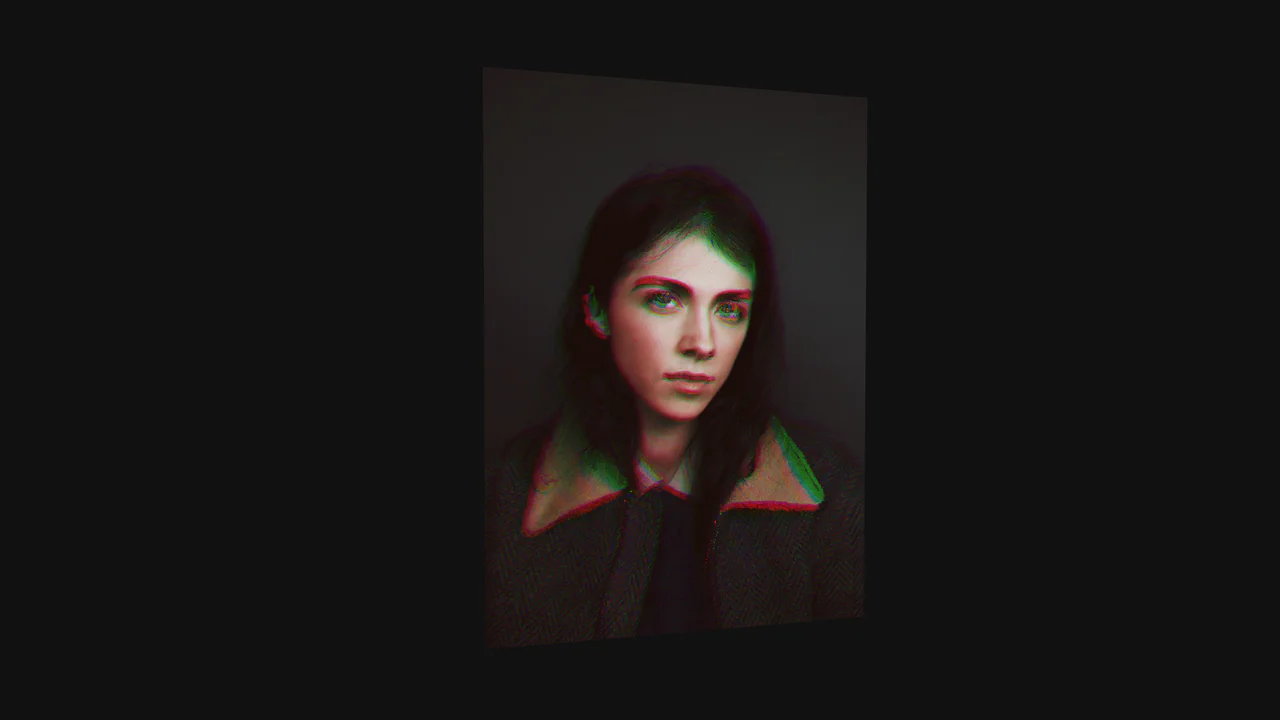
Cinematic Zoom Blur Image Gallery
See the Pen Cinematic Zoom Blur Image Gallery.
Tech & Dependencies
Features
- ✓ Shader Transitions
- ✓ Mouse Tracking
- ✓ Smooth Lerp
- ✓ GPU Rendering
Browser Support
Core
This is a Cinematic Zoom Blur Image Gallery. It utilizes custom GLSL fragment shaders and Three.js to create a high-fidelity transition between image textures. Its function is to provide an immersive navigational layer for visual portfolios, where spatial depth and radial blur replace standard linear crossfades.
Specs
- Weight: ~145 KB (Three.js footprint + logic).
- Performance: High. Offloads heavy pixel manipulation to the GPU via fragment shaders.
- Theming / Customization: Easily adaptable through the
imagesarray and shaderstrengthparameters. - Responsiveness: Fluid. Uses a custom
resizehandler to maintain aspect ratio and UV scale. - Web APIs: WebGL API for rendering, Canvas API for the display surface.
- Graceful Degradation: Fails to a blank state if WebGL is unsupported. Requires modern browser hardware acceleration.
Anatomy
The component operates through a parallel processing pipeline.
- HTML (The Skeleton): A singular
<canvas>element acting as the viewport. - CSS (The Skin): Transparent. Only ensures the canvas fills the container and prevents overflow.
- JS (The Nervous System): Three.js handles scene orchestration. It tracks pointer coordinates and scroll delta, feeding them into the shader as uniforms.
GSAPhandles the initial entry ease. - GLSL (The Nervous System): The fragment shader is the brain. It samples the current and next textures multiple times along a vector toward the screen center to simulate motion blur.
Logic
The core mechanism is “Accumulative Radial Sampling”.
for (float t = 0.0; t <= 20.0; t++) {
  float percent = (t + offset) / 20.0;
  float weight = 2.0 * (percent - percent * percent);
  vec4 texel = texture2D(map, tUv + toCenter * percent * strength);
  color += texel * weight;
  total += weight;
}
gl_FragColor = color / total;
Instead of a simple transparency shift, the shader runs a loop of 20 iterations for every pixel. It calculates a vector pointing toward the center (mapped to the mouse position). By sampling the texture at multiple points along this vector and applying a bell-curve weight, it creates a realistic optical zoom blur. The strength uniform controls the “distance” of the shatter, creating a tunnel-vision effect during navigation.
Feel
Viscous and cinematic. The motion has physical weight due to the linear interpolation (lerp) of the scroll and mouse coordinates. Interaction feels 1-to-1; as you move the cursor, the “focal point” of the blur follows, giving the user a tactile sense of peering through a lens. It effectively removes the barrier between the flat 2D image and the user’s focus.