GSAP Staggered Blinds Reveal
See the Pen GSAP Staggered Blinds Reveal.
Tech & Dependencies
Features
- ✓ Scroll Scrubbing
- ✓ Pinned Section
- ✓ Staggered Animation
- ✓ 3D Transforms
Browser Support
Core
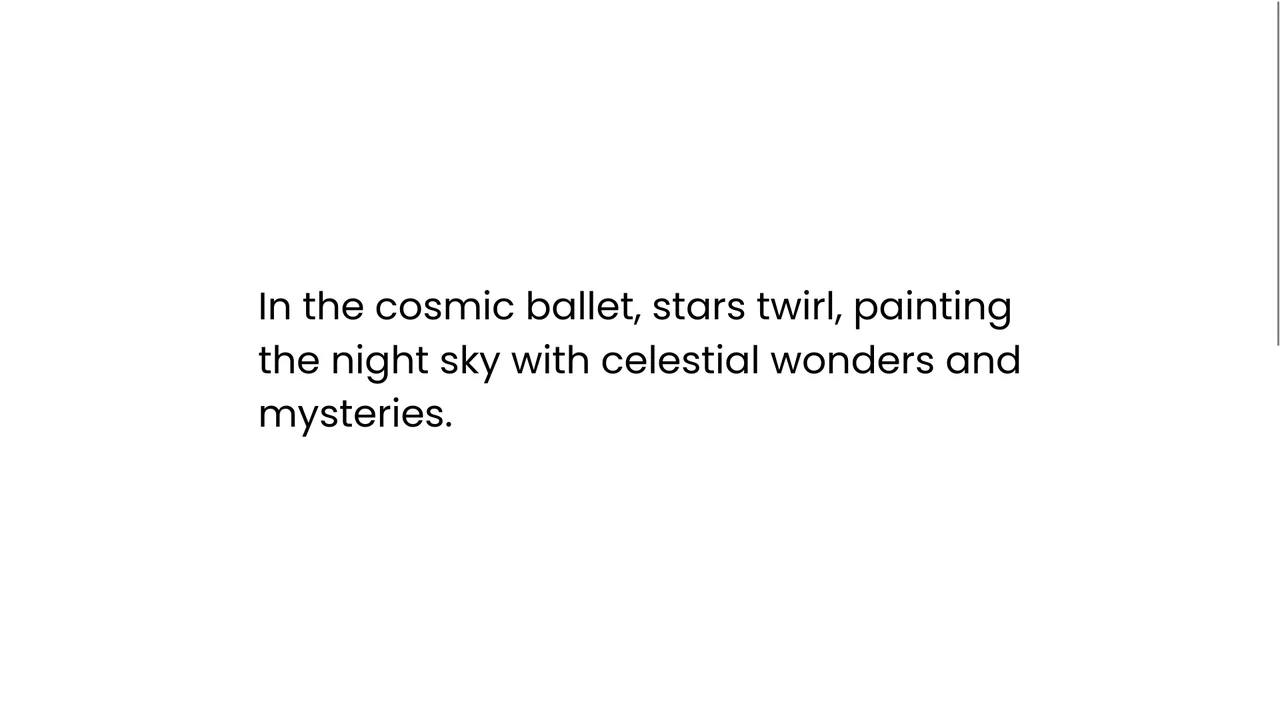
This GSAP Staggered Blinds Reveal creates a cinematic transition effect often used in hero sections or between major content blocks. By manipulating a series of div elements acting as “slats,” the animation mimics a zipper or venetian blinds opening. As the user scrolls, the slats slide away and rotate sequentially, revealing the content underneath (or changing the state) in a synchronized wave motion.
Core Technique
The entire effect is orchestrated by a GSAP Timeline connected to a ScrollTrigger. The container (.trigger) is pinned (pin: true), meaning the user stays visually in place while scrolling through the animation’s progress (scrub: 0.5).
The timeline performs three concurrent actions on the .box elements:
- Translation: Moves elements 100% to the right (
xPercent: 100). - Rotation: Rotates them to 45 degrees and then back to 0, adding a 3D flipping sensation.
- Staggering: The
stagger: { amount: 1 }property is key. Instead of moving all boxes at once, it distributes the start time of each box’s animation across 1 second, creating the fluid “wave” or “zipper” look.force3D: trueensures hardware acceleration for smooth performance.
Customization
You can drastically change the feel of the animation by adjusting the stagger timing and the rotation angle.
Вы можете кардинально изменить ощущение от анимации, настроив время каскада (stagger) и угол поворота.
gsap.timeline({
    scrollTrigger: {
      /* ... standard config ... */
      scrub: 1, // Softer scrubbing /
    }
  })
  .to(".box", {
    xPercent: 100, // Move right
    // xPercent: -100, // Uncomment to move left
    stagger: {
      amount: 0.5, // Faster wave
      from: "center" // Start from middle
    }
  })
  /* Remove rotation for a flat slide effect */
  // .to(".box", { rotation: "90deg" }, 0)
To change the number of “slats,” simply add or remove .box divs in the HTML. The CSS sets their height using vh, so you might need to adjust .box { height: ... } if you change the count to ensure they cover the screen without gaps.
Tips
Accessibility (Reduced Motion): Since this involves significant movement across the entire viewport, it is crucial to respect user motion preferences.
let mm = gsap.matchMedia();

mm.add("(prefers-reduced-motion: reduce)", () => {
  // Simple fade instead of movement
  // Простое затухание вместо движения
  gsap.to(".box", { opacity: 0, scrollTrigger: { ... } });
});