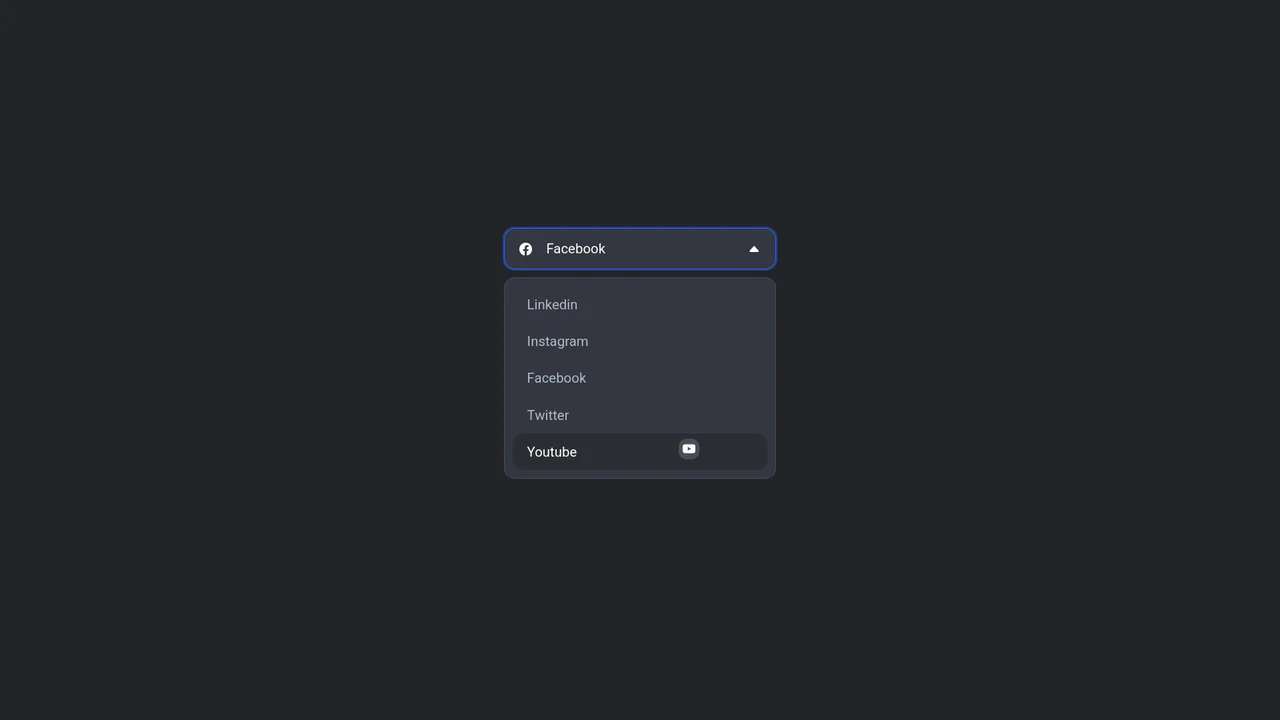
Jello Animated Sliding Tab Navigation
See the Pen Jello Animated Sliding Tab Navigation.
Tech & Dependencies
Features
- ✓ Dynamic Theming
- ✓ Sliding Indicator
- ✓ Contextual Menu
- ✓ Jello Bounce
Browser Support
Core
This is a Jello Animated Sliding Tab Navigation. It provides top-level categorization and context-aware sub-menus in a single mobile-friendly component. The function is to visually anchor the user’s location within an app while dynamically adapting the global color theme to match the active context.
Specs
- Weight: ~3 KB. Zero dependencies.
- Performance: Hardware-accelerated transforms (
translate,scale3d) ensure 60 FPS transitions without layout thrashing. - Theming / Customization: Deeply integrated via CSS custom properties (
--main-slider-color,--background-color). - Responsiveness: Fluid width, relying on flexbox and relative relative units (
rem,%). - Graceful Degradation: If JavaScript fails, tabs remain clickable and accessible, but lose the sliding indicator and dynamic sub-menu logic.
Anatomy
The structure separates the semantic logic from the moving visuals.
- HTML (The Skeleton): A semantic
<nav>wrapping two distinct lists (ul.main-tabs,ul.filter-tabs). Dedicated emptydivelements (.main-slider,.filter-slider) serve as the moving background indicators. - CSS (The Skin): CSS variables dictate the spatial and chromatic states. The
.animate-jellokeyframe sequence injects elasticity into the otherwise rigid translation. - JS (The Nervous System): Event delegation on the parent containers intercepts clicks, calculates the required
translateXpercentages fromdata-translate-valueattributes, and updates the root CSS variables to synchronize the interface.
Logic
The mechanism relies on “Variable Rebinding”:
root.style.setProperty("--translate-main-slider", targetTranslateValue);
root.style.setProperty("--main-slider-color", getColor(targetColor, 50));
root.style.setProperty("--background-color", getColor(targetColor, 100));
Instead of directly animating DOM nodes in JavaScript or toggling dozens of specific classes, the script merely updates the CSS custom properties at the :root level. The browser’s native CSS engine takes over, executing the spatial transitions and environment color shifts flawlessly in a single repaint cycle.
Feel
Fluid and tactile. The active state doesn’t just snap; it glides to its destination and settles with a physical “jello” bounce. Changing tabs feels organic, instantly altering the entire environment’s color palette to reinforce the spatial shift and confirm user intent.