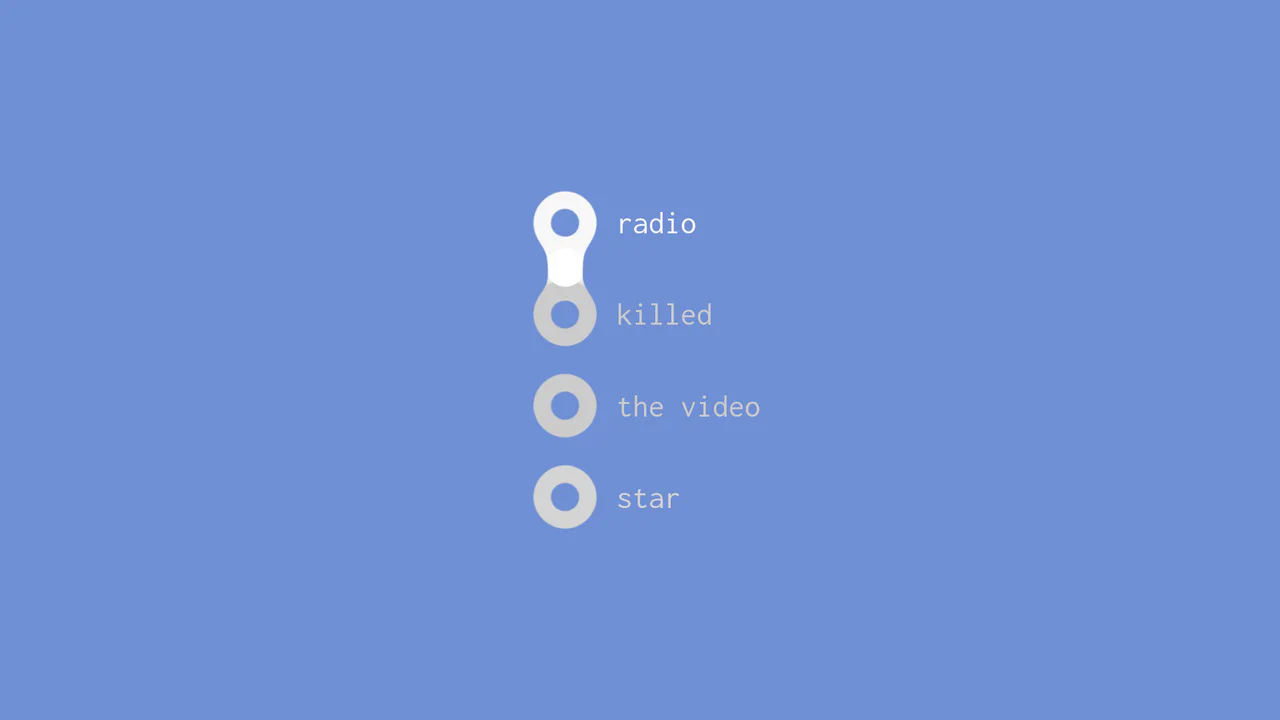
Kinetic Snake Focus Indicator
See the Pen Kinetic Snake Focus Indicator.
Tech & Dependencies
Features
- ✓ Canvas Animation
- ✓ Focus Tracking
- ✓ Spring Physics
Browser Support
Core
This is a Kinetic Snake Focus Indicator. It replaces the default browser outline with a dynamic, canvas-drawn organism that travels between active form fields. Its function is to draw absolute visual attention to the current user context, turning mundane data entry into a highly tactile, continuous experience.
Specs
- Weight: ~2 KB. Zero dependencies.
- Performance: High. Runs on a dedicated, pointer-event-disabled
<canvas>element usingrequestAnimationFrame, leaving the DOM tree unaffected during state transitions. - Theming / Customization: Controlled directly via JavaScript constants (
RADIUS,TAIL_LENGTH) and canvascontext.fillStylehex values. - Responsiveness: Calculates coordinates natively, instantly updating the canvas rendering upon window resize and scroll events.
- Web APIs: Canvas API,
requestAnimationFrame. - Graceful Degradation: [!] Overrides native CSS focus outlines (
outline: 0). If JavaScript fails, keyboard users will completely lose focus visibility, severely compromising interface accessibility.
Anatomy
- HTML: A standard stacked form layout overlaid with an absolute
<canvas>element. - CSS: Stripped down. Centers the form and hides the default focus rings to pass visual control entirely to the canvas layer.
- JS: The nervous system. It captures global
focusevents during the capture phase, extracts the spatial coordinates of the target element (offsetLeft,offsetTop), and continuously paints a segmented path utilizingcontext.quadraticCurveTo.
Logic
The elegance lies in the application of an asymptotic easing formula combined with a decaying velocity vector.
// Animate the head towards target x/y
head.x += ( head.tx - head.x ) * 0.2;
head.y += ( head.ty - head.y ) * 0.2;

// Apply decaying bounce
head.vx *= 0.8;
head.x += head.vx;
Instead of linear point-to-point interpolation, the code calculates the remaining distance between the current position (head.x) and the target (head.tx), moving a fraction of that distance (0.2) per frame. The secondary velocity variable (head.vx) introduces a mechanical “bounce” that decays exponentially (0.8), ensuring the indicator snaps into place with a satisfying, elastic physical weight.
Feel
Organic and relentless. The indicator behaves like a living entity tethered to the interface. It doesn’t just appear; it travels, stretches, and snaps into place with a subtle, viscous bounce. The interaction provides a continuous thread of visual momentum, seamlessly guiding the eye through the sequential logic of the form.