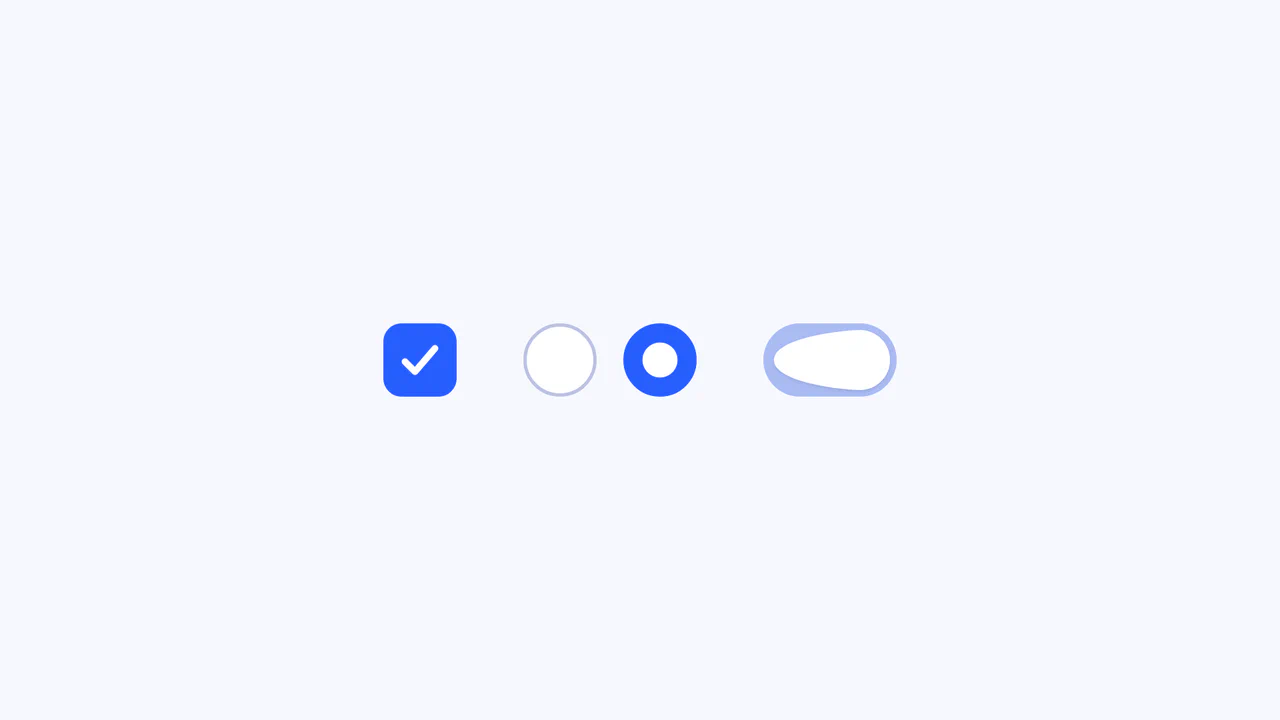
Morphing Liquid SVG Mask Button
See the Pen Morphing Liquid SVG Mask Button.
Tech & Dependencies
Features
- ✓ SVG Morphing
- ✓ Liquid Masking
- ✓ Timeline Control
- ✓ Gooey Filter
Browser Support
Core
This is a Morphing Liquid SVG Mask Button. It masks a raster image (marble texture) with a dynamic SVG shape that transforms into a “gooey” blob upon interaction. Its function is to create a high-end, organic reveal effect for primary calls-to-action, replacing standard rectangular hover states with fluid motion.
Specs
- Weight: ~100 KB (Dependencies: TweenMax + MorphSVGPlugin).
- Performance: CPU-intensive due to concurrent SVG morphing, masking, and filters. Best used sparingly.
- A11y: Includes
.screenreader-onlytext and focus states for keyboard navigation.
Anatomy
The component relies on a complex SVG stack rather than CSS shapes.
- HTML (The Skeleton): An
<svg>container housing an<image>element masked by<mask id="mask">. The mask contains paths (#bgBlobStart,#bgBlobEnd) and scattered circles (.circleTop,.circleBottom). - CSS (The Skin): Minimal. Handles basic layout, cursor states, and the “gooey” SVG filter application (
filter: url(#gooey)). - JS (The Nervous System): A GSAP
TimelineMaxorchestrates the morphing. It interpolates the path data fromStarttoEndshapes while simultaneously animating theautoAlphaand positions of the staggered circles to simulate liquid splashing.
Logic
The core mechanism is the “Rotational Morph” combined with a “Gooey Filter”.
tl.to("#bgBlobStart", 3, {
  morphSVG: { shape: "#bgBlobEnd", type: "rotational" },
  ease: Back.easeOut.config(3),
}, 0.2);
GSAP’s MorphSVG plugin handles the complex path interpolation. Meanwhile, the SVG filter applies a Gaussian Blur followed by a high-contrast Color Matrix (18 -7). This matrix thresholding tricks the eye: blurred edges snap together sharply, making separate shapes (the main blob and the scattered circles) appear to merge and separate like distinct liquid droplets.
Feel
Organic, viscous, and playful. The Back.easeOut configuration gives the animation a jelly-like bounce. The liquid doesn’t just appear; it splashes and settles. The interaction feels less like clicking a button and more like disturbing a pool of water, providing a rich, tactile response to the cursor.