Morphing Liquid Toggle Switch
See the Pen Morphing Liquid Toggle Switch.
Tech & Dependencies
Features
- ✓ SVG Morphing
- ✓ GSAP Animation
- ✓ Elastic Easing
- ✓ Checkbox Hack
Browser Support
Core
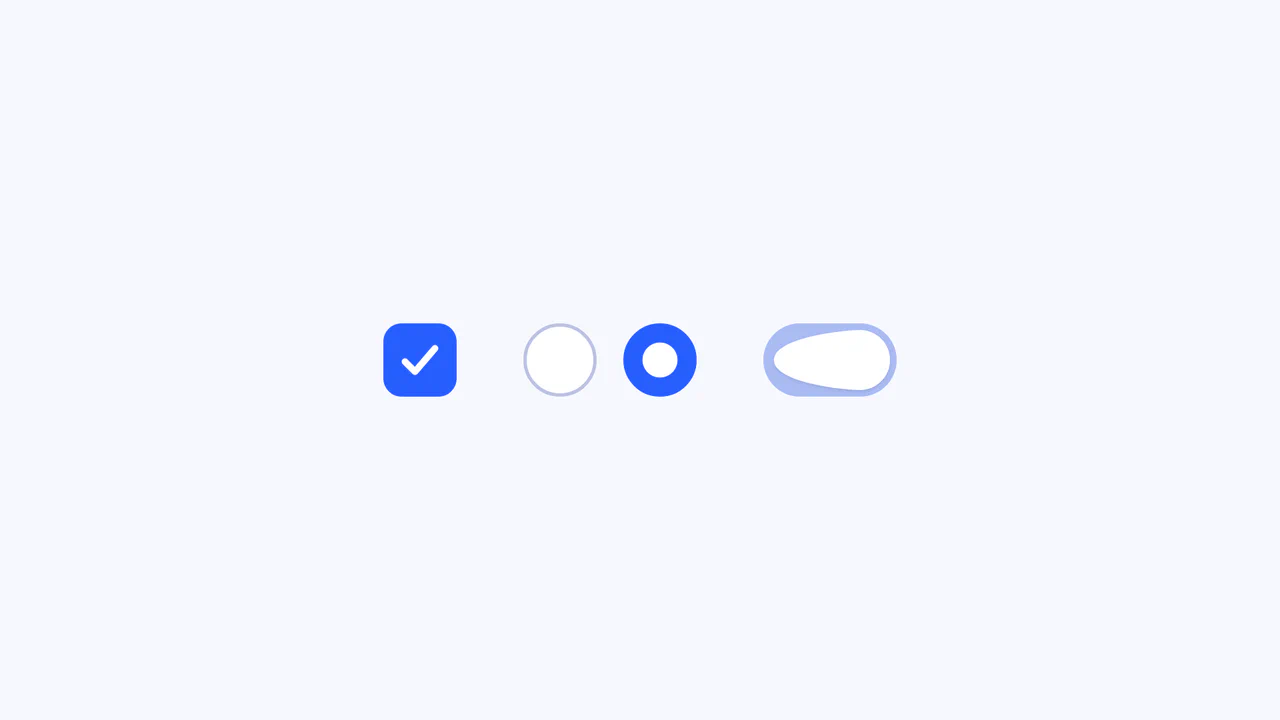
This Morphing Liquid Toggle Switch takes the standard UI control to a new level of polish. Instead of a rigid circle sliding back and forth, the handle behaves like a viscous fluid. When toggled, it stretches, snaps, and settles into place with a satisfying elastic bounce, creating a delightful tactile experience for the user.
Core Technique
The animation relies on GSAP’s MorphSVGPlugin to manipulate SVG path data.
- SVG Path: The toggle handle is not a CSS border-radius circle but an SVG
<path>. This allows its shape to be deformed arbitrarily. - Morphing Logic:
- Hover: On mouse enter/leave, the path morphs slightly (
duration: .15) to hint at interactivity, expanding just a bit. - Click: The main animation is a 3-step keyframe sequence. First, it stretches wide towards the destination. Then, it contracts slightly. Finally, it snaps into the new circle shape using
elastic.outeasing.
- Hover: On mouse enter/leave, the path morphs slightly (
- State Management: The script manually toggles the underlying checkbox (
input.checked = !input.checked) only after the animation completes (onComplete). This ensures the visual state always matches the logical state, though it adds a slight delay to the actual input change.
Customization
You can adjust the “liquid” feel by modifying the SVG path data strings in the JavaScript or tweaking the GSAP easing.
gsap.to(path, {
    keyframes: [{
        // Step 1: Stretch (The long SVG path string)
        morphSVG: 'M36 9C36...',
        duration: 0.15
    }, {
        // Step 2: Contract
        morphSVG: 'M35.9...',
        duration: 0.15
    }, {
        // Step 3: Settle
        duration: 0.5,
        ease: 'elastic.out(1, 0.8)' // Bounciness
    }]
})
To change colors, update the CSS variables in the .switch class.
.switch {
    --active: #275EFE; /* Active Blue */
    --hover: #CACFE6;  /* Hover Grey */
}
Tips
Input Delay Warning:
The script waits for the animation to finish (onComplete) before checking the checkbox. In fast-paced interfaces, this 0.8s delay might feel sluggish. Consider toggling the checkbox immediately at the start of the animation for better responsiveness, even if the visual catches up later.