Morphing Rounded Triangle Image Mask
See the Pen Morphing Rounded Triangle Image Mask.
Tech & Dependencies
Features
- ✓ Radius Animation
- ✓ Math Functions
- ✓ CSS Masking
Browser Support
Core
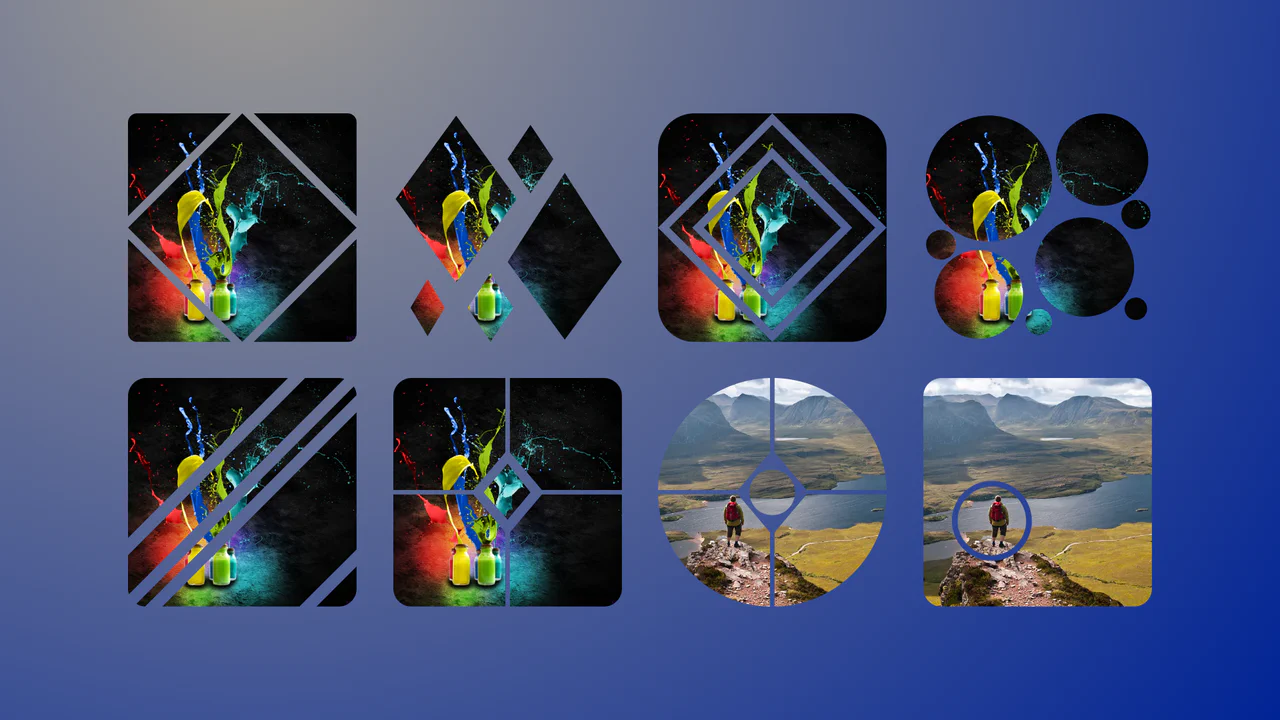
This is a Morphing Rounded Triangle Image Mask. It relies on advanced CSS mathematics and masking to clip raster graphics into smooth, interlocking geometric shapes. Its function is to replace standard grid layouts with organic, tessellating image tiles that physically react to user interaction.
Specs
- Weight: < 1 KB. Zero dependencies.
- Performance: High. Uses hardware-accelerated CSS transitions and gradients.
- Theming: The corner radius (
--r) is a dynamic variable, instantly customizable. - Responsiveness: Aspect ratios are locked via
aspect-ratio: 1/cos(30deg), scaling cleanly across viewports. - Web APIs: CSS Houdini (
@property) enables the smooth interpolation of the radius length. - Graceful Degradation: [!] If
@propertyor trigonometric functions (tan(),cos()) fail in older browsers, the mask geometry breaks, leaving either standard rectangular images or sharp, unrounded clips.
Anatomy
- HTML: Barebones. Two sibling
<img>tags representing the interlocking modules. - CSS: The entire engine. It layers
conic-gradientand multipleradial-gradientinstances within a-webkit-maskto seamlessly cut out the rounded corners, while a basicclip-pathhandles the straight intersecting edges.
Logic
The brilliance of this snippet lies in animating structural geometry through CSS custom properties.
@property --r {
  syntax: "<length>";
  initial-value: 0px;
  inherits: true;
}

/* ... */
img:hover {
  --r: 10px;
}
By registering --r as a <length> via the CSS Houdini API, the browser natively understands how to interpolate the value between 40px and 10px. This animated variable is then injected into complex tan() and cos() calculations. On every frame of the hover transition, the CSS engine mathematically recalculates the radial masks, ensuring perfect geometric cohesion without a single line of JavaScript.
Feel
Sharp yet fluid. The interlocking grid feels inherently architectural. On hover, the corners transition seamlessly from soft, organic curves to aggressive, sharp vertices. It feels like a mechanical aperture snapping into precise focus — highly tactile and logically engineered.