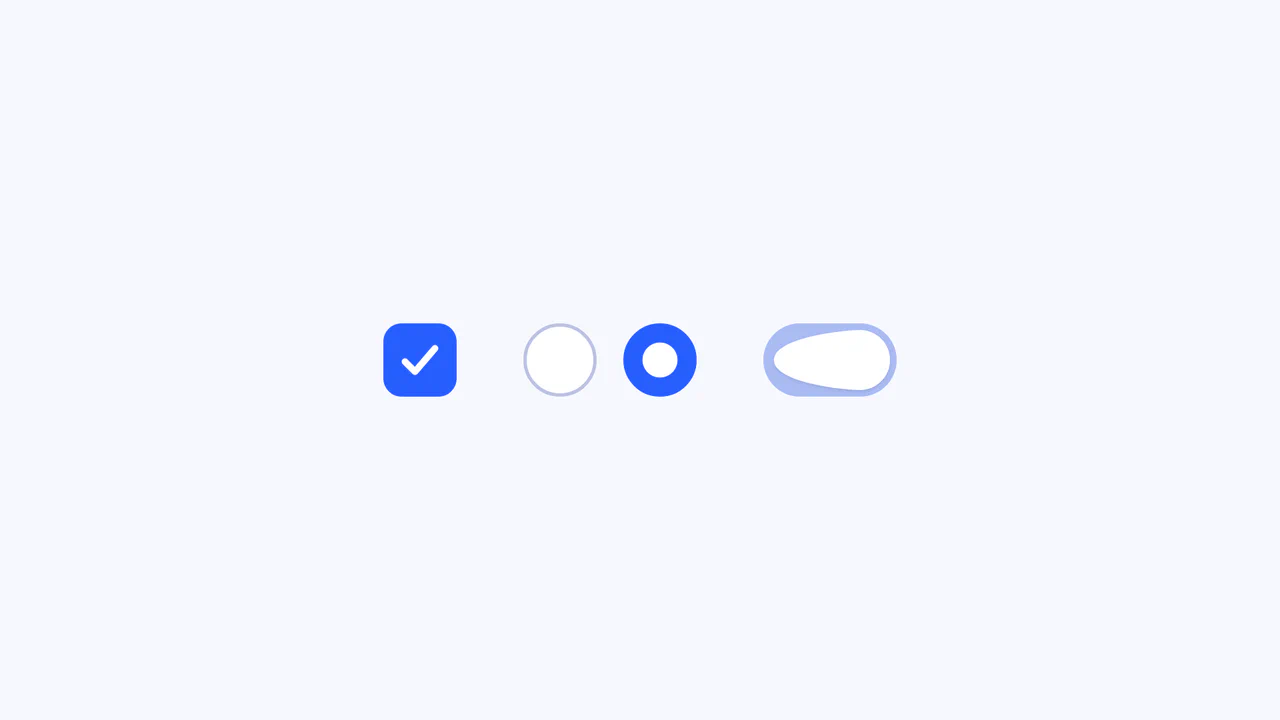
Neon Elastic Stroke Radio Button
See the Pen Neon Elastic Stroke Radio Button.
Tech & Dependencies
Features
- ✓ SVG Stroke Animation
- ✓ GSAP Easing
- ✓ Neon Glow Effect
- ✓ Elastic Motion
Browser Support
Core
This Neon Elastic Stroke Radio Button reimagines the standard form input as a high-energy, futuristic interface element. When selected, two overlapping SVG circles (one pink, one blue) animate around the checkmark area with a satisfying elastic “bounce.” The effect mimics a neon light tube flickering on, enhanced by CSS drop-shadow filters and mix-blend-mode for a vibrant, glowing finish.
Core Technique
The animation leverages the classic SVG “line drawing” technique combined with GSAP’s physics-based easing.
- SVG Setup: Each radio button contains two hidden circles (
.pinkand.blue) overlaid on a static gray ring. The SVG filter<feDropShadow>creates the neon glow. - Stroke Dashoffset: In JavaScript,
getTotalLength()calculates the circumference of the circles. This value is set as bothstroke-dasharrayandstroke-dashoffset, effectively hiding the stroke initially. - Elastic Animation: When a user selects an option, GSAP animates
strokeDashoffsetto0. The secret sauce is theease: "elastic.out(2.5, 0.2)"property, which causes the stroke to overshoot and bounce back, giving it a snappy, organic feel rather than a robotic linear fill.
Customization
You can easily tweak the colors and the “bounciness” of the animation.
/* Adjusting the animation feel */
gsap.to([blueCircle, pinkCircle], {
  strokeDashoffset: 0,
  duration: 2.5, /* Speed */
  /*
     elastic.out(amplitude, period)
     Higher amplitude = bigger bounce
     Lower period = more wobbles
  */
  ease: "elastic.out(2.5, 0.2)"
});
To change the neon colors, update the CSS and the SVG definition:
circle.pink {
  stroke: #fc51c9; /* Main stroke color */
}
<filter id="pink-shadow">
  <!-- Glow color -->
  <feDropShadow flood-color="#e707f7" ... />
</filter>
Tips
1. Managing State:
The JavaScript class RadioButtonEffect tracks this.previousRadioBtn. This is crucial. Without it, if a user clicks Option A and then Option B, Option A would stay lit. The script detects the change and explicitly plays a reverse/clear animation (strokeDashoffset back to length) on the previous selection.