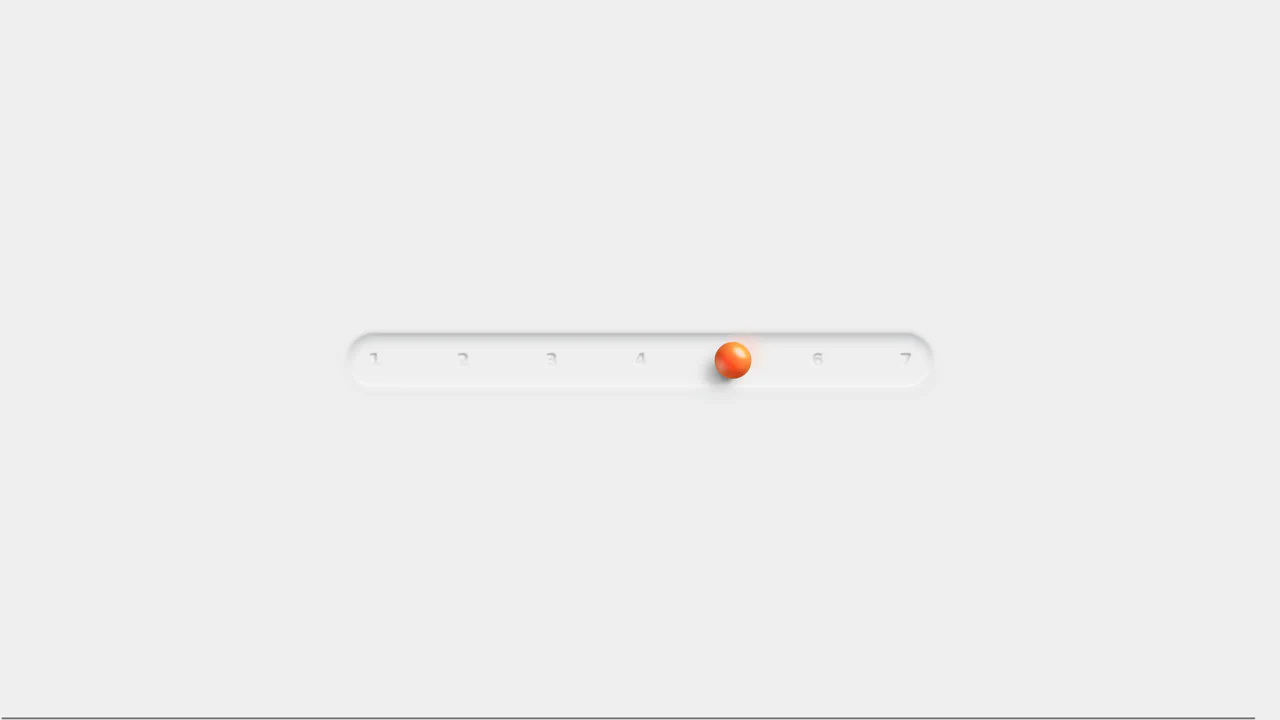
Neumorphic Mechanical Toggle Switch
See the Pen Neumorphic Mechanical Toggle Switch.
Tech & Dependencies
Features
- ✓ Neumorphism
- ✓ Checkbox Hack
- ✓ Elastic Easing
- ✓ Glow Effect
Browser Support
Core
This is a Neumorphic Mechanical Toggle Switch. It replaces the default browser checkbox with a tactile, extruded hardware-style button. Its function is to govern binary states (on/off) while providing strong physical visual feedback through inverted shadows, glowing indicators, and spring-loaded motion.
Specs
- Weight: < 2 KB. Pure CSS and HTML.
- Performance: High. State changes primarily animate
transform, though the transition ofbox-shadowandfilter: bluron the.glowelement can trigger minor repaints. - Theming / Customization: Governed entirely by a robust set of CSS variables (
--bg-color,--accent-emerald,--old-tech-blue,--shadow-out) located in the.mechanical-toggleroot class. - Responsiveness: Static pixel dimensions (
--container-w: 80px). Requires manual scaling adjustments or dynamicremunits for fluid mobile layouts. - Graceful Degradation: [!] The native
<input>is hidden usingdisplay: none. This completely removes the element from the browser’s accessibility tree, destroying keyboard navigation (Tab focus) and screen reader functionality. For production, the input should useopacity: 0,position: absolute, and visually render a:focus-visiblering on the.slider.
Anatomy
- HTML: A semantic
<label>acting as the interactive wrapper. It contains the hidden<input type="checkbox">and a.sliderdiv which houses the visual.glowand.thumbmechanisms. - CSS: The structural engine. It relies heavily on layered
box-shadowproperties (combining standard outer shadows withinsetshadows) to carve out the 3D track and extrude the thumb button. It utilizes the adjacent sibling combinator (+) to map the:checkedpseudo-class to the visual elements.
Logic
The architectural highlight is the dynamic calculation of the slider’s endpoint combined with an elastic easing function.
.mechanical-toggle {
  --transition: all 0.4s cubic-bezier(0.175, 0.885, 0.32, 1.275);
}

.mechanical-toggle input:checked + .slider .thumb {
  left: calc(var(--container-w) - var(--thumb-size) - 4px);
}
Instead of hardcoding the active left position in pixels, the author uses a calc() function that reads the container width and thumb size variables. If a developer changes the overall size of the toggle via --container-w, the thumb will automatically calculate its new resting position without breaking. The cubic-bezier timing function pulls the value slightly past 1 (1.275), giving the slide a satisfying, physical “bounce” when it hits the edge of the track.
Feel
Tactile and spring-loaded. Hovering slightly intensifies the drop shadow, preparing the user for interaction. The .mechanical-toggle:active state shrinks the thumb (scale(0.95)) and inverts the box-shadow to inset, mimicking the real-world resistance of pressing a mechanical switch before the slide animation even begins. The internal blue track lines and the green blur glow add a subtle, sci-fi hardware aesthetic.