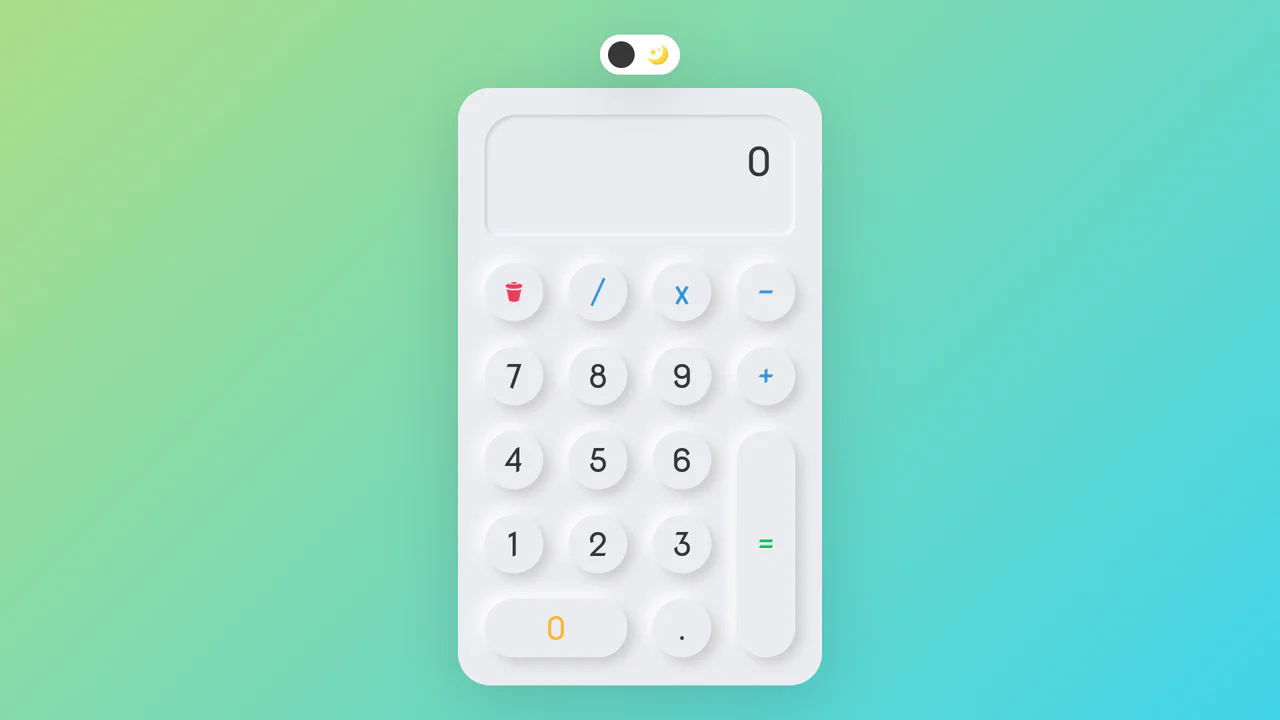
Neumorphic React Sudoku Interface
See the Pen Neumorphic React Sudoku Interface.
Tech & Dependencies
Features
- ✓ Neumorphism
- ✓ Cross-axis Highlighting
- ✓ Timer Logic
- ✓ State Management
Browser Support
Core
This is a Neumorphic React Sudoku Interface. It renders a fully interactive 9x9 puzzle grid using soft, extruded UI elements (neumorphism) combined with smart cross-axis highlighting. Its function is to provide a highly tactile, visually clean environment for complex data entry, reducing cognitive load during gameplay by automatically tracking the user’s focal point.
Specs
- Weight: ~15 KB (Dependencies: React, ReactDOM).
- Performance: High. The grid updates rely on localized React state, while the cross-axis highlighting is delegated entirely to pure CSS via dynamic class assignment.
- Theming / Customization: Controlled by CSS custom properties (
--background-color,--border-color,--highlight-bg-color). - Responsiveness: Static width (
44rem). It lacks@mediaqueries for mobile viewport scaling, which will cause horizontal overflow on smaller devices. - Graceful Degradation: [!] Completely fails without JavaScript. The interface relies entirely on React to render the DOM. Furthermore, accessibility is flawed: the custom numeric keypad is disconnected from standard ARIA live regions, and the
readonlyinputs for pre-filled cells (tabIndex={-1}) block screen readers from naturally parsing the full grid.
Anatomy
- HTML: A solitary
#rootcontainer for React. - CSS: The aesthetic engine. It generates the soft 3D effect using paired
box-shadowvalues (a light shadow and a dark shadow). It also houses the brute-force highlighting logic (.select-row-1,.select-col-1, etc.). - React (JS): The state manager. It parses a flat 81-character string into a 2D-aware grid object, manages the timer hook, tracks the currently focused input (
selectedRow,selectedCol), and handles the virtual keypad input logic.
Logic
The architectural highlight is the offloading of complex cross-axis highlighting from JavaScript directly to the CSS engine.
// React calculates the row and column integers based on the flat index
const currSelectedRow = Math.ceil((index + 1) / 9);
setSelectedRow(currSelectedRow);
setSelectedCol(index + 1 - 9 * (currSelectedRow - 1));

// Applies them as wrapper classes
className={`game-wrapper select-row-${selectedRow} select-col-${selectedCol}`}
/* CSS handles the heavy lifting via structural pseudo-classes */
.select-row-1 .game-input:nth-child(-n + 9):not(:focus) {
  background-color: var(--highlight-bg-color);
}
.select-col-1 .game-input:nth-child(9n + 1):not(:focus) {
  background-color: var(--highlight-bg-color);
}
Instead of looping through all 81 inputs in JavaScript on every onFocus event to manually update an isHighlighted state prop (which would trigger 81 component re-renders), the script simply updates two integers on the parent wrapper. The CSS engine uses the :nth-child() formula (9n + 1 for columns) combined with the :not(:focus) exclusion to instantly paint the crosshair directly on the GPU. This keeps the React render cycle exceptionally clean and fast.
Feel
Soft and focused. The neumorphic buttons press inward with a satisfying inset shadow, making the virtual keypad feel like a physical calculator. As you navigate the grid, the horizontal and vertical highlight bands snap instantly, providing immediate spatial orientation without overwhelming the soft color palette.