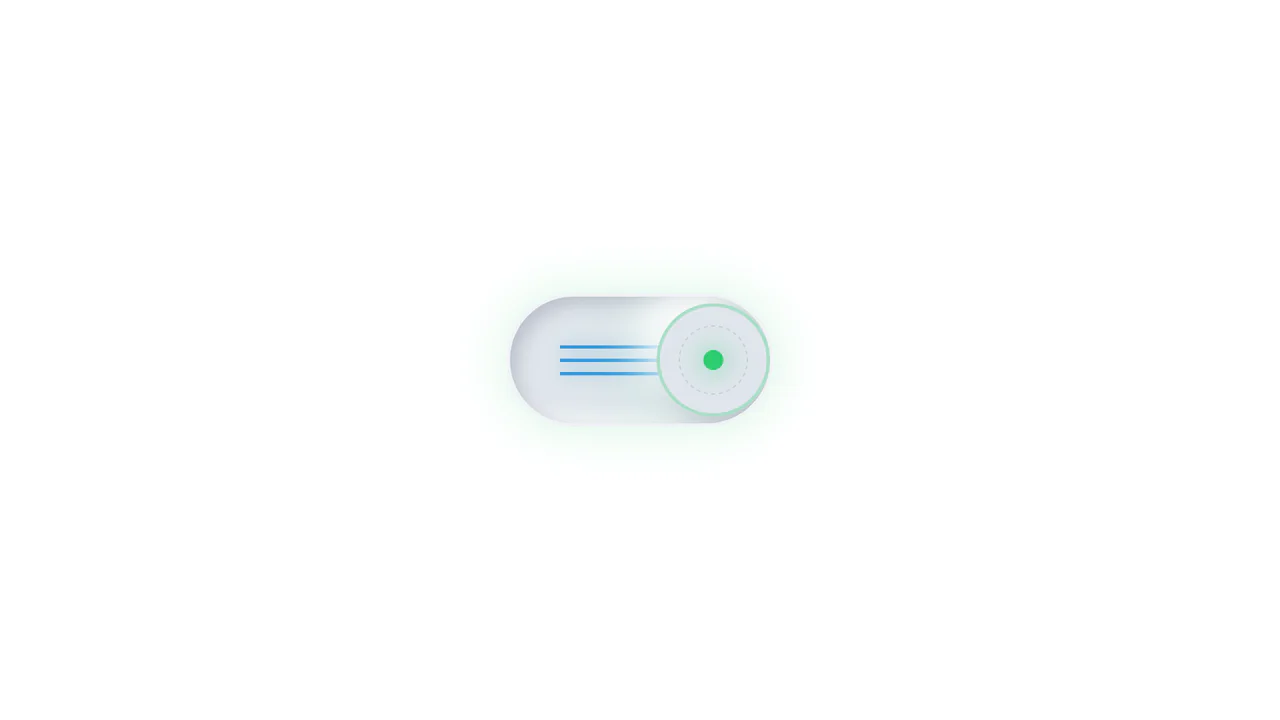
Pure CSS Mix-Blend-Mode Dark Toggle
See the Pen Pure CSS Mix-Blend-Mode Dark Toggle.
Tech & Dependencies
Features
- ✓ No JavaScript
- ✓ Color Inversion
- ✓ Curtain Effect
Browser Support
Core
This Pure CSS Mix-Blend-Mode Dark Toggle offers a lightweight, JavaScript-free solution for theming. Instead of manually redefining colors for a dark theme, it utilizes a full-screen “curtain” overlay with a specific blending mode to mathematically invert the page’s color palette. The result is a smooth, wiping transition that instantly creates a high-contrast dark mode.
Core Technique: The Difference Blend Mode
The secret behind this effect is the mix-blend-mode: difference property. When a white overlay is placed over content with this mode enabled, it calculates the absolute difference between the color values.
- White (255) - Black Text (0) = White Text (255)
- White (255) - White Background (255) = Black Background (0)
1. The Curtain Logic
The .curtain element is a white block positioned absolutely over the entire viewport. By default, its width is scaled to 0 (transform: scaleX(0)). When the checkbox is checked, the General Sibling Combinator (~) expands it to fill the screen.
.curtain {
  background: hsl(0, 0%, 100%); /* Pure White */
  mix-blend-mode: difference;   /* The magic prop */
  pointer-events: none;         /* Click through it */
  transform: scaleX(0);         /* Hidden by default */
  transform-origin: 0 50%;      /* Grow from left */
}

/* Trigger animation when input is checked */
.toggle:checked ~ .curtain {
  transform: scaleX(1);
}
2. Accessible Structure
Despite being a visual hack, the component remains accessible. It uses a standard <input type="checkbox"> for state management, making it focusable via keyboard. A label with the class .sr (Screen Reader) ensures assistive technologies can announce the button’s purpose even though the text is visually hidden.
Browser Support
The critical property here is mix-blend-mode. While widely supported, it can behave differently depending on the stacking context (z-index) of other elements on the page.
Key Technologies:
- Mix-Blend-Mode: Supported in all modern browsers.
- CSS Filters: Used implicitly via blending.
- Checkbox Hack: Universal support.