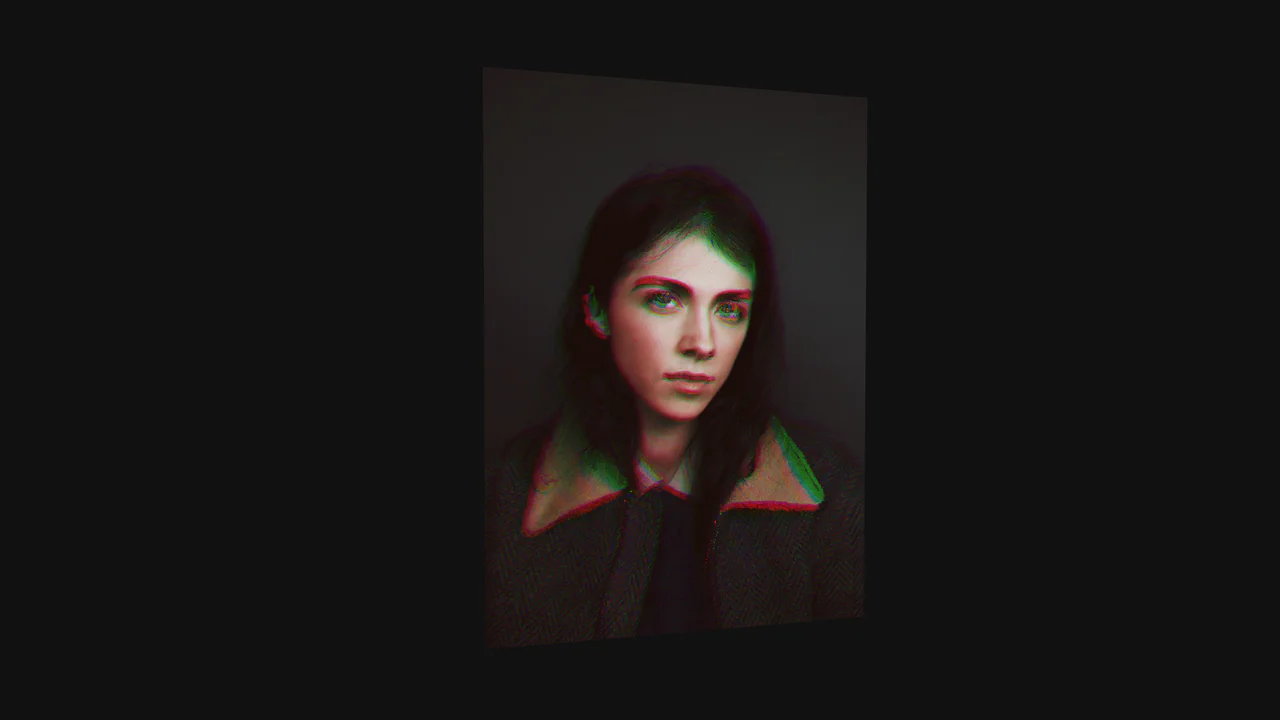
Tearing Paper Photo Gallery
See the Pen Tearing Paper Photo Gallery.
Tech & Dependencies
Features
- ✓ Physics-based Tearing
- ✓ Custom Shaders
- ✓ Interactive Geometry
- ✓ Procedural Texture Generation
Browser Support
Core
This Tearing Paper Photo Gallery is a technical marvel that simulates the physical act of ripping a photograph in half. Unlike simple 2D masking effects, this component uses WebGL (Three.js) to deform the geometry in 3D space. As the user drags downward, the “paper” mesh splits, rotates, and tears along a procedural edge, complete with lighting and shadow effects generated by custom shaders.
Core Technique
The effect is powered by a custom Vertex Shader that manipulates the geometry in real-time based on user input.
1. Procedural Tearing Logic (Vertex Shader)
The vertex shader receives uniforms like uTearAmount and uTearOffset. It calculates a yAmount which determines how far down the tear has progressed.
Crucially, the shader applies rotation matrices (rotationX, rotationY, rotationZ) to the vertices on the “torn” side of the paper. This makes the paper curl and twist realistically as it is pulled away, rather than just sliding down flat.
// Calculate the progression of the tear based on UV coordinates
float yAmount = max(0.0, (uTearAmount - (1.0 - uv.y)));

// Apply compound rotations to simulate curling paper
vec3 rotation = vec3(xRotate * yAmount, yRotate * yAmount, zRotate * yAmount);
vertex = vertex * rotationY(rotation.y) * rotationX(rotation.x) * rotationZ(rotation.z);
2. The Rip Edge (Fragment Shader)
The ragged edge isn’t a static image; it’s a mix of textures and shader logic. The shader uses a uRip texture (a noise map) to create the jagged white edge. It checks a threshold (uWhiteThreshold) against the rip texture to determine which pixels should be transparent (torn away) and which should render the white paper fibers.
// Determine opacity based on the rip texture's brightness
float whiteness = dot(vec4(1.0), ripCut) / 4.0;

if (!rightSide && whiteness <= uWhiteThreshold) {
    // Render the white paper edge
    textureColor = ripColor;
} else {
    alpha = 0.0; // Cut the pixel
}
3. Interaction Handling
The JavaScript tracks mouse/touch movement (mousedown, mousemove) to update the uTearAmount uniform. GSAP is used to handle the inertia and “snap back” animations if the user releases the paper before fully tearing it, as well as the transition to the next photo once the tear is complete.
Accessibility (A11y)
- Canvas Only: The entire interaction occurs within a
<canvas>, making it invisible to screen readers. - Interaction: Requires complex drag gestures that are difficult for users with motor impairments.
- Fix: Provide a standard HTML image gallery as a fallback or parallel view. Ensure keyboard users can trigger the “tear” action (e.g., via a button press) or simply navigate through images using standard controls.
Browser Support
Requires WebGL support. Works on all modern desktop and mobile browsers.