Advertisement
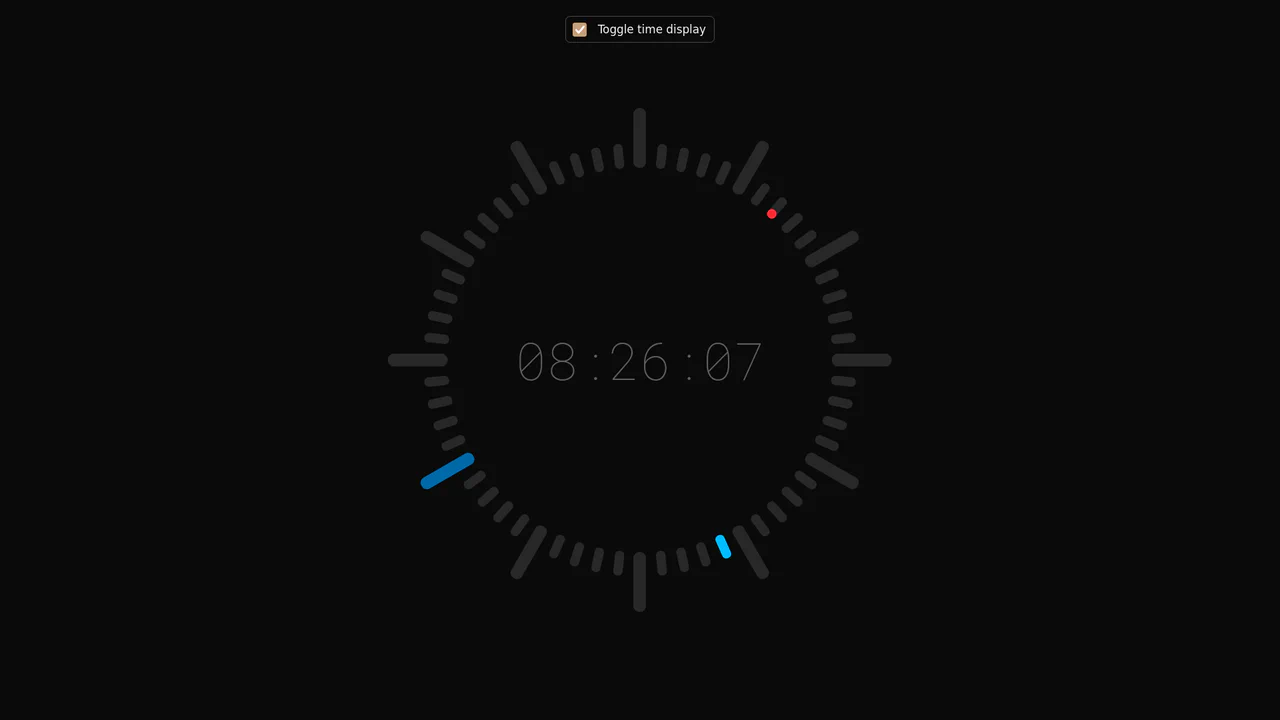
Tick-Tock Typographic Clock
See the Pen Tick-Tock Typographic Clock.
Tech & Dependencies
Features
- ✓ SCSS Loops
- ✓ Digital & Analog Hybrid
- ✓ Text-as-UI
- ✓ Real-time Date Object
Browser Support
Chrome 49+
Edge 15+
Firefox 43+
Safari 10+
Core
This Tick-Tock Typographic Clock reimagines the traditional clock face by replacing ticks and numbers with words. Using a clever SCSS loop, it arranges 60 text elements (“TICK” for even seconds, “TOCK” for odd) in a perfect circle. A JavaScript interval updates the active class every second, creating a rhythmic, reading-based timekeeping experience.
Core Technique: SCSS Circular Distribution
The placement of the 60 indicators isn’t manual; it’s procedurally generated using SCSS.
1. The Rotation Loop
The @for loop iterates from 0 to 60. For each element, it calculates the rotation angle: 360deg / 60 = 6deg per second.
- Even Seconds: Content is set to “TICK”.
- Odd Seconds: Content is set to “TOCK”, and the element is slightly shorter and pushed inward (
topoffset) to create a visual rhythm similar to major/minor tick marks on a ruler.
@for $i from 0 through 60 {
  .indicator:nth-child(#{$i}) {
    transform: rotate(#{$i * 6deg}); /* 6 degrees per second */

    @if $i % 2 == 0 {
      &::before { content: "TICK"; }
    } @else {
      /* Adjust position for "TOCK" to create variation */
      height: calc(var(--clock-size) * 0.44);
      top: calc(var(--clock-size) * 0.06);
      &::before { content: "TOCK"; }
    }
  }
}
2. JavaScript Time Sync
The JS logic is straightforward:
- Get current seconds, minutes, and hours via
new Date(). - Clear the
.activeclass from all indicators. - Apply
.activeto the indicator index matching the current second (indicators[secondsValue]). - Update the central digital display string.
Browser Support
This component relies on standard CSS transforms and JavaScript Date API.
Key Technologies:
- SCSS: Essential for generating the 60 rotated positions efficiently.
- CSS Custom Properties: Used for sizing logic.
setInterval: Updates the clock state every 1000ms.
// You might also like


Advertisement