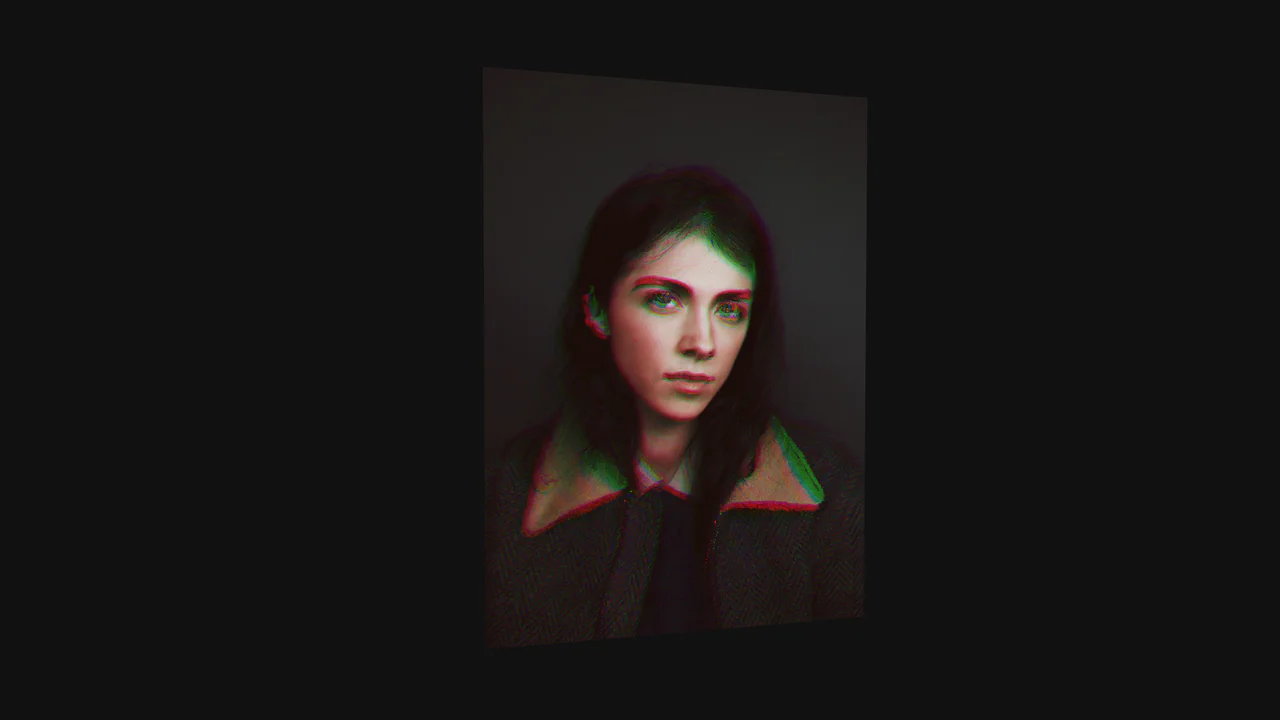
Twisted Wave GLSL Image Gallery
See the Pen Twisted Wave GLSL Image Gallery.
Tech & Dependencies
Features
- ✓ GLSL Shaders
- ✓ Mouse-Hover Distortion
- ✓ Scroll-Based Post-Processing
- ✓ Locomotive Scroll
Browser Support
Core
This is a Twisted Wave GLSL Image Gallery. It’s a high-performance, full-screen WebGL experience that uses custom shaders to create sophisticated visual effects. Its function is to transform a standard image carousel into a cinematic journey with two distinct interactions: a localized sine-wave distortion on mouse hover and a global radial blur that intensifies with the speed of the scroll.
Specs
- Weight: Heavy. Requires a full suite of modern frontend libraries including Three.js, GSAP, Locomotive Scroll, Maku.js, and imagesLoaded.
- Performance: Excellent. The heavy lifting of pixel distortion is offloaded entirely to the GPU via two separate GLSL shaders: a main vertex shader for the hover effect and a post-processing fragment shader for the scroll blur.
- Theming / Customization: The visual effects are controlled by shader uniforms, making them easy to tweak in JavaScript. The smooth scrolling physics are managed by Locomotive Scroll.
- Responsiveness: Fluid. Uses the
maku.jslibrary to automatically map HTML<img>elements to Three.js planes that fit the viewport, recalculating on resize. - Web APIs: WebGL API, Canvas API.
- Graceful Degradation: Fails completely without JavaScript and WebGL support. The
<img>tags are initially set toopacity-0and are only used as data sources for the WebGL textures.
Anatomy
The architecture separates the scroll physics from the WebGL rendering loop and the shader logic.
- HTML (The Skeleton): An empty
.twisted-gallerydivacts as the Three.js canvas mount point. The<img>tags inside<main>are invisible data sources. - CSS (The Skin): Minimal styles to set up a full-screen layout and hide the source images.
- JS (The Nervous System): A complex chain of initializations. It sets up the Three.js scene, uses
maku.jsto create textured planes from the HTML images, initializes Locomotive Scroll for smooth scrolling, and creates anEffectComposerfor post-processing. - GLSL (The Brain): Two separate shaders perform the visual effects. The main shader uses
sin()on the vertex Z-position based onuHoverState. The post-processing shader calculates the distance of each pixel from the center and applies a radial distortion based on the scroll speed (uPower).
Logic
The standout technical feature is the Dual-Effect Shader Pipeline.
// Main effect (hover wave)
newPos.z += 10. * sin(10. * dist + uTime) * uHoverState;

// Post-processing effect (scroll blur)
float gr = pow(rDist/uRadius, uPower);
float mag = 2. - cos(gr - 1.);
vec2 uvR = pivot + d * mag;
vec4 color = texture2D(tDiffuse, uvR);
Instead of trying to calculate both effects in one massive shader, the developer uses an EffectComposer pipeline. The first pass renders the scene with the hover-wave distortion applied to the geometry. The second pass takes the output of the first render (tDiffuse) and applies a completely separate effect—a radial warp based on the scroll speed. This separation of concerns makes the code cleaner and allows for more complex, layered visual effects.
Feel
Fluid, immersive, and high-end. The Locomotive Scroll provides a smooth, viscous feel to the page navigation. Hovering over an image makes it feel like you’re disturbing the surface of water, with ripples emanating from the cursor. When you scroll quickly, the entire scene appears to warp and bend around the focal point, creating a powerful sense of acceleration and motion that feels like entering a wormhole.