WebGL Lens Distortion Hover
See the Pen WebGL Lens Distortion Hover.
Tech & Dependencies
Features
- ✓ Lens Distortion
- ✓ RGB Split
- ✓ Custom Shaders
Browser Support
Core
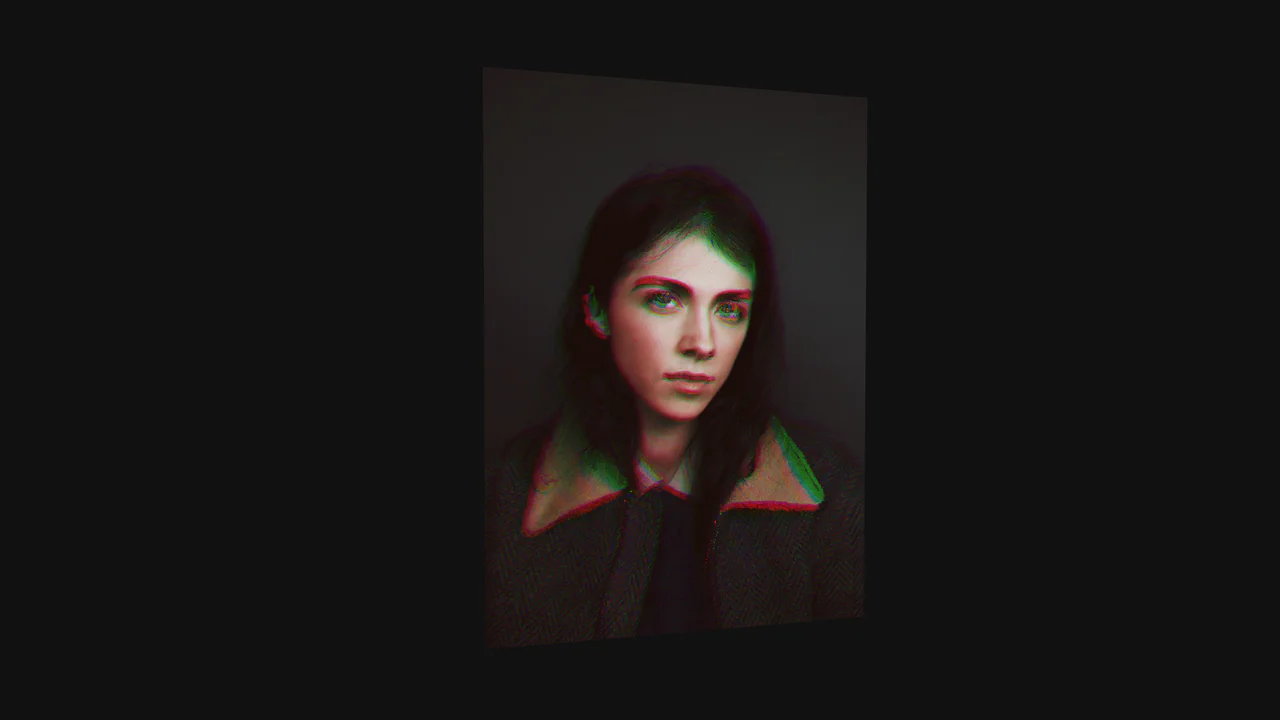
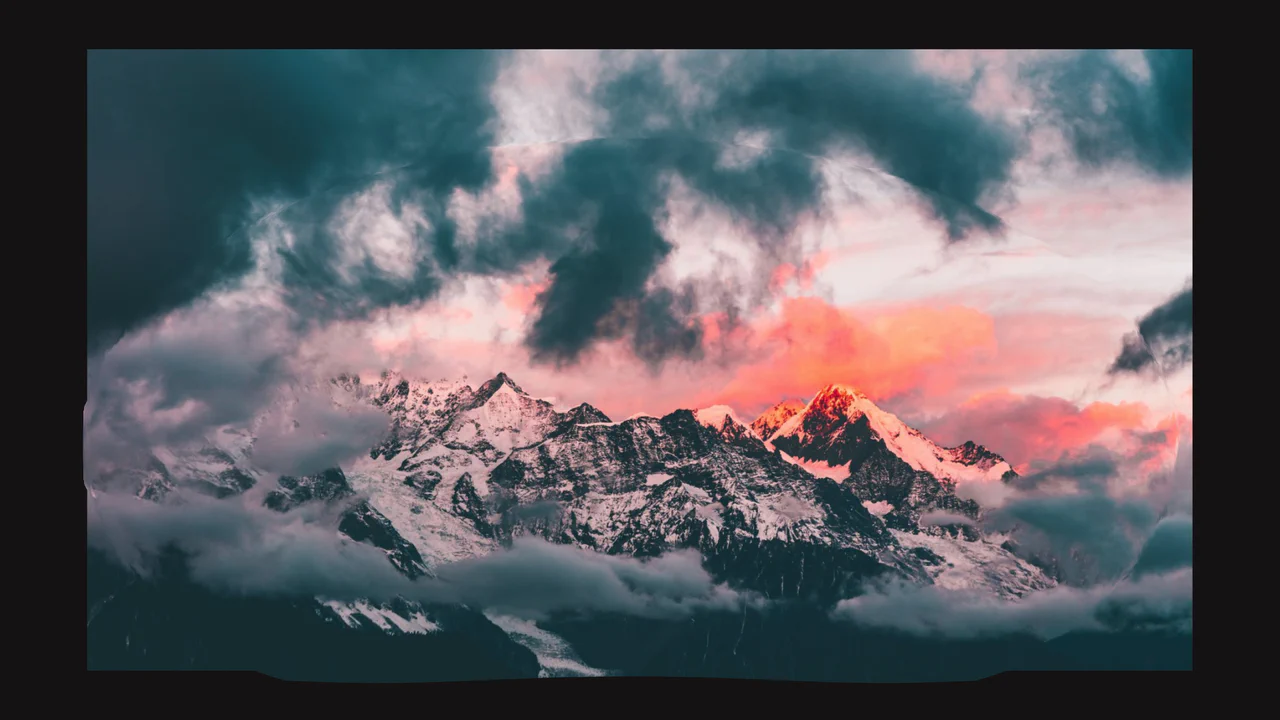
This is a WebGL Lens Distortion Hover. It manipulates a raster image through a custom GLSL fragment shader to create a dynamic, fish-eye bulging effect. Its function is to replace static CSS opacity or scale transitions with a high-fidelity optical illusion, drawing profound tactile focus to portfolio or hero imagery.
Specs
- Weight: ~120 KB (Dependencies: GSAP, Curtains.js).
- Performance: GPU-accelerated. The fluid distortion occurs entirely within the shader, bypassing the browser’s layout and paint cycles.
- Theming / Customization: The image source is easily swappable in the HTML. Distortion intensity and easing curves are hardcoded within the GLSL fragment shader mathematics.
- Responsiveness: Fluid. Viewport boundaries and canvas resizing are handled by the WebGL wrapper.
- Web APIs: WebGL API.
- Graceful Degradation: [!] Poor. The native
<img>is set todisplay: none. If JavaScript or WebGL fails to initialize, the container remains completely empty.
Anatomy
- HTML: A structural wrapper. It contains a hidden
<img>data source, a.planediv to define physical dimensions, and a#canvascontainer for the WebGL render target. The GLSL vertex and fragment shaders are embedded as inline<script>tags. - CSS: Stripped down. It sizes the bounding boxes and layers the absolute canvas over the background.
- JS: The controller. It initializes the
Curtains.jsWebGL wrapper, passing the DOM image as a texture. Event listeners on the container trigger GSAP tweens, modulating a singleuProgressuniform from 0 to 1.
Logic
The architectural core is the chromatic aberration logic written inside the fragment shader, driven by a single JavaScript variable.
float d = exponentialEasing(length( uv - .5 ), progress) - 1.0 + progress * 0.75;
vec2 centerInterp = (uv - 0.5) * d;

vec2 r = centerInterp * (progress * 0.6 + 0.4) + uv;
vec2 g = centerInterp * (progress * 0.9 + 0.1) + uv;
vec2 b = centerInterp * (progress * 0.9 + 0.1) + uv;

vec4 color = vec4( texture2D( texture0, r).r , texture2D( texture0, g ).g, texture2D( texture0, b).b , 1.);
When the mouse enters the element, GSAP tweens uProgress. The shader calculates the pixel’s distance from the center (length(uv - .5)). Instead of sampling the texture once, it calculates three separate offset coordinates (r, g, b) utilizing the exponential easing curve. By shifting the red channel at a slightly different multiplier (0.6) than the green and blue channels (0.9), the shader mathematically splits the spectrum at the edges of the distortion, perfectly mimicking a physical, imperfect glass lens.
Feel
Glassy and optical. The hover effect doesn’t feel like a digital animation; it feels like passing a thick, curved magnifying glass over a photograph. The GSAP easing applied to the uniform gives the liquid bulge a satisfying elasticity, while the RGB split adds a raw, photographic realism to the distortion.