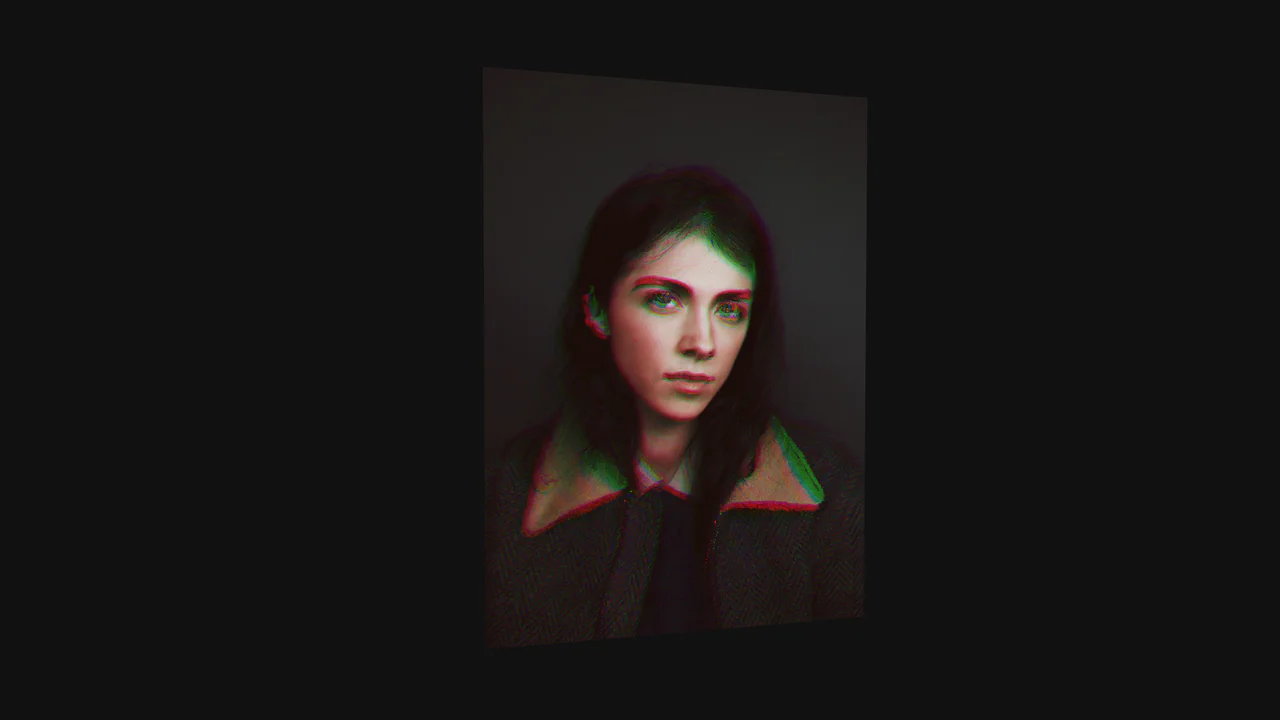
WebGL Liquid Distortion Typography Mask
See the Pen WebGL Liquid Distortion Typography Mask.
Tech & Dependencies
Features
- ✓ Fluid Simulation
- ✓ RGB Shift
- ✓ Custom Shaders
- ✓ Pointer Tracking
Browser Support
Core
This is a WebGL Liquid Distortion Typography Mask. It uses fluid simulation to distort a background image, revealed only through a vector cutout. Its function is to transform standard text headers into deeply interactive, kinetic focal points.
Specs
- Weight: ~45 KB (Dependencies: OGL library).
- Performance: Hardware-accelerated via WebGL. Heavy reliance on GPU fragment shading.
- Theming / Customization: The mask is an inline SVG, making the text or shape easily swappable. The background image is loaded via JavaScript.
- Responsiveness: Native canvas scaling. Recalculates aspect ratios accurately upon window resize.
- Web APIs: WebGL API,
requestAnimationFrame. - Graceful Degradation: [!] Fails completely if WebGL is disabled or JavaScript is blocked, rendering a blank white screen with the SVG outline.
Anatomy
- HTML: Contains the
.maskwrapper and an inline SVG. The WebGL<canvas>is injected dynamically via JavaScript. - CSS: Employs
mix-blend-mode: screenon the.masklayer. This forces the white areas of the SVG to remain solid white while rendering the black text cutouts entirely transparent, exposing the WebGL canvas underneath. - JS: Powered by the lightweight
ogllibrary. It initializes the WebGL context, tracks pointer velocity, and generates a dynamic flowmap. This flowmap data is passed directly into custom GLSL shaders.
Logic
The standout mechanism is the RGB-splitting logic within the fragment shader.
vec2 myUV = (uv - vec2(0.5))*res.zw + vec2(0.5);
myUV -= flow.xy * (0.15 * 1.2);

vec2 myUV2 = (uv - vec2(0.5))*res.zw + vec2(0.5);
myUV2 -= flow.xy * (0.125 * 1.2);

vec2 myUV3 = (uv - vec2(0.5))*res.zw + vec2(0.5);
myUV3 -= flow.xy * (0.10 * 1.4);

vec3 tex = texture2D(tWater, myUV).rgb;
vec3 tex2 = texture2D(tWater, myUV2).rgb;
vec3 tex3 = texture2D(tWater, myUV3).rgb;

gl_FragColor = vec4(tex.r, tex2.g, tex3.b, 1.0);
The fragment shader samples the mouse-driven tFlow texture. Instead of displacing the background image uniformly, it calculates three separate UV coordinates (myUV, myUV2, myUV3) with varying intensity multipliers. By extracting the red, green, and blue channels of the image from these three offset points, it creates a chromatic aberration effect precisely where the fluid displacement occurs.
Feel
Viscous and responsive. The distortion tracks cursor velocity instantly, creating waves that decay naturally over time. The RGB split adds a digital, glitch-like edge to the organic motion. It feels both physical and synthetic.