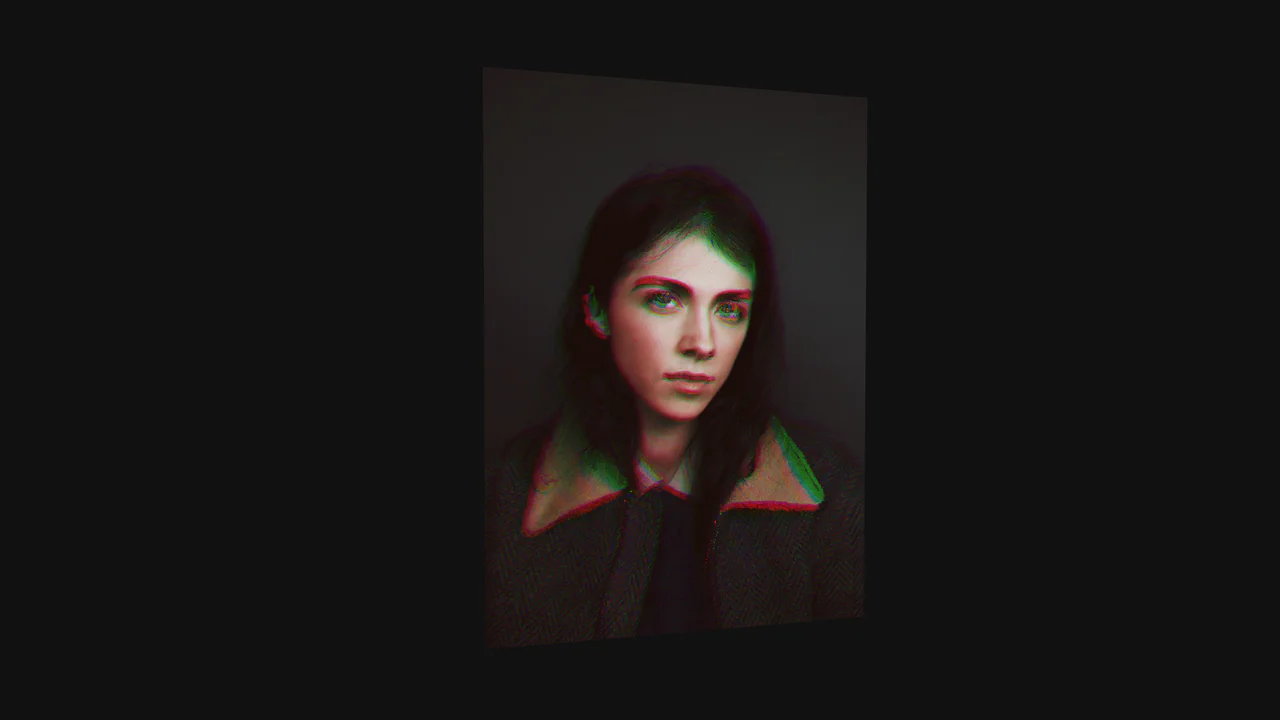
WebGL Voronoi Particle Transition
See the Pen WebGL Voronoi Particle Transition.
Tech & Dependencies
Features
- ✓ Particle System
- ✓ Custom Shaders
- ✓ Voronoi Math
- ✓ Fluid Animation
Browser Support
Core
This WebGL Voronoi Particle Transition is a cutting-edge visual effect that reimagines the standard image slider. Instead of manipulating DOM elements or simple textures, it converts images into a massive system of particles (one for every pixel). During transitions, these particles are subjected to a mathematical storm driven by Voronoi diagrams, creating a liquid, swirling distortion effect that feels organic and computational.
Core Technique
The magic happens entirely within the GPU using a custom Vertex Shader. The JavaScript acts merely as a conductor, setting up the Three.js scene and passing data to the shader.
1. Pixel-to-Particle Mapping
The geometry is not a plane. It is a THREE.BufferGeometry where every single pixel of the source image is represented by a vertex. The aCoordinates attribute stores the original (x, y) position of that pixel, which remains constant even as the particle moves in 3D space.
2. Dynamic Voronoi Logic (GLSL)
The shader receives 20 uniform vectors (p1v through p20v) representing moving points in space. For every pixel-particle, the shader calculates which of these 20 points is closest. This divides the image into Voronoi cells.
When the transition triggers (progress), the shader rotates the particle around its closest Voronoi center (closest), creating the swirling clustering effect.
// GLSL Vertex Shader Logic
// Calculate angle between current particle and its Voronoi center
float a = newPos.y - closest.y;
float b = newPos.x - closest.x;
float angle = atan(a, b);

// Add rotation based on transition progress
angle += PI * 2.0 * delayedProgress;

// Calculate new position orbiting the center
float x = cos(angle) * dst;
float y = sin(angle) * dst;

newPos.x = closest.x + x;
// Modify Z-depth for the "explosion" feel
newPos.z = newPos.z + (closest.z + y) * leverProgress;
3. Texture Mixing
The Fragment shader handles the color. It samples two textures: currentImg and nextImg. The mix() function blends them based on the animation progress, ensuring the color transforms smoothly alongside the geometric distortion.
Accessibility (A11y)
- Canvas Only: The entire interface is rendered within a
<canvas>element. Screen readers cannot perceive the images or the text buttons (unless they are HTML overlays, which they are in this case, but the images are invisible). - Motion: The transition involves intense swirling and Z-axis movement, which creates a high cognitive load and potential motion sickness triggers.
- Fix:
- Provide fallback
<img>tags withalttext hidden visually but available to screen readers. - Add
aria-labelto the navigation buttons. - Implement a check for
prefers-reduced-motionto skip the Voronoi animation and simply fade the textures.
- Provide fallback
Browser Support
Requires WebGL support. Performance depends heavily on the GPU power, as the vertex count equals the image resolution (Width × Height).
This is a high-performance experiment suitable for desktop portfolios or art installations. It is not recommended for mobile devices with high-resolution screens (high pixel density) due to the massive number of particles generated.