3 CSS :active States
Physical feedback removes ambiguity. The CSS :active State Examples collection provides instant tactile confirmation when a user interacts with a component. Modern UI design requires this exactness to eliminate the barrier between intention and execution, ensuring clicks feel raw, physical, and real without relying on heavy scripts.
The logic relies on the :active pseudo-class to alter styles at the precise moment of pointer contact. The code leverages hardware acceleration by exclusively animating properties like transform: scale() or opacity to deliver a locked 60fps response on the rendering thread. This maintains absolute layout stability and keeps the HTML strictly semantic, avoiding expensive reflows that delay vital visual feedback.
Every free demo is fully responsive and cross-browser compatible. Users can instantly download the raw code or fork an updated interaction on CodePen. These assets are strictly optimized for accessibility, delivering a fast, frictionless experience across all modern mobile and desktop devices.
Examples
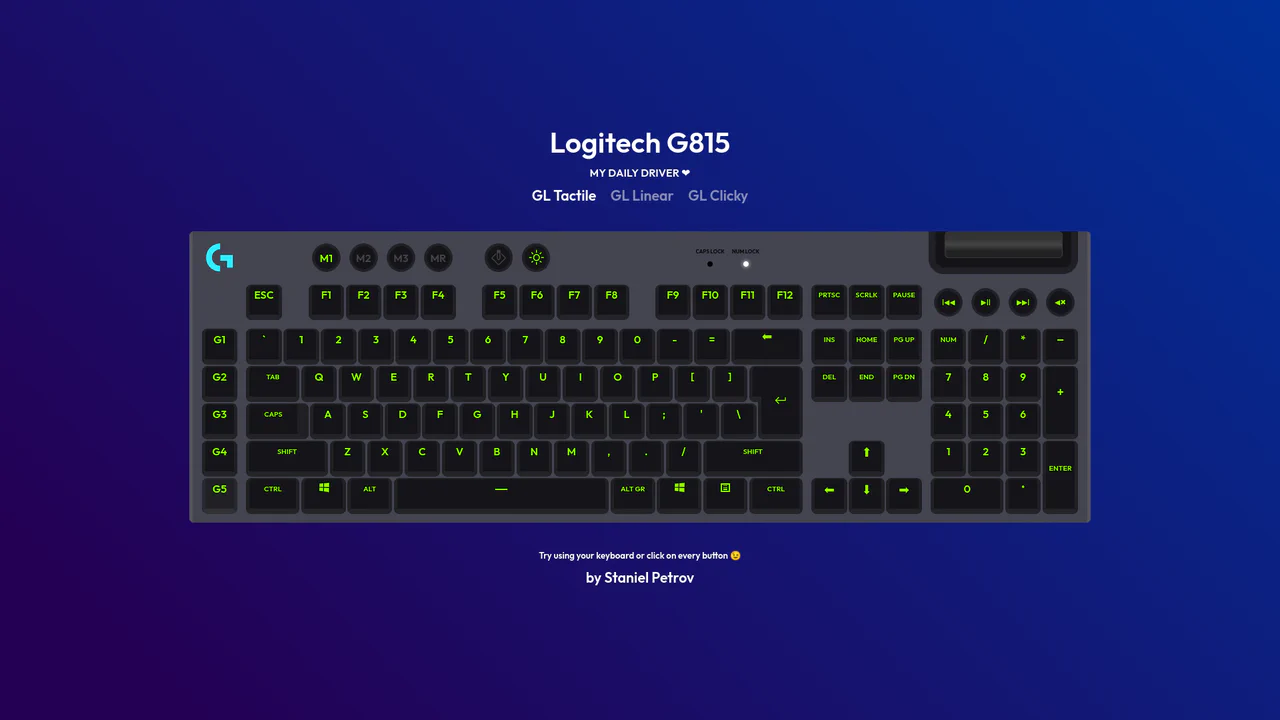
Interactive Mechanical Keyboard Audio Simulation
Interactive Mechanical Keyboard Audio Simulation utilizes a highly detailed CSS grid structure to align complex multi-row vector keys and simulate a physical G815 layout. A central event listener handles key interaction by mapping event.code to correspond with data-key attributes on target DOM nodes, simultaneously triggering dedicated audio samples of tactile, linear, or clicky switch sounds. While the visual depth is elegantly achieved with layered CSS shadow offsets and custom hex shading, firing unthrottled HTML5 audio playback on rapid typings can lead to output buffer congestion or slight audio delays on standard browsers.
 Chrome 57+
 Edge 16+
 Firefox 52+
 Safari 10.1+
See the Pen Interactive Mechanical Keyboard Audio Simulation.

Staggered Animated Hamburger Toggle Button
The Staggered Animated Hamburger Toggle Button is a highly refined navigation trigger. It utilizes aria-pressed states to drive complex, multi-stage CSS transitions. Its function is to provide an accessible, tactile entry point for menus, using staggered motion to visually explain the transformation from a “hamburger” to a “close” icon.
Chrome 99+
Edge 99+
Firefox 97+
Safari 15.4+
See the Pen Staggered Animated Hamburger Toggle Button.
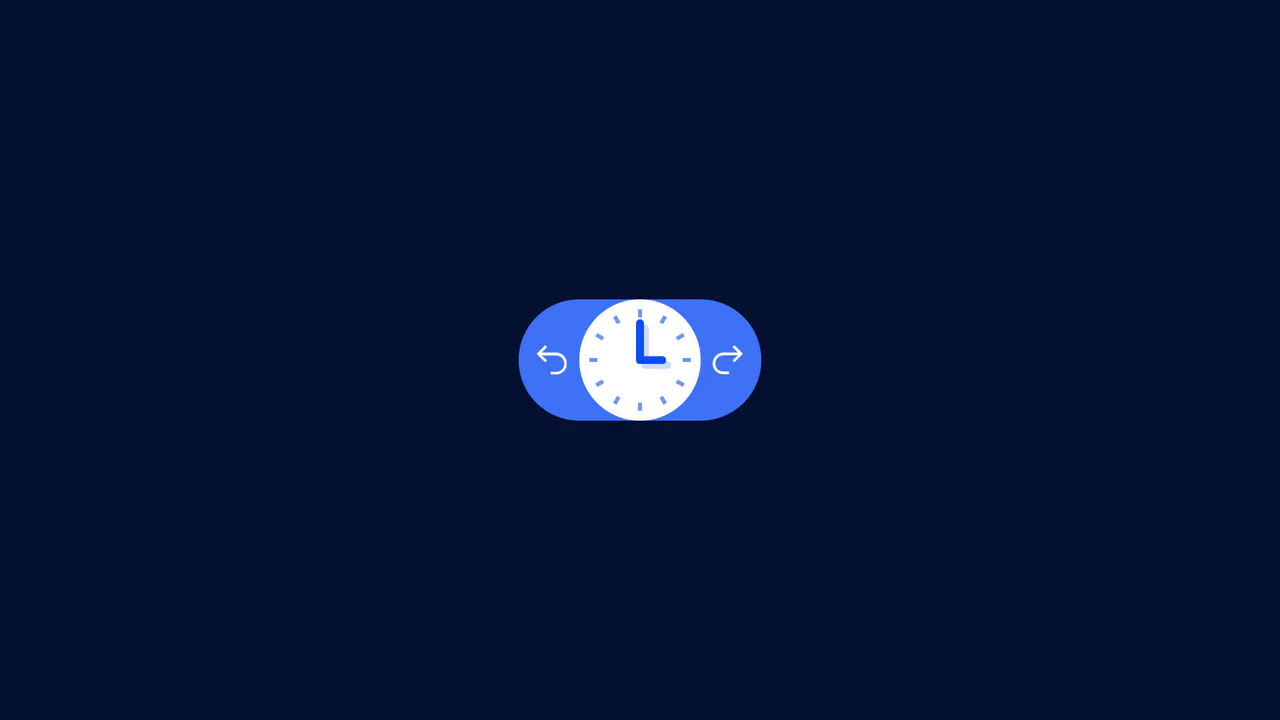
Undo/Redo With Active Clock Animation
A clean frontend implementation of an interactive button pair, where the history logic (Undo/Redo state) is managed by minimal Vanilla JS, and the rich clock rotation and dial animation is fully delegated to CSS transforms.
See the Pen Undo/Redo With Active Clock Animation.