20+ CSS Badges: Free Examples & Code Snippets
Badges are compact UI components that communicate counts, statuses, and labels without cluttering the interface. From notification counters to online-status indicators, pure CSS badges provide lightweight visual feedback that integrates seamlessly into navigation, avatars, and cards.
- These components use position: absolute with transform: translate() for precise corner positioning over parent elements, keeping the badge outside the normal document flow to prevent layout shifts.
- CSS Custom Properties control color schemes, border radii, and font scales, enabling system-wide badge theming through variable overrides without touching individual component styles.
- Entrance and update animations leverage transform: scale() and opacity transitions on the compositor thread, providing smooth visual feedback for dynamic counters without main-thread repaints.
Browse this collection of CSS badges to master compact, themeable notification and status indicators that stay performant across every state change.
Table of Contents:
Examples
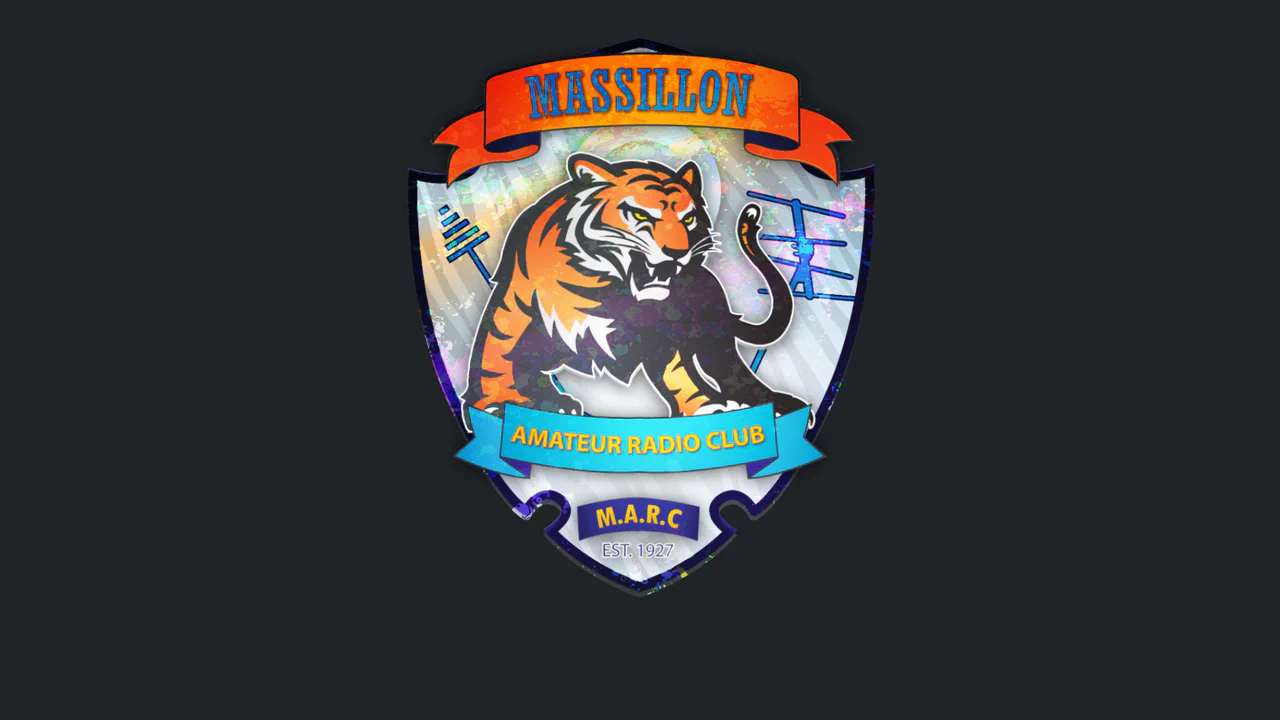
Amateur Radio Badge 3D
A highly sophisticated holographic badge simulation utilizing CSS 3D transforms and layered mix-blend-mode effects. JavaScript tracks mouse movement to dynamically update CSS variables, driving complex parallax shifts, lighting gradients, and SVG-masked glares for a realistic, tactile depth experience.
See the Pen Amateur Radio Badge 3D.

The badge uses background: rgba() and backdrop-filter: blur(10px) to create a translucent, frosted look. A double layer with ::before adds depth and enhances the blur effect.
An interactive hover animation that separates elements in 3D space. On container hover, one element animates with transform: rotateX(70deg), while another gets a grow animation, creating an effect of depth and dynamism.
Eclipse Badge
An “eclipse” or running glint effect implemented in pure CSS. The @keyframes eclipse animation infinitely moves a white div from one edge to the other using transform: translateX, creating the illusion of a moving light source.
See the Pen Eclipse Badge.
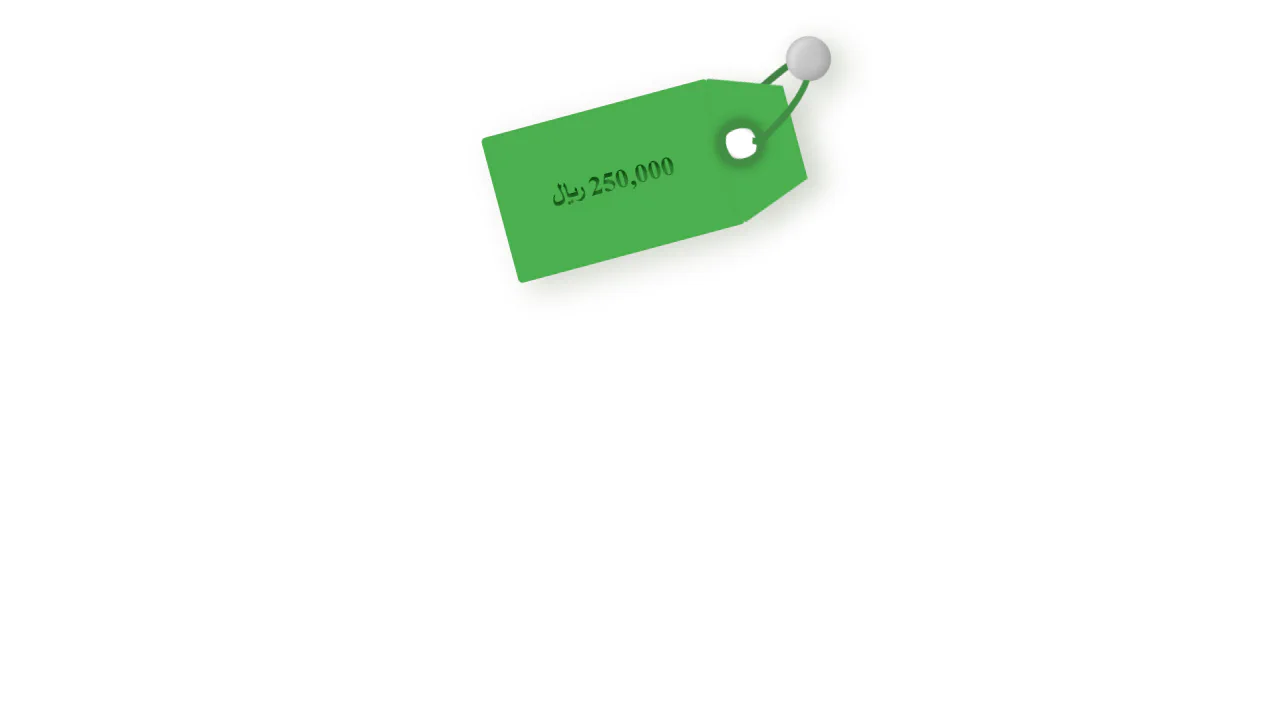
A realistic pure CSS price tag featuring a 3D perspective effect achieved through pseudo-elements and drop-shadow. This lightweight snippet is optimized for RTL layouts and high frontend performance, making it a perfect UI component for creative e-commerce designs.
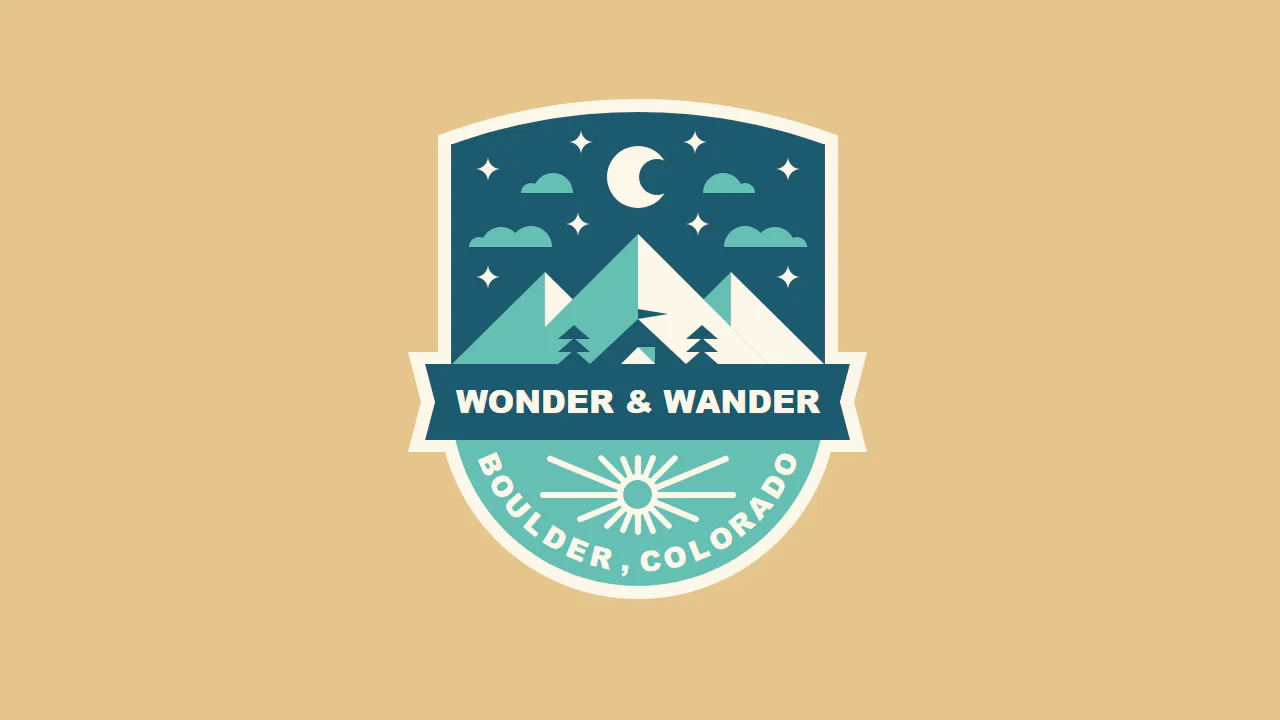
A detailed pure CSS illustration of a travel badge, utilizing powerful SCSS mixins to construct complex geometric shapes and landscapes. This snippet showcases advanced techniques for curved typography and multi-layered absolute positioning.

An eye-catching App Download CTA component featuring a smooth, hardware-accelerated “bounce” animation. This pure CSS snippet leverages translate3d for optimal performance and uses fixed positioning to create an engaging UI micro-interaction for modern landing pages.
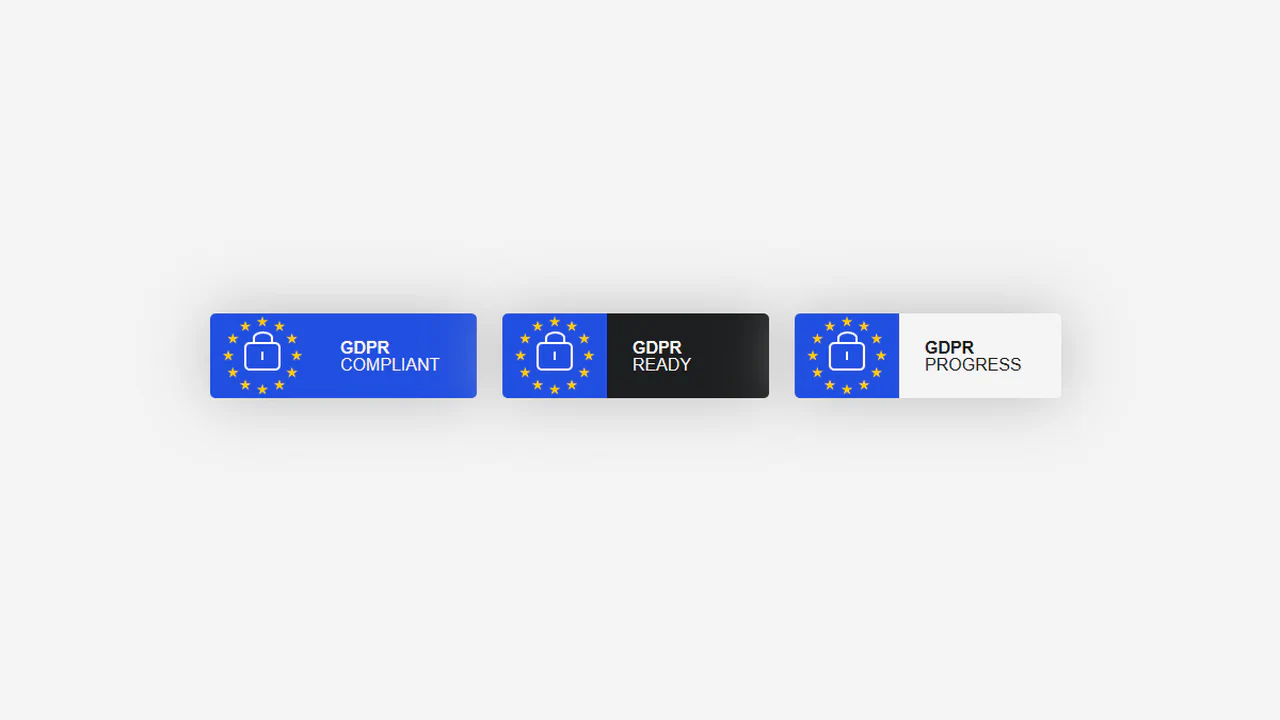
A professional set of GDPR compliance badges built with pure CSS and optimized Flexbox layouts. This snippet features a code-drawn lock icon and theme management via data-attributes and CSS variables.
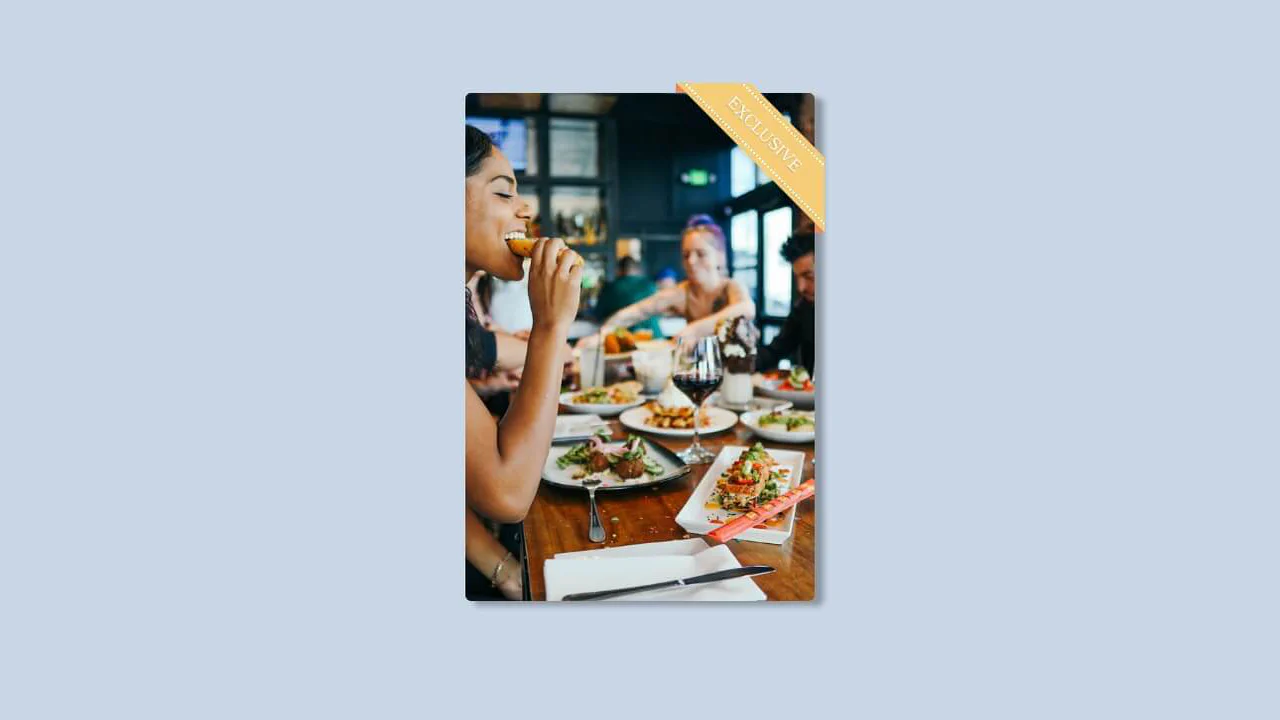
A sleek pure CSS card featuring a corner ribbon badge created with transform: rotate(45deg) and pseudo-elements. This snippet showcases a clever fold effect with zero image dependencies.
A detailed badge illustration built with pure CSS and SCSS, utilizing rotated pseudo-elements to create a complex star-shaped seal and ribbon effect. This snippet demonstrates advanced layout techniques for vector-like UI components, ensuring a high-performance and scalable graphical asset without external image dependencies.
A sophisticated responsive badge that combines SVG textPath for circular typography with modern CSS techniques. This snippet leverages fluid typography via calc() for smooth scaling across viewports and drop-shadow filters for added depth.
A stylish circular badge component leveraging SVG textPath and pure CSS animations to create a rotating typography effect around a central logo. This snippet features hardware-accelerated keyframes for seamless rotation and sliding interactions, providing a lightweight and high-performance UI solution for modern web designs.

A vibrant set of pure CSS badges designed for tech stacks and skills sections in web portfolios. This lightweight snippet features layered UI elements with smooth transitions and optimized shadows, ensuring a high-performance and visually appealing frontend experience.
CSS Badge
An animated achievements badge with concentric dashed blue rings. The label ("+10") spins in dramatically with a 1800° Y-axis rotation on intro, then swings slowly in 3D perspective (rotateY(20deg) to -20deg). Its pseudo-elements (::before/::after) create two pulsing dashed borders that scale continuously at different rates for a radiating ripple effect. Pure CSS 3D transforms.
See the Pen CSS Badge.

A dynamic collection of animated achievement badges built with inline SVG and pure CSS transitions using staggered entry delays. This snippet showcases advanced @keyframes for ribbon morphing and particle bursts.

An iconic Parental Advisory label illustration built with pure CSS, utilizing custom variables and calc() for seamless scalability. This lightweight snippet features multi-layered shadows and text transformations.
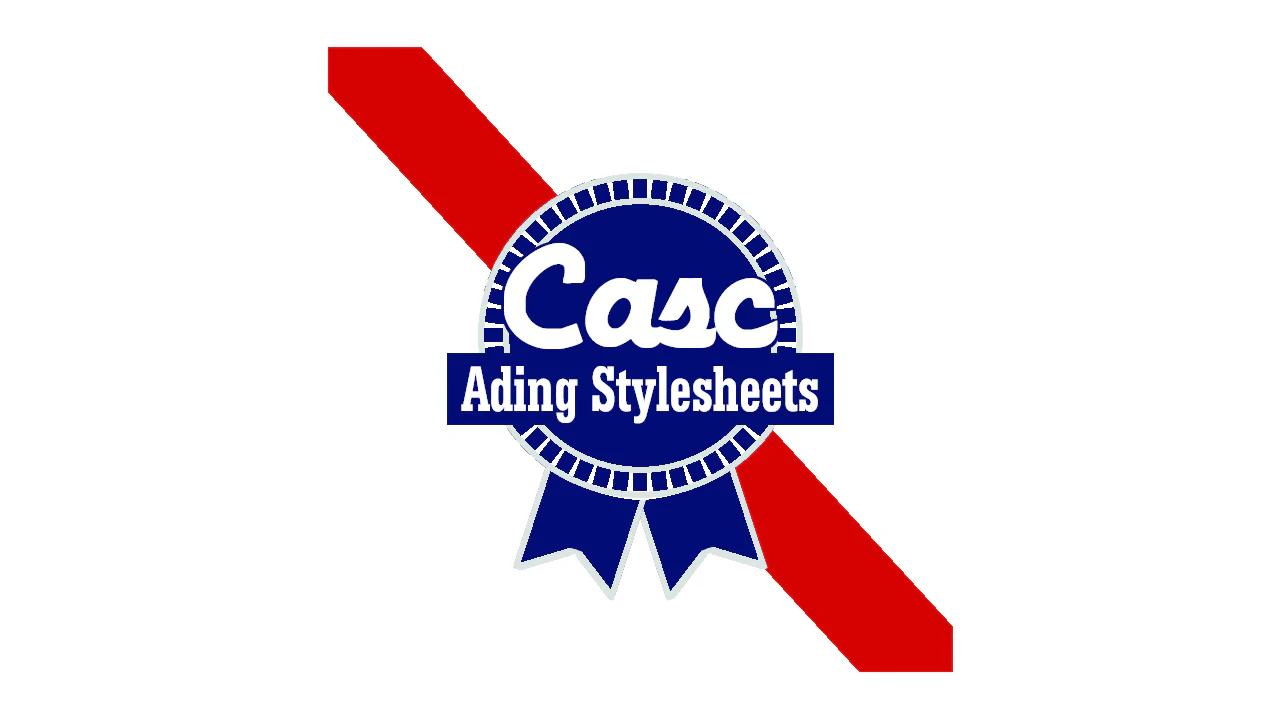
Badge
A retro-style circular “Cascading Stylesheets” badge built using complex CSS gradients. The background features a bold red diagonal stripe. The central emblem uses concentric radial gradients and 24 overlapping linear-gradient strips angled in 7.5° increments to form a wheel spoke pattern. Two hanging ribbon tails are constructed with rotated pseudo-elements. Text features a script font (“Casc”) and a serif subtitle (“Adding Stylesheets”). Pure CSS art.
See the Pen Badge.
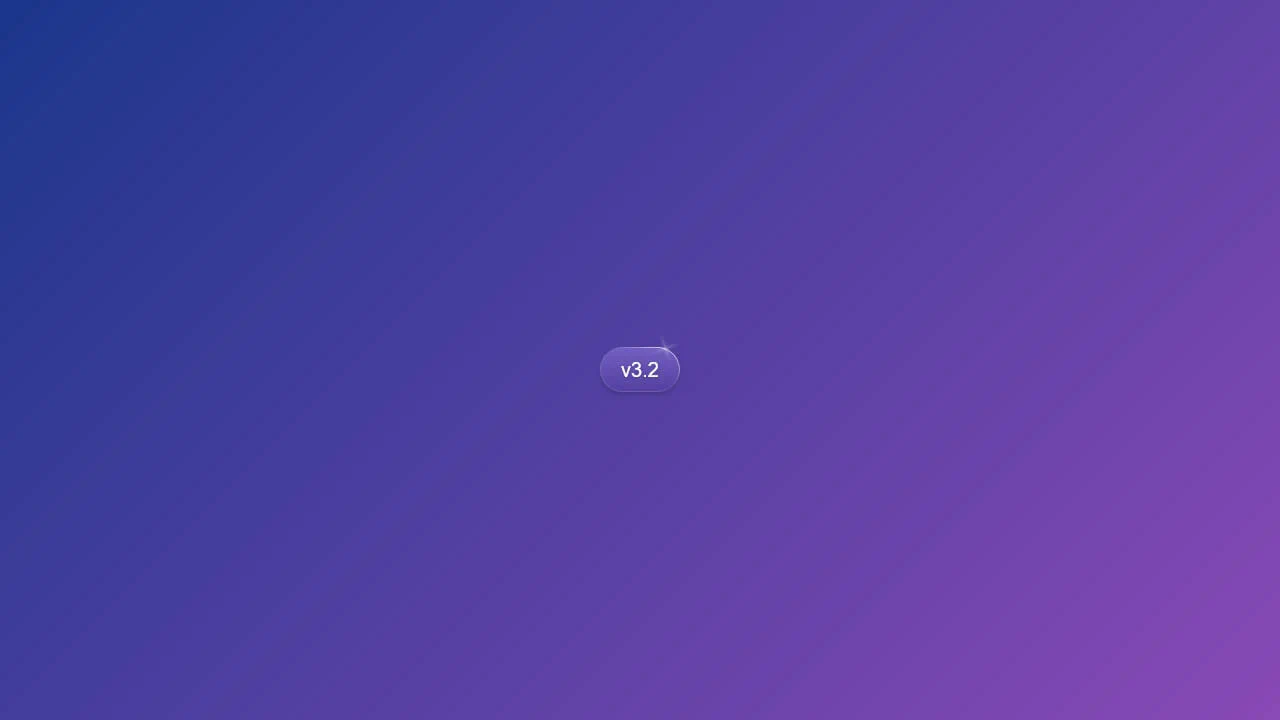
Version Badge
A modern pill-shaped version badge (“v3.2”) inspired by the Tailwind CSS blog. Styled with a purple-to-violet gradient background, rounded corners, and a colorful outer border. A subtle lens flare / star glint shines in the top-right corner, crafted using a rotated, slightly blurred <span> with horizontal and vertical fading gradient lines. Pure CSS.
See the Pen Version Badge.
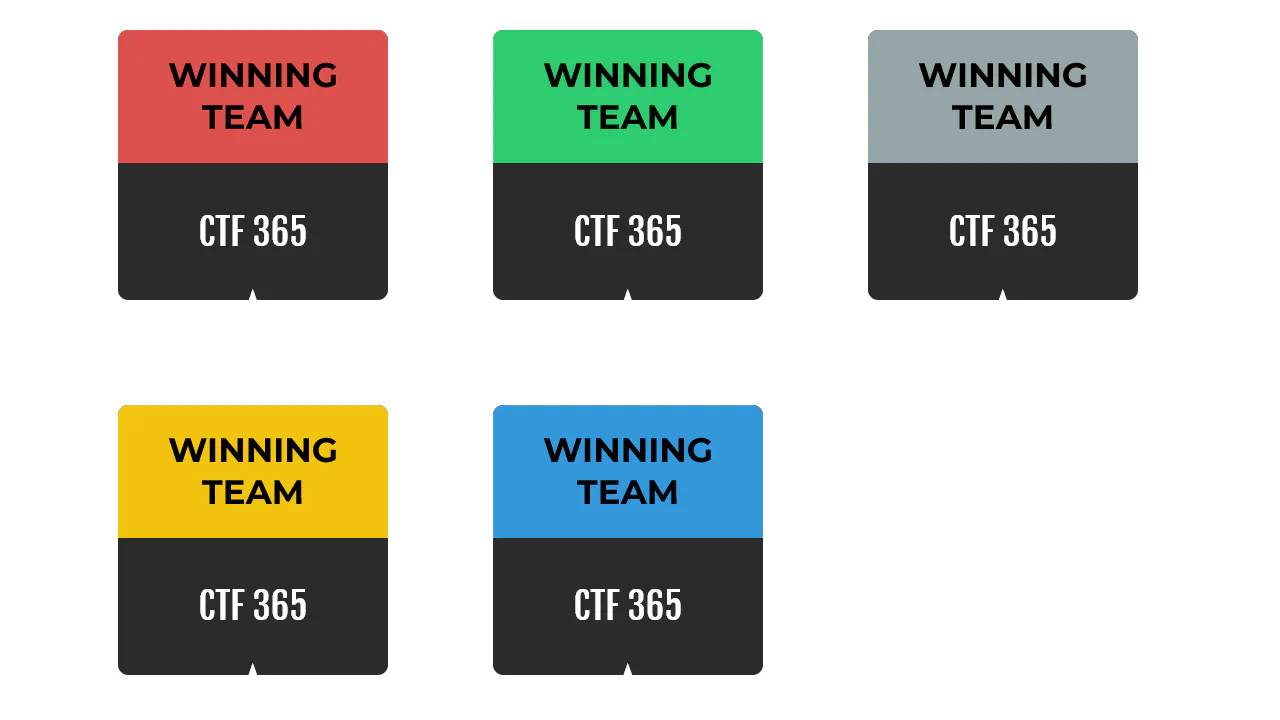
Certificate Badges
Five colorful certificate badges (red, green, gray, yellow, blue) on dark square cards (#2B2B2B). Each badge features a header-styled .title in bold Montserrat and a white .subtitle in Fjalla One. A star symbol ("★") is rendered below the subtitle via a pseudo-element. On hover, the subtitle slides upward, and the star moves closer while changing from white to the badge’s respective brand color. Smooth CSS transitions, zero JS.
See the Pen Certificate Badges.
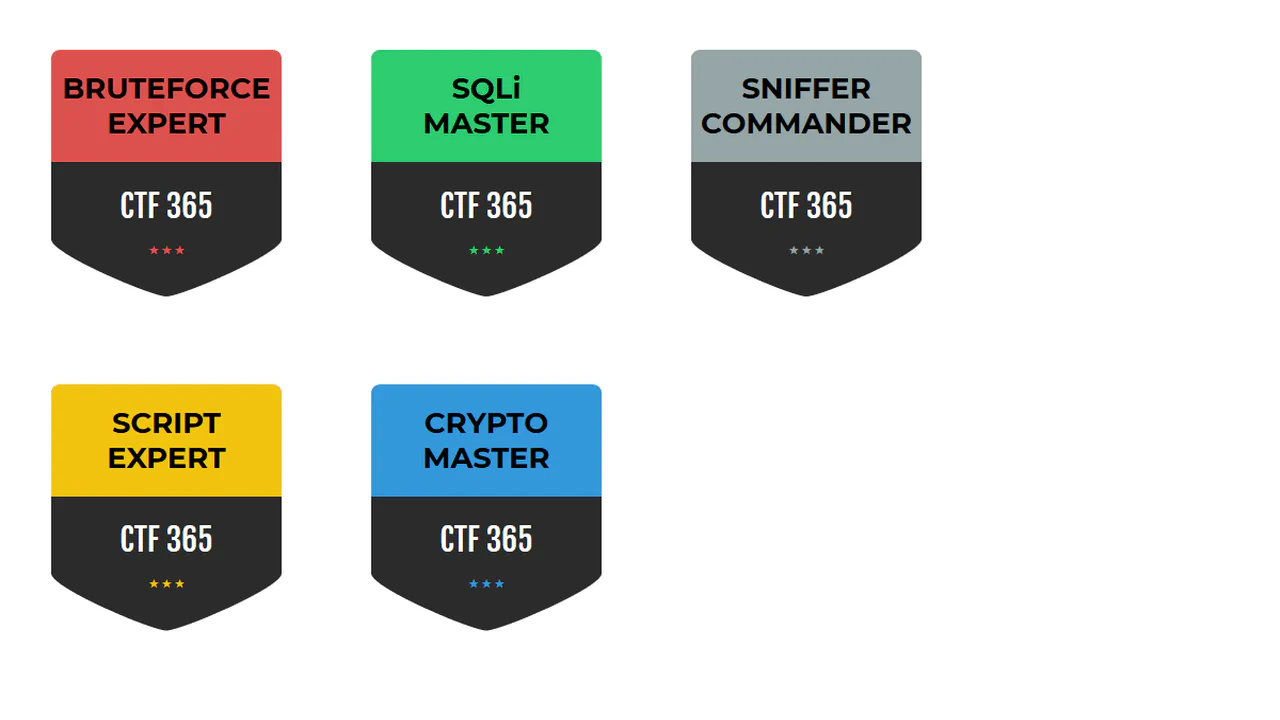
Title Badges
Five medieval shield-style security badges (red, green, gray, yellow, blue) rendered as inline SVG paths. Each shield contains a bold .title in Montserrat and a white .subtitle in Fjalla One. A row of three stars ("★ ★ ★") is generated underneath using a pseudo-element. Hovering over a badge triggers a smooth, playful transition that spreads the stars apart via word-spacing: 30px. Pure CSS.
See the Pen Title Badges.
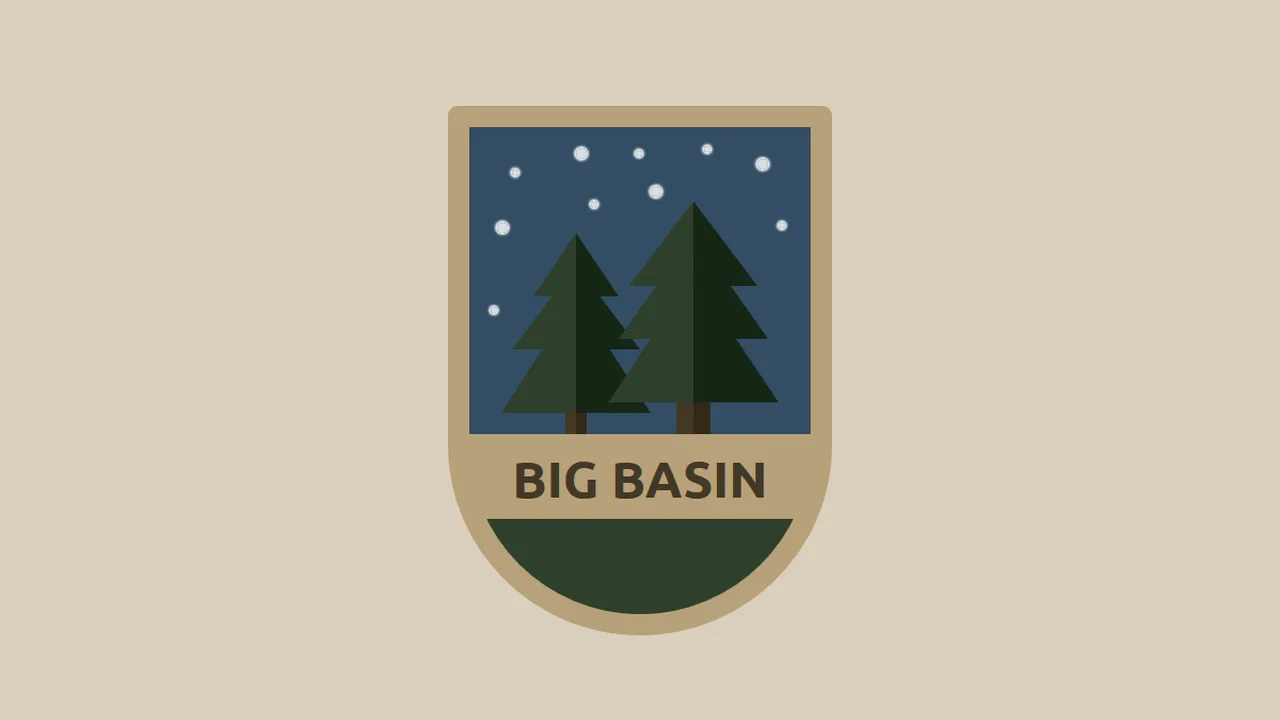
Animated CSS Badge
An animated shield-shaped forest badge (“Big Basin”) with a custom border-radius: 10px 10px 200px 200px. The trees are built using CSS border-triangle hacks on pseudo-elements. On load, the trees slide up from the bottom, the tan banner and title fade in, and ten concentric stars pulse/glow in the dark blue night sky via animating box-shadow. Pure CSS illustration.
See the Pen Animated CSS Badge.
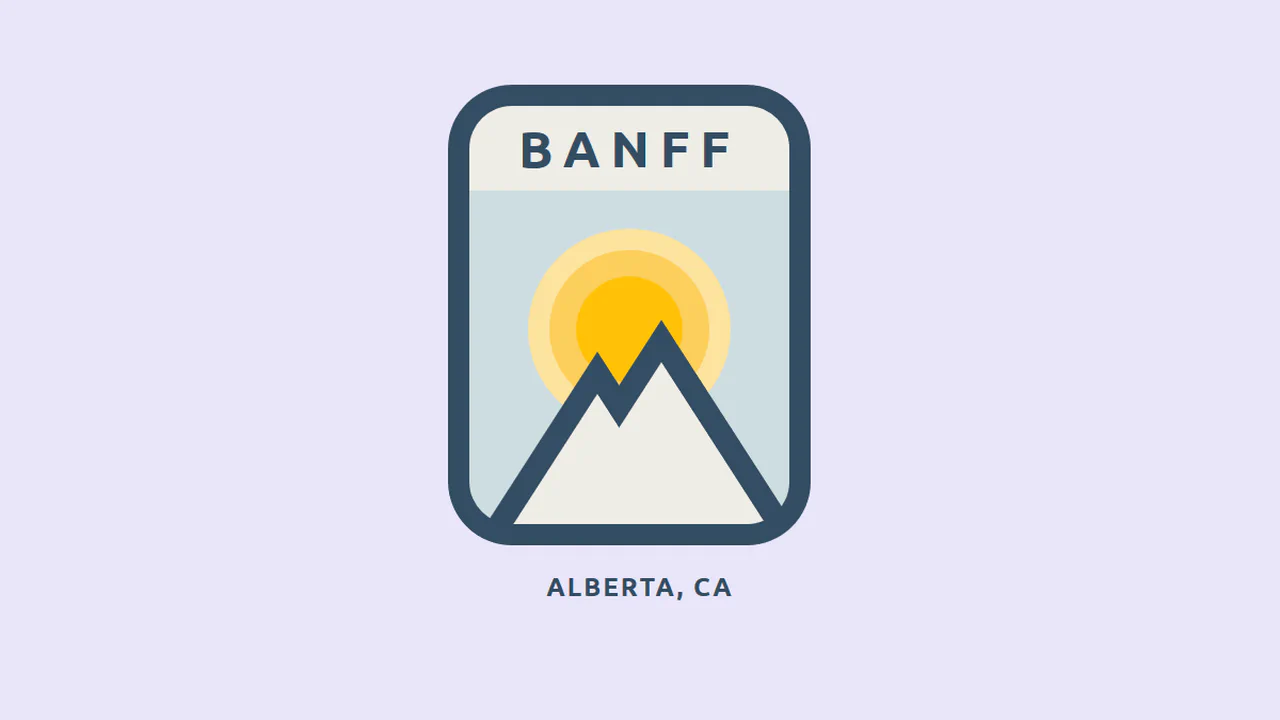
Animated CSS Banff Badge
An animated vintage-style ski patch emblem for “Banff, Alberta”. Built with pure CSS, the mountains and overlapping snowcaps are styled using thick border-triangle hacks. On page load, the mountain peaks slide up from the bottom via @keyframes slideup, while the warm orange sun scales and pulses into view with an elastic bounce animation.
See the Pen Animated CSS Banff Badge.
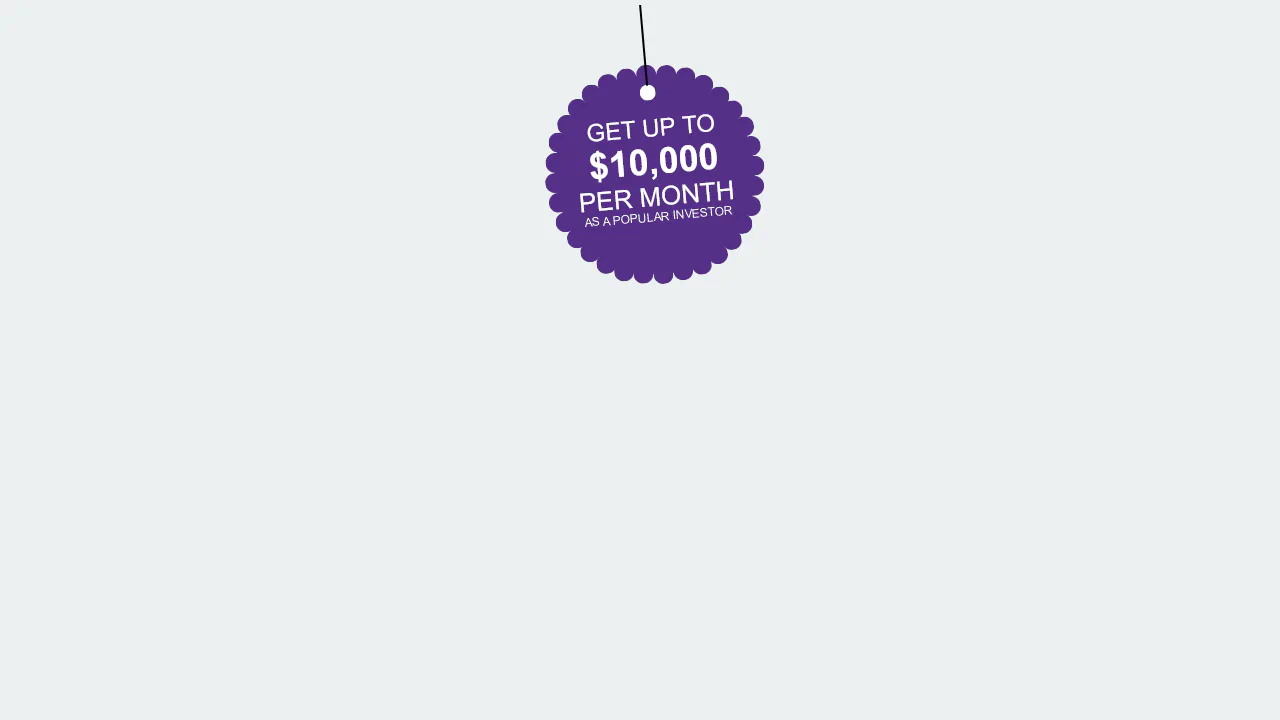
CSS Badge Promotion
An interactive hanging sign swings like a pendulum using CSS keyframes. By setting transform-origin far above the element, the circular badge pivots naturally. An :after pseudo-element draws the thin hanging cord, while :before uses a massive array of radial box-shadow coordinates to map a decorative dotted border around the perimeter.
See the Pen CSS Badge Promotion.
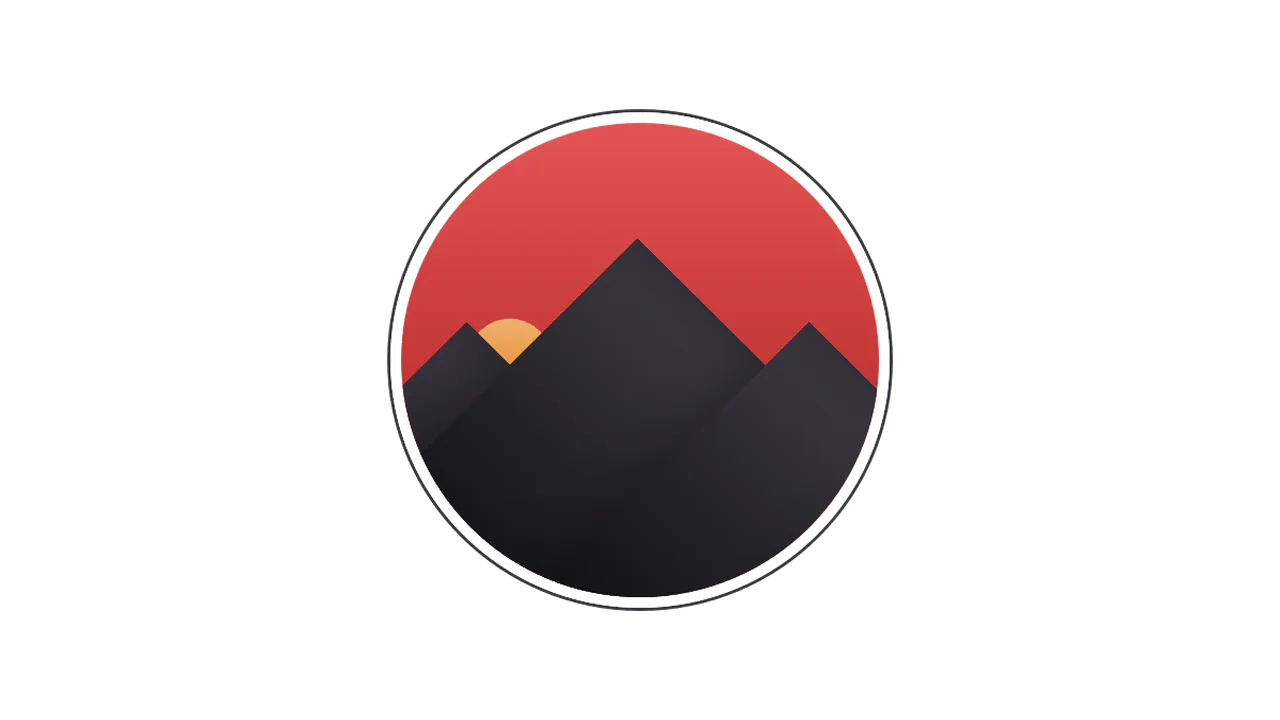
CSS Sunset Badge
This pure CSS landscape renders a sunset over a mountain range framed inside a circular mask. The red sky gradient and orange sun set the backdrop, while rotated dark rectangles with transform: rotate(45deg) form the geometric mountain peaks. Heavy inset box-shadow styles add three-dimensional depth and volumetric shade.
See the Pen CSS Sunset Badge.
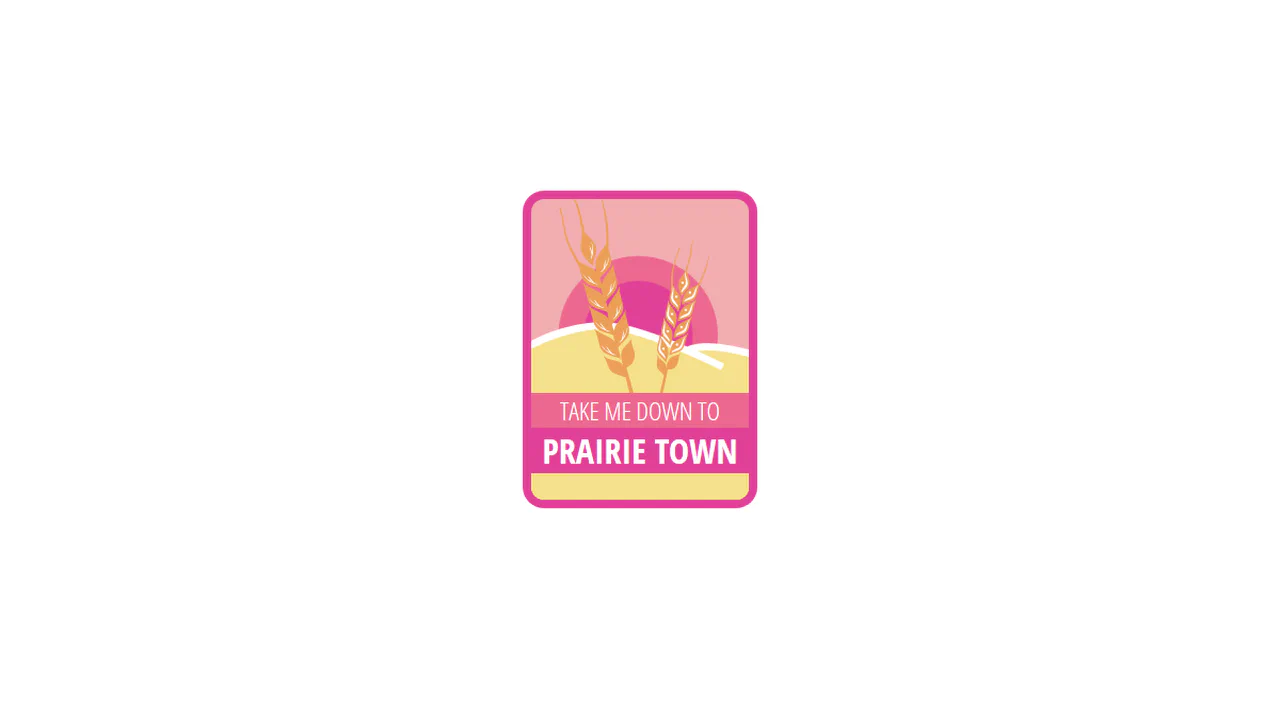
Badge Animation
This interactive badge constructs a modular prairie landscape using nested SVGs and sequenced CSS keyframes. Elements load step-by-step: the sun rises (riseUp), hills slide in, titles fly from the margins, and wheat stems pop up. Finally, a loop on .rotate sways the wheat pasture in a gentle, continuous wind breeze.
See the Pen Badge Animation.
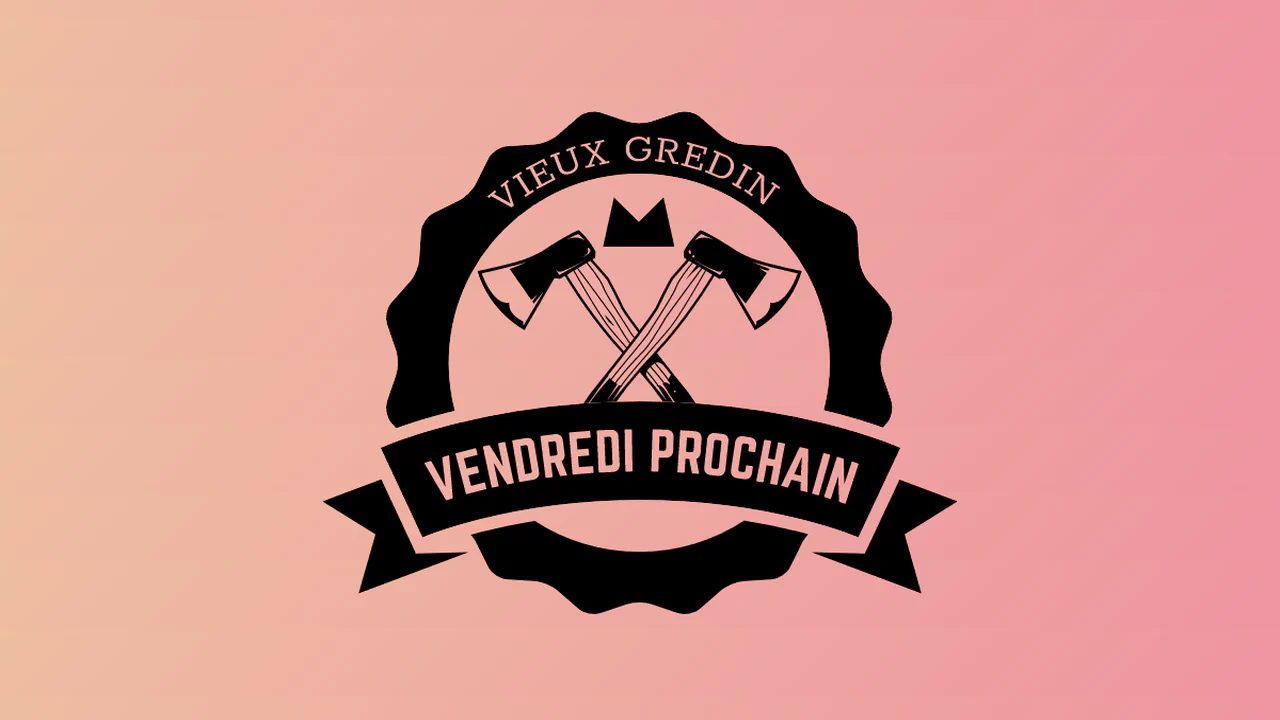
Badge with Dynamic Text
This interactive SVG emblem renders dynamic text along curved paths using <textPath> elements and masking. The background is a fluid, slow-moving gradient animated via CSS positioning. A lightweight JS script uses setInterval and click listeners to randomly swap the display text with whimsical French rhyming phrases.
See the Pen Badge with Dynamic Text.
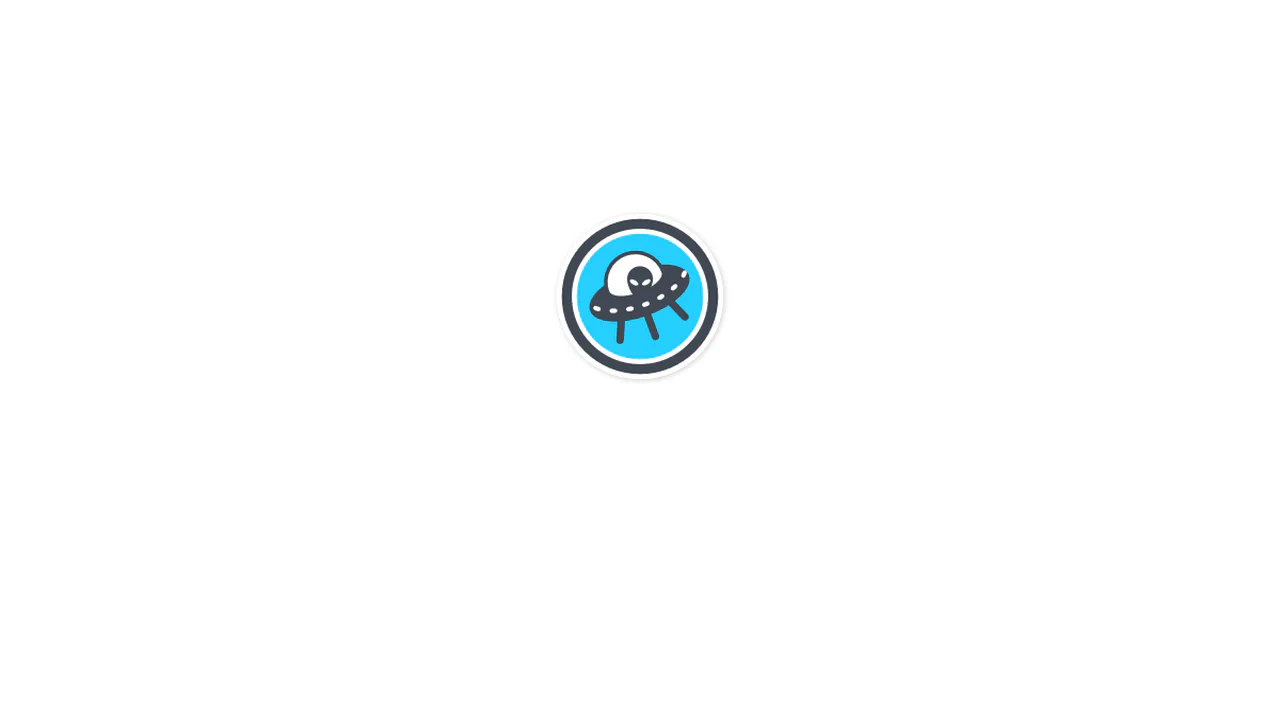
Contributor Badge Flip Exploration
This interactive badge implements a 3D card-flip interaction. Clicking toggles a .flip class, rotating the dual-sided circular container in 3D space. On hover, jQuery toggles a .play class to initiate CSS keyframe animations, causing the alien’s eyes to blink, the flying saucer to sway, and the cabin lights to cycle.
See the Pen Contributor Badge Flip Exploration.

Badge Animation SVG
This interactive SVG medal runs choreographed, staggered CSS animations. The golden circular plates scale up sequentially with an elastic bounce (grow). Simultaneously, the central star group spins into place (turn). Finally, small circular gems on the star tips trigger a sequential pulse to create a clockwise wave.
See the Pen Badge Animation SVG.
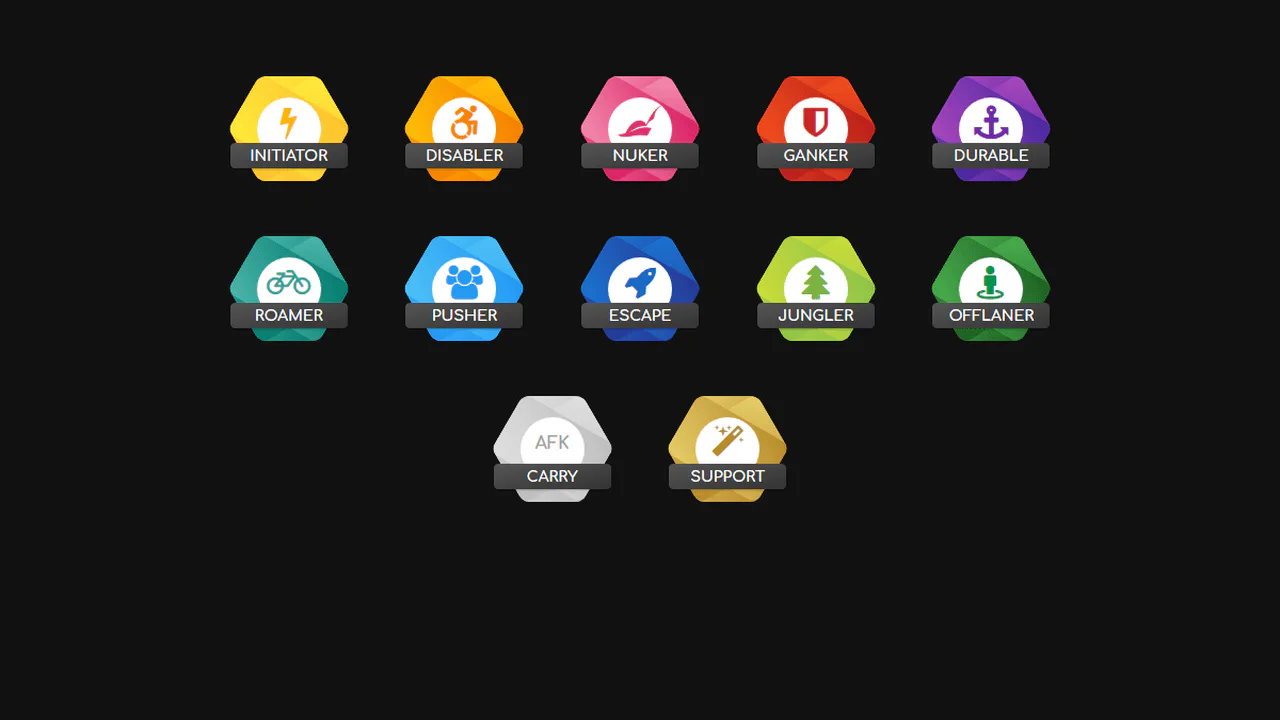
Hexagon Badges
This grid of gaming-themed badges constructs rounded hexagons without SVGs. By overlaying three identical rounded rectangles via the base .badge and its :before and :after pseudo-elements — rotated at 0, 60, and -60 degrees — they intersect to form a clean geometry. The layout is topped with white circular icon holders and text ribbons.
See the Pen Hexagon Badges.