40+ CSS calc() Examples
Mathematical precision dictates fluid design. This updated collection of CSS calc() examples removes the friction between disparate units, allowing pixels, percentages, and viewport dimensions to coexist in a single declaration. Utilizing these curated snippets ensures layouts are defined by raw logic, not by static values or script-based workarounds. The user’s screen dictates the form directly.
Technically, these examples showcase calc() for everything from fluid typography (font-size: calc(1rem + 2vw)) to precise container offsets (width: calc(100% - 40px)). The code pairs calc() with modern layout engines like CSS Grid and Flexbox, guaranteeing absolute layout stability. Interactive states utilize calc() within the transform property, leveraging hardware acceleration to maintain 60fps performance without triggering costly repaints. The HTML structure remains strictly semantic, keeping the DOM lightweight and fast.
Every free demo is fully responsive and cross-browser compatible. Users can instantly download the raw code or fork an updated layout on CodePen. These assets are strictly optimized for accessibility, ensuring that fluid typography remains readable and interactive elements maintain sufficient target sizes across all modern devices.
Examples

CSS Scroll-Driven Radial Gallery
This is a Scroll-Driven Radial Gallery. It binds a circular, rotating layout directly to the viewport’s scroll position. Its function is to transform linear page scrolling into a dynamic, spatial carousel, keeping only the active item in sharp focus while pushing others into a blurred, grayscale periphery.
 Chrome 132+
 Edge 132+
 Safari 26.2+
See the Pen CSS Scroll-Driven Radial Gallery.
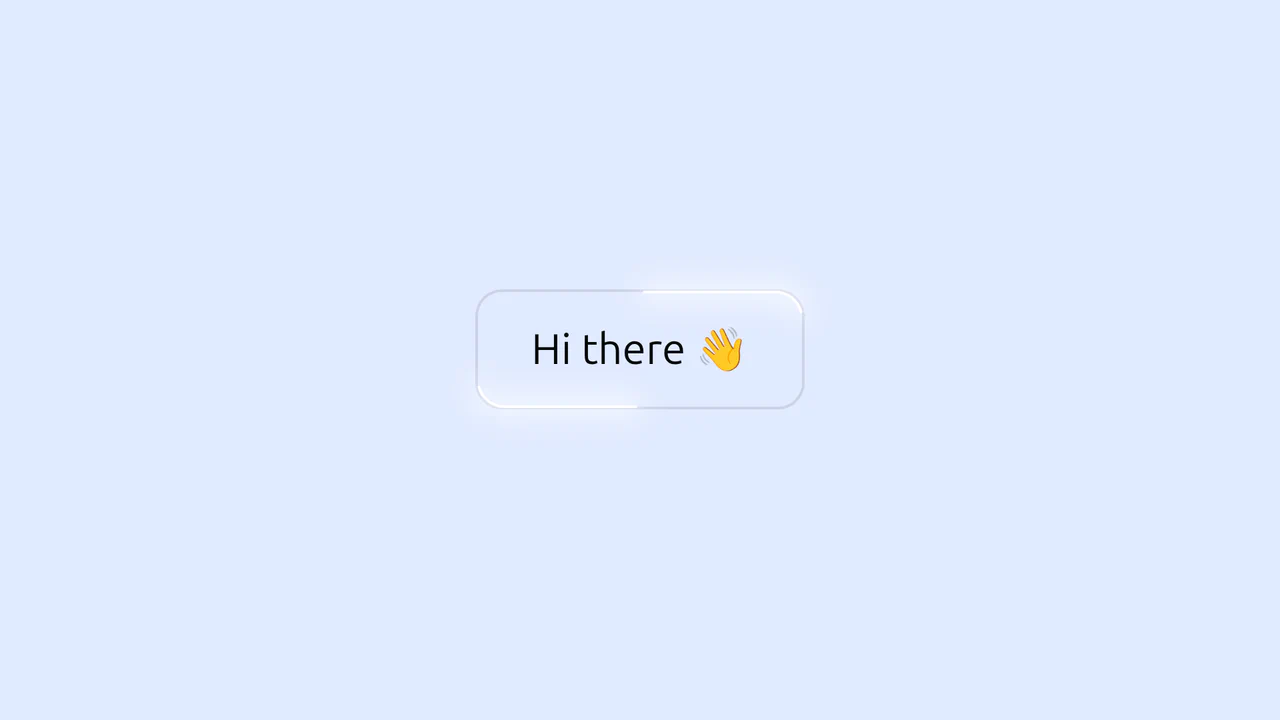
Glowing Border Trace Button
This is a Glowing Border Trace Button. It utilizes embedded SVG rectangles to create a moving neon stroke along the perimeter upon interaction. Its function is to provide highly visible, tactile feedback for primary actions without disrupting the core layout geometry or triggering expensive repaints.
Chrome 88+
Edge 88+
 Firefox 78+
Safari 14+
Firefox 78+
Safari 14+
See the Pen Glowing Border Trace Button.

Interactive Drag-and-Drop Jigsaw Puzzle
This is an Interactive Drag-and-Drop Jigsaw Puzzle. It dissects a single raster image into an interlocking grid of movable pieces without relying on a single line of JavaScript. Its function is to gamify visual content, converting passive image consumption into a tactile, logic-driven interaction.
Chrome 84+
Edge 84+
Firefox 90+
Safari 15.4+
See the Pen Interactive Drag-and-Drop Jigsaw Puzzle.

Tilting Diamond Range Slider Effect
This is a Tilting Diamond Range Slider Effect. It tracks user input through a hidden native range element, overlaying a custom graphical interface. Its primary function is to inject physical inertia into a standard digital control. The tooltip mimics mass, lagging behind rapid movements and tilting in the direction of travel.
Chrome 80+
Edge 80+
Firefox 75+
Safari 13+
See the Pen Tilting Diamond Range Slider Effect.

Slingshot Elastic Stretch Toggle
The Slingshot Elastic Stretch Toggle is an experimental UI switch that utilizes exaggerated spatial movement to signal state changes. It replaces the standard sliding thumb with a “dual-handle” system that appears to shoot across the viewport using a high-velocity slingshot effect. Its function is to provide an high-energy alternative to traditional toggles, making a simple boolean selection feel like a physical, kinetic event.
Chrome 86+
Edge 86+
Firefox 85+
Safari 15.4+
See the Pen Slingshot Elastic Stretch Toggle.

Modern Container Query Product Cards
This snippet showcases Modern Container Query Product Cards. It represents the bleeding edge of CSS architecture, utilizing @scope, @layer, and @property to create highly encapsulated, fluid components. Its function is to provide a robust e-commerce card layout that automatically adjusts its internal styling and grid distribution based on the physical size of its container, not the viewport. (Requires: kiso.css)
Chrome 118+
Edge 118+
Firefox 128+
Safari 17.4+
See the Pen Modern Container Query Product Cards.

React Circular Stat Dashboard
This is a React Circular Stat Dashboard. It replaces a standard linear or grid-based profile view with a dynamic, radial layout. Its function is to present a user’s avatar centrally while mathematically orbiting their related statistics and quotes around them, utilizing React state to handle smooth entering and exiting transitions between different profiles. (Requires: React, ReactDOM)
Chrome 80+
Safari 13.1+
Firefox 75+
Edge 80+See the Pen React Circular Stat Dashboard.

Interactive Radial Image Carousel
This is an Interactive Radial CSS Image Carousel. It arranges a deck of image cards into a curved, fan-like layout. Its function is to provide an engaging, space-saving gallery interface where hovering over a card gracefully shifts its neighbors away along a circular path, bringing the focused item into clear view without relying on JavaScript math.
Chrome 119+
Edge 119+
Firefox (partial)
Safari 26.2+See the Pen Interactive Radial Image Carousel.

CSS Scroll-Driven Circular Typographic Scramble
This is a Scroll-Driven Circular Typographic Scramble. It utilizes experimental CSS animation-timeline to bind complex trigonometric and geometric transitions directly to the user’s scrollbar. Its function is to create a highly engaging, interactive hero section where chaotic, scattered letters perfectly align into a readable circular sentence as the user scrolls down.
Chrome 115+
Edge 115+See the Pen CSS Scroll-Driven Circular Typographic Scramble.

Cosmic 3D Galaxy Button
This is a Cosmic 3D Galaxy Button. It replaces a standard solid color hover state with a dynamic, multi-layered particle system. Its function is to serve as a high-impact primary call-to-action, using spatial depth and global page illumination to draw maximum user focus.
Chrome 105+
Edge 105+
Firefox 121+
Safari 15.4+
See the Pen Cosmic 3D Galaxy Button.

Pure CSS Animated Coffee Cup Loader
This is a Pure CSS Animated Coffee Cup Loader. It transforms static loading screens into an engaging, playful visual loop. Its function is to provide delightful feedback during wait times, utilizing the classic animation principle of squash and stretch without relying on any JavaScript.
Chrome 88+
Edge 88+
Firefox 84+
Safari 14+See the Pen Pure CSS Animated Coffee Cup Loader.

Animated SVG Alignment Toolbar
This is an Animated SVG Alignment Toolbar. It replaces static UI states with physical motion. Its function is to provide immediate, tactile feedback for spatial arrangement settings (Top, Middle, Bottom) using native form inputs.
Chrome 60+
Edge 79+
Firefox 55+
Safari 11+See the Pen Animated SVG Alignment Toolbar.

CSS Scroll-Driven Masonry Reveal
This Scroll-Driven Masonry Reveal creates a playful, tactile experience where content cards appear to be “dealt” onto the screen as the user scrolls. By leveraging the native CSS Scroll-driven Animations API, it achieves smooth, main-thread-free entrance effects without a single line of JavaScript. The layout adapts intelligently from 2 to 8 columns, making it a robust solution for image galleries or blog archives. (Requires: Open Props (CSS Library))
Chrome 115+
Edge 115+
Safari 26+
Firefox (flag/polyfill)
See the Pen CSS Scroll-Driven Masonry Reveal.

Bouncy Digital Block Clock
This Bouncy Digital Block Clock transforms a standard time display into a playful, tactile UI element. It utilizes a split-digit technique where numbers “roll” into place while their container physically bounces, adding weight and character to every second that passes. The component is fully responsive, supports system dark mode automatically, and ensures accessibility via dynamic ARIA labels.
Chrome 60+
Edge 79+
Firefox 60+
Safari 12+See the Pen Bouncy Digital Block Clock.

Merging Pill Filter Buttons
This Merging Pill Filter Button set introduces a fluid, organic feel to standard multi-select inputs. Instead of keeping active items isolated, this component visually fuses adjacent selected buttons into a single continuous shape. It’s an excellent choice for music apps, filtering systems, or any UI where categories are related and grouping them visually adds context.
Chrome 60+
Edge 79+
Firefox 50+
Safari 10+
See the Pen Merging Pill Filter Buttons.

Pure CSS Animated Details Accordion
This Pure CSS Animated Details Accordion utilizes cutting-edge CSS functions to achieve smooth height transitions on native HTML elements without a single line of JavaScript. By leveraging the revolutionary calc-size() function and the ::details-content pseudo-element, it finally solves the age-old problem of animating from height: 0 to height: auto.
Chrome 129+
Edge 129+
See the Pen Pure CSS Animated Details Accordion.

Synchronized Pure CSS Skeleton Loader
This Synchronized Pure CSS Skeleton Loader pushes the boundaries of modern CSS by creating a unified “shimmer” effect that sweeps across multiple disparate elements simultaneously. Unlike standard skeleton loaders that animate each block independently, this implementation ensures a single, globally aligned gradient flow using advanced CSS math and Houdini properties.
Chrome 111+
Edge 111+
Safari 16.4+
Firefox 128+
See the Pen Synchronized Pure CSS Skeleton Loader.

Fancy Hover Effect on Avatar
A pure CSS “pop-out” avatar effect utilizing CSS variables to orchestrate a scale transition.
See the Pen Fancy Hover Effect on Avatar.
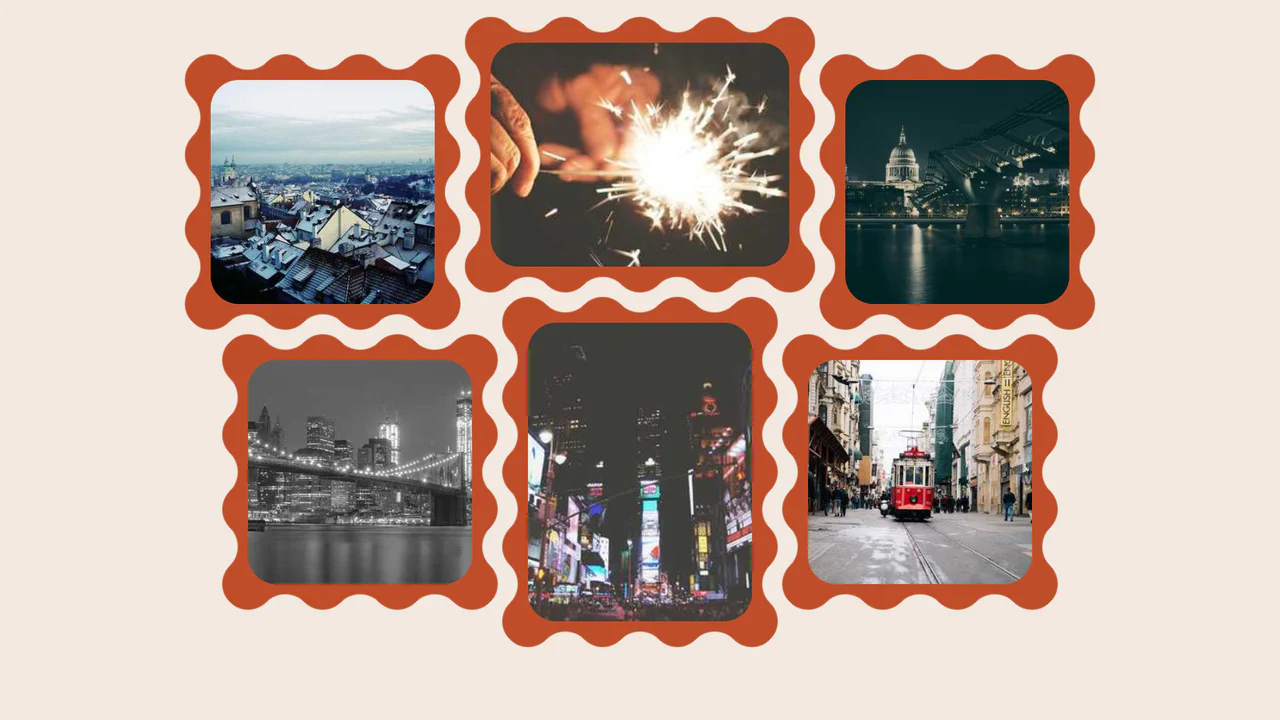
Wavy Image Gallery
Images appear as jigsaw puzzle pieces with interlocking edges that can visually fit together.
See the Pen Wavy Image Gallery.

CSS Cube
A pure CSS isometric text cube constructed via 3D transforms and trigonometry-based SCSS calculations. It features dynamic styling controlled by :has() and CSS variables, allowing for runtime theme switching (tritone/monotone/dim) and dark mode adaptation without JavaScript logic.
See the Pen CSS Cube.

Neumorphic Loader
A tactile Neumorphic progress indicator where JavaScript drives the animation state by updating a custom property --progress. The visual logic relies on CSS conic-gradient utilizing calculated color stops to dynamically render the filling arc, while complex layered box-shadow creates a soft, extruded 3D aesthetic.
See the Pen Neumorphic Loader.
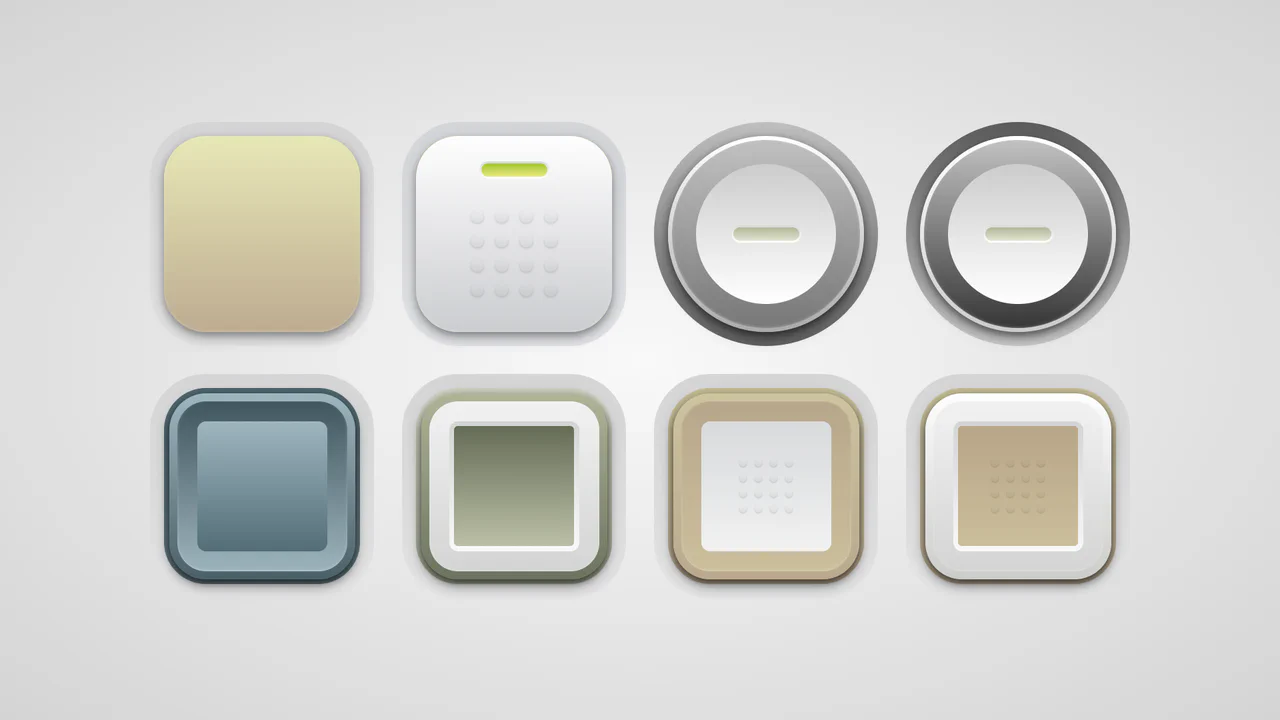
Soft Button Styling
A collection of skeuomorphic buttons rendered entirely in CSS using complex gradient layering and calc()-driven geometry variables.
See the Pen Soft Button Styling.

Progress
A minimalist dashboard visualizing the passage of time across multiple scales (minute to year) via animated progress bars, updated in real-time.
See the Pen Progress.

Magnetic Links
A sophisticated magnetic navigation menu that uses JavaScript to map mouse proximity to CSS variables, driving smooth translations via translate. It features a configurable “follow” effect where a background pseudo-element glides between items based on bounding box coordinates calculated on hover.
See the Pen Magnetic Links.
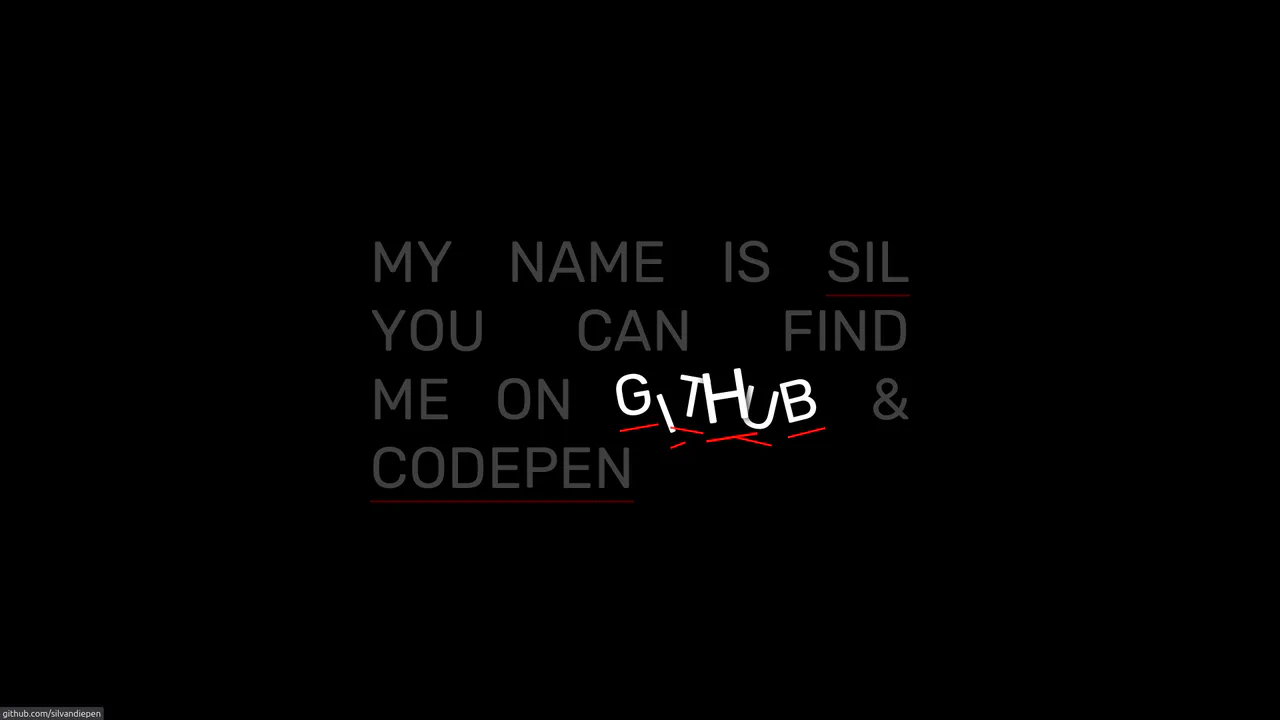
Scrambling Letter Effect on Hover
On hover, letters scatter chaotically, creating a dynamic, interactive explosion of text without complex animation libraries.
See the Pen Scrambling Letter Effect on Hover.
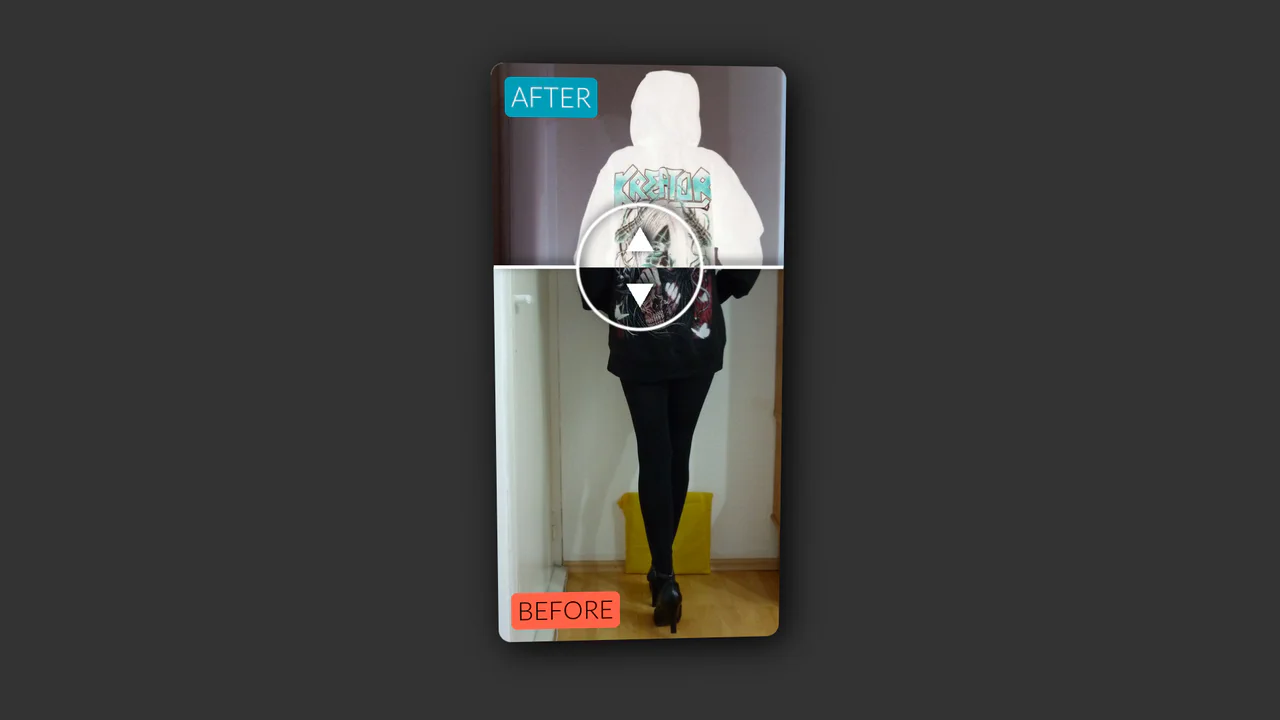
Vertical Original vs. Negative Card (Hover and Drag)
An interactive card that reveals a negative version of the image on hover, with a draggable slider to compare the two versions, utilizing CSS blend modes and 3D transforms.
See the Pen Vertical Original vs. Negative Card (Hover and Drag).

Segmented/Pill Radio Input
A sliding segmented control that uses CSS Custom Properties calculated via JS to animate a pseudo-element background. The layout relies on flexbox for equal distribution, while calc() dynamically positions the “pill” based on the active index, enhanced by a springy cubic-bezier transition.
See the Pen Segmented/Pill Radio Input.

Product Plan Cards with CSS Ribbons
A pure CSS pricing component that creates a dimensional ‘ribbon’ aesthetic solely through ::after pseudo-elements and clip-path geometry. The layout leverages CSS Custom Properties for distinct color themes and calc with negative margins to extend elements beyond the parent container, creating a folded paper effect without any JavaScript dependencies.
See the Pen Product Plan Cards with CSS Ribbons.

Fancy Image Hover Effects with Splitting.js
Explore a variety of sophisticated hover effects, where complex animation patterns are created using advanced CSS selectors like :nth-child(-n + 3). These selectors target specific ranges of “cells” generated by Splitting.js.
See the Pen Fancy Image Hover Effects with Splitting.js.
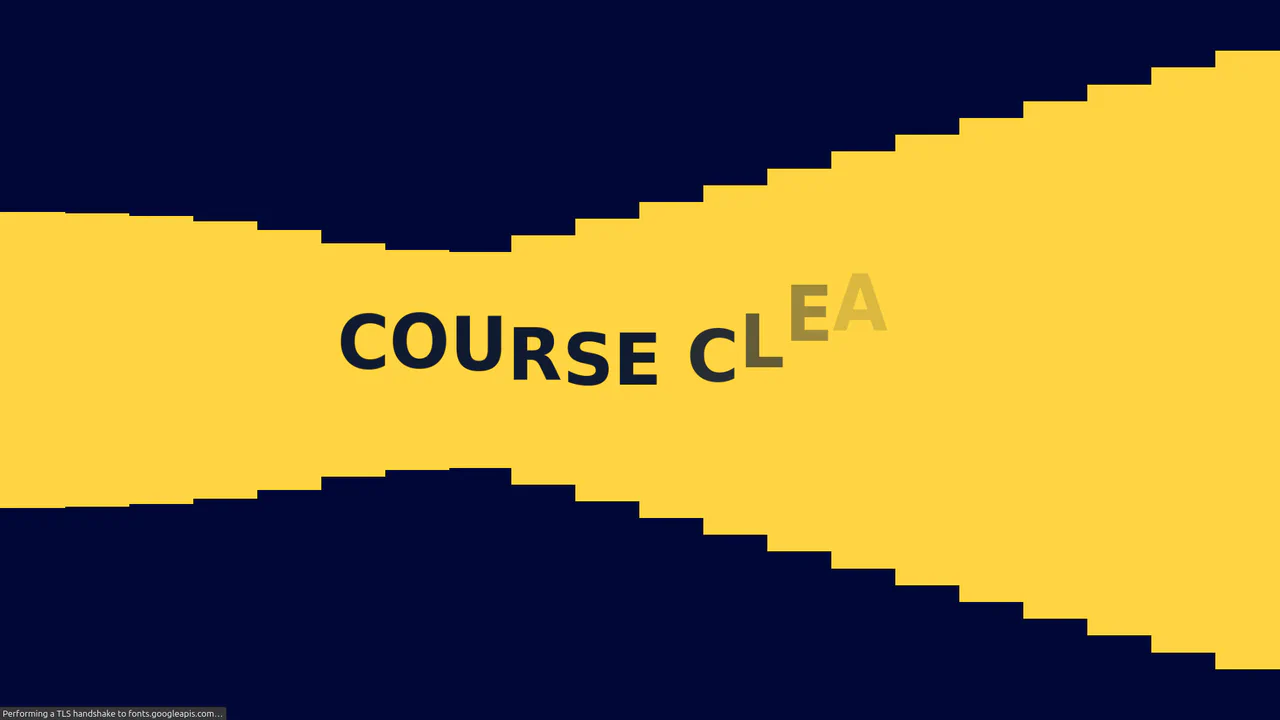
Text Reveal with Splitting.js
This demo is a showcase of Splitting.js, a library that splits HTML elements into granular parts for detailed animation. The “Course Clear” heading is split into individual characters, and a grid overlay is created with data-splitting="cells", allowing for complex, staggered animations on each part.
See the Pen Text Reveal with Splitting.js.