10+ CSS Calendar Grids
Time management demands structural clarity. Pure CSS calendar grid examples remove bloated JavaScript barriers, letting raw code display temporal data efficiently. This collection provides logic-driven components for modern UI design. Curated snippets ensure a transparent interface where data dictates the grid structure directly.
These examples rely on CSS Grid for precise 7-column matrix alignments. The code utilizes repeat(7, 1fr) and grid-column-start for accurate day positioning. Hover interactions leverage hardware acceleration, animating transform and opacity to ensure 60fps performance on the rendering thread. The HTML remains strictly semantic, guaranteeing absolute layout stability and eliminating input latency.
Every free demo in this updated library is fully responsive and cross-browser compatible. Users can instantly download the raw code or fork a layout on CodePen.
Examples

Calendar Mockup
A vibrant, poster-style calendar design that resembles printed material, featuring automatic display of event labels directly within the grid cells.
See the Pen Calendar Mockup.
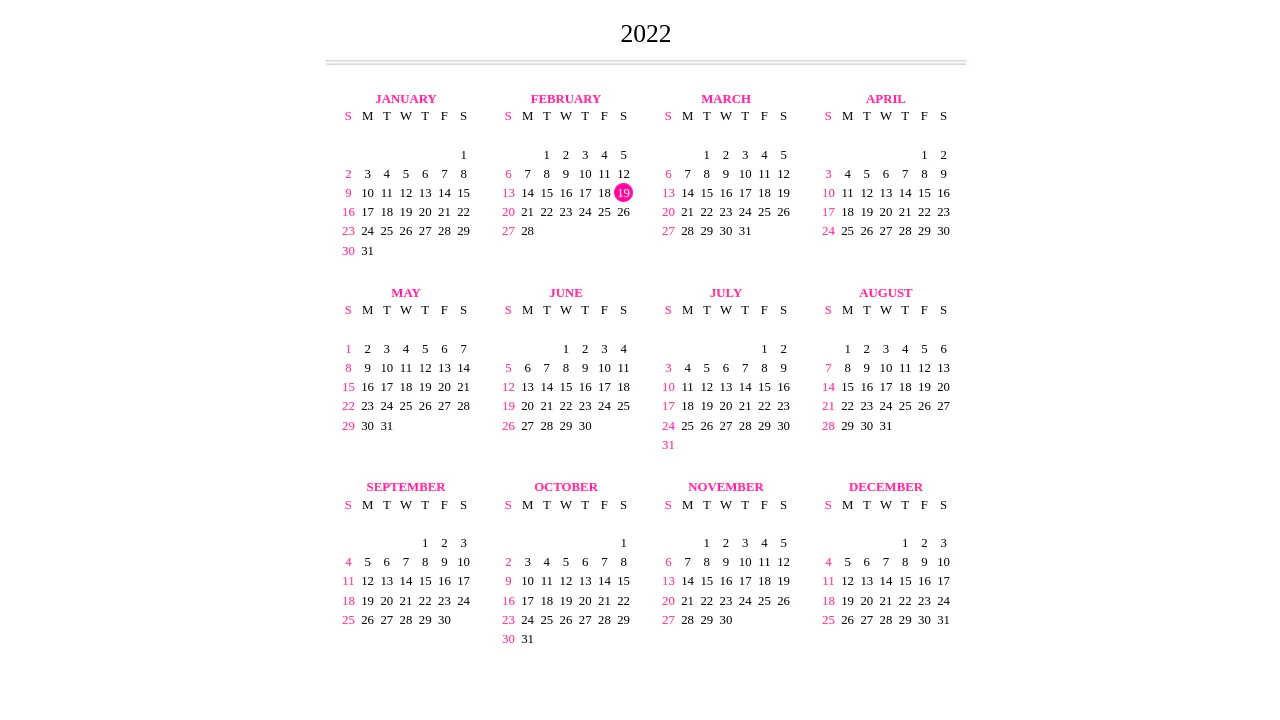
Flexbox Responsive Calendar
A dynamic yearly calendar generated via JavaScript DOM manipulation that accurately renders months and days using Flexbox ordering.
See the Pen Flexbox Responsive Calendar.
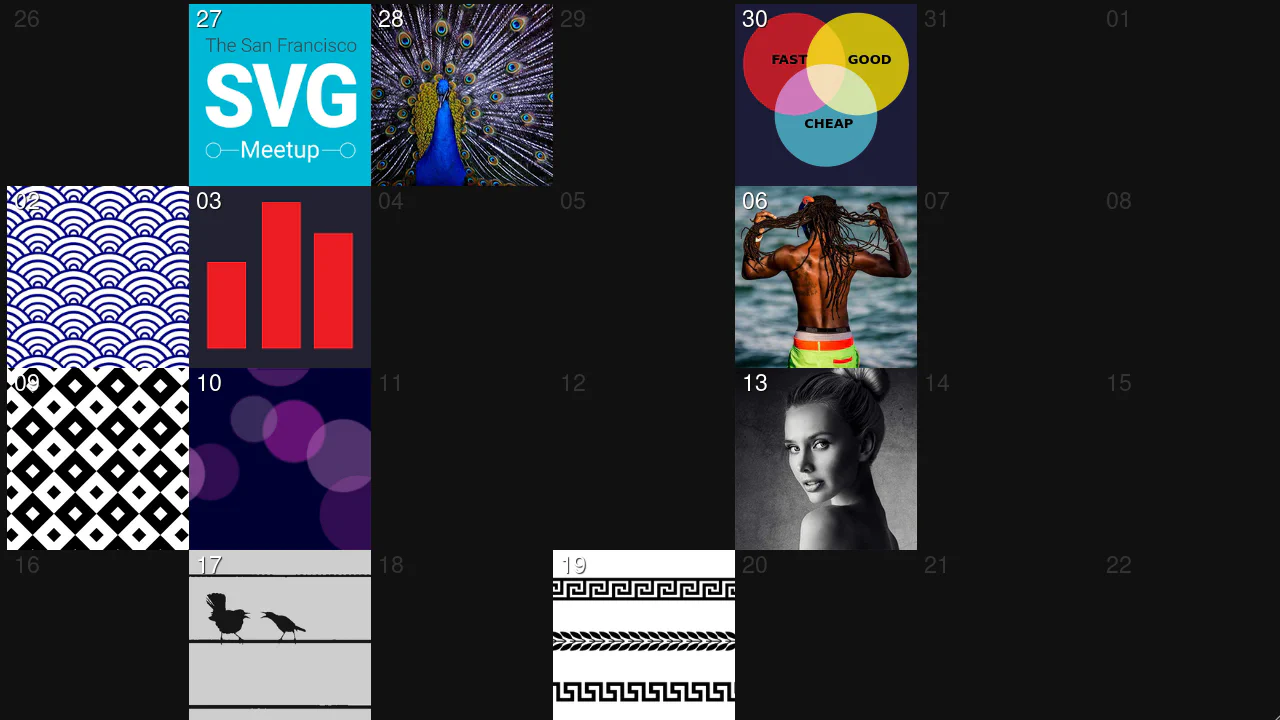
Responsive Flexbox Calendar
A visually rich archive that smoothly “loads” before the user, offering interactive tiles with dates and article previews.
See the Pen Responsive Flexbox Calendar.
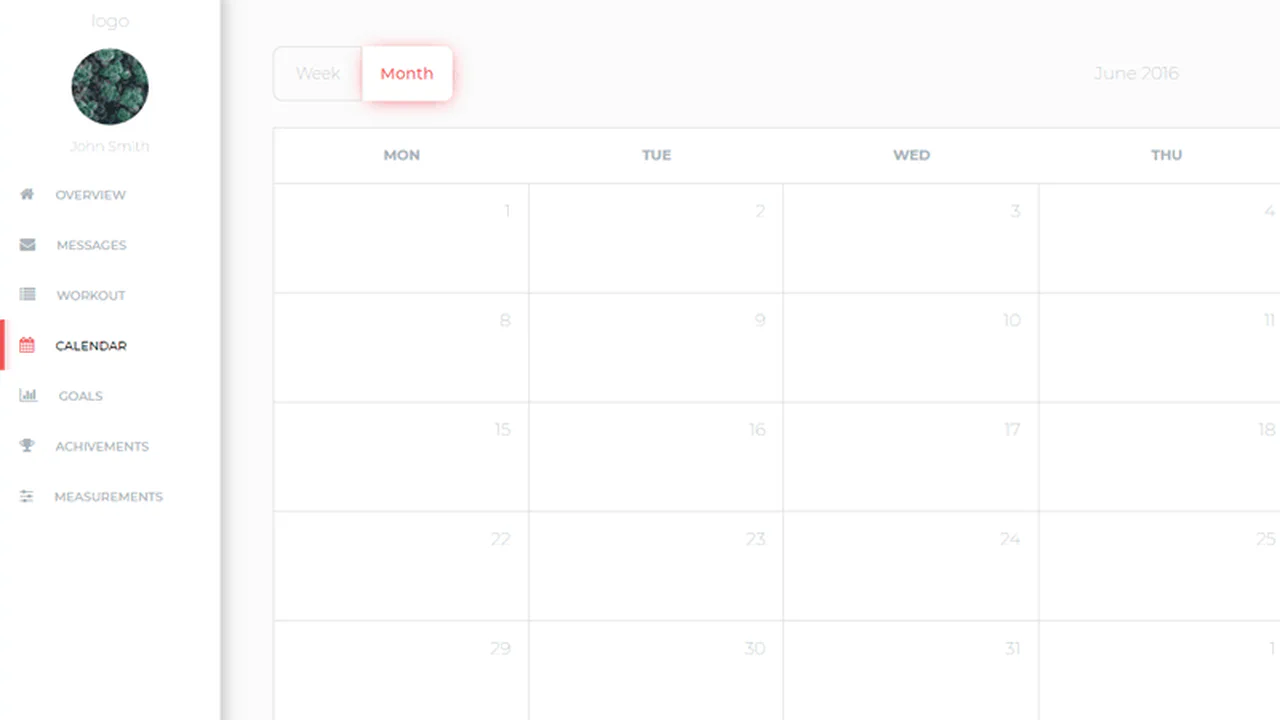

CSS Grid builds a responsive dashboard layout — sidebar collapses on mobile, expands on desktop. BEM‑style naming keeps styles predictable. The calendar itself is static; the toggle and search input are purely visual, with no actual functionality.
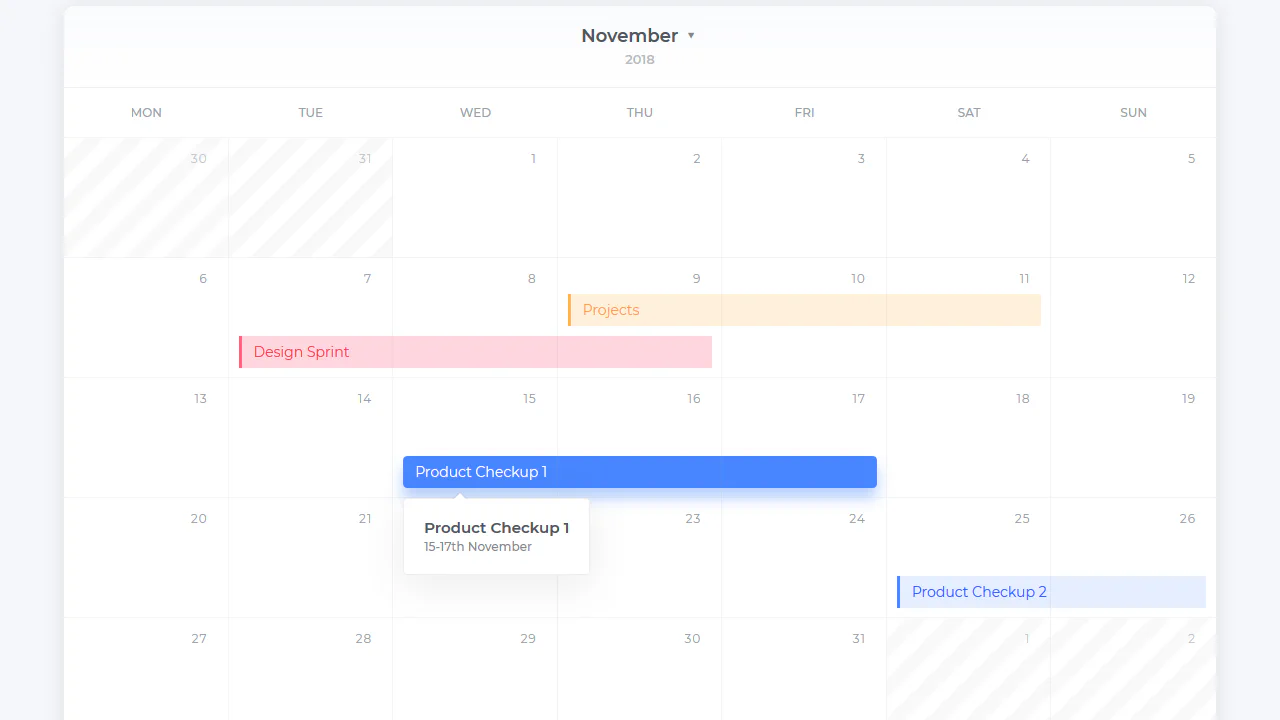
Pug loops generate 35 day cells with inline conditionals for disabled dates. CSS Grid places each cell using :nth-of-type rules — tasks are absolutely positioned within the grid via explicit grid-row / grid-column overrides. The detail popup appears on hover using pseudo‑elements for the arrow.
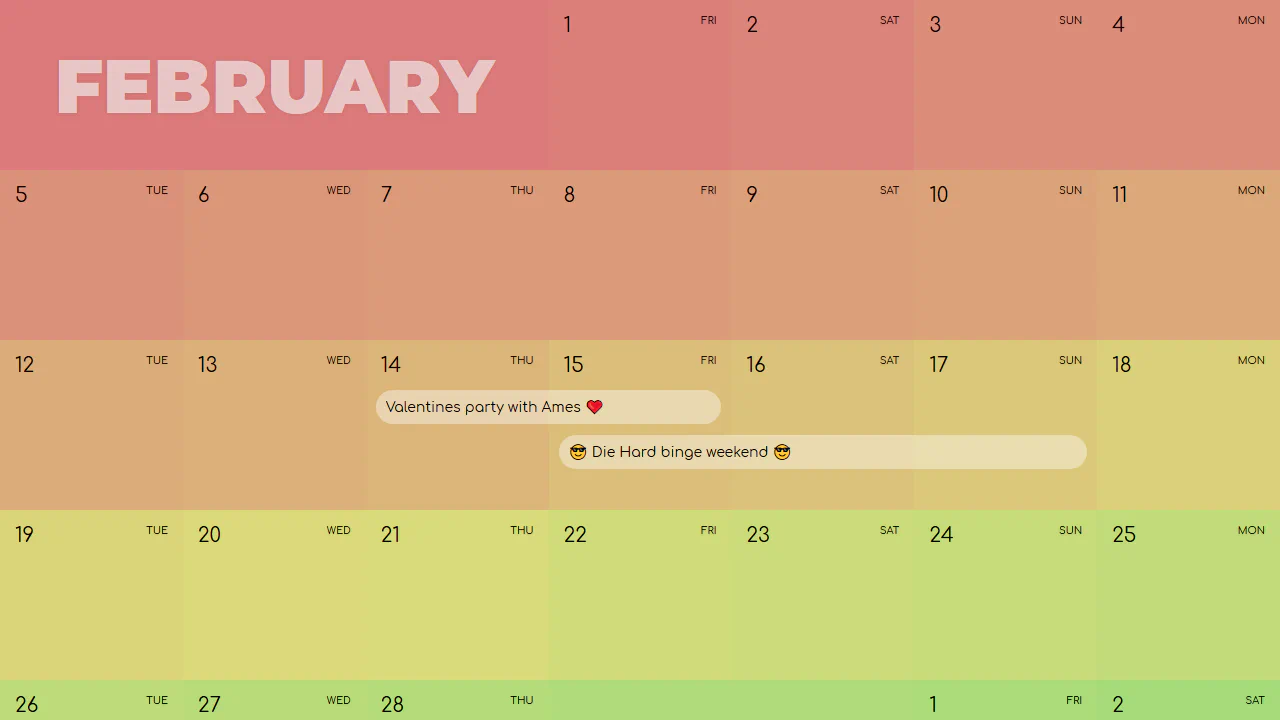
A CSS‑Grid calendar where each day is a colored cell with a numeric date and a generated weekday label via :after. Events are absolutely placed using explicit grid coordinates. The color gradient across days is produced by a Pug loop — the markup is static, the layout purely visual.

jQuery populates the calendar with the current date and generates day numbers for each month — loops handle prev/next month padding and add bold classes for weekends. Analog clocks in empty blocks are animated via CSS transforms, with angles set by JavaScript. The layout uses a 4×4 grid of month tiles; empty tiles contain either a clock or a large date block. All sizing is in vmin — scales with viewport.
A CSS‑only advent calendar built with Grid and the checkbox hack — each door flips open to reveal a pure CSS holiday illustration. Days 1 through 24 feature distinct drawings (gingerbread man, snowflake, Santa, etc.), some with animations or audio. The markup is generated with Pug; the CSS is a collection of 24 standalone mini‑projects.
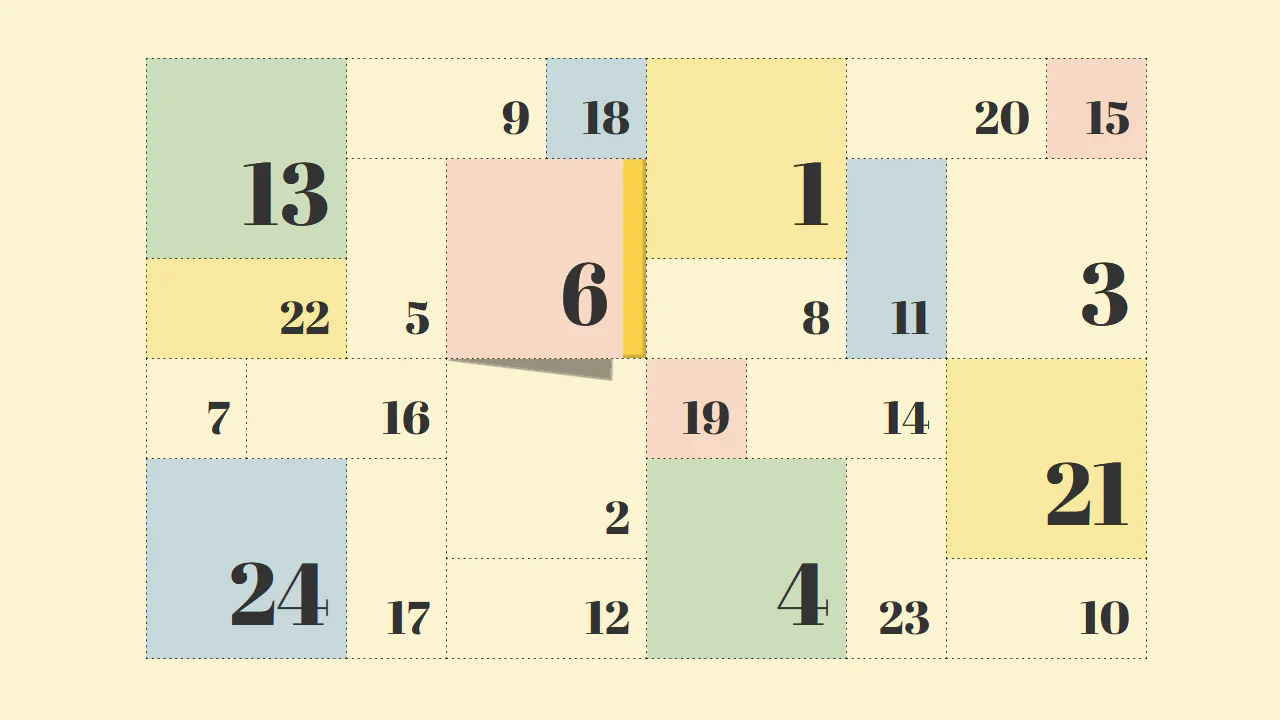
CSS Grid switches between two layouts — 5×12 on mobile, 10×6 on desktop — using a single media query. Each door is a <button> with pseudo‑elements that create a cast shadow and a lifting effect on hover. Background colours are applied via modifier classes; the door numbers are scaled with a separate size modifier.

Pug generates 24 squares placed in a CSS Grid — at smaller screens they stack in three columns, on wider viewports they rearrange into a Christmas tree shape. Each square has unique patterns via nth‑child selectors, with pseudo‑elements adding a hanging loop. The design is purely decorative with no interactive functionality.