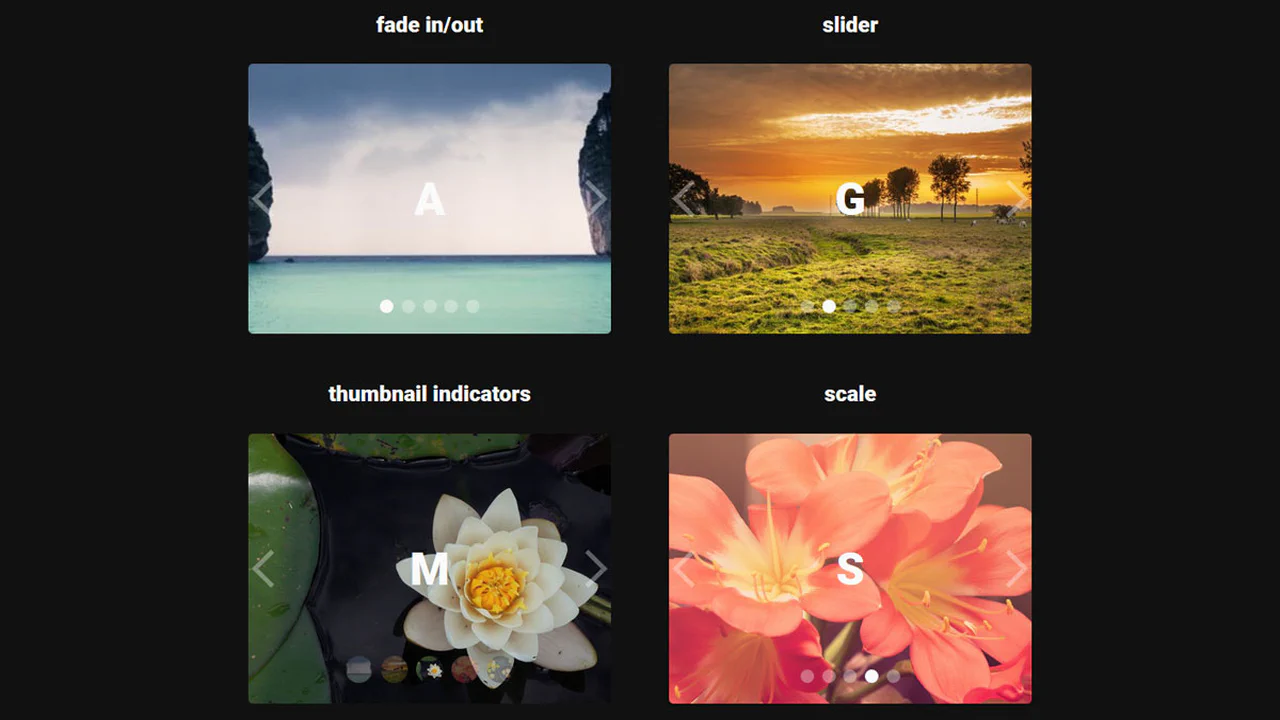
30+ CSS Carousels
Content navigation requires fluidity. This updated collection of Pure CSS carousel examples removes the friction of heavy JavaScript libraries, creating a direct path between the user and the screen. Minimalist UI design demands efficiency. Utilizing these curated snippets allows developers to deploy functional sliders instantly, avoiding the bloat of external dependencies. Content navigation requires fluidity. This updated collection of Pure CSS carousel examples removes the friction of heavy JavaScript libraries, creating a direct path between the user and the screen. Minimalist UI design demands efficiency. Utilizing these curated snippets allows developers to deploy functional sliders instantly, avoiding the bloat of external dependencies.
The logic relies on native browser capabilities. These examples utilize CSS Grid or Flexbox alongside scroll-snap-type and scroll-behavior for precise, tactile swiping. Transitions leverage hardware acceleration, avoiding expensive repaints to ensure 60fps performance. The HTML structure remains strictly semantic, maintaining high layout stability while keeping the DOM lightweight and fast.
Every free demo is fully responsive and cross-browser compatible. Users can immediately download the raw code or fork a layout on CodePen. These assets are optimized for accessibility, delivering a fast, frictionless experience across all modern mobile and desktop devices.
Examples

Seamless Infinite Logo Carousel in Pure CSS
This is a Seamless Infinite CSS Logo Carousel. It creates an automatic, never-ending horizontal scrolling effect for a set of images, typically used for partner or client logos. Its function is to provide continuous visual social proof without requiring user interaction or heavy JavaScript logic.
 Chrome 43+
 Edge 12+
 Firefox 16+
 Safari 9+
See the Pen Seamless Infinite Logo Carousel in Pure CSS.

CSS Scroll-Driven Radial Gallery
This is a Scroll-Driven Radial Gallery. It binds a circular, rotating layout directly to the viewport’s scroll position. Its function is to transform linear page scrolling into a dynamic, spatial carousel, keeping only the active item in sharp focus while pushing others into a blurred, grayscale periphery.
Chrome 132+
Edge 132+
Safari 26.2+
See the Pen CSS Scroll-Driven Radial Gallery.

Trigonometric 3D Orbit CSS Gallery
This Trigonometric 3D Orbit Gallery is a stunning example of “Code Art,” demonstrating the raw power of modern CSS mathematics. Instead of relying on rigid keyframes for positioning, it uses parametric equations to place and animate 32 images along a complex, fluid 3D curve in real-time, creating a perpetual motion machine effect purely with stylesheets.
Chrome 111+
Edge 111+
Safari 16.4+
Firefox 113+
See the Pen Trigonometric 3D Orbit CSS Gallery.

CSS-Only Testimonials Using Scroll Snap
A powerful demonstration of building a full-featured carousel entirely with CSS, leveraging experimental ::scroll-button, ::scroll-marker, and position-anchor for navigation, indicators, and positional layout without any JavaScript.
See the Pen CSS-Only Testimonials Using Scroll Snap.
![CSS-Only Carousel using ::scroll-* Pseudo-Elements [Demo 2]](/img/2025/2025-09-27-css-only-carousel-using-scroll-pseudo-elements-demo-2_hu3452456459031873268.webp)
CSS-Only Carousel using ::scroll-* Pseudo-Elements [Demo 2]
A showcase of the newest CSS capabilities for component building: a complete carousel where navigation buttons (::scroll-button) and marker dots (::scroll-marker) are automatically generated and styled, and the initial item is set via scroll-initial-target.

Animated Image Slider with HTML, CSS & JavaScript
An impressive 3D-like slider built with pure JavaScript (appendChild/prepend methods) for infinite scrolling, utilizing CSS transforms and custom @keyframes for dynamic content entrance.
See the Pen Animated Image Slider with HTML, CSS & JavaScript.

A horizontally scrolling carousel built with CSS Grid and subgrid — each card’s visual and content rows stay aligned. Native CSS scroll‑marker buttons handle navigation with no JavaScript. Open Props tokens manage spacing, color, and typography; the interface adapts to light/dark mode and supports reduced motion.
A horizontally scrollable game carousel with custom scrollbars and snap points. JavaScript adds click‑to‑scroll and sound feedback on snap events. CSS scroll‑state queries highlight the snapped item and animate its title; progressive enhancement ensures fallbacks for unsupported browsers.
Experimental trip carousel using CSS scroll‑snap, scroll markers, and anchor positioning. Each day card reveals details on hover or when snapped. A plane icon follows the active marker. Counters for day numbers are currently broken; the layout relies on modern, partially supported CSS features.
CSS Image Stack Cycle
An exceptionally complex image slider/stack UI component, fully implemented via CSS custom properties and CSS Houdini to allow the animation of abstract numerical values; the system uses complex mathematics to control the 3D stacking order, the “fly-out” effect, and random rotation, creating a looping, cascading stack with smooth transitions.
See the Pen CSS Image Stack Cycle.
Shuffling Effect in Pure CSS
Efficient layout using CSS Grid to stack cards on top of each other, with dynamic layer control via z-index and the :has() selector to determine the position of the next element; the image animation includes movement and straightening of the rotation upon selection.
See the Pen Shuffling Effect in Pure CSS.
Butterflies (CSS Cards)
A butterfly selector built with the radio‑button hack — hidden inputs control a circular menu rotation via :has() and CSS custom properties. Items are positioned around the circle using trigonometric‑like calculations with calc(). Content fades in with staggered transitions; navigation buttons are enabled/disabled based on selection.
See the Pen Butterflies (CSS Cards).
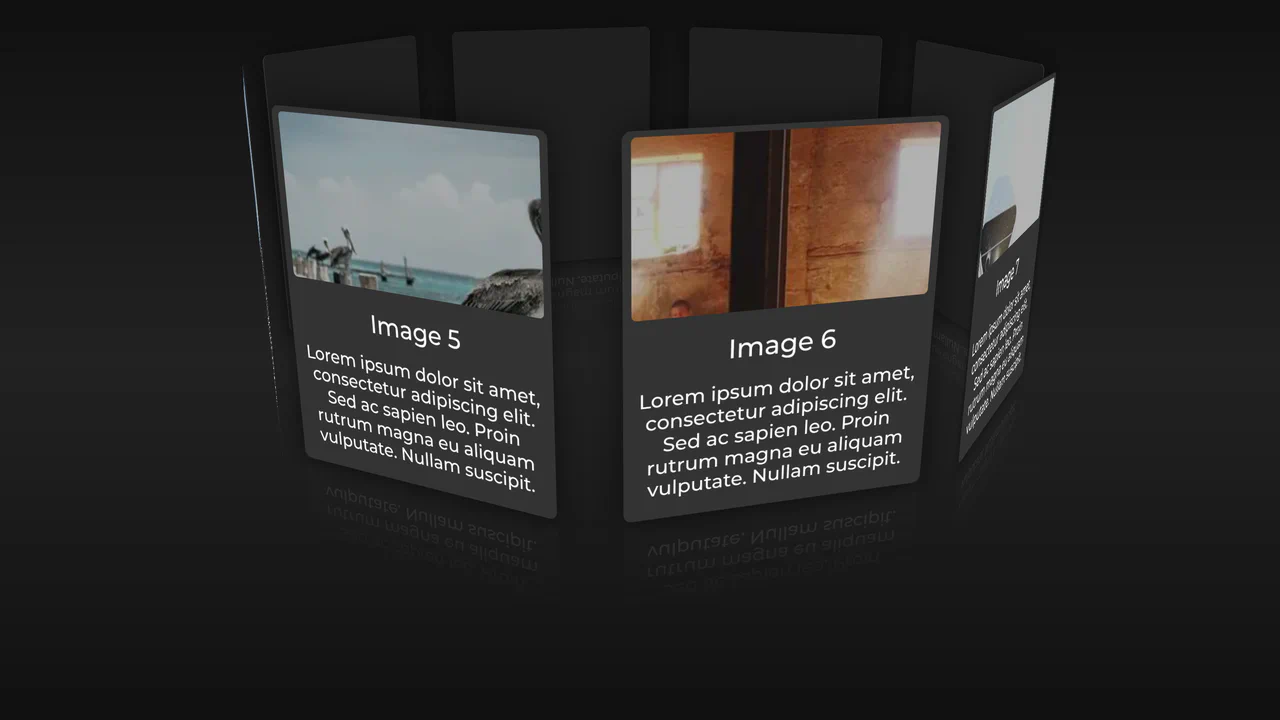
Card Carousel (CSS Only)
JavaScript injects a fixed “Buy me a coffee” button with a spinning SVG ring. Below, an 8‑card carousel uses 3D transforms — each card is positioned around a circle with rotateZ and translateZ, then rotated upright. Hover pauses the rotation; background images cycle via Picsum. The markup is generated with a Ruby‑style loop (Pug/Slim) but rendered as static HTML.
See the Pen Card Carousel (CSS Only).
A pure‑CSS marquee carousel — each card is absolutely positioned and animated with translateX. Animation delays are calculated per item based on its index, creating a seamless loop. Masking fades edges, light-dark() handles theme colors, and the layout uses subgrid for vertical alignment. No JavaScript.
CSS Sprite-Based Flip Carousel Using Scroll-Timeline
A modern implementation of interactive page flipping where the sprite animation (background-position) is fully synchronized with page scrolling using the new CSS scroll-timeline feature, eliminating JavaScript for timing control.
See the Pen CSS Sprite-Based Flip Carousel Using Scroll-Timeline.
A vertical carousel built with CSS only — items are absolutely positioned and animated via keyframes. Animation delays are calculated with Sass fractions, creating a seamless, staggered flow. The design relies on fixed heights and negative margins; content is hardcoded emojis and text.
SCSS mixins and loops generate a tab‑style interface where radio inputs control content sliding. Each item has a pictogram and description; animations are handled by slidein and slideout keyframes. The layout uses fixed dimensions and absolute positioning — works as a self‑contained UI demo.