20+ CSS Checkbox Hacks: Free Code Snippets & Examples
CSS checkbox hacks establish a powerful declarative state machine inside stylesheets, enabling developers to build complex, highly interactive menus, accordions, and modals entirely without JavaScript. By utilizing native input elements as lightweight Boolean storage nodes, this technique delivers highly performant, zero-dependency visual state toggling.
- Conditional layout transitions are orchestrated natively by combining the
:checkedstate with adjacent and general sibling combinators (+and~). - Visual elements (such as sliding panels or dropdown content blocks) are revealed cleanly by transitioning GPU-composited properties like transform: translateY() and opacity.
- To preserve critical INP (Interaction to Next Paint) performance, active interactive triggers avoid modifying geometry layouts to bypass main-thread recalculations.
Master these clever, stylesheet-driven logic systems to construct lightweight, robust components that scale beautifully across server-rendered layouts.
Table of Contents:
Examples
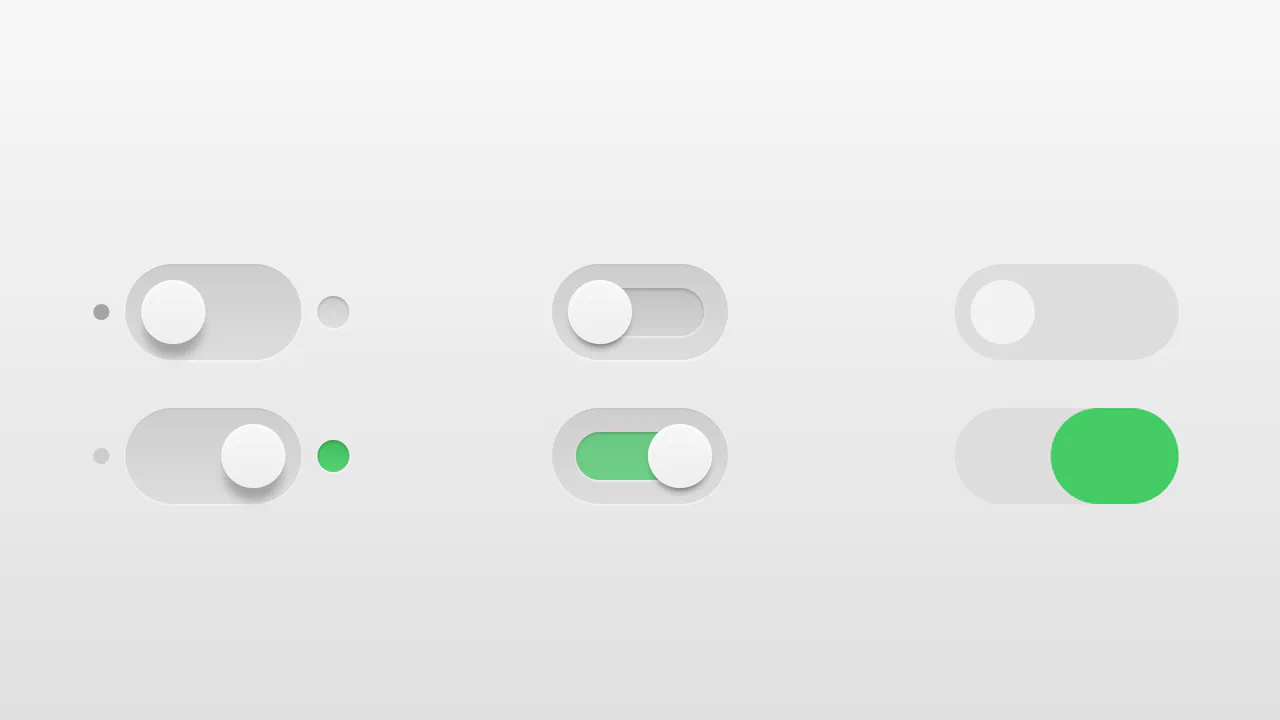
Realistic 3D CSS Toggle Switches
“Realistic 3D CSS Toggle Switches” showcase three distinct switch variations using the classic checkbox hack. Built entirely without JavaScript, they rely on CSS box-shadow and linear-gradient to create tactile, 3D inset depths. State changes are smoothly animated via transition on pseudo-elements. A lightweight, robust solution for adding polished micro-interactions to forms.
 Chrome 26+
 Edge 12+
 Firefox 16+
 Safari 6.1+
See the Pen Realistic 3D CSS Toggle Switches.
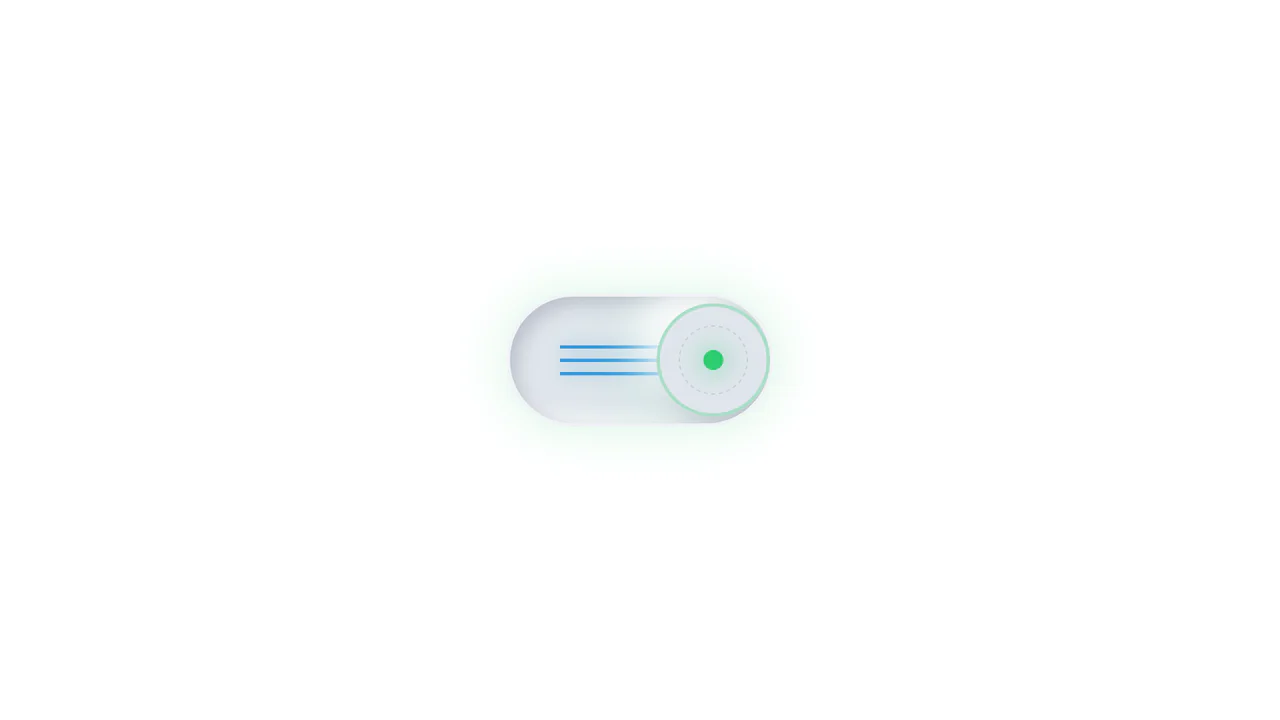
Neumorphic Mechanical Toggle Switch
This is a Neumorphic Mechanical Toggle Switch. It replaces the default browser checkbox with a tactile, extruded hardware-style button. Its function is to govern binary states (on/off) while providing strong physical visual feedback through inverted shadows, glowing indicators, and spring-loaded motion.
Chrome 80+
Edge 80+
Firefox 70+
Safari 14+
See the Pen Neumorphic Mechanical Toggle Switch.

CSS :has() Character Select Screen
This is a CSS :has() Character Select Screen. It replicates the classic user interface of a fighting game’s selection menu, using modern CSS to handle all state logic. Its function is to demonstrate how the :has() pseudo-class can completely replace JavaScript for managing visibility in a selection-based UI, triggering changes in the main content area based on the state of a radio button group. (Requires: Vue)
Chrome 105+
Edge 105+
Firefox 121+
Safari 15.4+
See the Pen CSS :has() Character Select Screen.

CSS :has() Notification Toggle
This is a CSS :has() Notification Toggle. It provides a fully functional, state-aware UI switch for settings panels without a single line of JavaScript. Its function is to allow the user to toggle a binary state (notifications on/off) and have the entire UI — including icons, labels, and descriptive text — update instantly based purely on the state of a hidden checkbox.
Chrome 105+
Edge 105+
Firefox 121+
Safari 15.4+
See the Pen CSS :has() Notification Toggle.

E-commerce Product Filter
This is a Pure CSS E-commerce Product Filter. It replaces JavaScript-based array filtering with native CSS relationship selectors. Its function is to toggle product visibility based on multiple checkbox states within a sidebar, offering an instant, script-free sorting mechanism for catalog grids.
Chrome 105+
Edge 105+
Firefox 121+
Safari 15.4+
See the Pen E-commerce Product Filter.

Expandable Wallet Payment Card
This is an Expandable Wallet Payment Card. It uses pure CSS to manage complex UI states without JavaScript. Its function is to conceal secondary actions — like selecting a payment method or adding funds — behind a compact primary view showing the balance. The interaction is self-contained, optimizing screen real estate while keeping critical functions one click away.
Chrome 105+
Edge 105+
Firefox 121+
Safari 15.4+
See the Pen Expandable Wallet Payment Card.

Industrial Ember Glow Toggle Switch
This is an Industrial Ember Glow CSS Toggle Switch. It uses layered box-shadow properties and complex radial gradients to simulate a physical, heat-emitting mechanism. Its function is to handle binary states (On/Off) while providing intense visual feedback. The effect relies completely on CSS, bypassing JavaScript to manage its interactive state and idle animations.
Chrome 88+
Edge 88+
Firefox 84+
Safari 14+
See the Pen Industrial Ember Glow Toggle Switch.

Morphing Liquid Toggle Switch
This Morphing Liquid Toggle Switch takes the standard UI control to a new level of polish. Instead of a rigid circle sliding back and forth, the handle behaves like a viscous fluid. When toggled, it stretches, snaps, and settles into place with a satisfying elastic bounce, creating a delightful tactile experience for the user. (Requires: GSAP, MorphSVGPlugin)
Chrome 50+
Edge 79+
Firefox 50+
Safari 10+
See the Pen Morphing Liquid Toggle Switch.

CSS Flip-Disc Mechanical Checkbox
This Flip-Disc Mechanical Checkbox brings the satisfying, tactile physics of old-school airport information boards to the web. Instead of a simple tick, selecting an item triggers a 3D rotation of a mechanical disc, flipping it from a dark, inactive side to a glowing orange active side. This creates a high-contrast, industrial aesthetic perfect for system dashboards or retro-themed interfaces.
Chrome 36+
Edge 12+
Firefox 16+
Safari 9+
See the Pen CSS Flip-Disc Mechanical Checkbox .
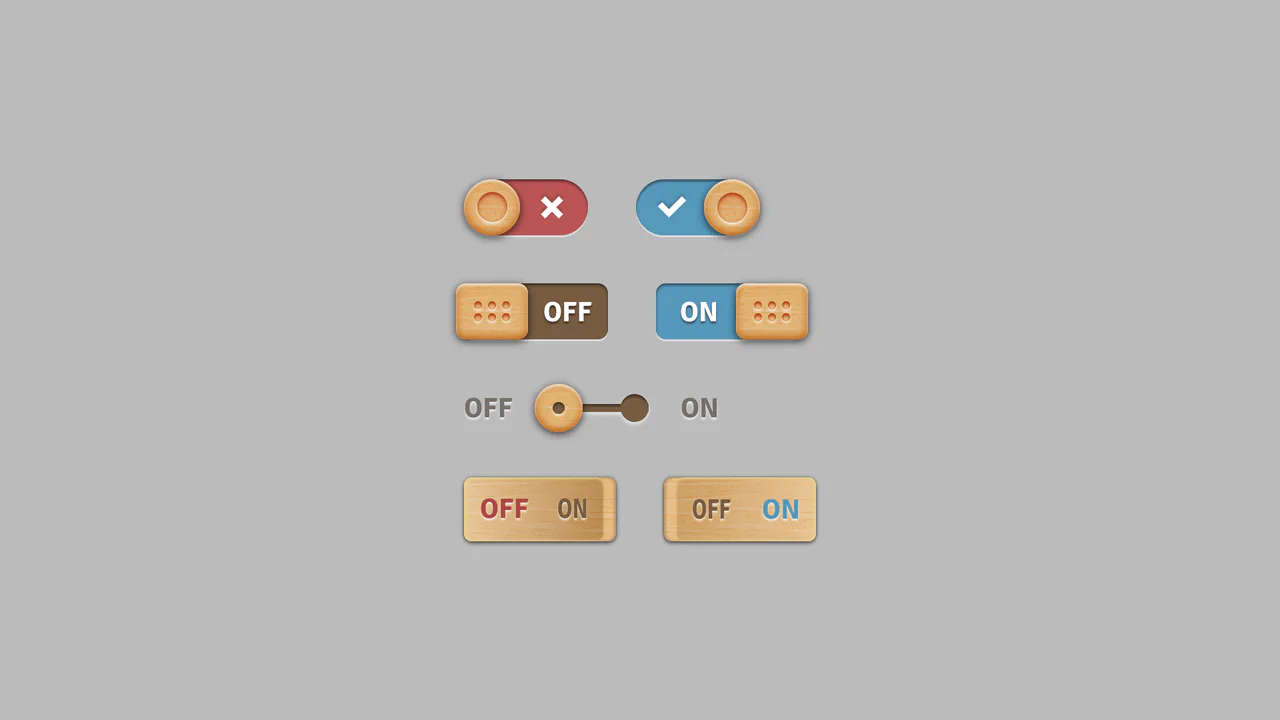
Skeuomorphic Wood Texture Toggles
This collection of Skeuomorphic Wood Texture Toggles brings a tactile, nostalgic feel to digital interfaces. It showcases four distinct variations of toggle switches (sliding, dotted handle, separated track, and embedded text), all unified by a realistic wood grain texture and intricate lighting effects. The implementation demonstrates the power of modern CSS features like :has() to control complex state changes without a single line of JavaScript.
Chrome 105+
Edge 105+
Firefox 121+
Safari 15.4+
See the Pen Skeuomorphic Wood Texture Toggles.

Pure CSS Morphing Dark Mode Toggle
This Pure CSS Morphing Dark Mode Toggle is a sophisticated implementation of a theme switcher that eliminates the need for JavaScript. By utilizing the modern CSS :has() relational selector and complex transform logic, the component morphs a sun icon into a moon icon seamlessly. It offers a premium feel through the use of custom cubic-bezier timing and modular CSS construction.
Chrome 105+
Edge 105+
Safari 15.4+
Firefox 121+
See the Pen Pure CSS Morphing Dark Mode Toggle.

Pure CSS Mix-Blend-Mode Dark Toggle
This Pure CSS Mix-Blend-Mode Dark Toggle offers a lightweight, JavaScript-free solution for theming. Instead of manually redefining colors for a dark theme, it utilizes a full-screen “curtain” overlay with a specific blending mode to mathematically invert the page’s color palette. The result is a smooth, wiping transition that instantly creates a high-contrast dark mode.
Chrome 41+
Edge 79+
Firefox 32+
Safari 8+See the Pen Pure CSS Mix-Blend-Mode Dark Toggle.

Can :has() Connect 4?
A fully functional Connect 4 game implemented entirely in CSS, utilizing the :has() selector to manage complex game state, enforce turn-taking via CSS counters, and detect win conditions (vertical, horizontal, diagonal).
See the Pen Can :has() Connect 4?.
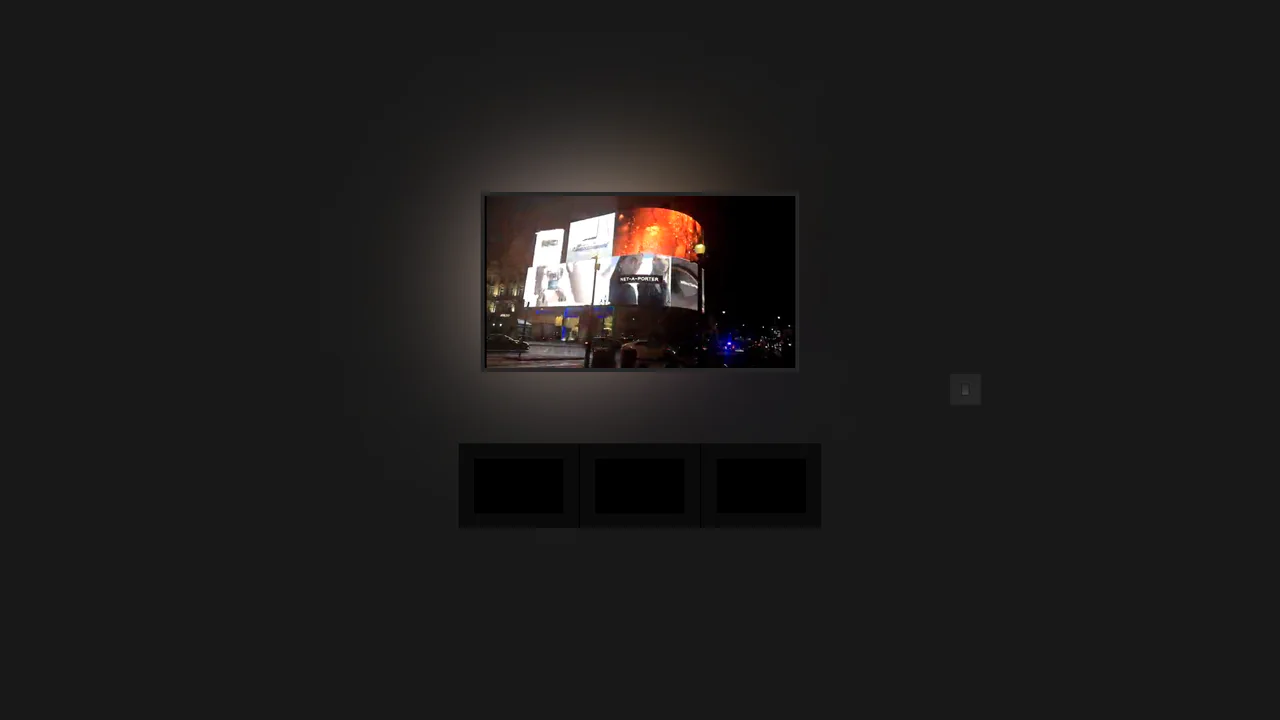
Pure CSS Home Media (Ambilight)
A remarkable, zero-JS interactive environment simulation utilizing the CSS Checkbox Hack and global CSS Variables to control the scene’s ambient lighting.
See the Pen Pure CSS Home Media (Ambilight).
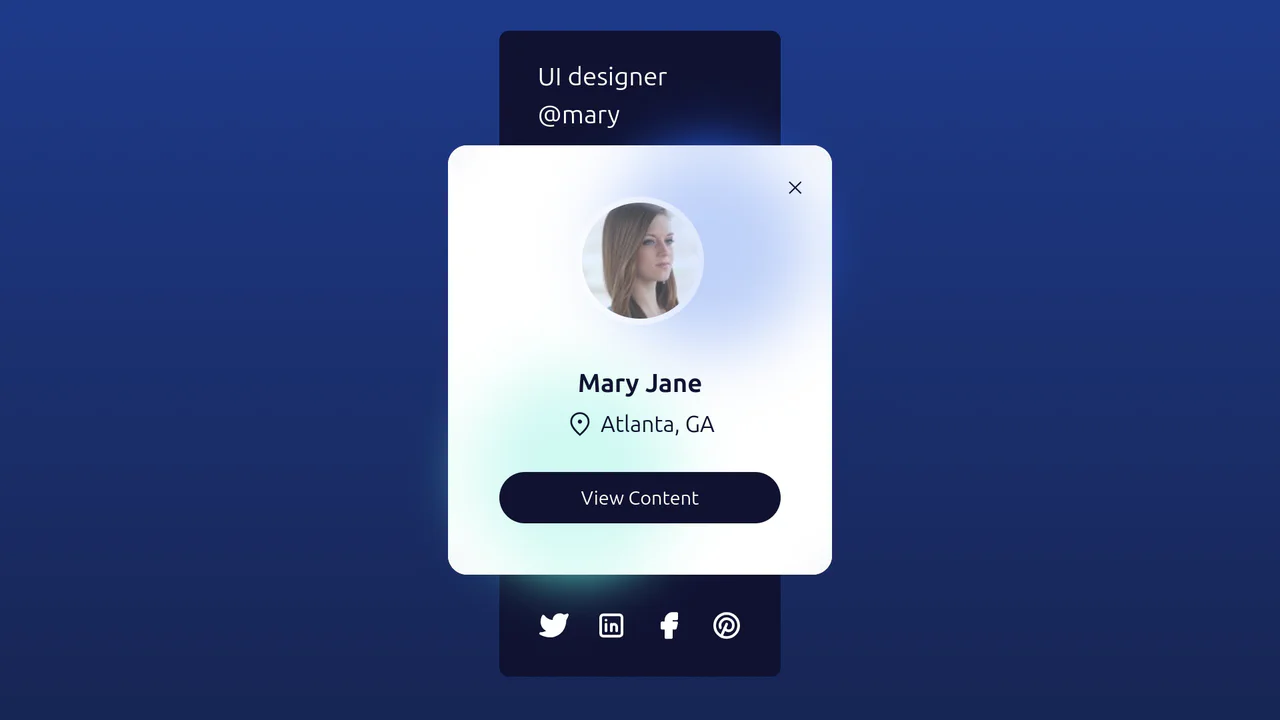
Tailwind Glassy Profile
A highly interactive, visually deep (glassy) component where the user can reveal two different layers of information (data and social media) or switch to a fullscreen content mode using only CSS triggers.
See the Pen Tailwind Glassy Profile.
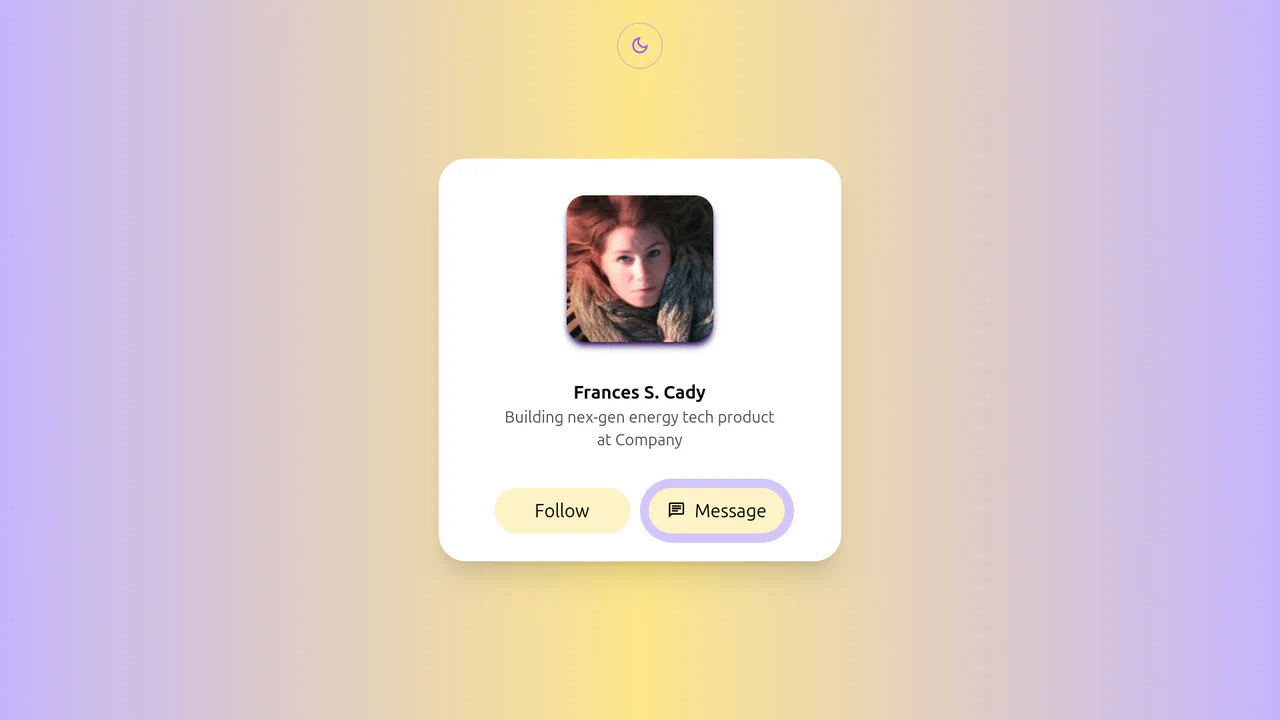
Tailwind Social Profile Light with Theme Toggle
A highly dynamic and visually complex component that uses a combination of advanced CSS selectors and techniques to create a sophisticated, multi-stage UI effect without heavy libraries.
See the Pen Tailwind Social Profile Light with Theme Toggle.
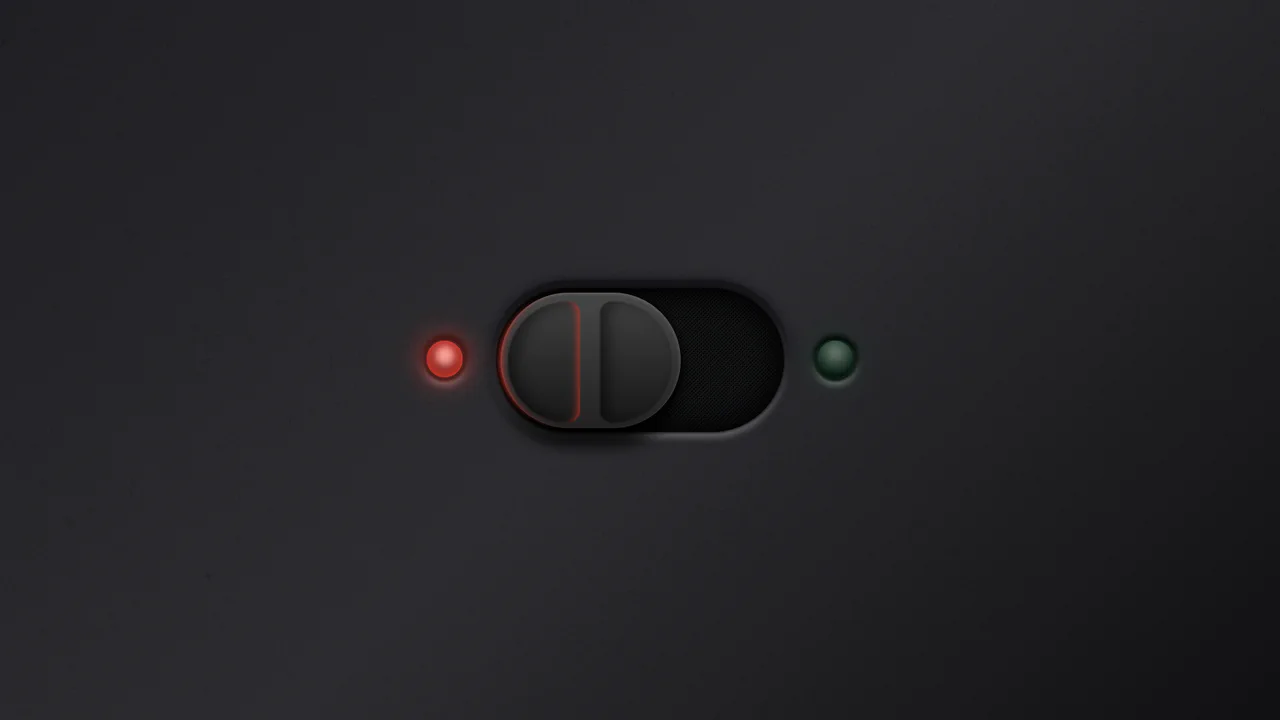
Ergonomic Toggle (CSS)
A hyper-realistic skeuomorphic toggle switch crafted entirely in CSS using advanced box-shadows and gradients to simulate depth and lighting.
See the Pen Ergonomic Toggle (CSS).

Skull Toggle (CSS)
A playful skeleton toggle switch animated purely with CSS. The skull handle slides via @keyframes triggered by the :checked state, while a complex hand assembly - constructed from gradients and box-shadows - slides in to “push” the toggle, creating a whimsical, interactive narrative without JavaScript.
See the Pen Skull Toggle (CSS).

Grow Up, They Said...
An interactive 3D todo list utilizing CSS perspective and rotateY transforms to create tangible, flipping card effects. JavaScript orchestrates a staggered entrance animation via setTimeout loops, while Sass mixins manage complex transition delays for the cascading sub-menu reveal.
See the Pen Grow Up, They Said....
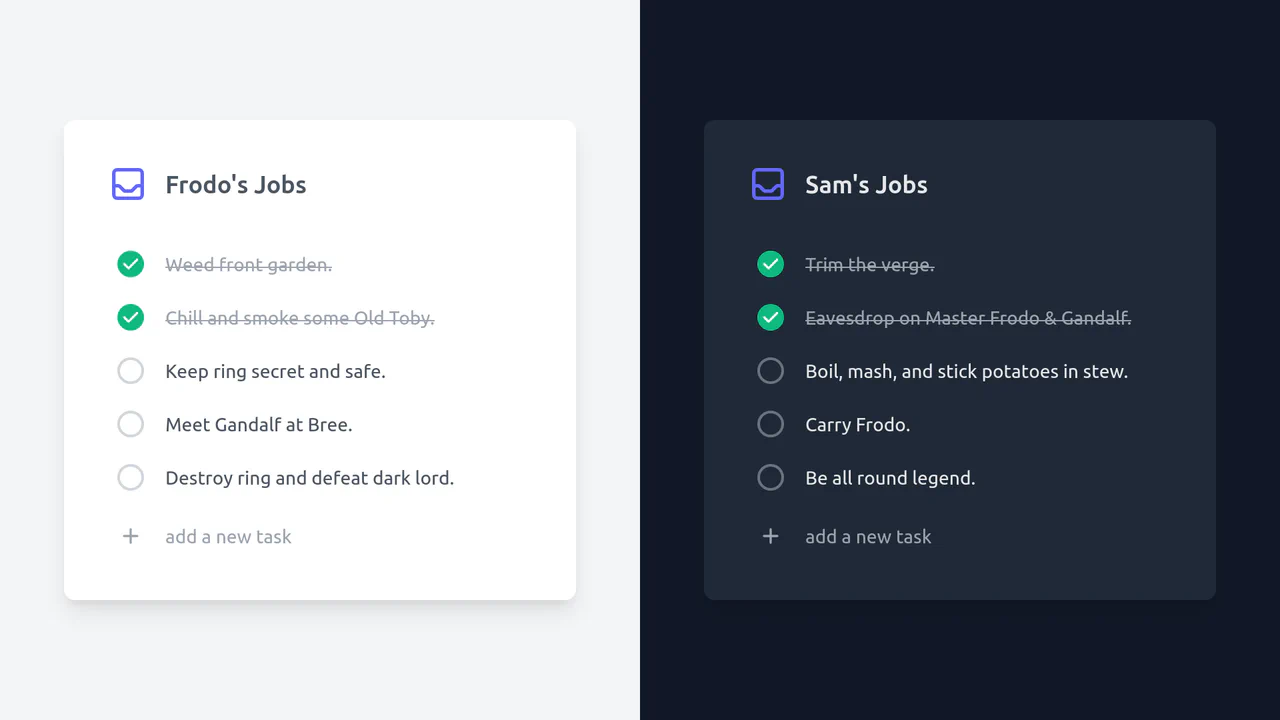
Simple To-Do List Built with Tailwind CSS
A responsive dual-theme todo list built with Tailwind CSS, relying on the input:checked + label selector hack for state management.
See the Pen Simple To-Do List Built with Tailwind CSS.

HTML Accordion (Tailwind Only)
A smooth, fully functional accordion that animates expansion to the content’s intrinsic height without requiring JS dimension calculations.
See the Pen HTML Accordion (Tailwind Only).