130+ CSS clip-path Examples
The digital world is built on rectangles. This updated collection of CSS clip-path examples provides a direct path to break this rigid structure, removing visual barriers between the user and the content. Utilizing these curated snippets allows for the creation of complex, non-destructive masks without the performance overhead of raster images or bulky SVGs. This is clean, code-driven geometry for modern UI design.
Technically, the code relies on the clip-path property, manipulating functions like polygon() for custom shapes and path() for intricate SVG-based clipping. Animations of these paths are handled via the GPU by leveraging hardware acceleration. This approach ensures smooth 60fps transitions while keeping the HTML structure strictly semantic and the original element intact, maintaining high layout stability.
Every free demo in this collection is fully responsive and cross-browser compatible, with necessary prefixes included. You can instantly download the raw code or fork a specific layout on CodePen. These assets are optimized for performance, delivering a fast, frictionless experience across all modern devices.
Examples
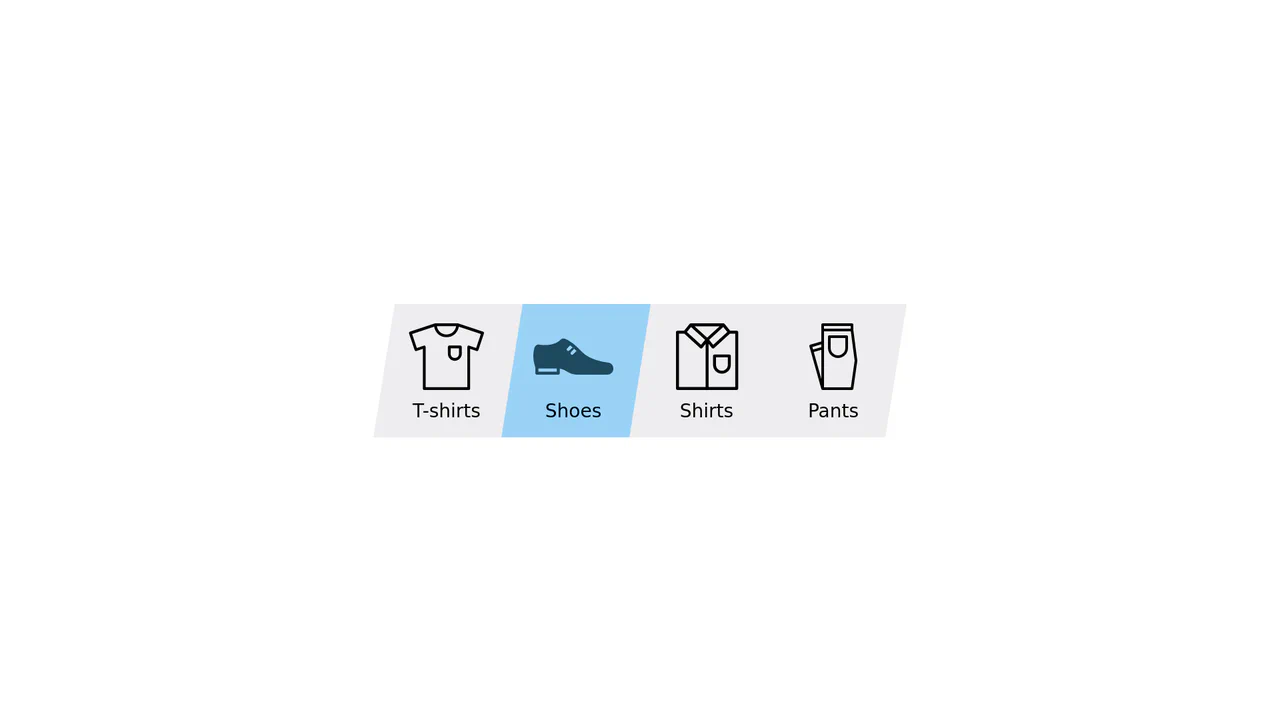
Elastic Clip-Path Sliding Navigation Tab
An advanced category navigation bar designed with direction-aware elastic slide transitions. By structuring dual overlay layers of identical SVGs, the component masks them along parallel polygon paths using CSS clip-path. Staggered transition-delay configurations applied asymmetrically between the inner and outer shapes generate an organic, jelly-like pulling effect depending on traversal direction.
 Chrome 55+
 Edge 79+
 Firefox 54+
 Safari 9.1+
See the Pen Elastic Clip-Path Sliding Navigation Tab.
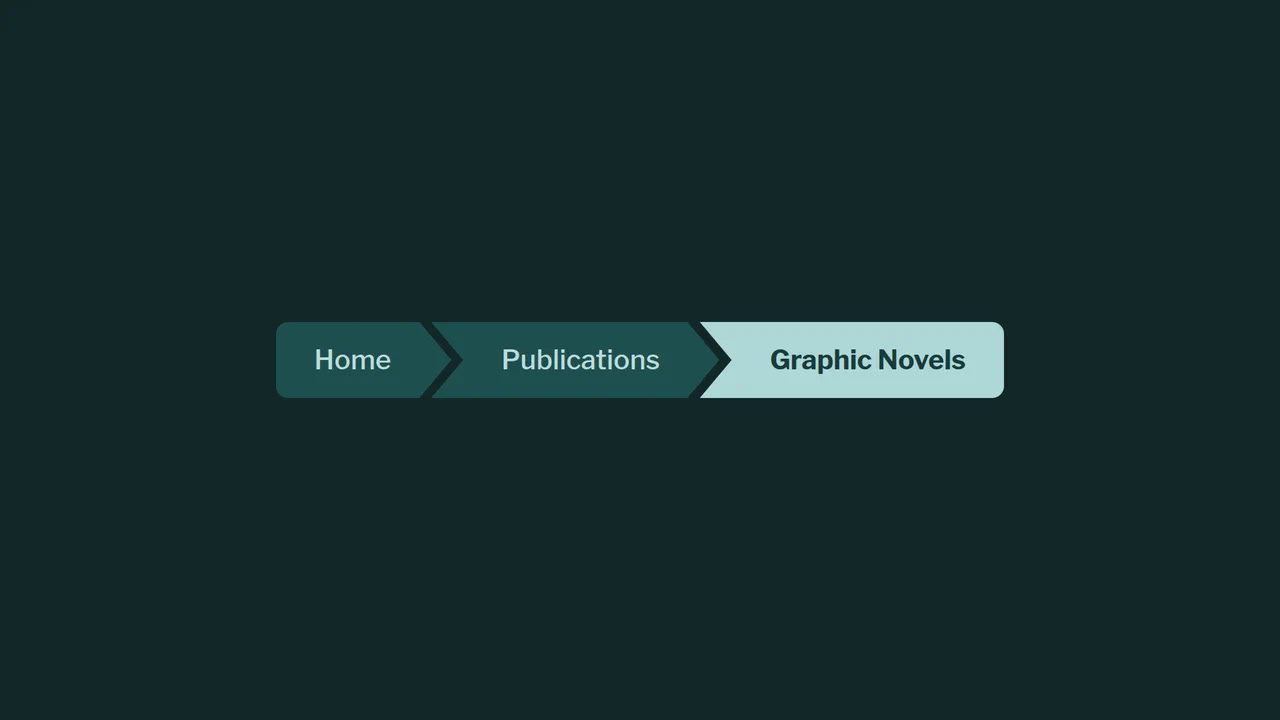
Beveled Chevron CSS-only Breadcrumbs
A highly experimental, CSS-only breadcrumb navigation component styled with geometric chevron shapes. By overlapping adjacent elements and applying a polygonal clip-path mask, it creates continuous, interconnected markers. The visual styling leverages CSS relative color syntax, relative color-mix() mixing, and experimental corner beveling properties.
Chrome 119+
Edge 119+
See the Pen Beveled Chevron CSS-only Breadcrumbs.
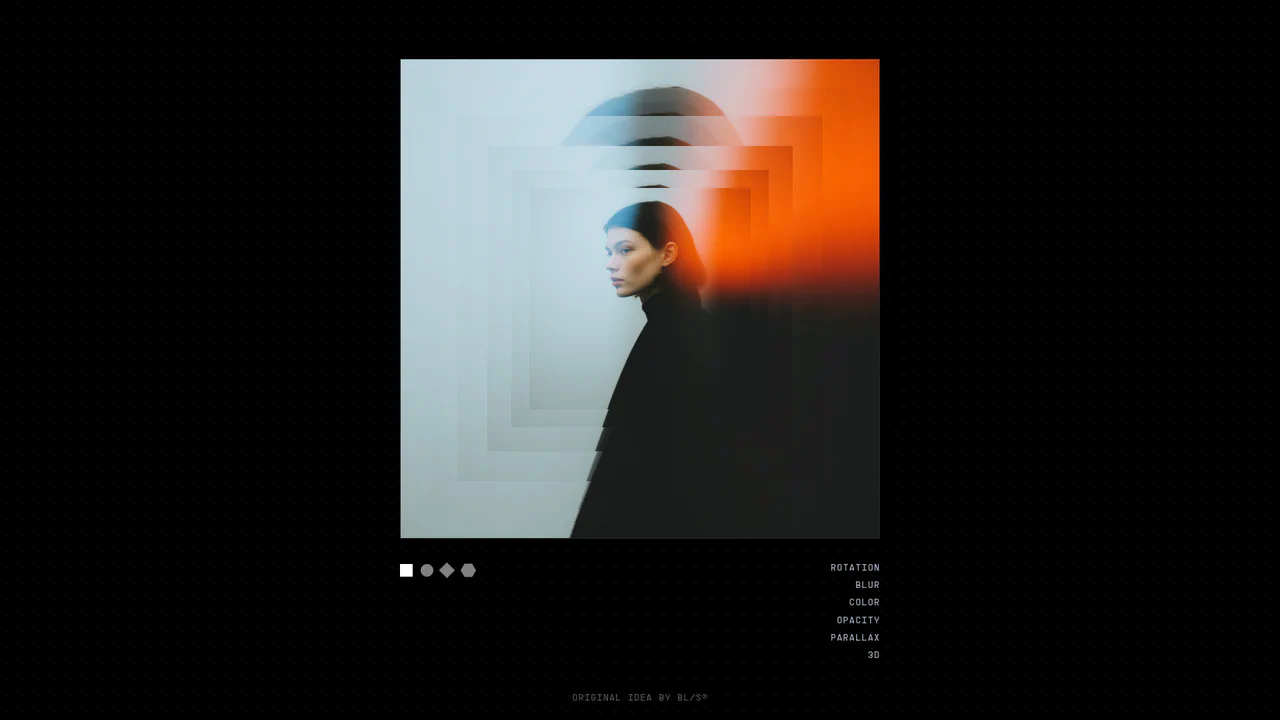
3D Layered Image Hover Sandbox
An advanced visual sandbox showcasing a highly configurable multi-layered image deck. Users can tweak live variables in real time — including 3D perspective depth offsets, pointer tilt multipliers, rotation spreads, chromatic saturation filters, and custom CSS clip-path geometries (hexagon, diamond, circle, rectangle). Features smooth velocity mouse tracking using GSAP quickTo alongside direct CSS Custom Property overrides. (Requires: gsap.js)
Chrome 57+
Edge 79+
Firefox 54+
Safari 10.1+
See the Pen 3D Layered Image Hover Sandbox.

Full-Screen Perspective Travel Menu Overlay
An advanced full-screen navigation overlay. Toggling the menu scales, translates, and rotates the active page content into a stunning perspective viewport canvas while a polygon clip-path mask slides the overlay into view. Hovering over menu links triggers seamless background image crossfades and zooms, accompanied by staggered split-character text reveals. (Requires: gsap.js)
Chrome 76+
Edge 79+
Firefox 70+
Safari 9.1+
See the Pen Full-Screen Perspective Travel Menu Overlay.
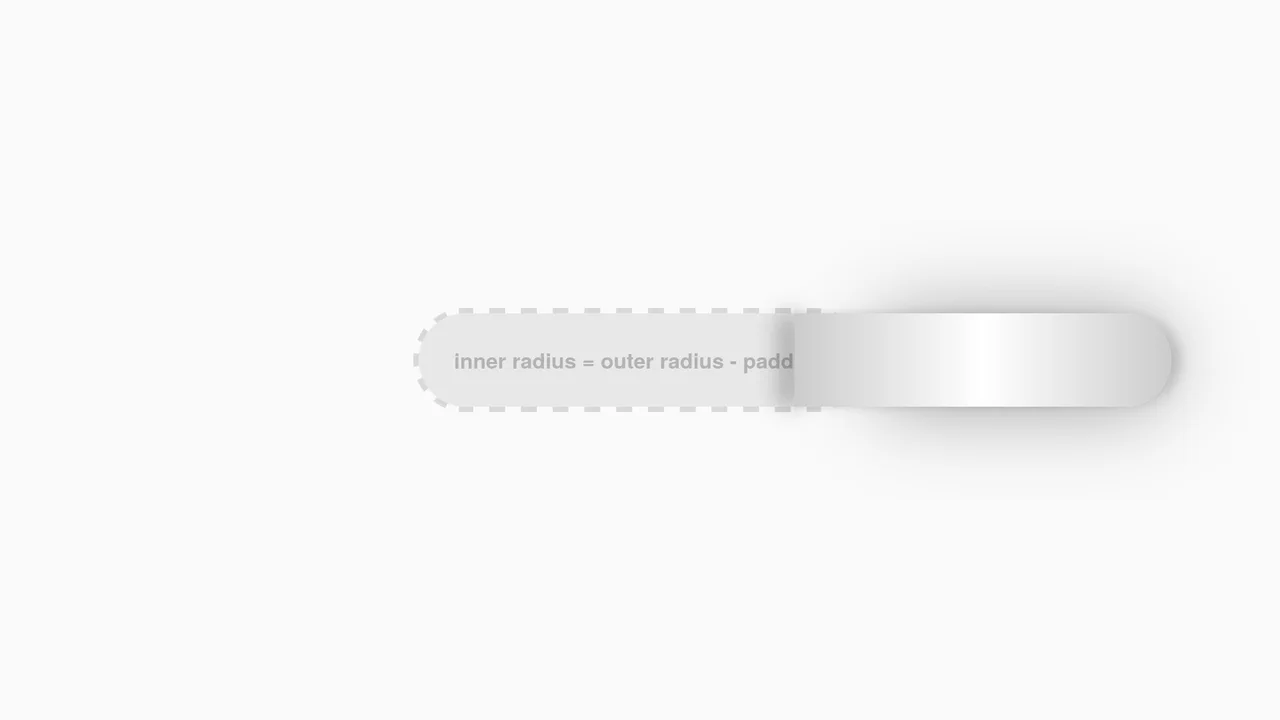
Interactive CSS Tear Strip Animation
Interactive CSS Tear Strip Animation simulates the satisfying physical action of tearing open a cardboard package. It cleverly uses an invisible <input type="range"> linked to the CSS Scroll-Driven Animations API (animation-timeline: --thumb). As the user drags the slider, CSS variables dynamically update clip-path, box-shadow, and transform properties to reveal the content beneath while curling the torn strip. A JavaScript fallback ensures compatibility for browsers without native scroll-timeline support.
Chrome 115+
Edge 115+
Firefox 110+
Safari 16.4+
See the Pen Interactive CSS Tear Strip Animation.
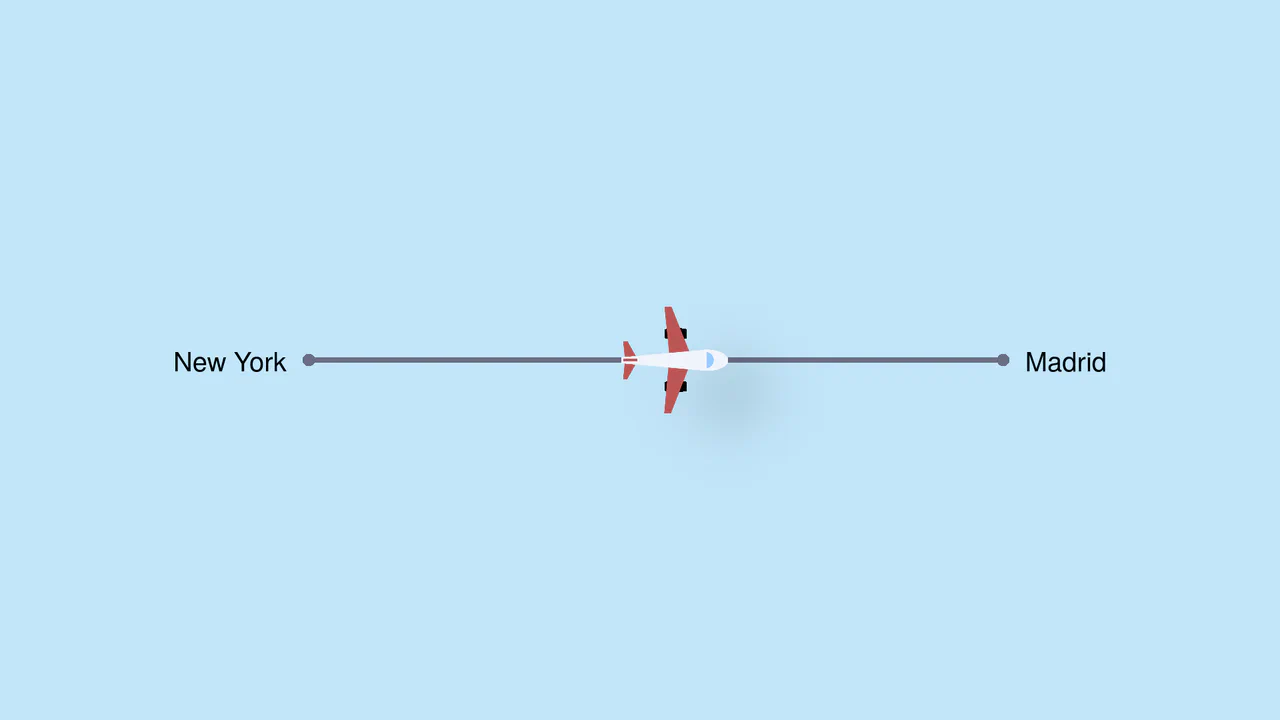
Pure CSS Trigonometric Flight Range Slider
Pure CSS Trigonometric Flight Range Slider uses CSS math functions like sin() and clamp() to dynamically scale a custom airplane thumb and cast realistic altitude shadows based on the input’s current percentage. It features a responsive container query that swaps the plane for a helicopter on narrow screens, and includes dedicated high-contrast mode styles for robust accessibility.
Chrome 111+
Edge 111+
Firefox 110+
Safari 16+
See the Pen Pure CSS Trigonometric Flight Range Slider.
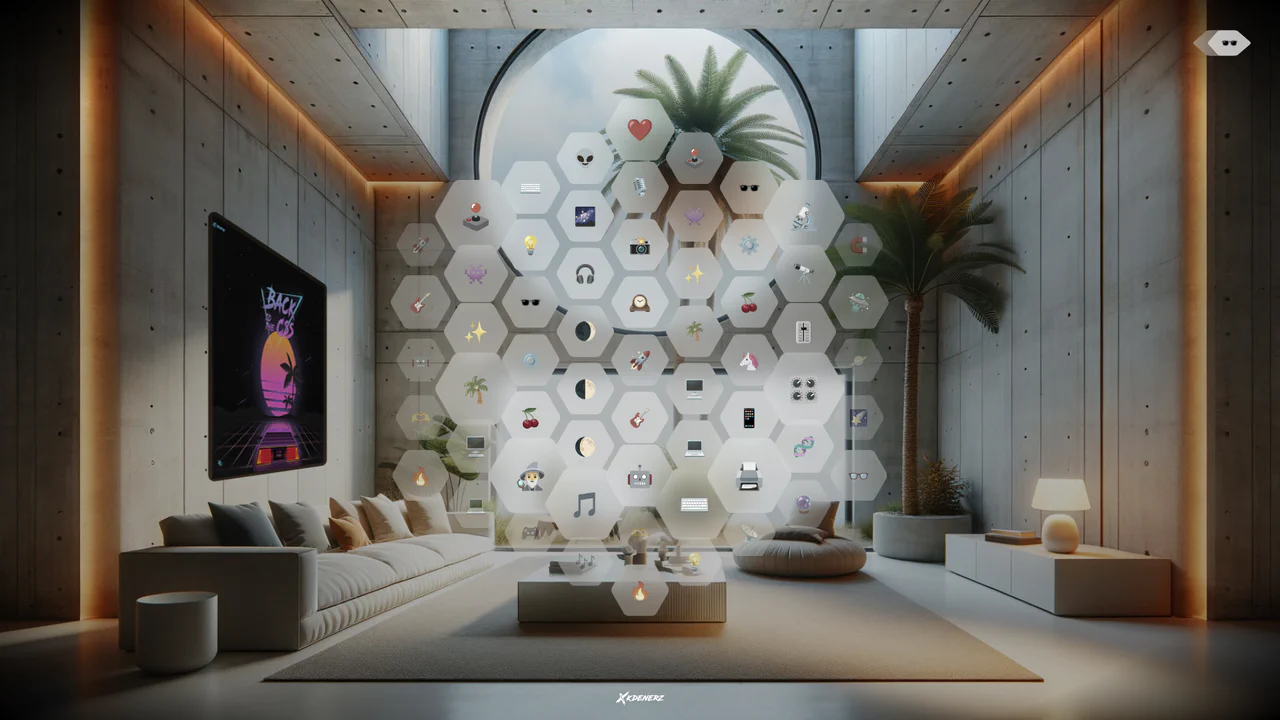
VisionOS Hexagonal App Grid Ripple
VisionOS Hexagonal App Grid Ripple recreates the spatial UI aesthetic of Apple VisionOS. It uses complex clip-path polygons to form the hexagons and backdrop-filter for the glassmorphism effect. The standout feature is the JavaScript-calculated ripple animation: on click, JS measures the distance from the target to every other hexagon, updating a CSS custom property (--ripple-factor) to stagger the CSS @keyframes delay radially.
Chrome 111+
Edge 111+
Firefox 113+
Safari 16.2+
See the Pen VisionOS Hexagonal App Grid Ripple.
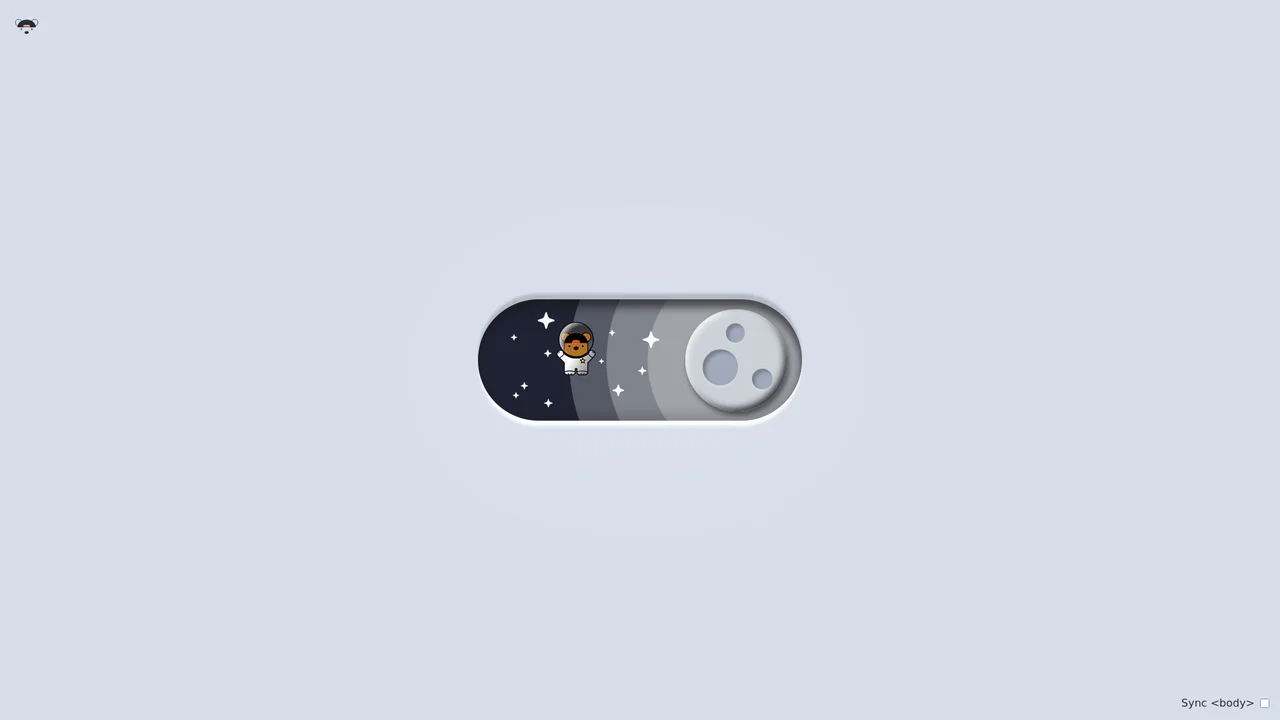
Bouncy Bear Theme Toggle Switch
Bouncy Bear Theme Toggle Switch relies on a clean, accessible HTML <button> to toggle an aria-pressed state, initiating a complex visual narrative that shifts between an aviator bear in light mode and an astronaut bear in dark mode. The animation utilizes modern CSS layout techniques including container-type queries, separate translate declarations, and a heavy-backwards cubic-bezier(.4,-0.3,.6,1.3) curve to achieve physical bounce. While structurally robust, the sheer volume of concurrently transitioning inline SVG paths and scaling stars can generate intensive layout recalculation spikes unless elements are actively isolated via hardware-promoted layers.
Chrome 105+
Edge 105+
Firefox 110+
Safari 16+See the Pen Bouncy Bear Theme Toggle Switch.

Circular Reveal Fullscreen Navigation Menu
Circular Reveal Fullscreen Navigation Menu leverages GSAP timelines to orchestrate a fluid canvas expansion by animating a CSS clip-path circle from 0px to 200%. Simultaneous staggered translations are applied to navigation links using a responsive elastic.out easing curve, creating a highly tactile, sequential entry. While the transition remains visually seamless on high-refresh-rate screens, full-screen masking with dynamic clip paths can impose substantial rendering overhead, demanding GPU-accelerated layer promotion via will-change: clip-path to maintain consistent frame rates. (Requires: gsap.js)
Chrome 112+
Edge 112+
Firefox 117+
Safari 16.5+
See the Pen Circular Reveal Fullscreen Navigation Menu.

CSS 3D Morphing Geometric Polyhedron
This is a 3D Morphing Geometric Polyhedron. It seamlessly transitions a six-sided cube into a twelve-sided rhombic dodecahedron through continuous spatial interpolation. Its function is to serve as a highly complex visual anchor or loading state, demonstrating advanced volumetric transformations without relying on WebGL or external physics engines.
Chrome 85+
Edge 85+
Safari 16.4+
See the Pen CSS 3D Morphing Geometric Polyhedron.
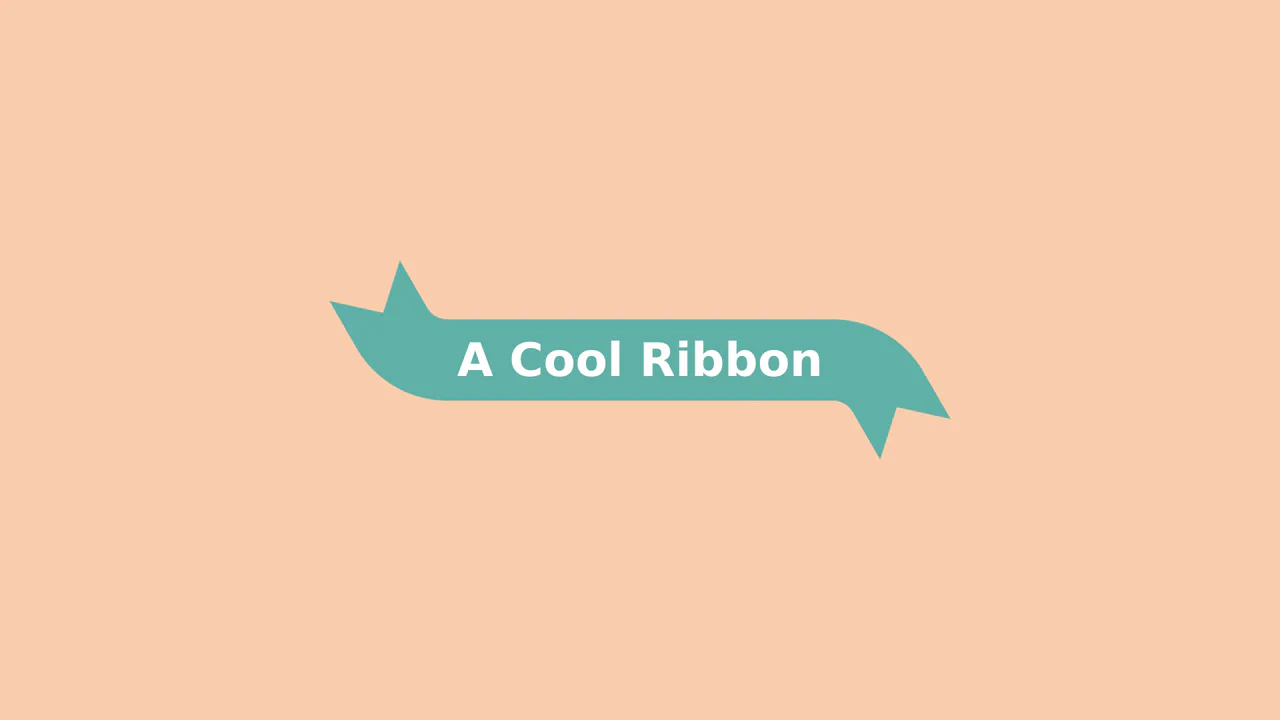
Animated 3D Folding Ribbon
This is an Animated 3D Folding Ribbon. It decorates standard heading text with pseudo-element tails that dynamically fold backward in 3D space upon interaction. Its function is to elevate standard static title banners or badge elements into interactive, spatially-aware UI focal points.
Chrome 111+
Edge 111+
Firefox 117+
Safari 16.4+
See the Pen Animated 3D Folding Ribbon.
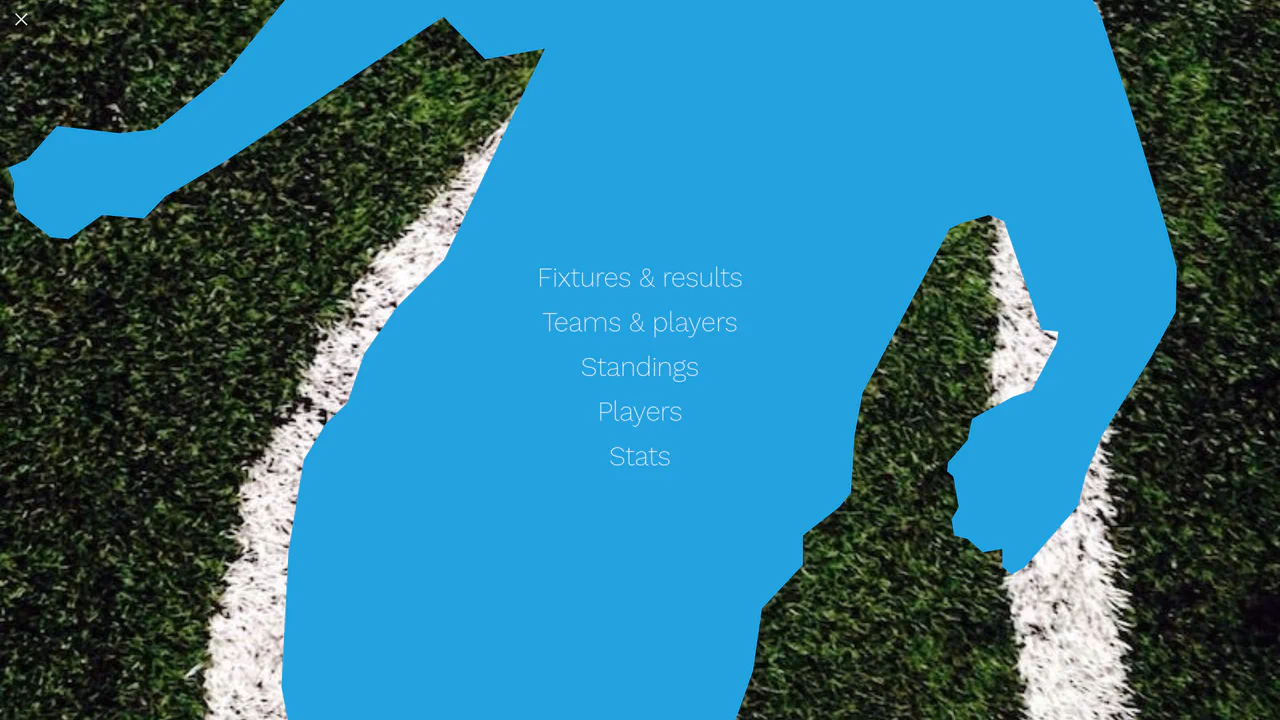
Liquid Polygon Fullscreen Navigation Menu
This is a Liquid Polygon Fullscreen Navigation Menu. It utilizes an intricate CSS clip-path mask to create an organic, ink-bleed reveal effect over the viewport. Its function is to replace standard rigid slide-in menus with a spatial, fluid transition, immediately altering the user’s interface context.
Chrome 55+
Edge 79+
Firefox 54+
Safari 13.1+See the Pen Liquid Polygon Fullscreen Navigation Menu.
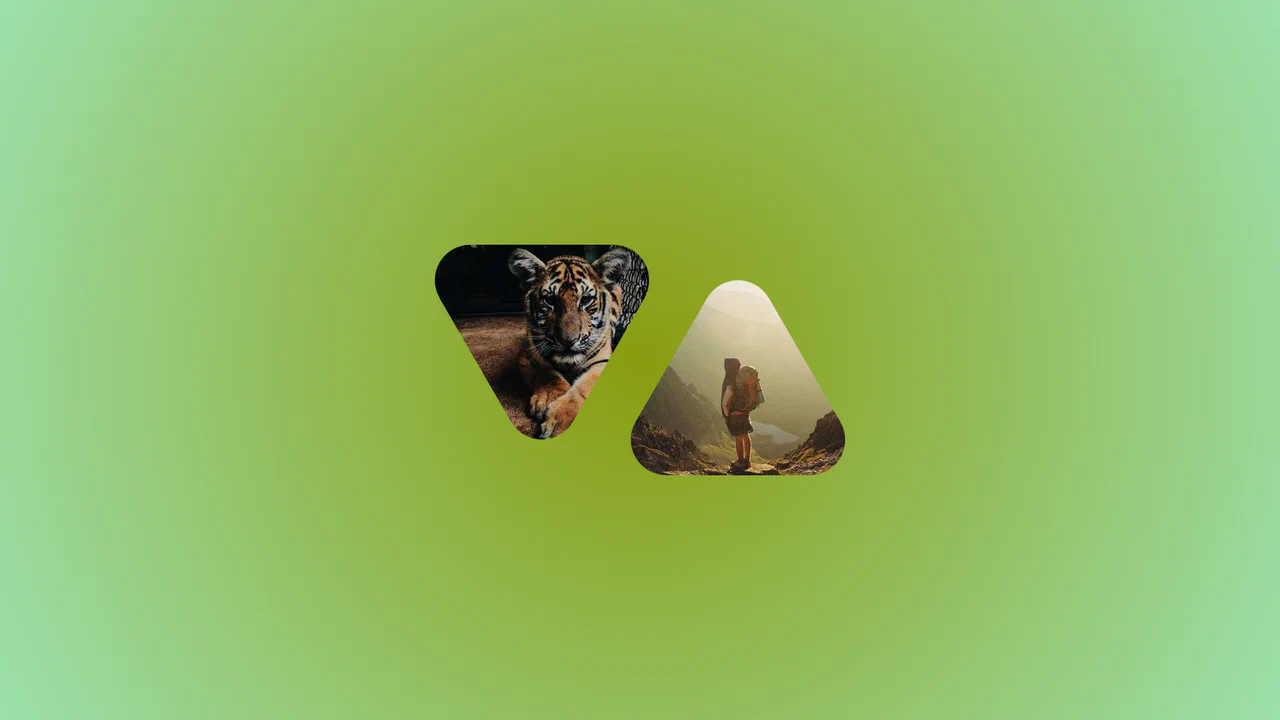
Morphing Rounded Triangle Image Mask
This is a Morphing Rounded Triangle Image Mask. It relies on advanced CSS mathematics and masking to clip raster graphics into smooth, interlocking geometric shapes. Its function is to replace standard grid layouts with organic, tessellating image tiles that physically react to user interaction.
Chrome 111+
Edge 111+
Firefox 117+
Safari 16.4+See the Pen Morphing Rounded Triangle Image Mask.
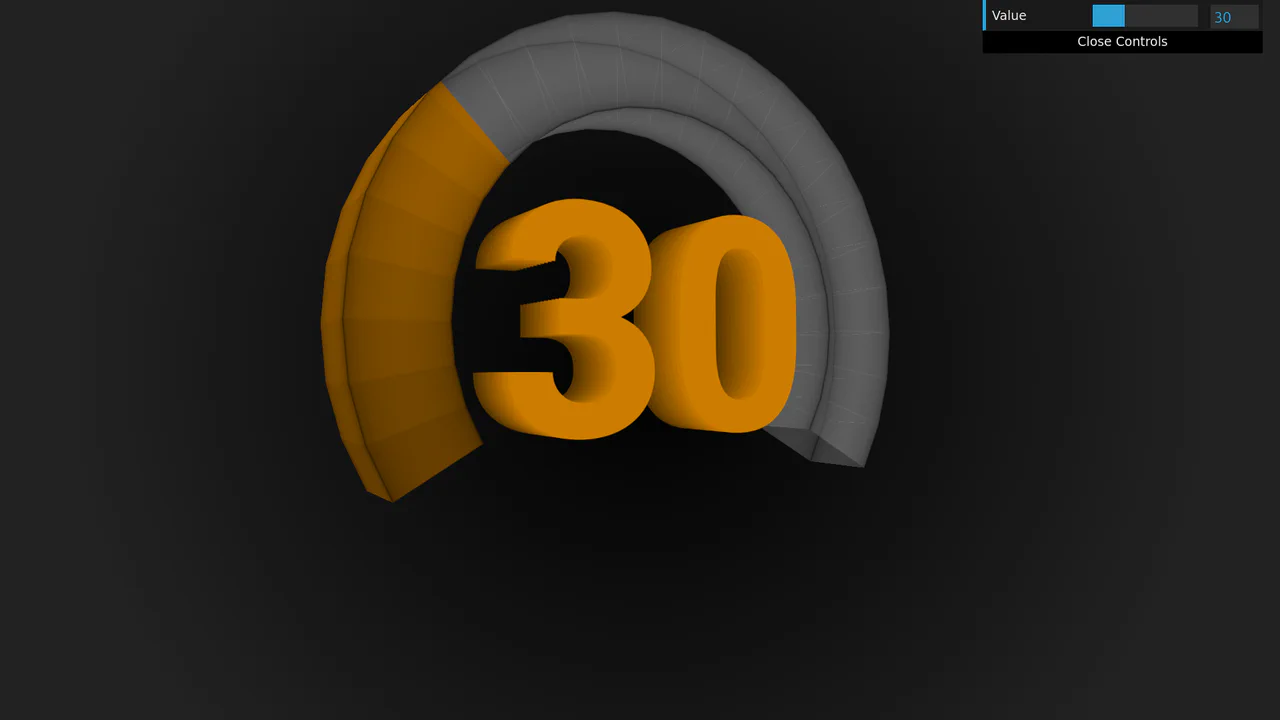
3D Rotating Value Dial
This is a 3D Rotating Value Dial. It visualizes continuous data through a spatial, cylindrical interface. Its function is to replace flat range indicators with a tactile, volumetric readout that dynamically shifts color hue based on value. (Requires: dat.gui)
Chrome 111+
Edge 111+
Firefox 108+
Safari 15.4+
See the Pen 3D Rotating Value Dial.

Polygon Sliced Theme Toggle Navbar
This is a Polygon Sliced Theme Toggle Navbar. It handles global light/dark mode switching and primary site navigation. Its function is to provide fluid, state-driven visual feedback using native browser APIs, eliminating abrupt visual jumps during context shifts. (Requires: normalize.css)
Chrome 111+
Edge 111+
Firefox 121+
Safari 17.4+See the Pen Polygon Sliced Theme Toggle Navbar.
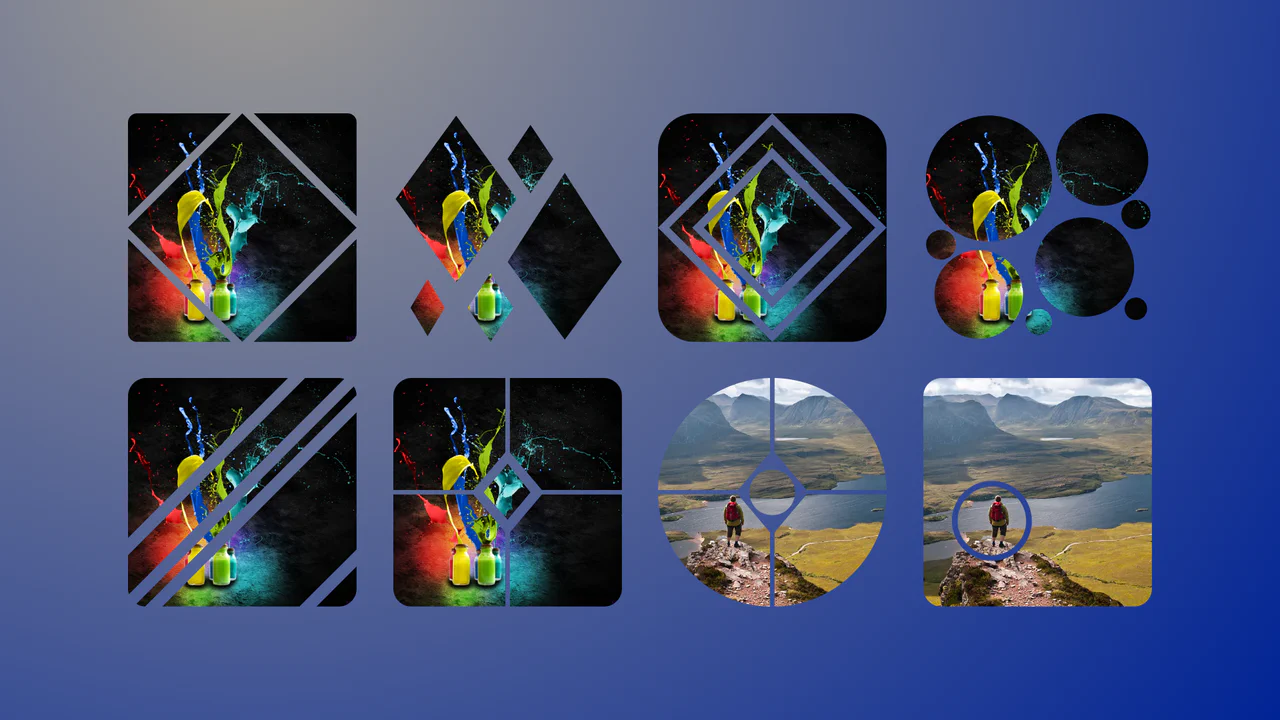
Complex Geometric Image Masks
This is a collection of Complex Geometric Image Masks. It shapes standard rectangular images into precise, multi-part vector forms using a single HTML node. Its function is to break rigid grid layouts and introduce structural visual interest without requiring external SVG assets.
Chrome 88+
Edge 88+
Firefox 71+
Safari 13.1+
See the Pen Complex Geometric Image Masks.

Interactive Zoom SVG Comic Viewer
This is an Interactive Zoom SVG Comic Viewer. It dynamically scales and spotlights individual comic panels within a massive, high-resolution raster image. Its function is to translate the physical experience of reading a comic book into a guided, cinematic digital flow, focusing user attention without losing the context of the page. (Requires: Gsap.js, Rx.js)
Chrome 49+
Edge 79+
Firefox 51+
Safari 10+
See the Pen Interactive Zoom SVG Comic Viewer.

Interactive Clip-Path Image Comparison
This is an Interactive Clip-Path Image Comparison. It juxtaposes two states of a single subject using a fluid, pointer-driven mask. Its function is to provide immediate, tangible proof of transformation (before/after), replacing static side-by-side galleries with a unified exploratory experience.
Chrome 75+
Edge 79+
Firefox 71+
Safari 13+
See the Pen Interactive Clip-Path Image Comparison.

Scroll-Driven Glowing Slider
This is a Scroll-Driven Glowing Slider. It completely restyles a standard <input type="range"> into a high-fidelity, glowing interface component. Its primary function is to demonstrate how experimental CSS features (animation-timeline: scroll()) can link native input states directly to complex visual changes — like a dynamically resizing, blurred glowing track — without relying on heavy JavaScript event listeners. (Requires: Tweakpane, Normalize.css)
Chrome 115+
Edge 115+See the Pen Scroll-Driven Glowing Slider.

Dynamic Diagonal Layouts
This is a Dynamic CSS Diagonal Layouts component. It demonstrates how to create striking, angled section dividers without relying on bulky SVG backgrounds or brittle magic numbers. Its function is to provide a mathematically precise, responsive framework for creating non-rectangular web layouts using modern CSS trigonometric functions (tan()) and pseudo-elements.
Chrome 111+
Edge 111+
Firefox 108+
Safari 15.4+
See the Pen Dynamic Diagonal Layouts.

Skeuomorphic Retro Casio F-91W Watch
This is a Skeuomorphic Retro Casio F-91W Watch. It is a hyper-realistic, digital-first recreation of the iconic 1989 timepiece. Its function is to demonstrate the power of modern CSS and vanilla JavaScript for high-fidelity modeling, combining 3D depth illusions, custom fonts, and a live clock to create a fully interactive desktop widget.
Chrome 60+
Edge 79+
Firefox 55+
Safari 11+
See the Pen Skeuomorphic Retro Casio F-91W Watch.

Stacked Dual Handle Range Slider
This is a Stacked Dual Handle Range Slider. It re-engineers the standard <input type="range"> to support two independent handles for selecting a min/max range. Its function is to provide a high-fidelity input component for filter menus or settings panels, using a clever CSS stacking and clipping technique to color the area between the two thumbs.
Chrome 58+
Edge 79+
Firefox 78+
Safari 14+See the Pen Stacked Dual Handle Range Slider.

GSAP ScrollTrigger List Expansion
This snippet showcases a GSAP ScrollTrigger List Expansion effect. It mimics the native iOS “Notification Center” or “Wallet” card stack behavior. Its function is to condense a long list of items into a compact, layered visual stack, and then fluidly expand them into full, scrollable cards as the user scrolls down the container, creating a highly tactile mobile UI experience. (Requires: GSAP, ScrollTrigger)
Chrome 80+
Edge 80+
Firefox 75+
Safari 13.1+
See the Pen GSAP ScrollTrigger List Expansion.

Lenis Smooth Scroll & GSAP Page
This is a Lenis Smooth Scroll & GSAP Page. It transforms a standard one-page website into a high-end, cinematic scrolling experience. Its function is to provide an exceptionally fluid and responsive interface by replacing native “jumpy” browser scrolling with the physics-based smoothness of Lenis, while using GSAP’s ScrollTrigger to orchestrate a series of staggered animations that reveal content as the user navigates down the page. (Requires: GSAP, Lenis, ScrollTrigger)
Chrome 80+
Edge 80+
Firefox 75+
Safari 13.1+See the Pen Lenis Smooth Scroll & GSAP Page.

Lenis Smooth Scroll Cinematic Experience
This is a Lenis Smooth Scroll Cinematic Experience. It transforms a standard single-page portfolio or narrative website into an immersive, high-end digital journey. Its primary function is to replace jarring browser scrolling with the fluid, physics-based motion of Lenis, while using GSAP’s ScrollTrigger plugin to orchestrate a complex sequence of cinematic animations, including a “film roll” header, an expanding video player, and a dramatic footer reveal. (Requires: Lenis, GSAP, ScrollTrigger)
Chrome 80+
Edge 80+
Firefox 75+
Safari 14.1+See the Pen Lenis Smooth Scroll Cinematic Experience.

Clipping Quadrant Image Gallery
This is a Clipping Quadrant Image Gallery. It segments a full-screen display into four interactive quadrants, each housing a unique photograph. Upon clicking any segment, the component utilizes the clip-path property to instantly expand that specific quadrant to cover the entire viewport, transitioning from a mosaic-style grid into a singular, immersive view.
Chrome 55+
Edge 79+
Firefox 52+
Safari 11+
See the Pen Clipping Quadrant Image Gallery.

Animated Star Toggle Switch
This is an Animated Star Toggle Switch. It replaces a standard HTML checkbox with a highly expressive, character-driven micro-interaction. Its function is to provide emotional feedback to a binary choice (like “favorite” or “bookmark”), launching the star into the air where it physically morphs between a sad, grey orb and a happy, bright yellow star. (Requires: GSAP)
Chrome 55+
Edge 79+
Firefox 54+
Safari 11+See the Pen Animated Star Toggle Switch.

Cute Animal Illustration
This is a Pure CSS Cute Animal Illustration. It replaces static image files (PNG/SVG) with a mathematical, resolution-independent drawing constructed entirely from DOM nodes. Its function is to showcase advanced CSS geometry and rendering capabilities, creating a highly scalable and lightweight visual asset without external HTTP requests.
Chrome 88+
Edge 88+
Firefox 84+
Safari 14+See the Pen Cute Animal Illustration.

Cyberpunk Glitch Upgrade Modal
This is a Cyberpunk Glitch Upgrade Modal. It transforms a standard confirmation dialog into a highly stylized, cinematic interface. Its function is to provide explicit interaction boundaries using the native HTML Popover API, augmented with aggressive visual distortion (glitches) and integrated audio feedback for a deeply immersive user experience. (Requires: Tweakpane)
Chrome 114+
Edge 114+
Firefox 125+
Safari 17+See the Pen Cyberpunk Glitch Upgrade Modal.

Neon 3D Seven-Segment Digital Clock
This is a Neon 3D Seven-Segment Digital Clock. It procedurally generates a classic LCD/LED interface using pure CSS geometry. Its function is to provide a highly atmospheric, real-time clock that utilizes 3D space and realistic glowing floor reflections to enhance cyberpunk or dashboard aesthetics.
Chrome 60+
Edge 79+
Firefox 55+
Safari 11+
See the Pen Neon 3D Seven-Segment Digital Clock.