10+ CSS Contact Forms
Communication is the core of digital interaction. This updated collection of CSS contact form examples removes the barriers between user intent and data submission. Minimalist UI design ensures the message remains the focus, eliminating redundant visual noise. Using curated snippets provides a direct path to functional layouts without building from scratch.
The logic relies on semantic HTML and CSS Grid for precise structural alignment. State management utilizes native pseudo-classes like :focus-within, :placeholder-shown, and :valid to provide real-time feedback. By leveraging hardware acceleration for input transitions, these snippets achieve a locked 60fps performance on the compositor thread, maintaining high layout stability.
Every free demo project is fully responsive and cross-browser compatible. Users can instantly download the raw code or fork a specific layout on CodePen.
Examples

Glassmorphic Advanced Navigation System
This is a Glassmorphic Advanced Navigation System. It provides a central, floating control hub for single-page applications. Its function is to persistently guide the user across different content sections while maintaining a high-end, translucent aesthetic that adapts fluidly between desktop and mobile environments.
 Chrome 76+
 Edge 79+
 Firefox 70+
 Safari 14+
See the Pen Glassmorphic Advanced Navigation System.
Border Form
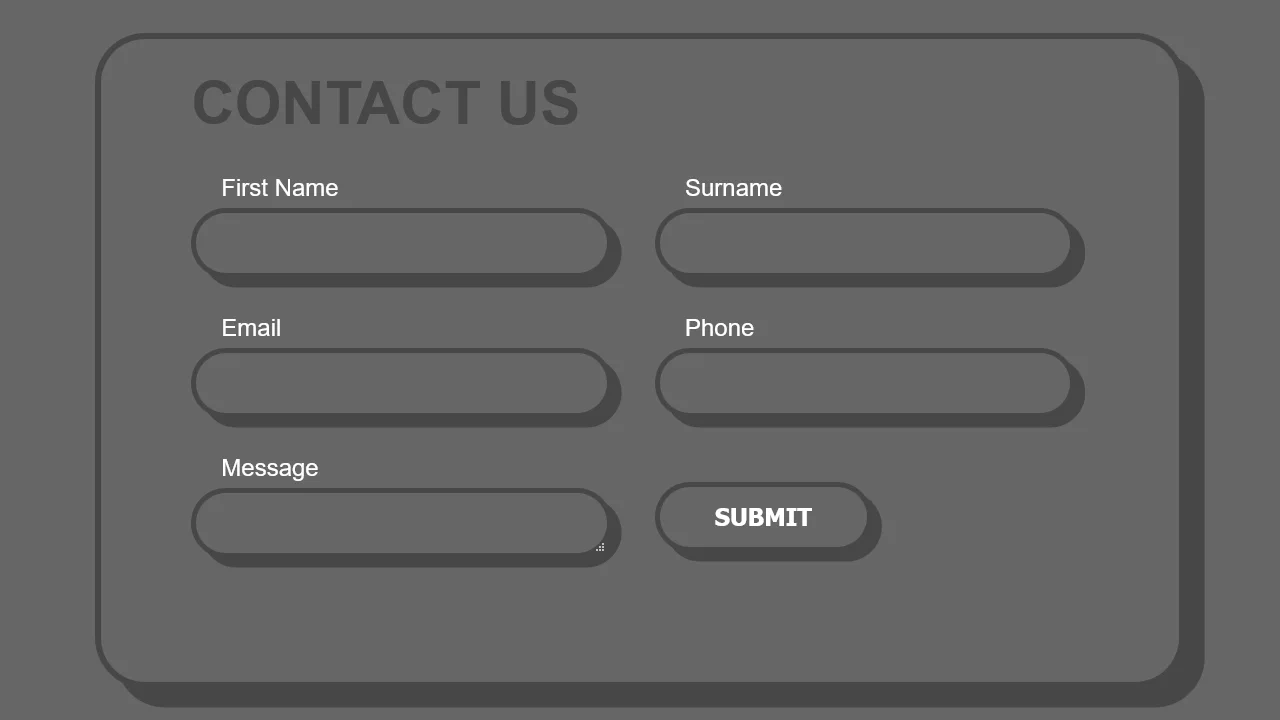
This demo blends a modern, adaptive layout powered by CSS Grid with a striking visual style. The fluid grid structure is populated by chunky form elements, whose pseudo-3D depth is crafted by pairing a thick border with a solid-color box-shadow, demonstrating a complete UI solution in pure CSS.
See the Pen Border Form.
Colorful Contact Form
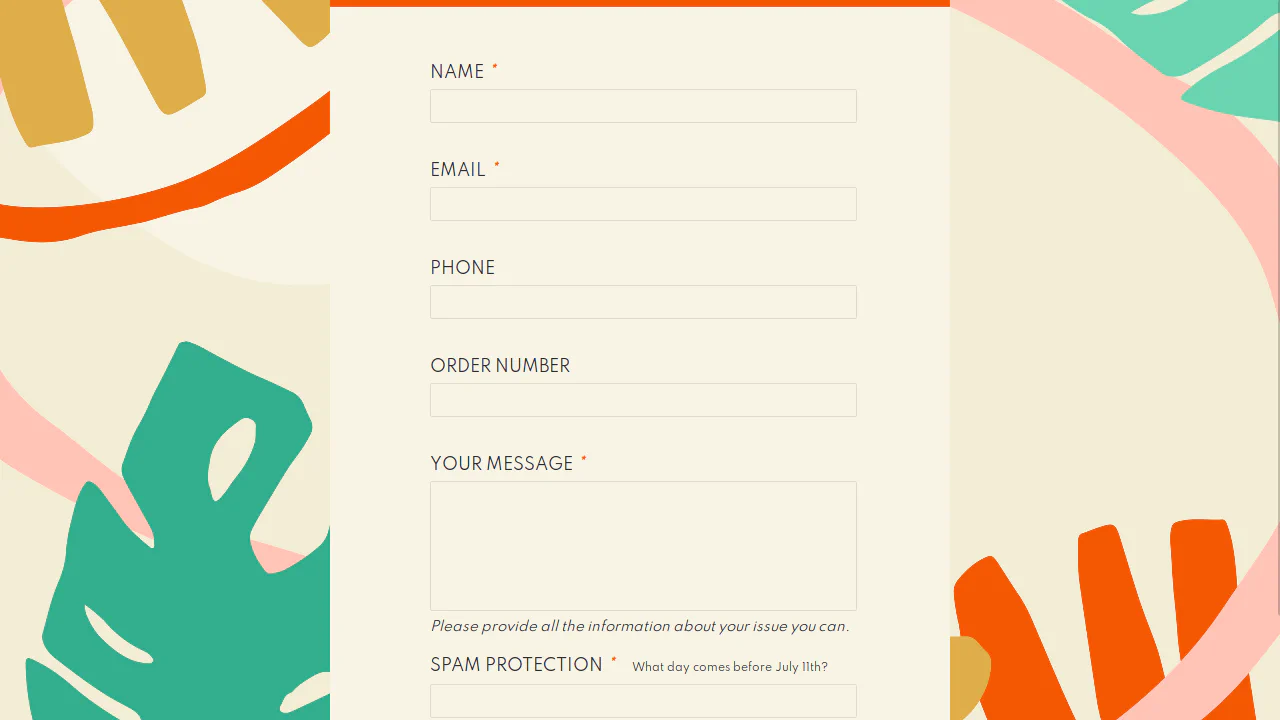
This is a lightweight, JS-free contact form that relies on modern CSS for layout and HTML5 for native validation. The code is written in Pug and SCSS, demonstrating a clean, preprocessor-based workflow for building robust and maintainable UI components.
See the Pen Colorful Contact Form.

Contact Form with SVG Animation
This is a complete UI component blending aesthetic animation with functional form design. Staggered CSS keyframe animations bring the inline SVG to life, while the form itself features modern styling techniques, including a performant gradient-transition button and absolutely positioned Feather icons.
See the Pen Contact Form with SVG Animation.
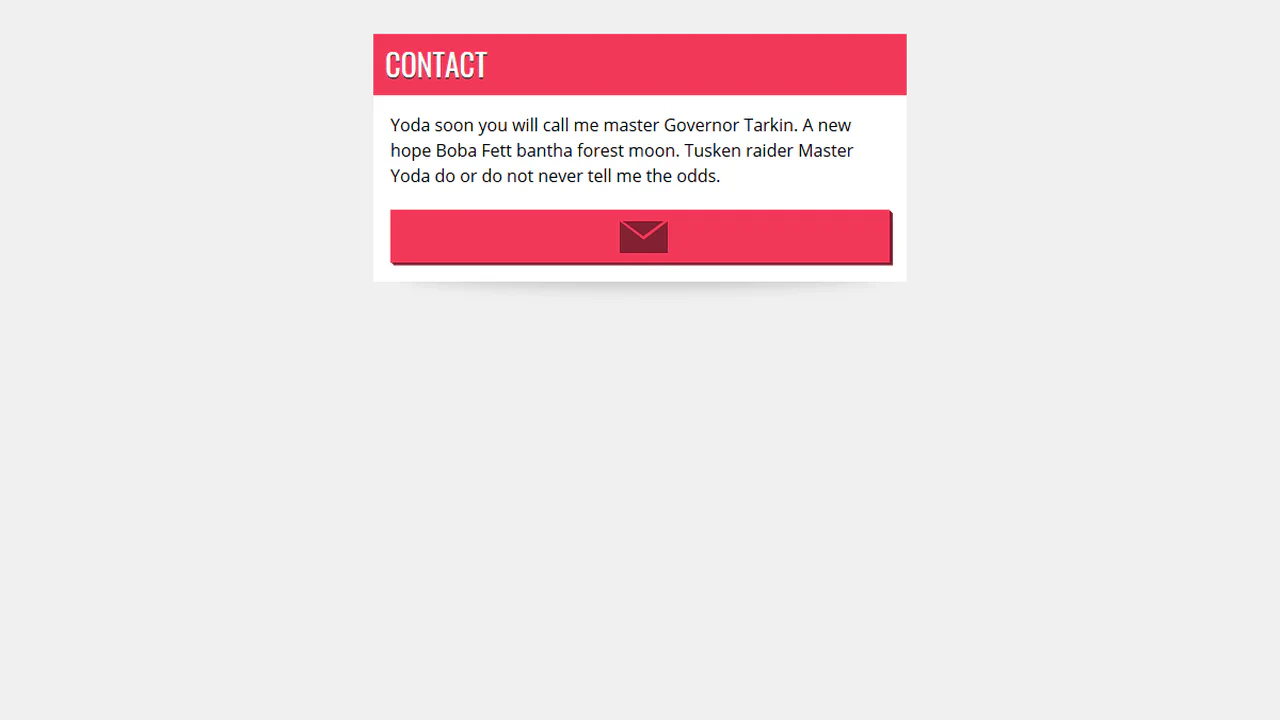

Collapsible contact form triggered by checkbox. On envelope click, form slides open. Inputs have sliding labels, buttons with 3D shadow. Brutalist style with red accents.
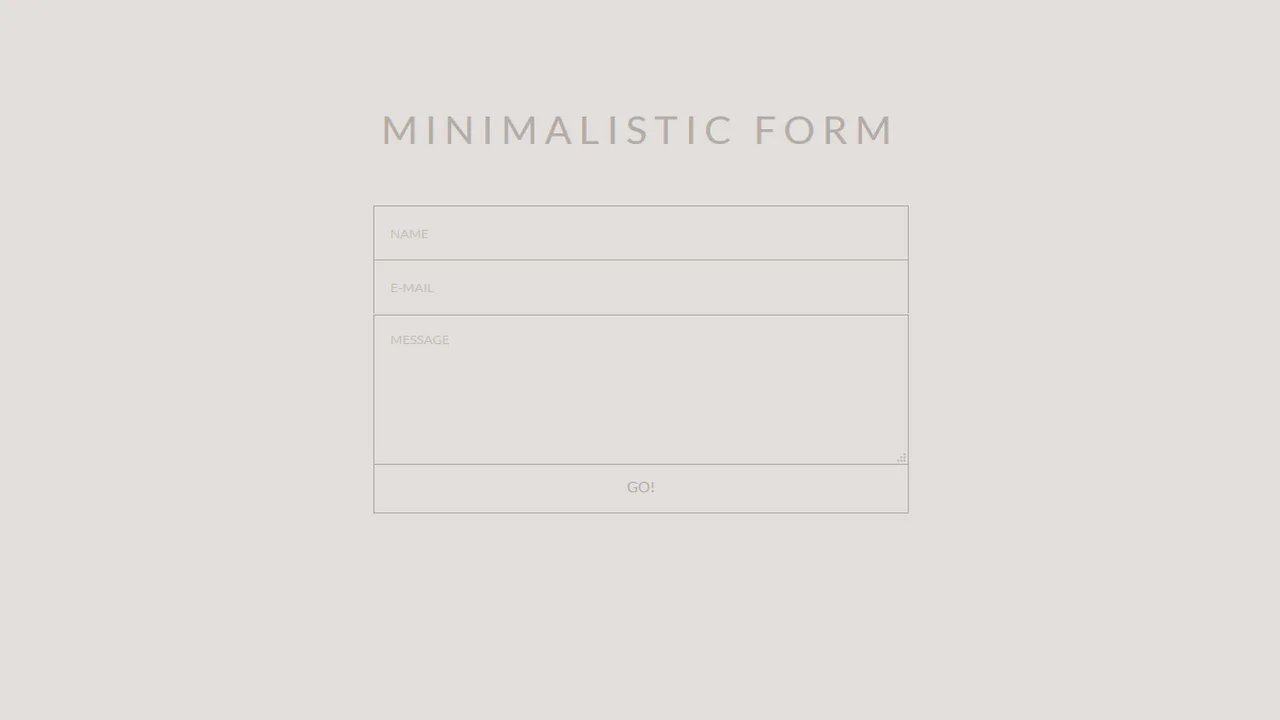
Minimal form with smooth transitions. On hover, fields change background and text color, border remains. All placeholders styled for idle, hover, and focus states. Submit button merged with bottom border.
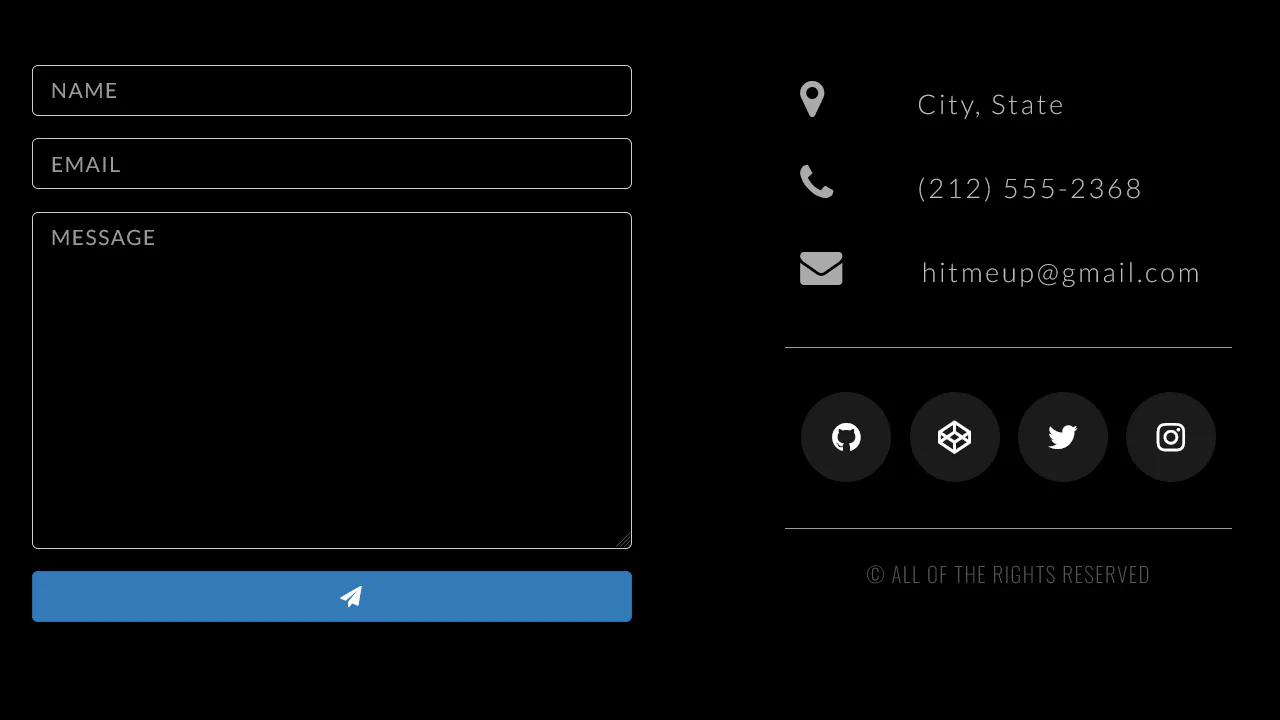
Contact page with form and contact info. On submit, form clears via JavaScript. Submit button has lift animation on hover. Social icons with circular border on hover. Responsive design.
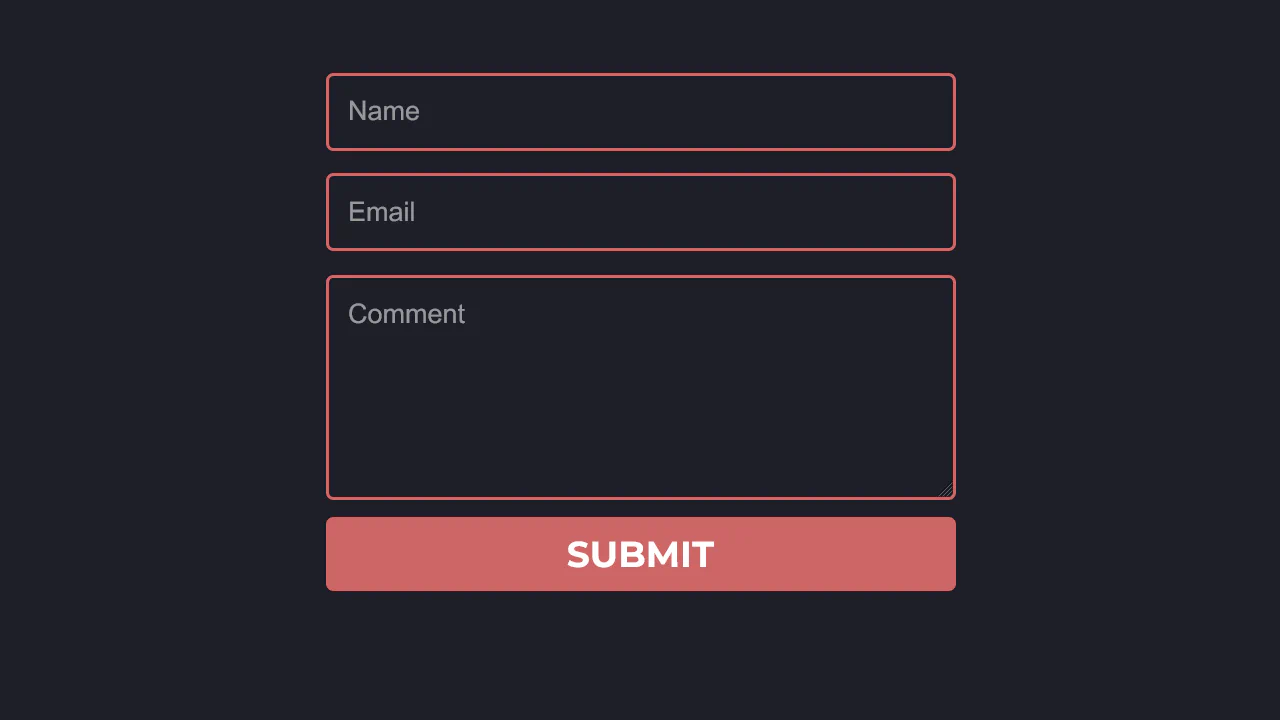
Compact feedback form with red accent border. All fields share same style: transparent background, red border, white text. Border darkens on focus. Submit button with smooth darken on hover.
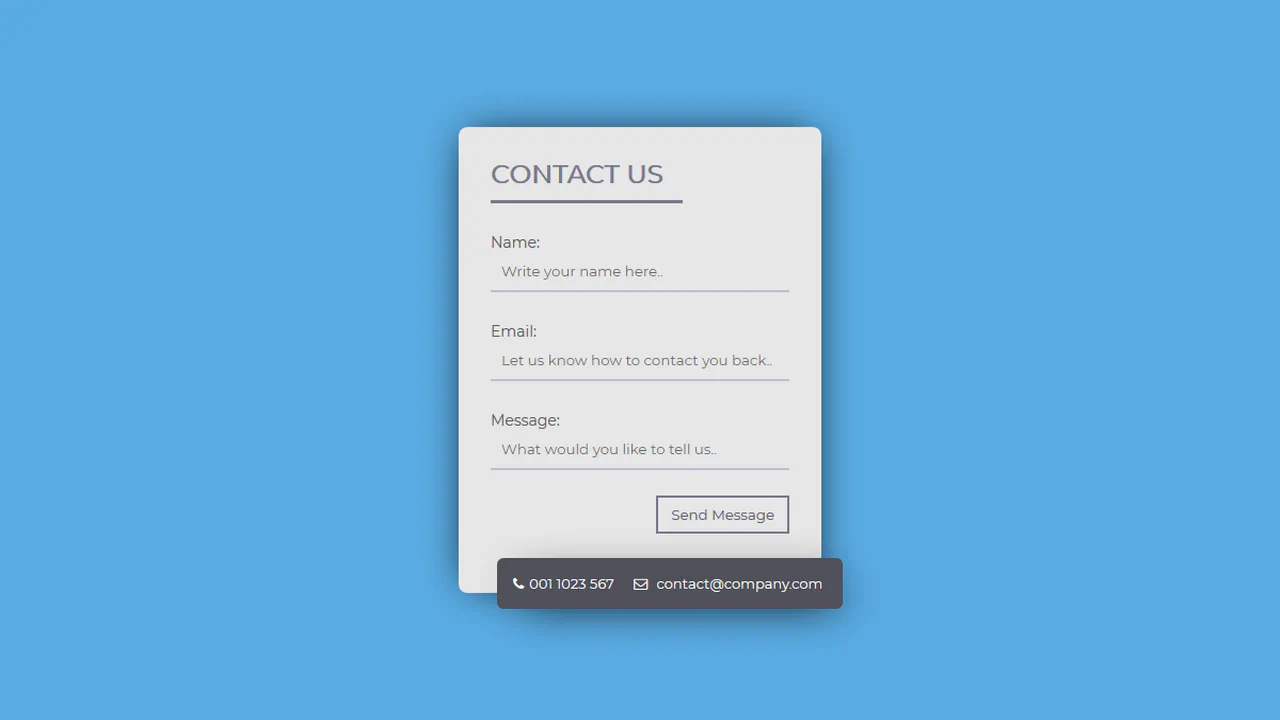
Contact form with detached info block. Inputs have bottom border that thickens on focus. Outlined button changes color on hover. Contact info protrudes from bottom right with shadow.
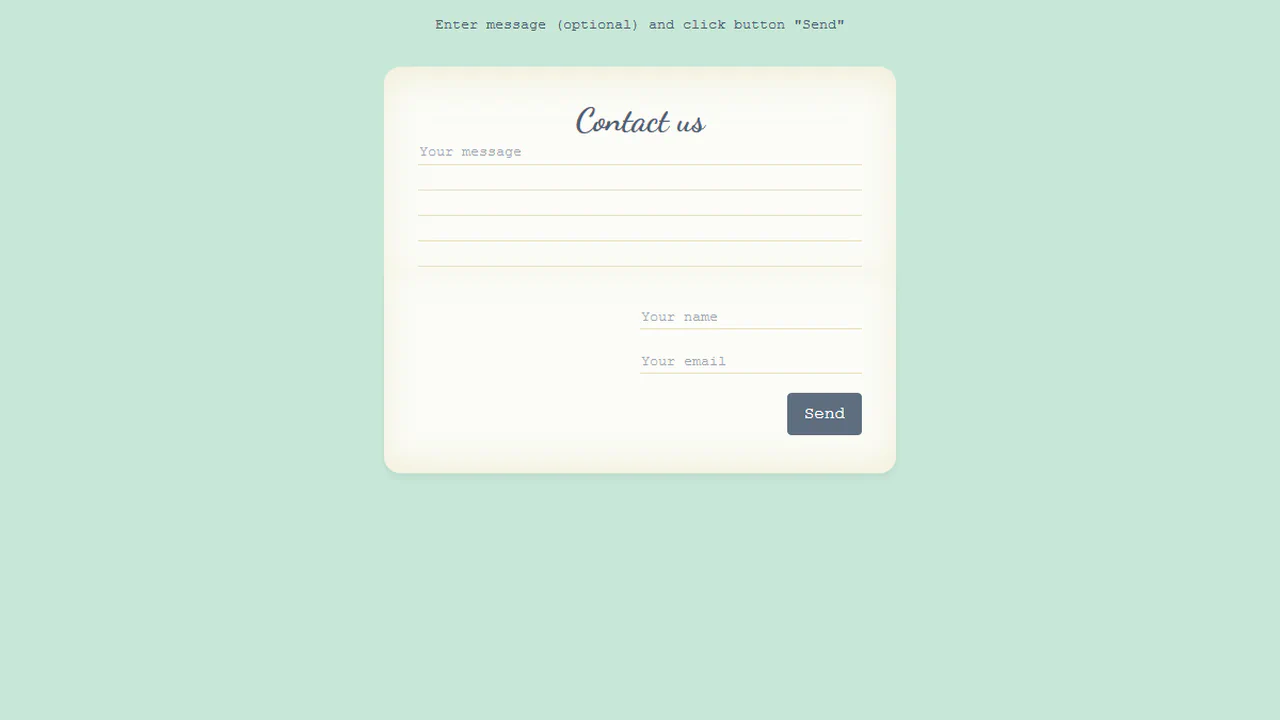
Animated letter form with 3D closing. On send, top part folds (rotateX), content fades, envelope appears. Animations synchronized via sent class. Inputs have custom bottom border via SVG background.
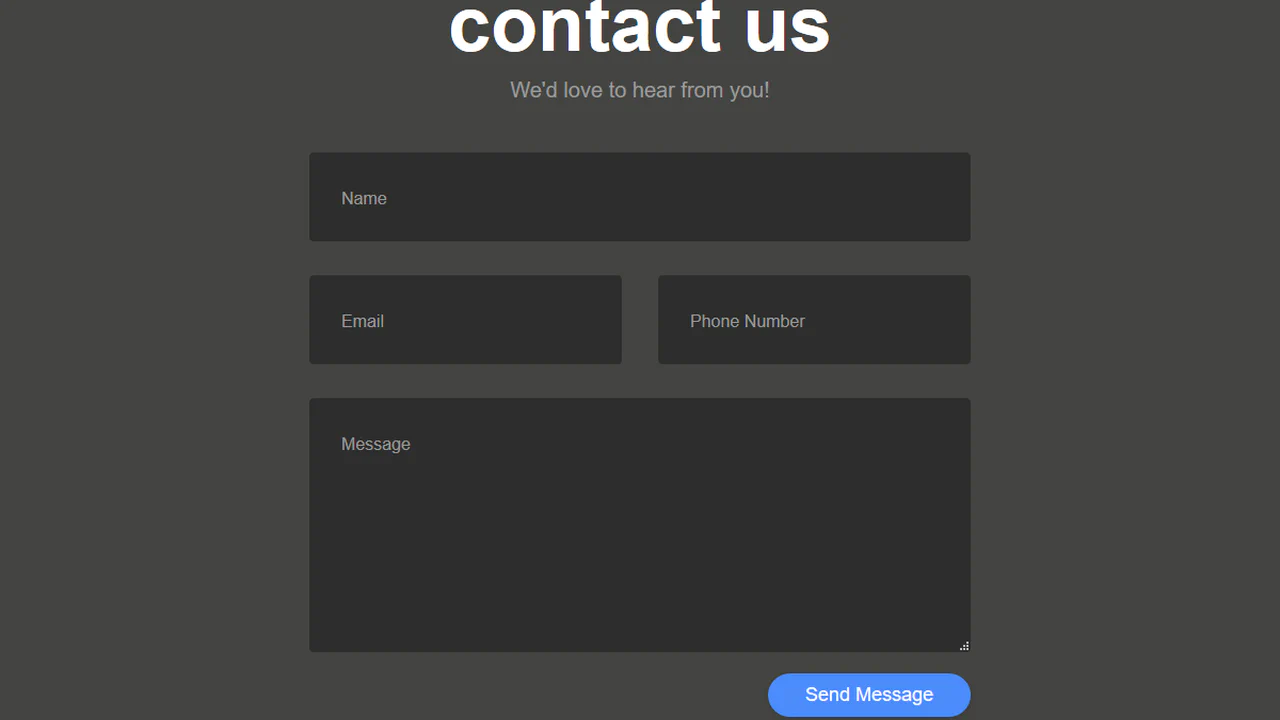
Contact form with floating labels. On focus or valid input, label moves up and shrinks. Fields with dark background and rounded corners. Button with shadow, lifts slightly on hover.
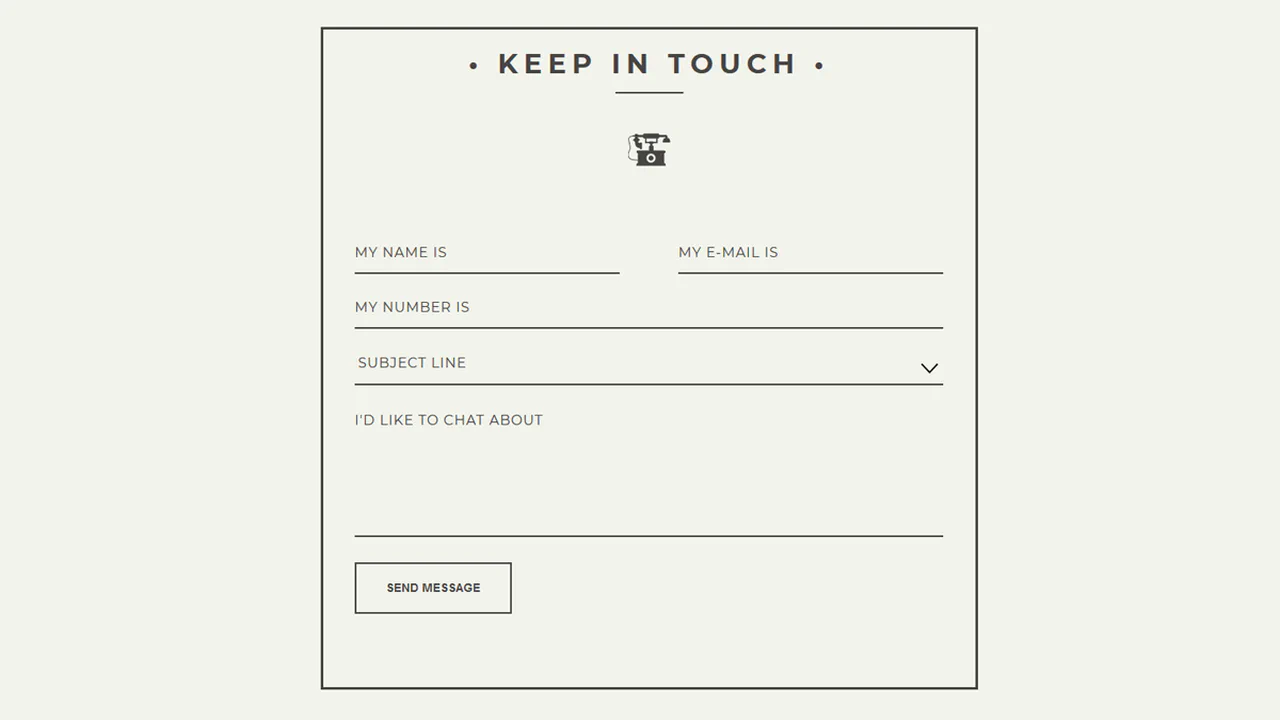
Classic contact form with thick border and header. Inputs have bottom border only, highlight on focus. Select styled to match design. Outlined button inverts colors on hover.
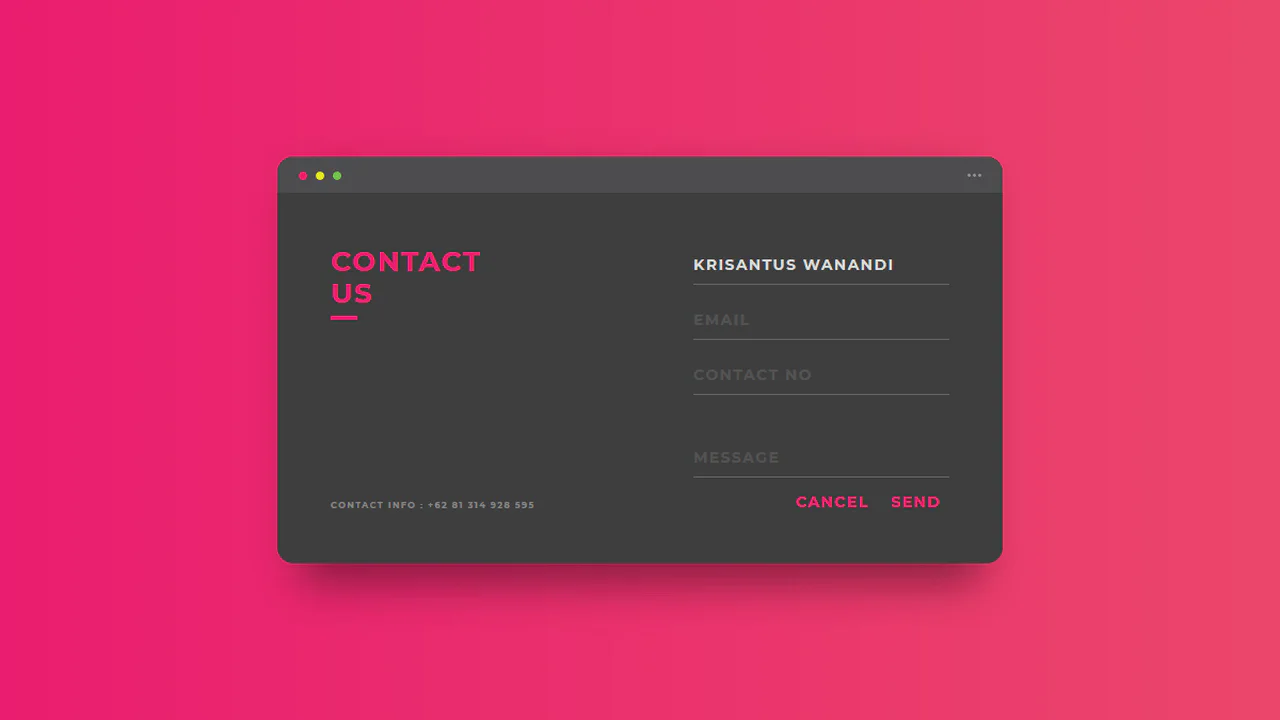
Styled contact form as app window. Top panel mimics window header with control buttons. Inputs have bottom border only, buttons without background. Left panel with title and contact info.
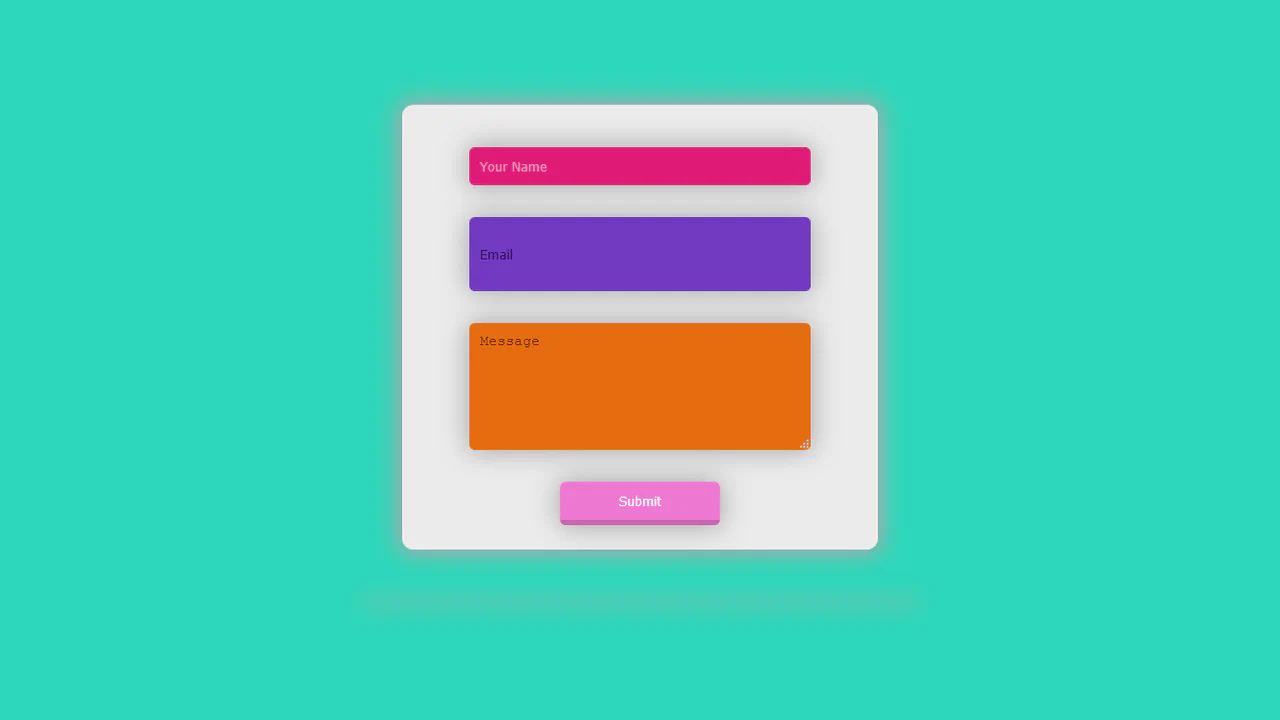
Sign-up form with bouncing container animation (bounce). Inputs expand and thicken bottom border on hover. Submit button grows and lifts on hover. Terms acceptance checkbox.