10+ CSS Dotted Menu Icons
The dotted menu (kebab menu) is a universal symbol for secondary navigation. Pure CSS Dotted Menu Icon Examples remove the friction of heavy JavaScript listeners, allowing the interface to respond natively to user intent. This collection provides professional, animated blocks for modern UI design, organizing secondary actions into digestible, tactile transitions.
Technically, these examples rely on the checkbox hack or the native <button> element for state management. The code utilizes Flexbox for precise alignment of dots and pseudo-elements (::before, ::after) to construct the shapes. Interaction states leverage hardware acceleration, animating properties like transform: scale and opacity to ensure a locked 60fps performance on the compositor thread. The HTML structure remains strictly semantic, maintaining high layout stability and preventing expensive reflows.
Every free demo is fully responsive and cross-browser compatible. Users can instantly download the raw code or fork an updated interaction on CodePen.
Examples
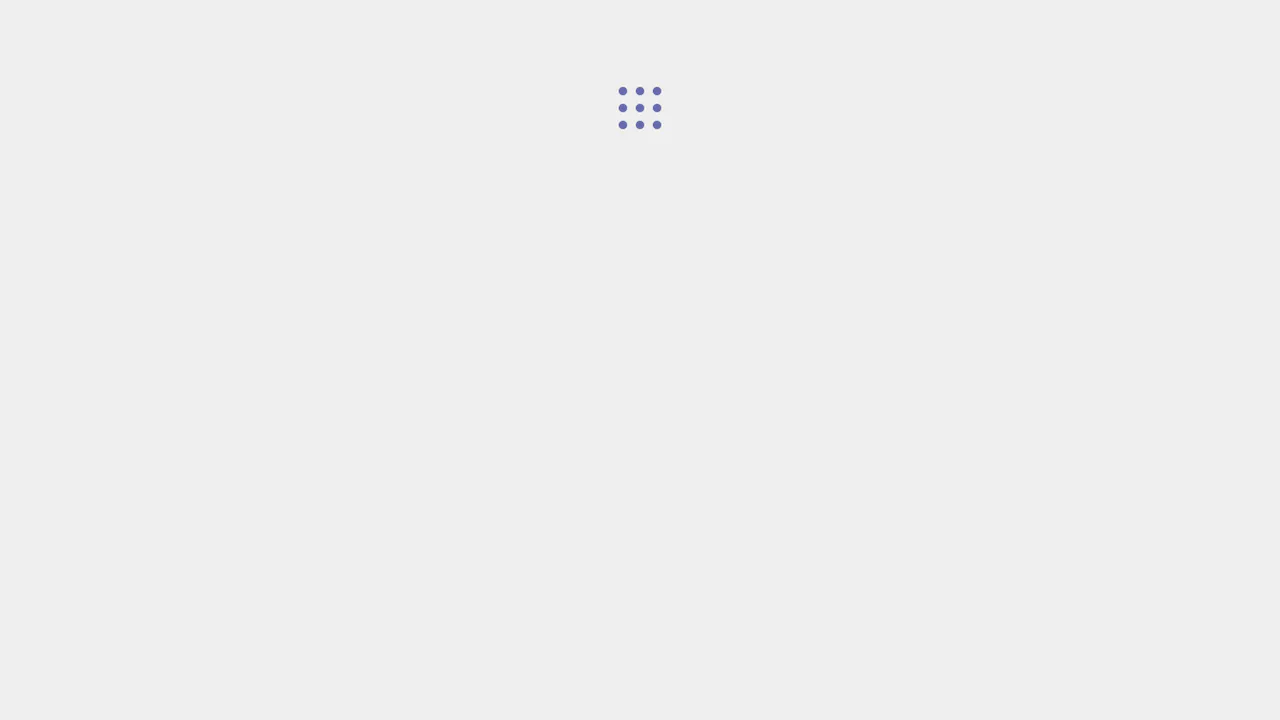

A nine‑dot menu rearranges into various patterns on hover and activation via CSS transforms. SCSS loops and variables automatically position each dot. Interactivity relies on :hover and an active class toggled by JavaScript. Minimal, flexible concept.
An animated toggle menu: a hidden checkbox controls the appearance of three round icon buttons. On activation, the buttons bounce in, and the central element morphs into a close cross. All effects are pure CSS, no JavaScript.
A three‑dot menu icon that spreads apart on hover. Two dots are generated via pseudo‑elements, animation uses CSS transitions. Minimal markup, maximum effect.
A “More” menu — three dots morph into a close icon on click. A hidden checkbox toggles pseudo‑element transforms and reveals an SVG icon. Animations use SCSS variables; the code is minimal and clean.
Five menu icon styles — hamburger, doner, bento, kebab, meatball — each with a unique hover/focus animation. All transforms and transitions are pure CSS, no JavaScript. Styles are neatly separated per icon type, and the Pug markup keeps the structure compact and readable.
A three‑dot menu built with pseudo‑elements and a hidden checkbox. On click, the dots converge and morph into a horizontal line. Animation is controlled via CSS custom properties and transitions. No JavaScript — just state toggling.
A three‑line burger menu morphs into a close icon on click. JavaScript merely toggles the on class; all animation is handled by CSS. The code is concise and dependency‑free.

A nine‑dot icon is drawn with a single pseudo‑element using box‑shadow. Hovering or checking the box rearranges the shadows, forming new patterns. Entirely CSS‑driven, no JavaScript.
Four squares rotated 45° are positioned at the corners around the centre. The animation cycles between shifting them and forming a vertical bar — an abstract morph from a cross to a hamburger. Dimensions ($size, $spread) are set as variables for easy tweaking.
Five menu icon styles — hamburger, doner, bento, kebab, meatball — each with a distinct CSS animation on hover or focus. All transforms and transitions are style‑driven, no JavaScript. The class‑based structure makes it easy to add new variants or tweak existing ones.
A three‑dot icon transforms into a close cross via a hidden checkbox. The top and bottom dots rotate and stretch into lines; the middle one disappears. Animation is built with SCSS variables for easy tweaking. No JavaScript — just CSS and the checkbox hack.