10+ CSS Download Buttons: Free Examples & Code Snippets
Download buttons communicate file transfer states — idle, downloading, complete — through visual feedback that guides user expectations. Well-crafted download interactions make waiting feel shorter and completion feel satisfying.
- Progress bars use a ::after pseudo-element with transform: scaleX() controlled by a CSS Custom Property, scaling the bar on the compositor thread without layout recalculations.
- Completion states reveal a checkmark via ::before and ::after pseudo-elements with transform: rotate(), scaling from zero to full size using compositor-only properties.
- Disabled states combine pointer-events: none with reduced opacity and aria-disabled to prevent interaction during active transfers while maintaining accessibility.
Browse this collection of CSS download buttons to master stateful interaction patterns that make file downloads intuitive and visually responsive.
Table of Contents:
Examples
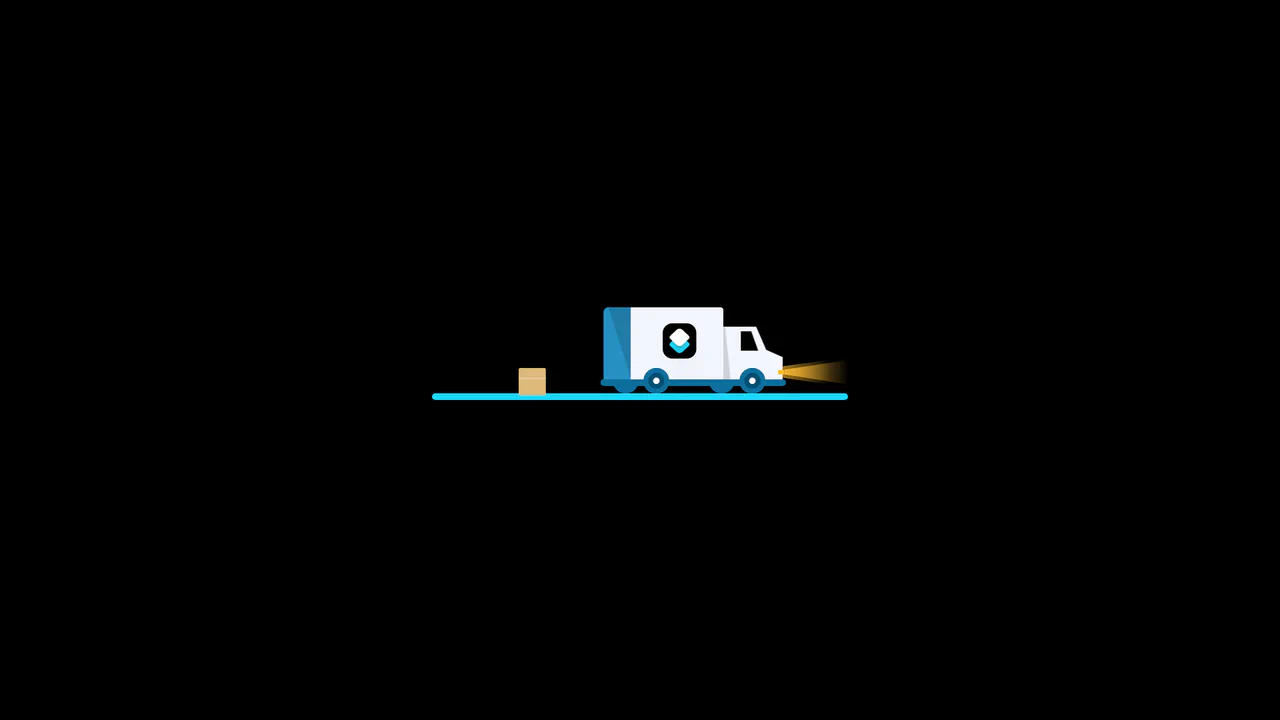
3D Truck Delivery Download Button
An advanced interactive download button featuring a complex 3D truck delivery animation. Powered by GSAP and SCSS, clicking the button triggers a 90-degree backward flip using CSS preserve-3d to convert the top edge into a flat road. A styled vector truck drives in from the left, catches a falling cargo box, departs off-screen, and flips back to reveal a success checkmark. (Requires: gsap.js)
 Chrome 55+
 Edge 79+
 Firefox 54+
 Safari 9.1+
See the Pen 3D Truck Delivery Download Button.
Download Button with Sliding Information
A technique for creating a two-state button where overflow: hidden on the parent container hides content that moves outside its bounds. A transition: margin .4s ensures the smooth animation of .face-primary’s shift on hover.
See the Pen Download Button with Sliding Information.
Download Button
A 3D “Download” button animation where a stylized 3D “down arrow” icon begins to orbit the button on hover. The 3D scene is created using transform-style: preserve-3d, and the rotation is handled by transform: rotateY().
See the Pen Download Button.
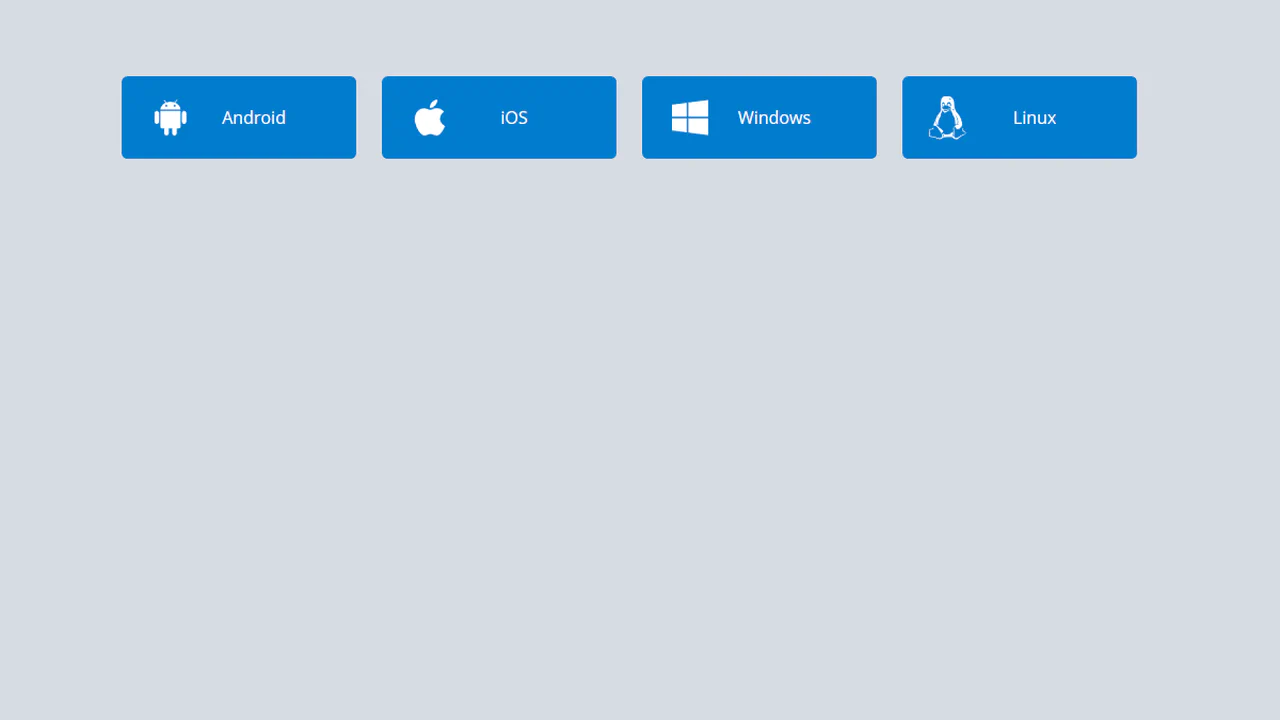
Download Buttons
A collection of operating system SVG icons, styled and animated with CSS. On hover, two synchronized animations are triggered: the icon smoothly scales up and rotates , while the caption smoothly slides out.
See the Pen Download Buttons.
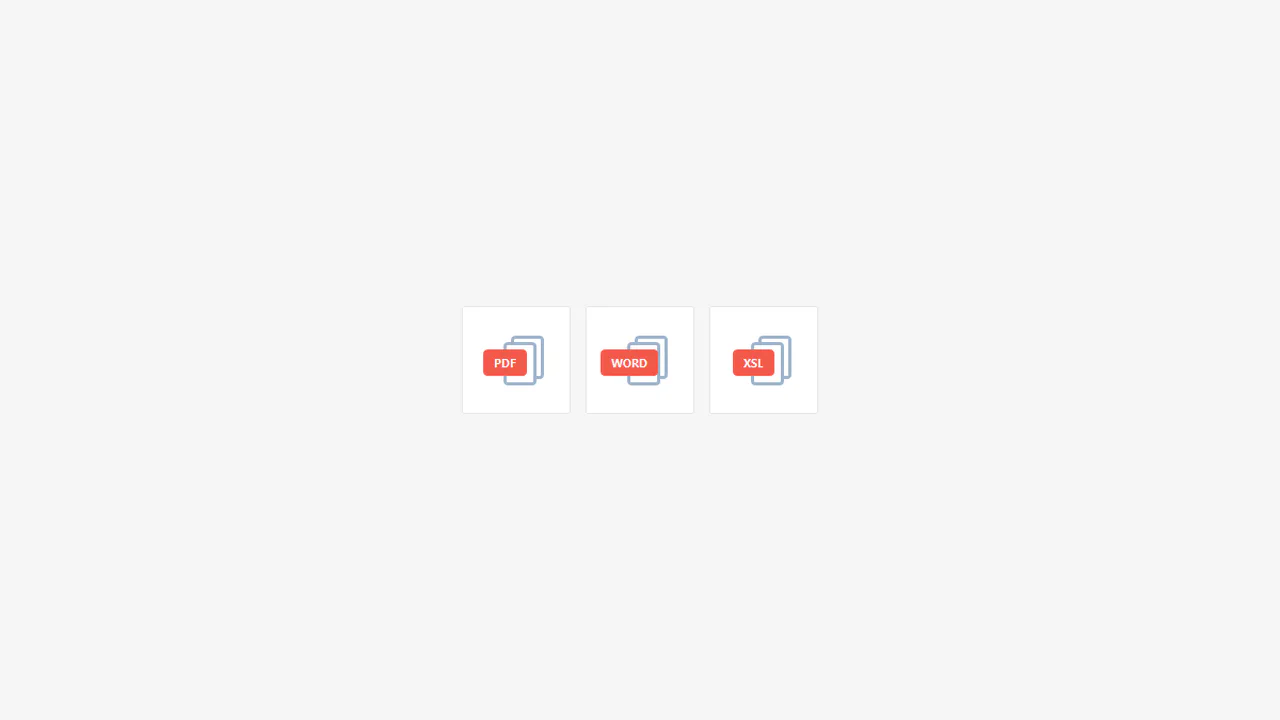
Download File Buttons
Minimalist file download buttons featuring an interactive hover state that toggles between file type and action labels. Built with pure CSS, this component uses pseudo-elements to render document icons, ensuring high performance and zero external asset dependencies.
See the Pen Download File Buttons.

App Download Button Concept
An advanced interactive download button built with pure CSS, utilizing the :target pseudo-class for multi-step state management without JavaScript. This UI component features a platform selection menu and an animated progress bar simulation, offering a sophisticated and responsive user experience for software distribution.
See the Pen App Download Button Concept.
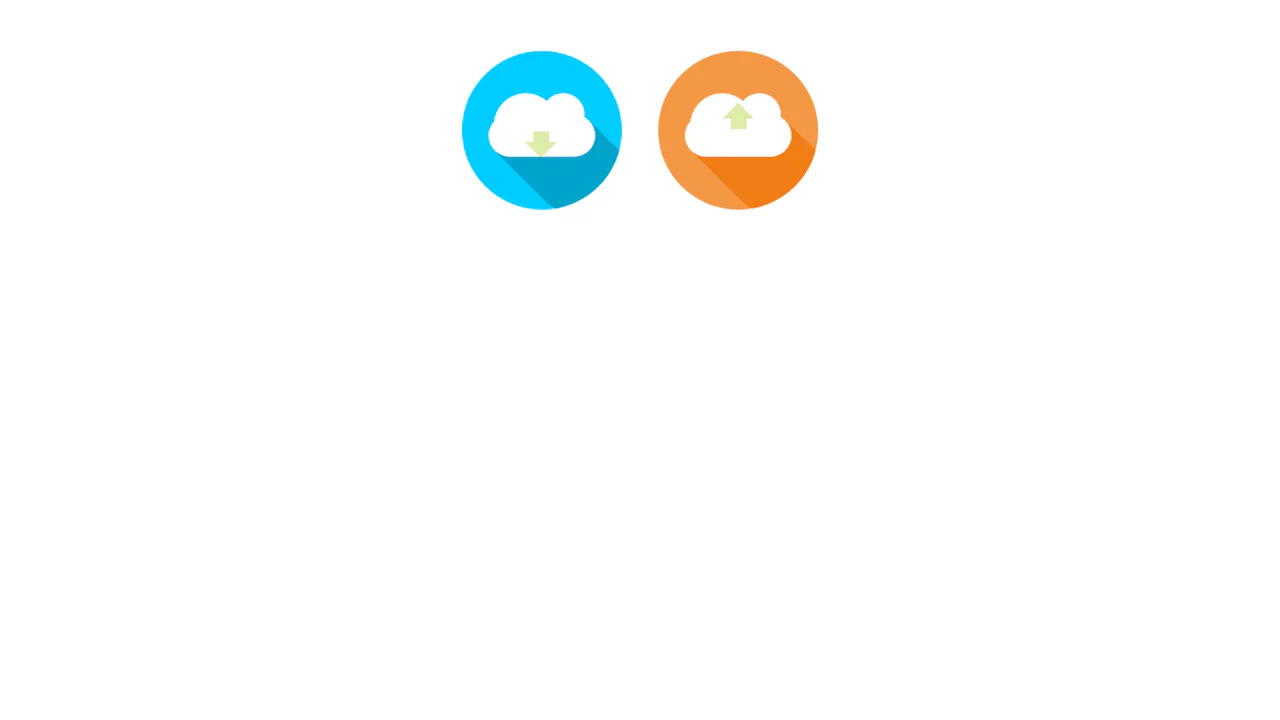
Download/Upload Button
Interactive SCSS buttons for file upload and download featuring dynamic arrow animations and a procedural long shadow effect. This UI component leverages SCSS functions and keyframe animations to provide clear visual feedback, making it an excellent choice for modern cloud-based service interfaces.
See the Pen Download/Upload Button.

Pure CSS Download Button
A creative pure CSS download button that utilizes the checkbox hack to manage complex animation states without JavaScript. Upon activation, the component smoothly transforms into a functional progress bar with a completion message, providing an engaging and lightweight UI solution for modern web apps.
See the Pen Pure CSS Download Button.
CSS Fizzy Button
Advanced animated SCSS button featuring dynamic particle effects generated through SCSS loops and complex keyframe animations. This UI component showcases a seamless shape transformation and explosive visual feedback upon interaction, utilizing the “checkbox hack” for high-performance state management without JavaScript.
See the Pen CSS Fizzy Button.

Download Animation
A stylish pure CSS download button that features a seamless transformation from an arrow to a checkmark icon using advanced keyframe animations. This lightweight UI component leverages the checkbox hack to provide interactive visual feedback for process completion without any JavaScript dependencies.
See the Pen Download Animation.

Download Buttons
A set of responsive CSS download buttons for App Store, Google Play, and Windows Store featuring a clean color inversion hover effect. These components leverage Font Awesome icons and provide a lightweight, easily customizable UI solution for mobile application landing pages.
See the Pen Download Buttons.

CSS Button with Font Awesome Icons
A JavaScript-driven interactive download button utilizing PostCSS animations and Font Awesome icons. The component features seamless state switching between loading and success phases with smooth shape and color transitions, providing clear visual feedback for modern web interfaces.
See the Pen CSS Button with Font Awesome Icons.
Download Button
A circular download button built with inline SVGs and CSS. On click, a circular progress bar fills up using stroke-dashoffset transition. Upon completion, the arrow swaps for a checkmark, accented by a bouncy rubberBand keyframe scale effect and a sliding light reflection. Minimal jQuery handles state classes.
See the Pen Download Button.
Button Hover Effects
A pure CSS button featuring a fluid fill hover effect. An ::after pseudo-element acts as a liquid blob, initially scaled down and positioned below. On hover, it slides up and expands using smooth cubic-bezier transitions, changing its border-radius while swapping the text color for sharp contrast.
See the Pen Button Hover Effects.
Download Progress Bar Only CSS
A zero-JavaScript download loader utilizing the CSS :target pseudo-class. Clicking the link reveals a modal where percentage progress is simulated using a massive, hand-coded 100-step @keyframes rule that cycles the pseudo-element’s content property. Simultaneously, a green progress bar expands to full width.
See the Pen Download Progress Bar Only CSS.
CSS Download Progress Bar
A zero-JavaScript download loader utilizing the CSS :target pseudo-class. Clicking the link reveals a modal where percentage progress is simulated using a massive, hand-coded 100-step @keyframes rule that cycles the pseudo-element’s content property. Simultaneously, a green progress bar expands to full width.
See the Pen CSS Download Progress Bar.
Download Button Animation
A tactile 3D download button built with SCSS and jQuery. When clicked, the button tilts realistically along the Y-axis using CSS perspective and keyframe transforms. It features an odometer-style percentage counter built with sliding list elements, a looping arrow drop animation with motion blur, and a green progress bar.
See the Pen Download Button Animation.