30+ CSS Dropdown Menus
Navigation requires absolute structural clarity. Pure CSS Dropdown Menu Examples remove the friction of heavy JavaScript listeners, allowing hierarchical content to expand and collapse natively. This collection provides essential blocks for modern UI design, organizing complex link structures into digestible, tactile sequences. Utilizing these curated snippets replaces bloated scripts with raw, functional logic. No latency.
Technically, these examples rely on the native <details> and <summary> elements or the checkbox hack for state management. The code utilizes Flexbox for precise alignment and max-height transitions to animate visibility, leveraging hardware acceleration — animating properties like transform and opacity — to ensure a locked 60fps performance on the compositor thread. The HTML structure remains strictly semantic, ensuring accessible navigation without heavy dependencies.
Every free demo is fully responsive and cross-browser compatible. Users can instantly download the raw code or fork an updated interaction on CodePen. These assets are strictly optimized for performance, delivering a fast, frictionless experience across all modern desktop and mobile devices.
Examples

Dropdown Navigation
Navigation is the backbone of usability, but traditional dropdowns can feel cramped and elusive. This component expands the concept of a menu into a panoramic dashboard. It is not just a list of links; it is a structured map of your application’s architecture. (Requires: open-props, remixicon, normalize-css)
 Chrome 99+
 Edge 99+
 Firefox 97+
 Safari 15.4+
See the Pen Dropdown Navigation.
Emerging Dropdown Menu
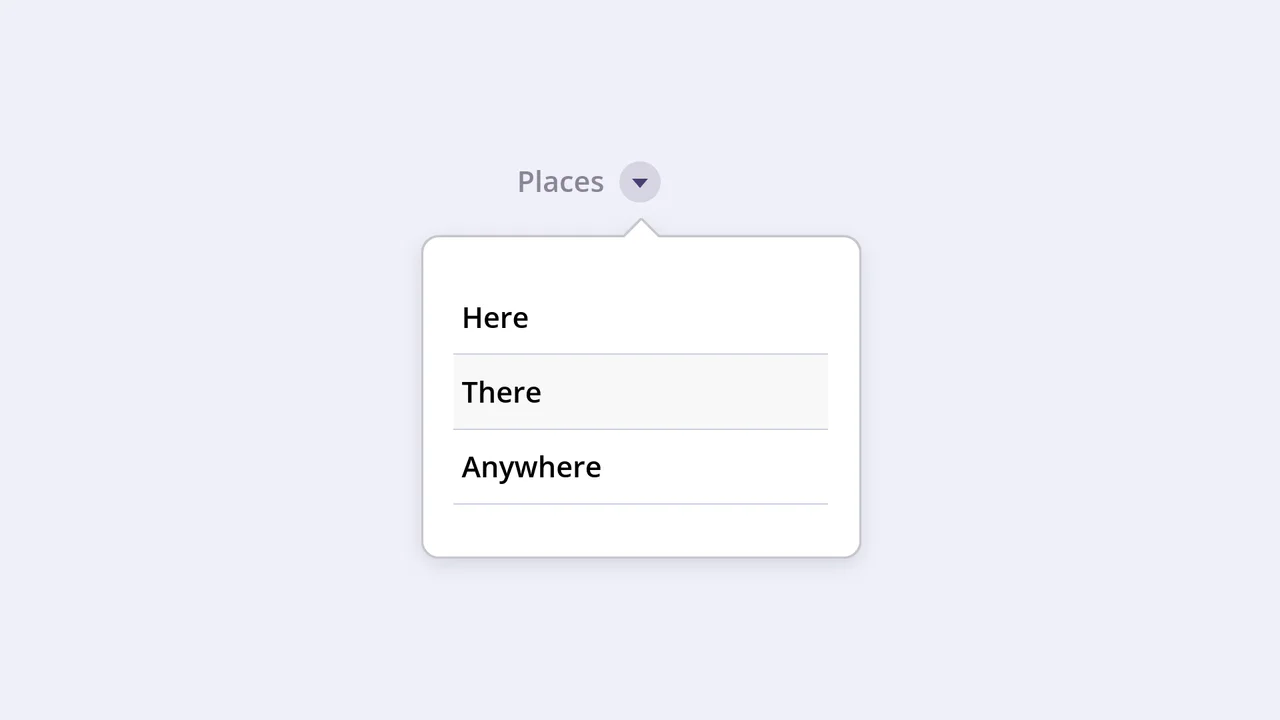
This interactive component features a visually striking dropdown effect where the menu container morphs into shape using pure CSS animation of the SVG stroke-dashoffset property. It uses a separate SVG element with a Gaussian blur filter to create a subtle, soft shadow that follows the menu’s outline when expanded.
See the Pen Emerging Dropdown Menu.

Futuristic Interactive Dropdown
This striking Sci-Fi dropdown leverages SCSS @for loops and conditional logic to dynamically stagger menu items in their hidden state. The dramatic reveal animation is achieved using complex CSS 3D transforms and skewing activated entirely by a single parent hover state.
See the Pen Futuristic Interactive Dropdown.

A responsive SCSS menu demonstrating both radial and vertical sub-menu reveals using Flexbox and advanced pseudo-element styling. The design employs cascading delays and transformations for interactive hover feedback across different screen sizes.

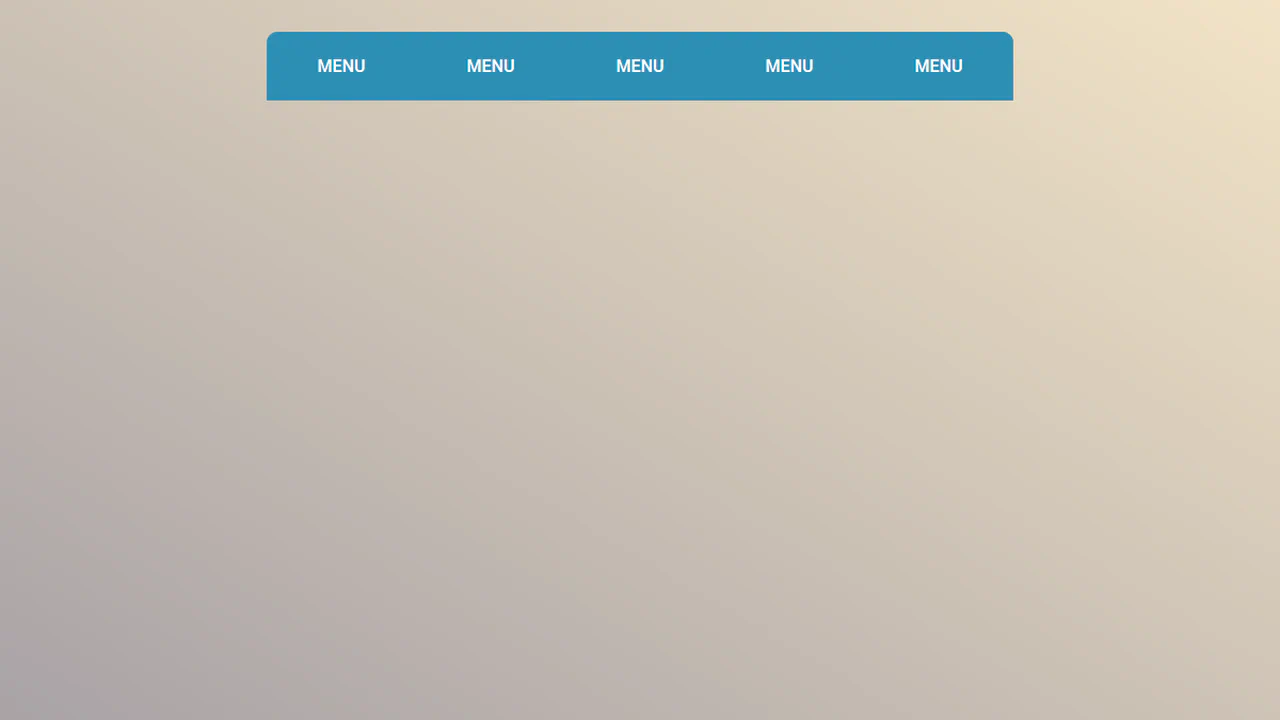
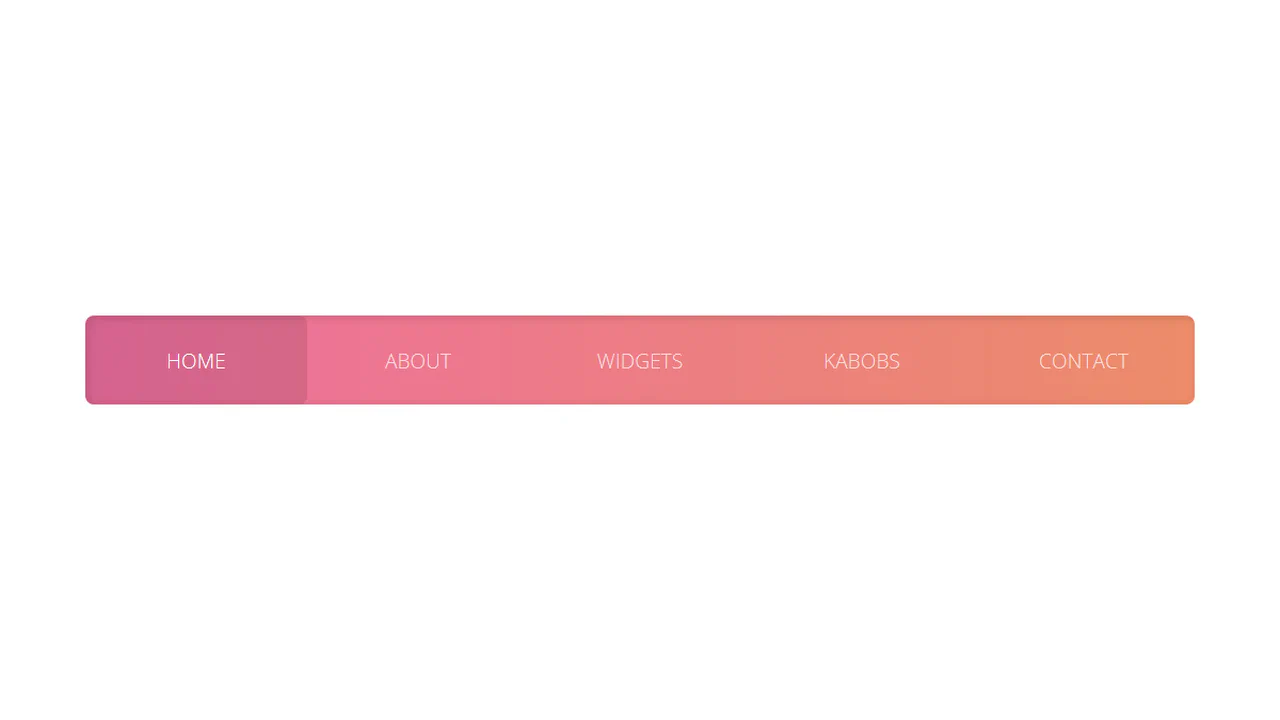
A gradient-background navigation menu utilizing pseudo-elements for focus indication and SCSS loops for staggered sub-menu reveals. The desktop view features a distinctive highlight on the last item hover, while the mobile view provides a vertical fly-out with cascading CSS delays.
A multi-level adaptive navigation menu built with SCSS, employing Flexbox and Grid for desktop layouts and vertical stacking for mobile. It features complex sub-menu expansion animations with staggered delays and gradient text effects on hover, providing a rich interactive experience.
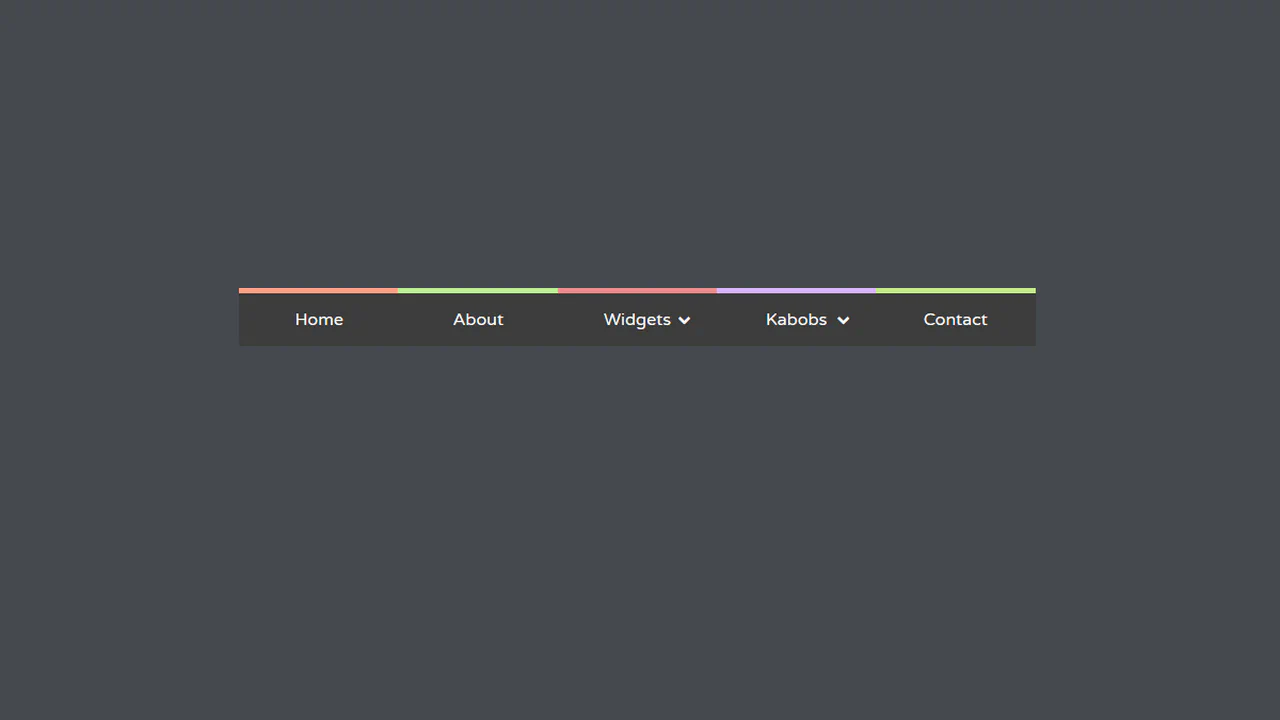
An adaptive horizontal menu built with LESS, utilizing cascading gradient underlines on hover. The style employs LESS directives for color mapping and CSS transitions for the staggered reveal of nested sub-menus, offering a clean, responsive navigation pattern.
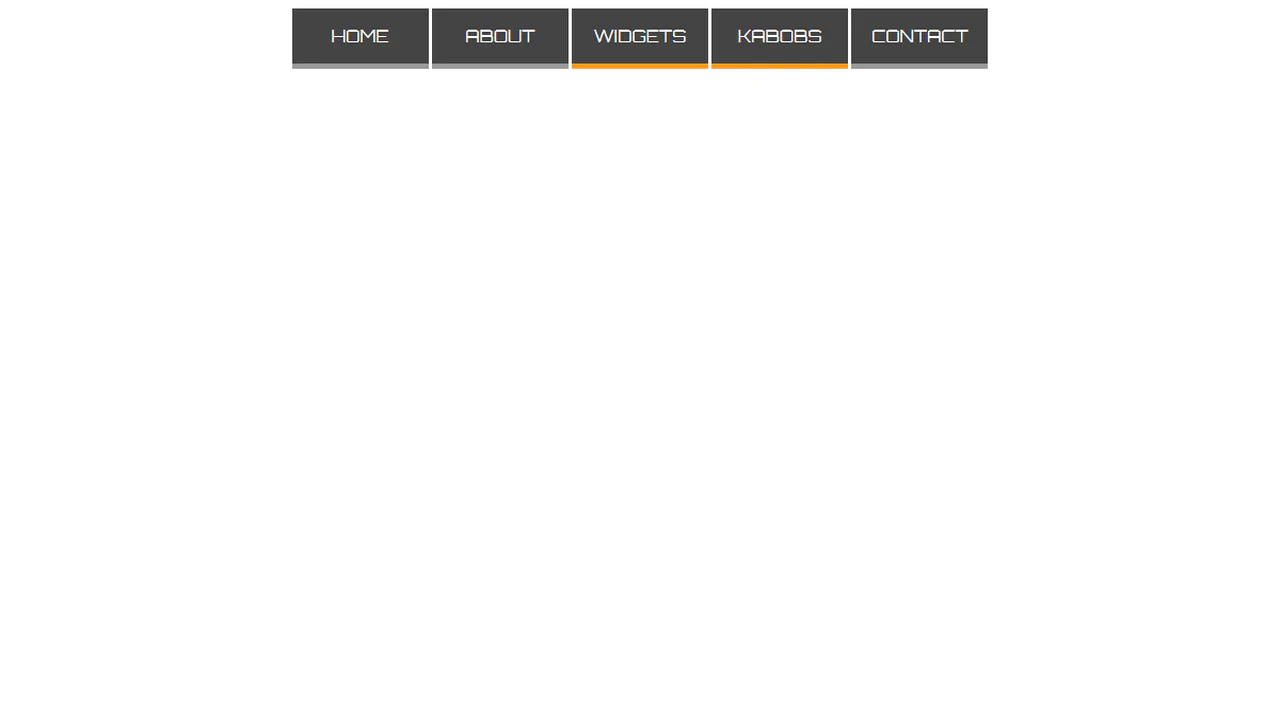
A responsive horizontal navigation menu built with SCSS, featuring hover underline effects and nested drop-down submenus. Flexbox ensures responsive alignment, and color changes paired with the underline transition provide clean visual interactivity.
An adaptive horizontal menu built with SCSS, featuring staggered 3D transformations for revealing sub-menus. The design uses CSS loops to calculate radial/vertical positioning, ensuring a smooth, cascading interactive experience.
A visually striking floating menu structure using CSS to create a playful, layered appearance. The design relies on CSS transitions and background animations to simulate depth and interactivity, achieving the effect without external JavaScript logic.
An adaptive drop-down menu controlled by the CSS “checkbox hack” for state toggling. It utilizes CSS Grid for desktop layouts and vertical stacking for mobile, with sub-menu items appearing in a staggered cascade on hover.
A responsive drop-down navigation menu featuring pronounced hover effects using stylized borders and shadows. The CSS handles the smooth reveal of nested lists with custom transition properties for visual depth.
A pure CSS drop-down menu utilizing the native <details> element for state management. It employs CSS styling for the dropdown arrow and manages the visibility of the link list using :focus and the lack of JavaScript.