30+ CSS Fire Animations: Free Code Snippets & Effects
CSS fire animations simulate organic combustion and dynamic light scattering directly within the browser, offering a visually striking method to highlight critical UI states, gamified elements, or intense thematic interactions.
- Advanced implementations generate chaotic, organic flame shapes procedurally by combining CSS displacement maps with SVG feTurbulence, eliminating the need for heavy raster sequences.
- Motion is typically orchestrated via complex layering of radial gradients and blur filters, meticulously timed using CSS keyframes to emulate fluid thermodynamics.
- To maintain optimal rendering performance, developers push heavy visual operations, such as mix-blend-mode calculations, directly to the compositor thread, ensuring the main UI thread remains unblocked.
Analyze these intense rendering techniques to master the synthesis of algorithmic styling and fluid dynamics in modern front-end environments.
Table of Contents:
Examples
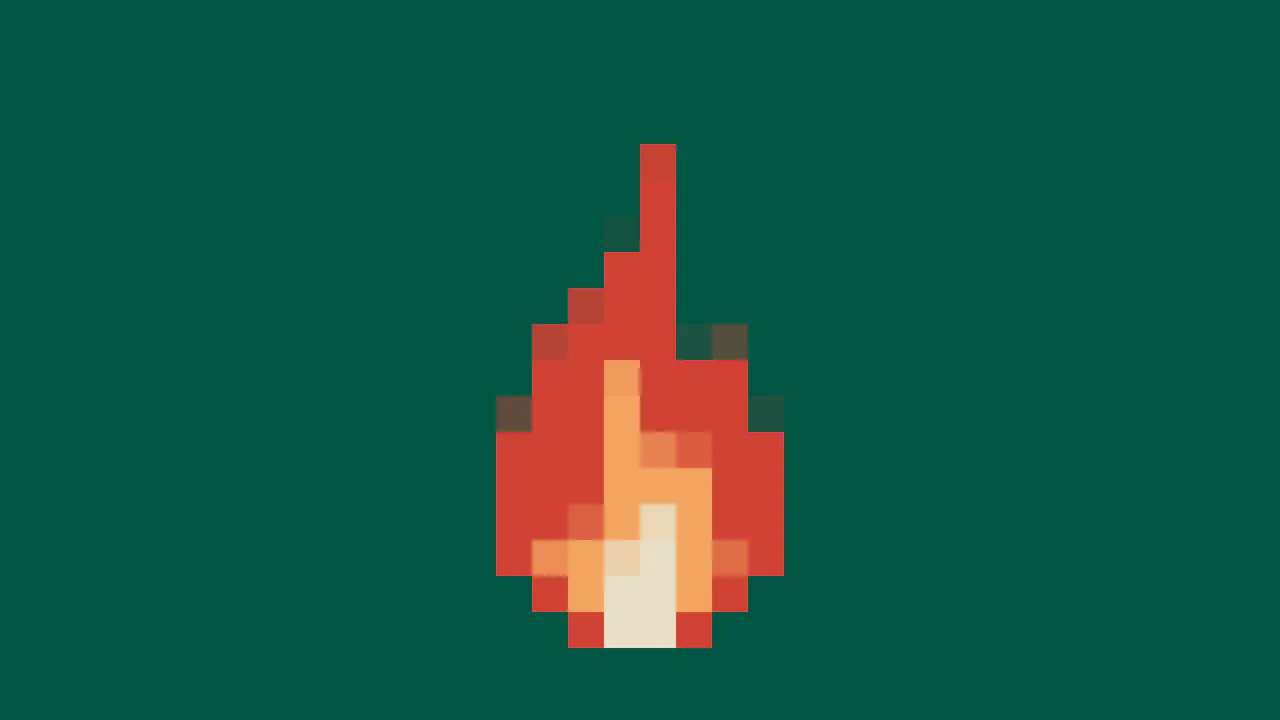
CSS Pixel Fire Animation
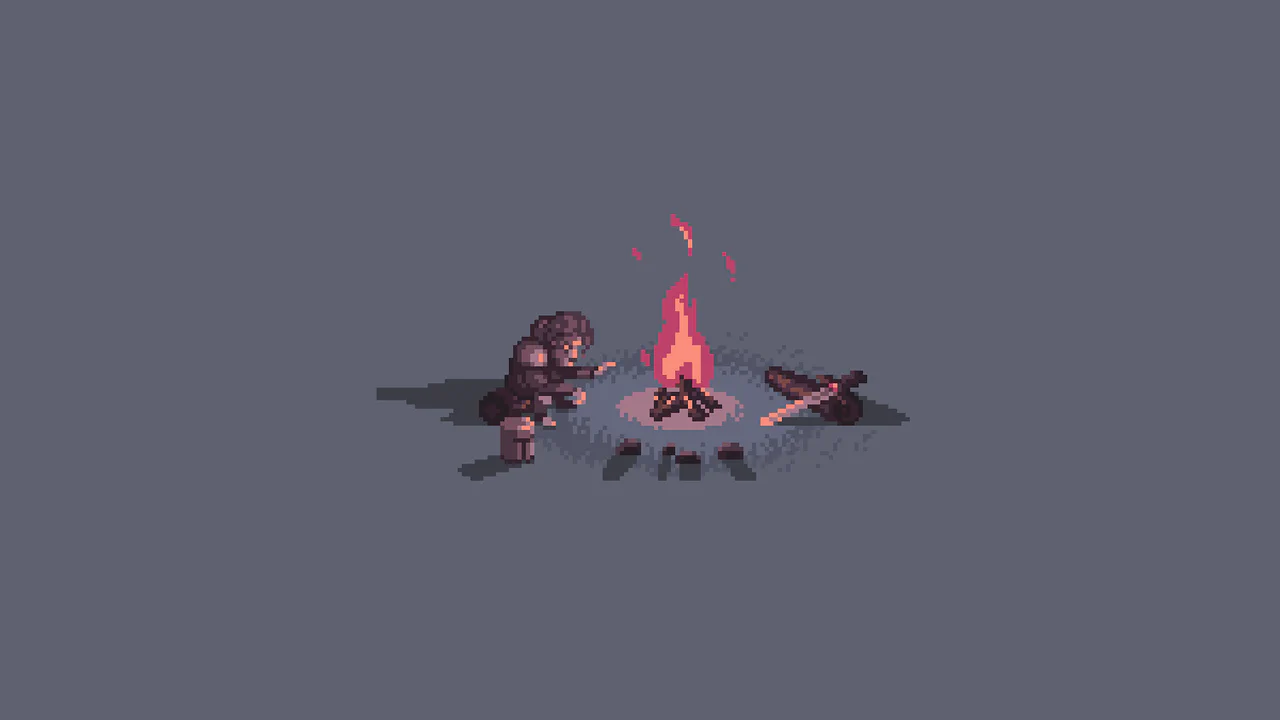
This demo showcases a procedural pixel art flame created with the HTML5 Canvas API. The effect is achieved by rapidly drawing randomized vertical lines on a low-resolution 16x16 canvas, which is then scaled up using CSS image-rendering to maintain a crisp, retro aesthetic.
See the Pen CSS Pixel Fire Animation.
Animated Fire Text Shadow
Fire animation achieved exclusively via a multi-layered text-shadow property within @keyframes. It uses ease-in-out infinite alternate with varying durations to create the flickering effect.
See the Pen Animated Fire Text Shadow.
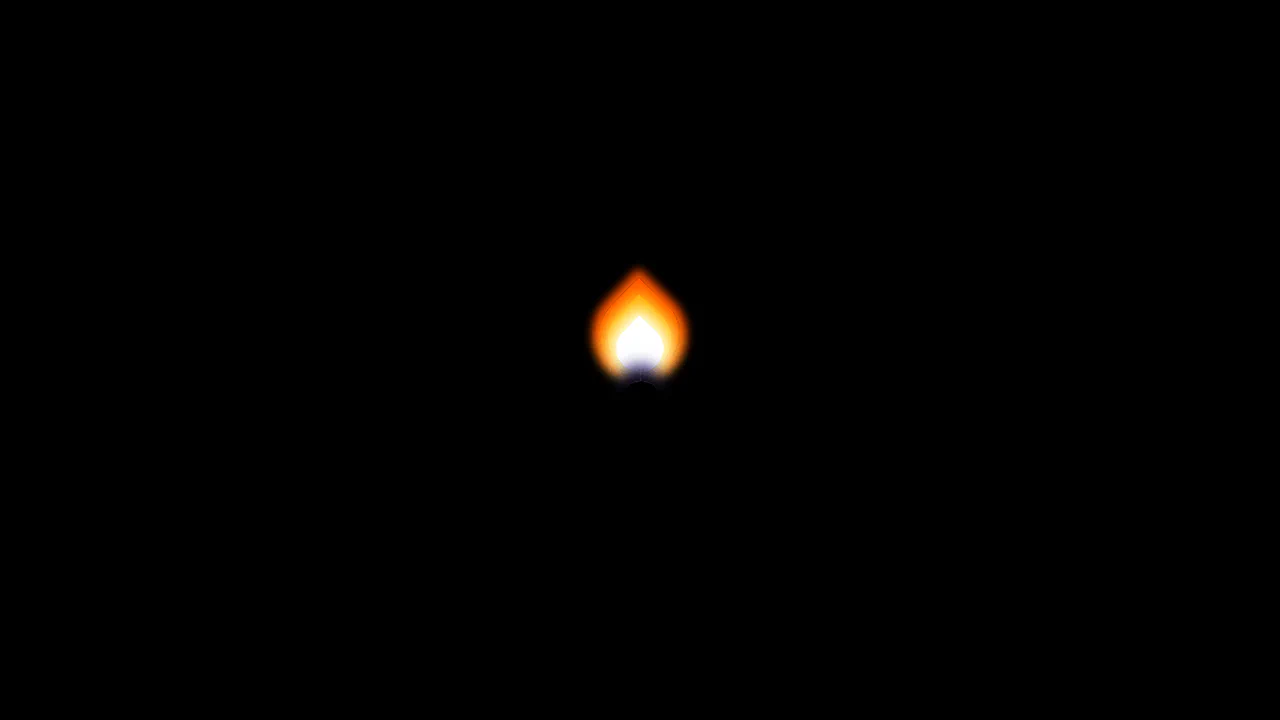

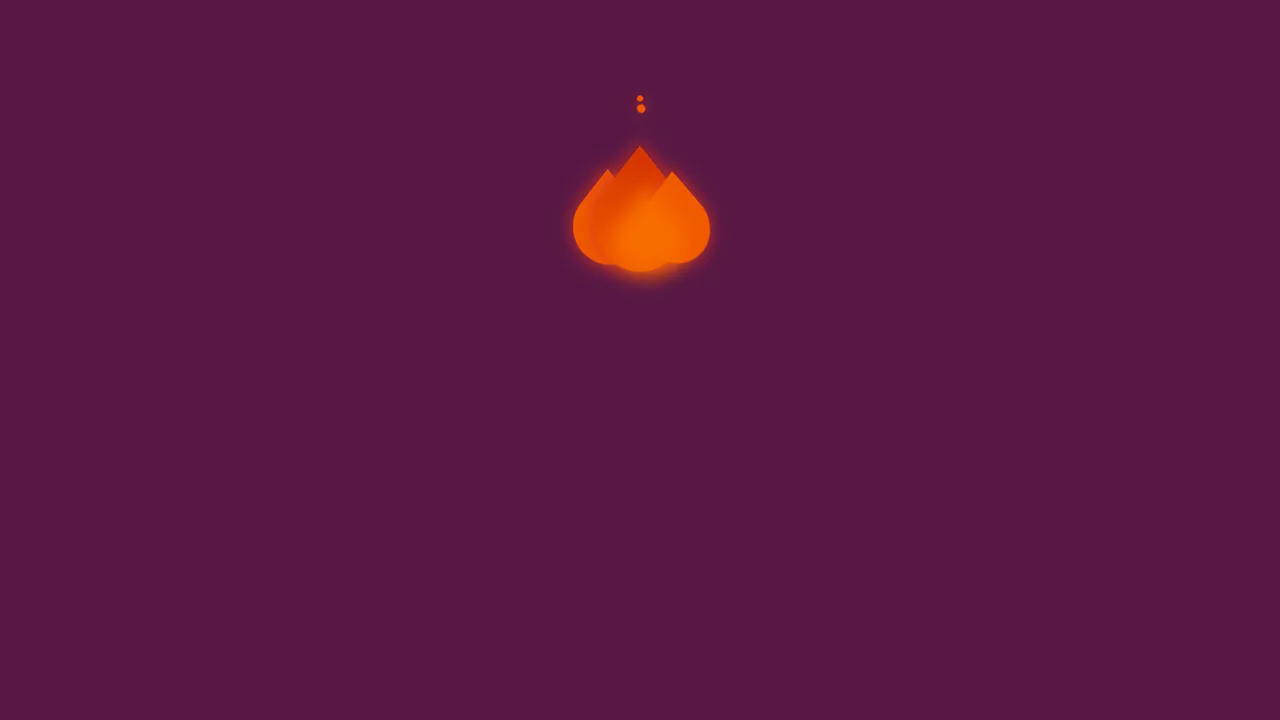
A performant flame animation created purely with CSS3 animations and multi-layered shadows. The flickering effect is achieved through rapid, infinite alternation of rotate and scaleY properties within @keyframes.