10+ CSS Footers
The footer anchors the interface. Pure CSS Footer Examples remove the friction of bloated scripts, letting the structure define the site hierarchy. This collection provides professional, minimalist blocks for modern UI design. Utilizing these curated snippets guarantees layout stability while keeping the DOM transparent and fast.
Technically, these examples rely on CSS Grid or Flexbox to manage complex multi-column alignment without external dependencies. The logic utilizes min-height: 100vh and auto-margins to ensure the footer remains pinned to the bottom of the viewport. Motion leverage hardware acceleration — animating properties like opacity and transform for hover interactions — to maintain a locked 60fps performance on the compositor thread. The HTML structure remains strictly semantic, supporting accessible navigation.
Every free demo is fully responsive and cross-browser compatible. Users can instantly download the raw code or fork an updated interaction on CodePen.
Examples
Fancy Fading Footer
A sleek Glassmorphism footer effect that gracefully blurs underlying fixed content upon scrolling. By combining backdrop-filter with a CSS gradient mask (mask-image), this snippet creates a premium, depth-rich UI overlay ideal for modern landing pages.
See the Pen Fancy Fading Footer.


Five nested sections create a layered glow effect. Each animates box‑shadow with a distinct duration, shifting colour and blur radius. No images — just CSS and clean markup.

A footer with a circular button that smoothly expands upward on hover, revealing text content. The animation is pure CSS transitions — no JavaScript needed. Minimal structure, clear behaviour.
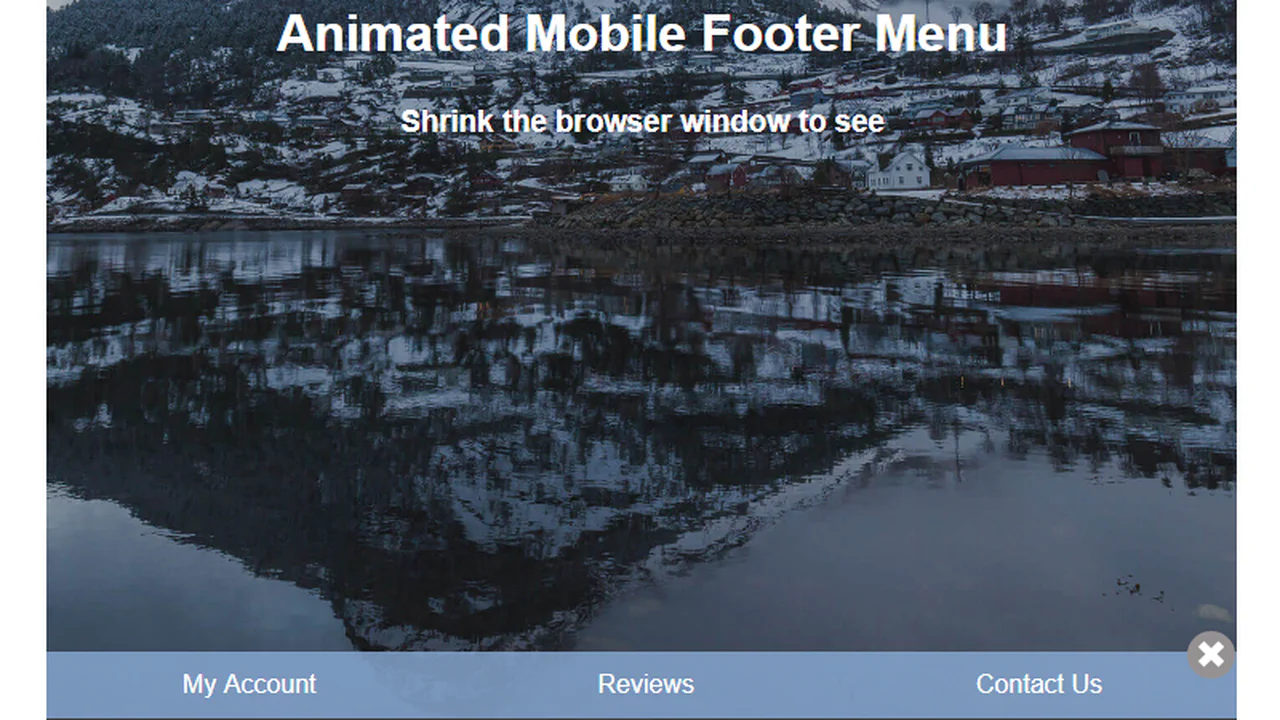
A mobile footer menu: a button toggles the link container via jQuery — classes trigger CSS animations. The button rotates, the arrow flips. Straightforward logic: one handler, two classes, three keyframes.

A fixed footer stays at the bottom of the viewport, but a negative z-index places it behind the main content. As you scroll, the content moves up while the footer remains fixed, creating a “revealing” footer effect. No JavaScript — just positioning and layering.

A fixed footer stays at the bottom, but its content is layered behind the main area via z-index. The header becomes sticky on scroll. A bouncing down‑arrow hides when the user reaches the page end — jQuery tracks scroll position. Everything else is placeholder blocks to demonstrate the behaviour.

The footer is fixed at the bottom, but a negative z-index places it behind the main content. A bottom margin on the content matches the footer’s height — scrolling to the end reveals it cleanly. No JavaScript, just positioning and layering.
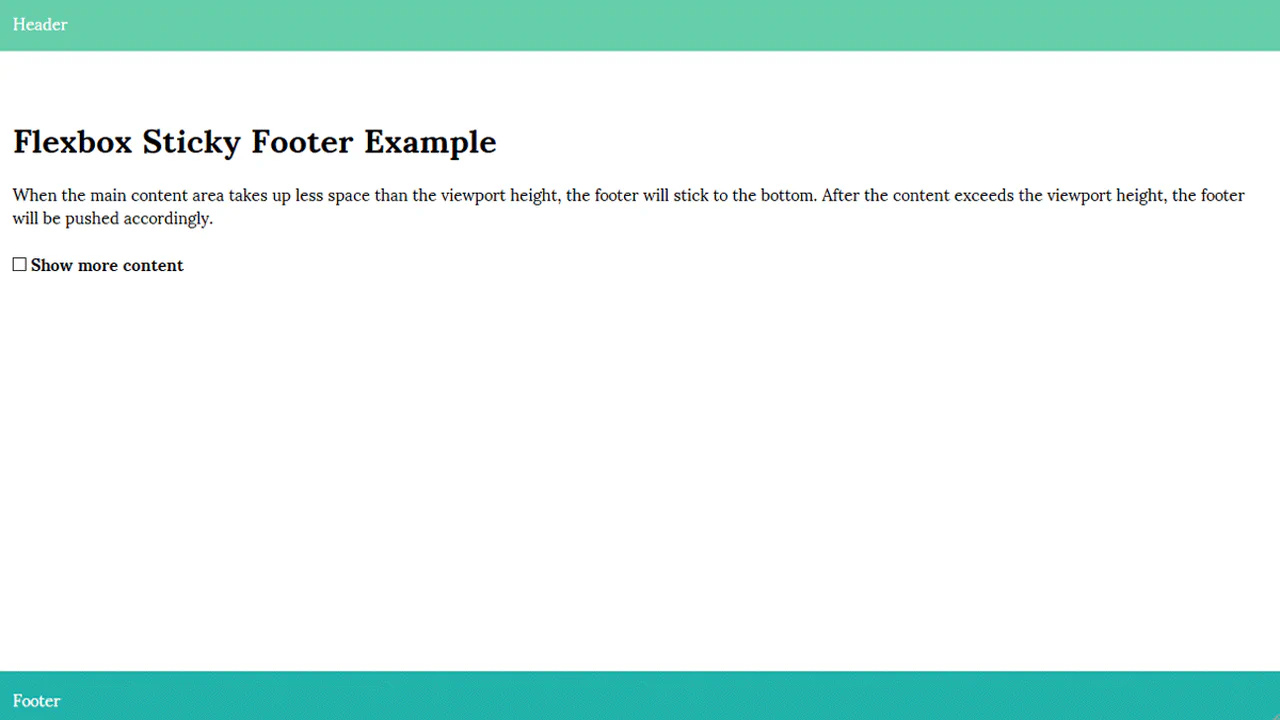
Flexbox‑based sticky footer: the wrapper takes full viewport height, main content expands to fill space, footer stays at bottom. Adding more content naturally pushes it down — no absolute positioning tricks. Minimal code, predictable behaviour.

The script tracks scroll position and adds a tight class when reaching the bottom — the container shrinks, and clicking it snaps back. A bouncing arrow hides at the bottom. Styles are placeholder blocks to demo the behaviour.

The footer is fixed at the bottom but placed behind the content via z-index. JavaScript dynamically gives the content a bottom margin equal to the footer’s height — scrolling to the end reveals the footer smoothly. No complex math, just height and margin.
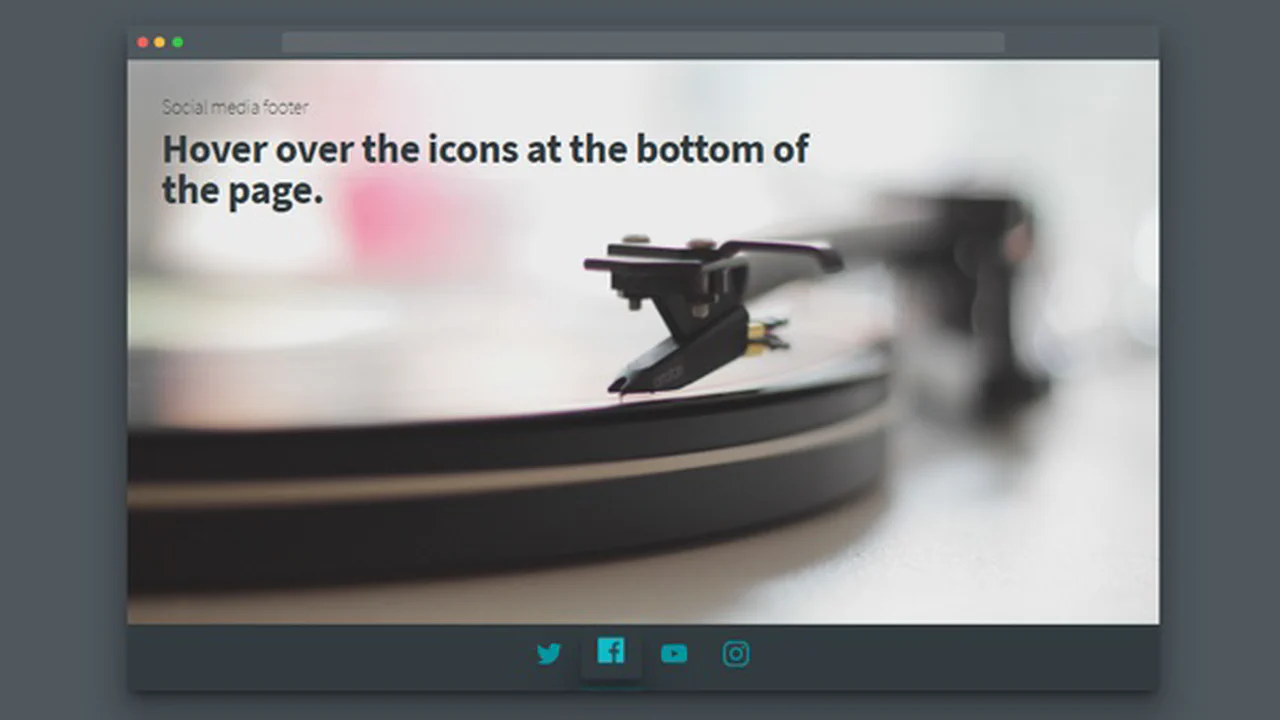
A browser window mockup with actual content and a fixed footer. Social icons use two SVG layers: one provides a glow via blur, the other is the main layer. On hover, a cascade of shadows and a vertical shift kick in — all interactivity is CSS, no JavaScript.
A card with a photo, text, and a pull‑up toaster panel at the bottom. Clicking the header expands the panel, rotates the arrow icon, and launches two paper planes along complex CSS‑keyframed paths. Class toggling is handled by plain JavaScript; animations are pure CSS.
A footer with animated bubbles built with an SVG filter and CSS animations. The number, size, and delays are generated by a Pug loop. The blur filter creates organic‑looking blobs — all without JavaScript.
