10+ CSS Frosted Glass Effects: Free Examples & Code
CSS frosted glass effects establish sophisticated visual depth within web interfaces, layering transparent UI panels that blend organically into dynamic backgrounds. By mimicking the refraction of physical glass, this technique organizes information into distinct focal planes without introducing jarring spatial divisions.
- Native rendering is driven by the backdrop-filter property, which dynamically blurs graphic layers positioned beneath a semi-transparent container in real time.
- To preserve INP (Interaction to Next Paint) performance, modern glassmorphism panels isolate visual repaints by executing pixel-level color blending directly on the compositor.
- High-fidelity glass borders pair dynamic gradients with background-clip contexts, ensuring the translucent borders remain perfectly crisp across varying pixel-ratio displays.
Master these layered glass techniques to design cohesive, multi-dimensional structures that respond elegantly to scrolling and spatial movement.
Table of Contents:
Examples

Glassmorphism Profile Info Card
This Glassmorphism Profile Info Card is a high-end UI component that replicates the sleek, frosted-glass aesthetic found in modern operating systems like iOS and macOS. It features a sophisticated interplay between background imagery and foreground content, using advanced CSS masking and backdrop filters to create a natural sense of depth and hierarchy.
See the Pen Glassmorphism Profile Info Card.

Pure CSS Glass Effect
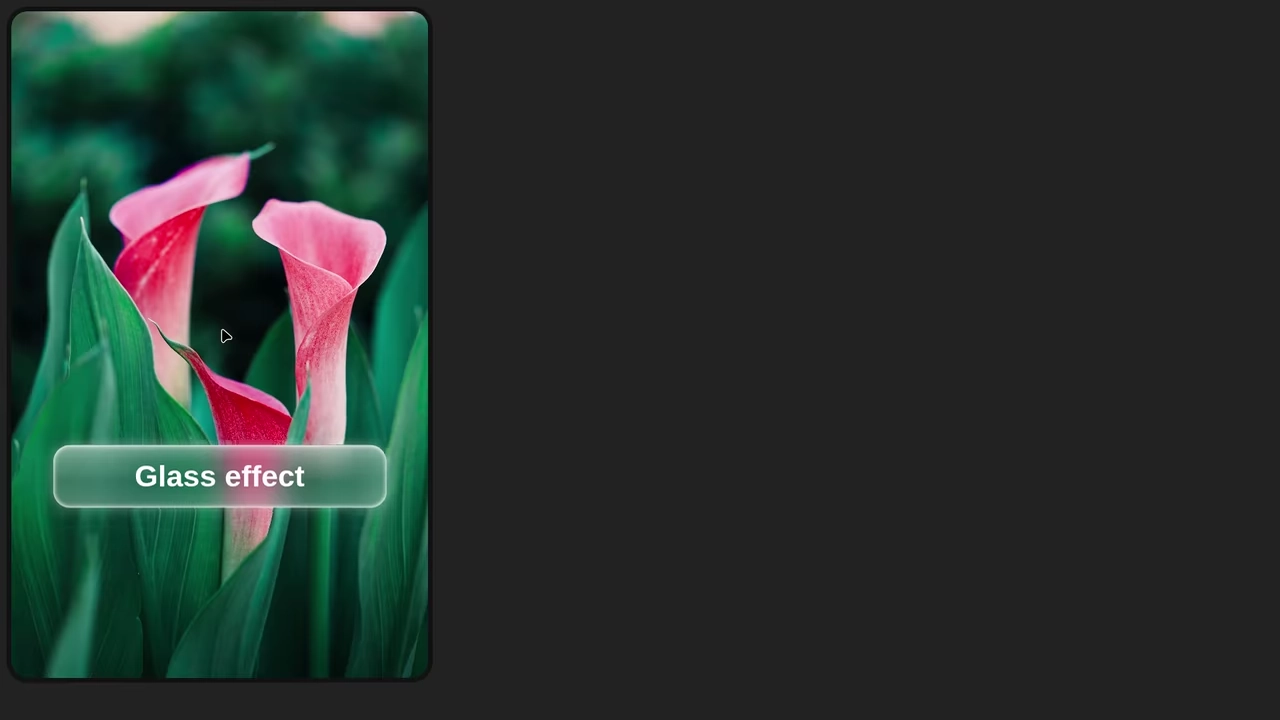
This is a pure CSS demo showcasing advanced effects like backdrop-filter for creating a frosted glass look and box-shadow for realistic highlighting. The effect is achieved by layering multiple elements without the need for JavaScript.
See the Pen Pure CSS Glass Effect.
This advanced CSS demo masterfully combines backdrop-filter: blur() for stunning translucent “glass” effects with smooth animations of decorative elements, focusing on modern aesthetics and interactivity.

Apple Liquid Glass UI (2025)
A sophisticated glassmorphism UI component that achieves a distorted, frosted glass effect using a multi-layered CSS structure and an inline SVG filter.
See the Pen Apple Liquid Glass UI (2025).
Glass Effect UI
An elegant UI element using the “frosted glass” effect (backdrop-filter), enhanced with complex box-shadow and pseudo-elements for depth and a realistic, shimmering glare.
See the Pen Glass Effect UI.

Liquid Glass Apple 2025 Effect
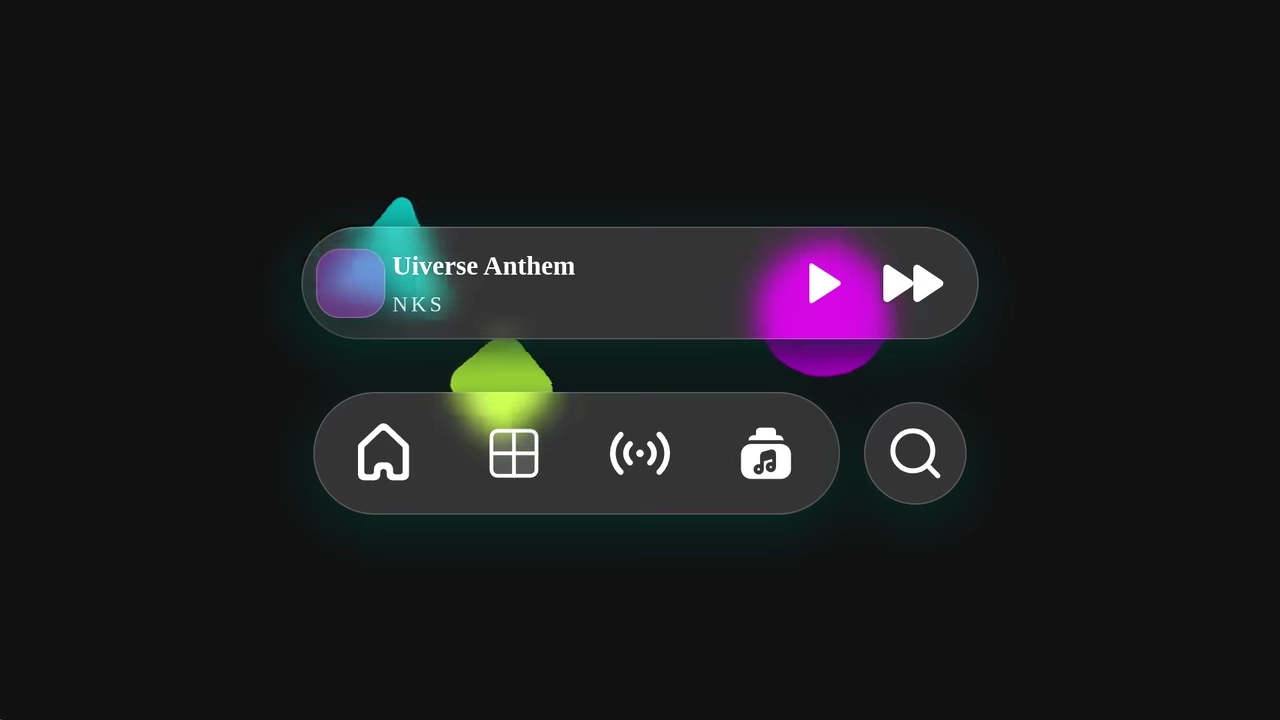
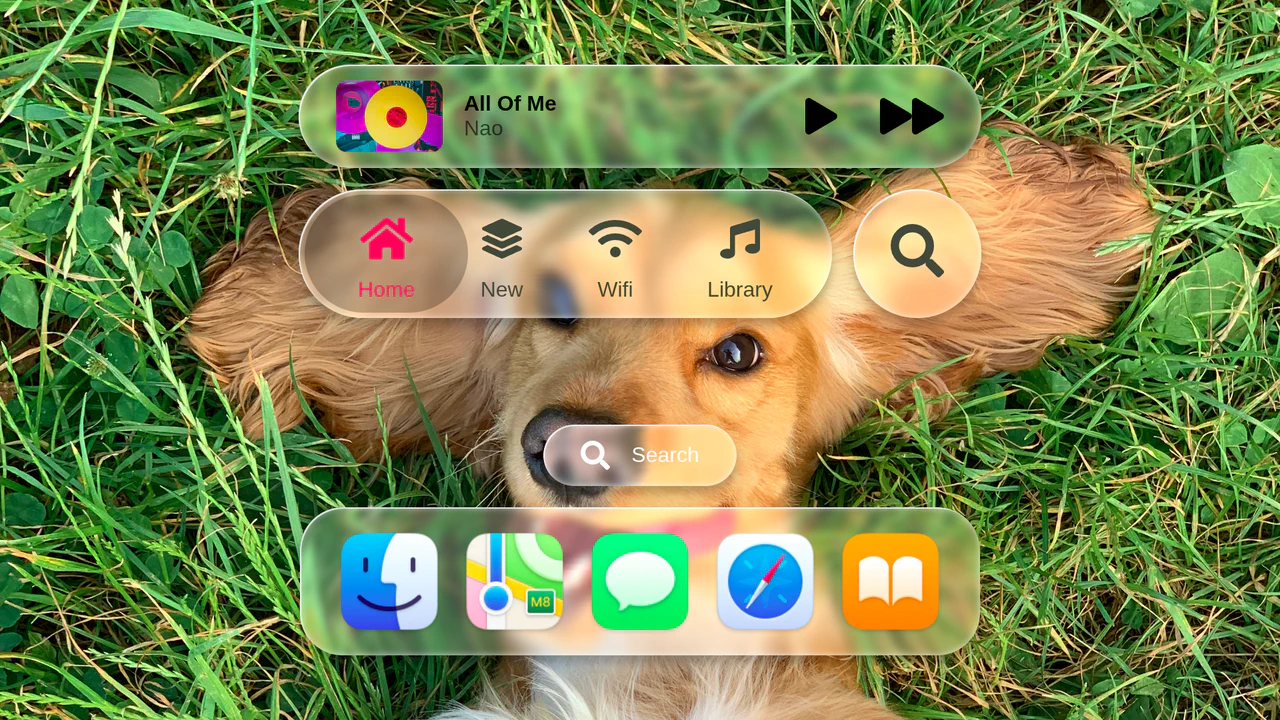
A comprehensive set of glassmorphism UI components featuring a music player, tab bar, and application dock. This snippet leverages CSS backdrop-filter alongside advanced SVG displacement filters to achieve a hyper-realistic frosted glass effect with deep shadows and specular highlights, perfect for premium frontend dashboards.
See the Pen Liquid Glass Apple 2025 Effect.
Fancy Fading Footer
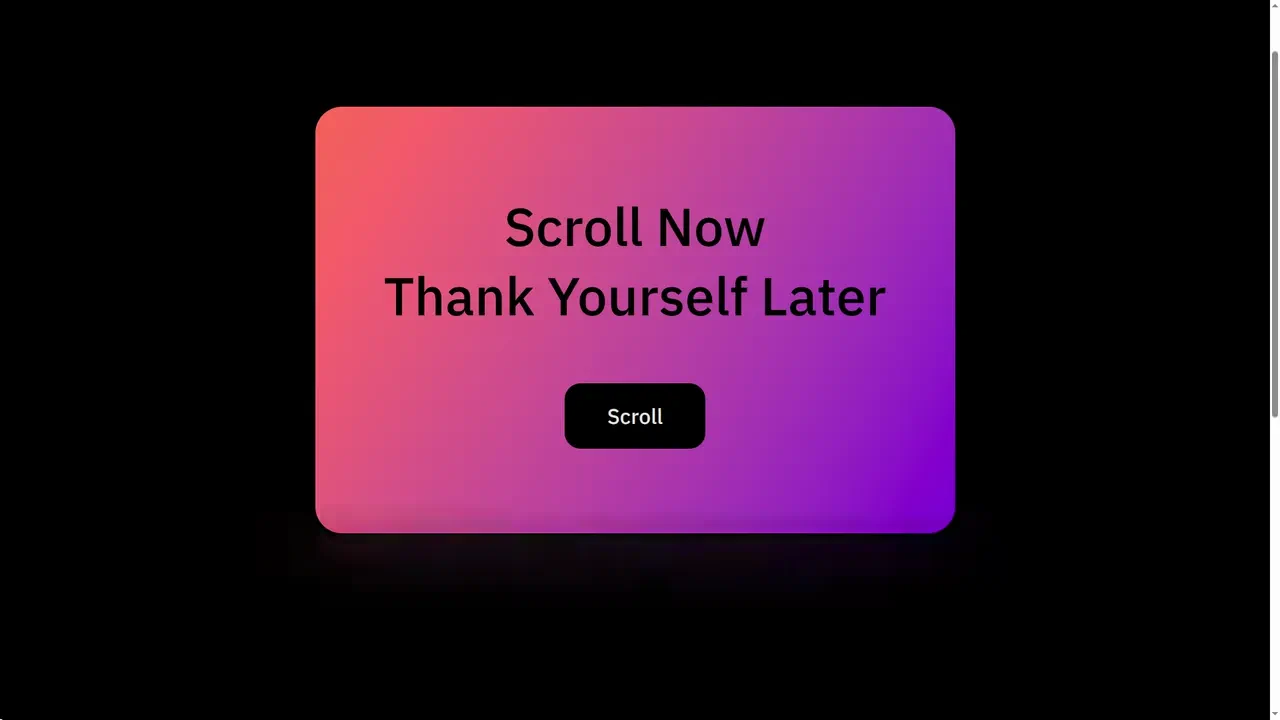
A sleek Glassmorphism footer effect that gracefully blurs underlying fixed content upon scrolling. By combining backdrop-filter with a CSS gradient mask (mask-image), this snippet creates a premium, depth-rich UI overlay ideal for modern landing pages.
See the Pen Fancy Fading Footer.

Frosted Glass Card
A premium Glassmorphism credit card design featuring a realistic frosted glass effect via backdrop-filter and gradient text clipping. This snippet utilizes CSS variables and mask-image for subtle border highlights.
See the Pen Frosted Glass Card.

Adaptive Frosted Glass
A robust Adaptive Glass snippet that respects user system preferences for Dark Mode and reduced transparency. It features proper CSS fallbacks for browsers lacking backdrop-filter support, ensuring a fully accessible and responsive UI design across all platforms.
See the Pen Adaptive Frosted Glass.
The badge uses background: rgba() and backdrop-filter: blur(10px) to create a translucent, frosted look. A double layer with ::before adds depth and enhances the blur effect.