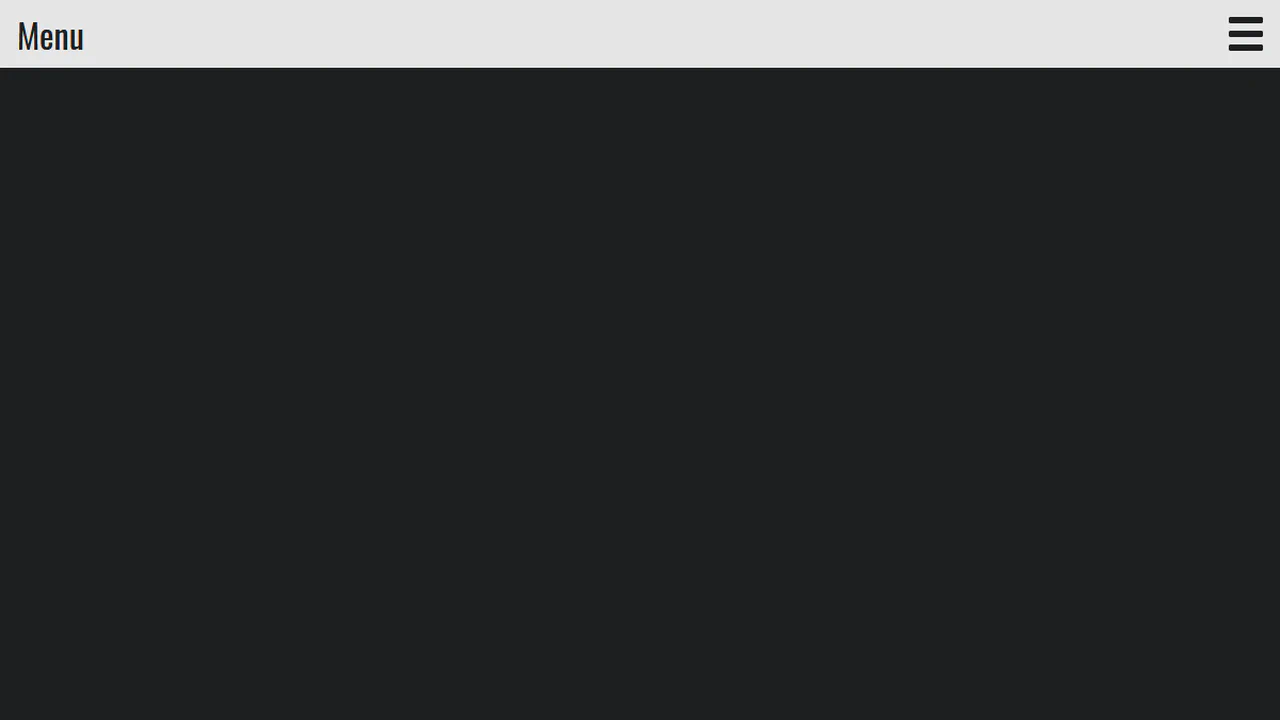
20+ CSS Fullscreen Menus
Navigation dictates orientation. CSS Fullscreen Menu Examples remove the friction of heavy JavaScript, allowing the interface to expand natively. This collection provides professional, minimalist blocks for modern UI design, organizing links into tactile, immersive sequences. Utilizing curated snippets guarantees layout stability while keeping the DOM transparent and fast.
Technically, these examples rely on the checkbox hack and fixed positioning to manage state without external dependencies. The code utilizes Flexbox for precise content alignment and transform: scale for smooth appearance. Motion leverages hardware acceleration — animating properties like opacity and transform — to maintain a locked 60fps performance on the compositor thread. The HTML structure remains strictly semantic, supporting accessible navigation.
Every free demo is fully responsive and cross-browser compatible. Users can instantly download the raw code or fork an updated interaction on CodePen. These assets are strictly optimized for performance, delivering a fast, frictionless experience across all modern devices.
Examples
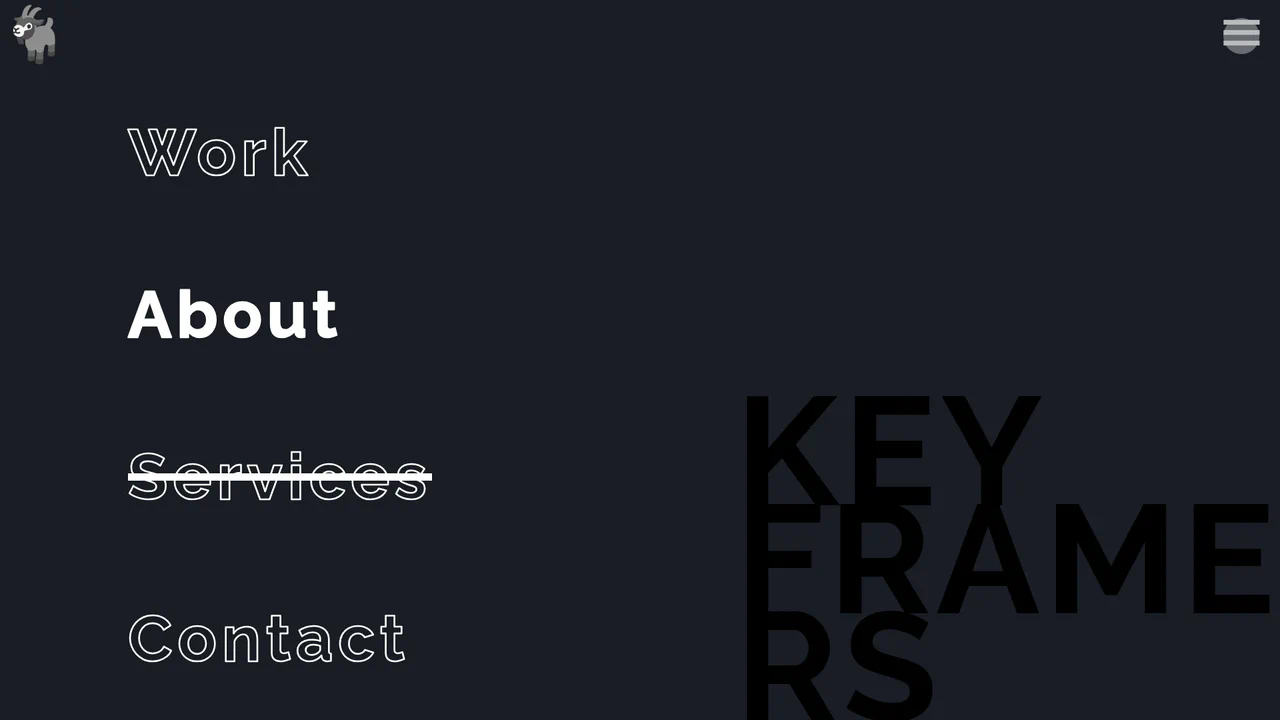
Split-Screen Staggered Menu Reveal
A full-screen navigation overlay driven by CSS transitions and data-attribute toggling. Clicking the menu button triggers a split-screen background slide, where two pseudo-elements converge from opposite vertical directions. The menu items and background typography fade in sequentially using CSS variable-based staggered delays, while hover states utilize -webkit-text-stroke and animated strikethrough lines.
 Chrome 49+
 Edge 12+
 Firefox 49+
 Safari 9.1+
See the Pen Split-Screen Staggered Menu Reveal.
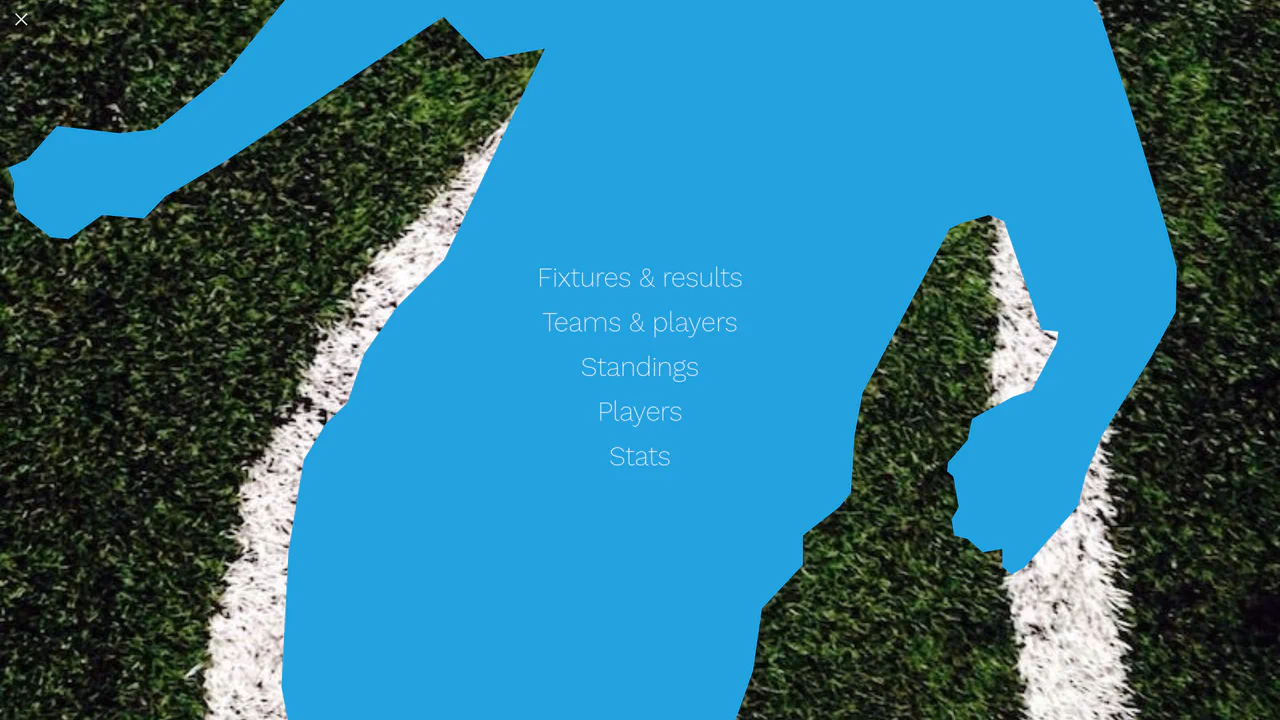
Liquid Polygon Fullscreen Navigation Menu
This is a Liquid Polygon Fullscreen Navigation Menu. It utilizes an intricate CSS clip-path mask to create an organic, ink-bleed reveal effect over the viewport. Its function is to replace standard rigid slide-in menus with a spatial, fluid transition, immediately altering the user’s interface context.
Chrome 55+
Edge 79+
Firefox 54+
Safari 13.1+
See the Pen Liquid Polygon Fullscreen Navigation Menu.

Cinematic Parallax Reactive Navigation Menu
This is a Cinematic Parallax Reactive Navigation Menu. It synchronizes large-scale typographical navigation with multi-layered background shifts. Its function is to transform a standard menu into a high-end atmospheric gateway for editorial or premium portfolio websites, using user interaction to drive the visual narrative.
Chrome 80+
Edge 80+
Firefox 75+
Safari 13.1+
See the Pen Cinematic Parallax Reactive Navigation Menu.
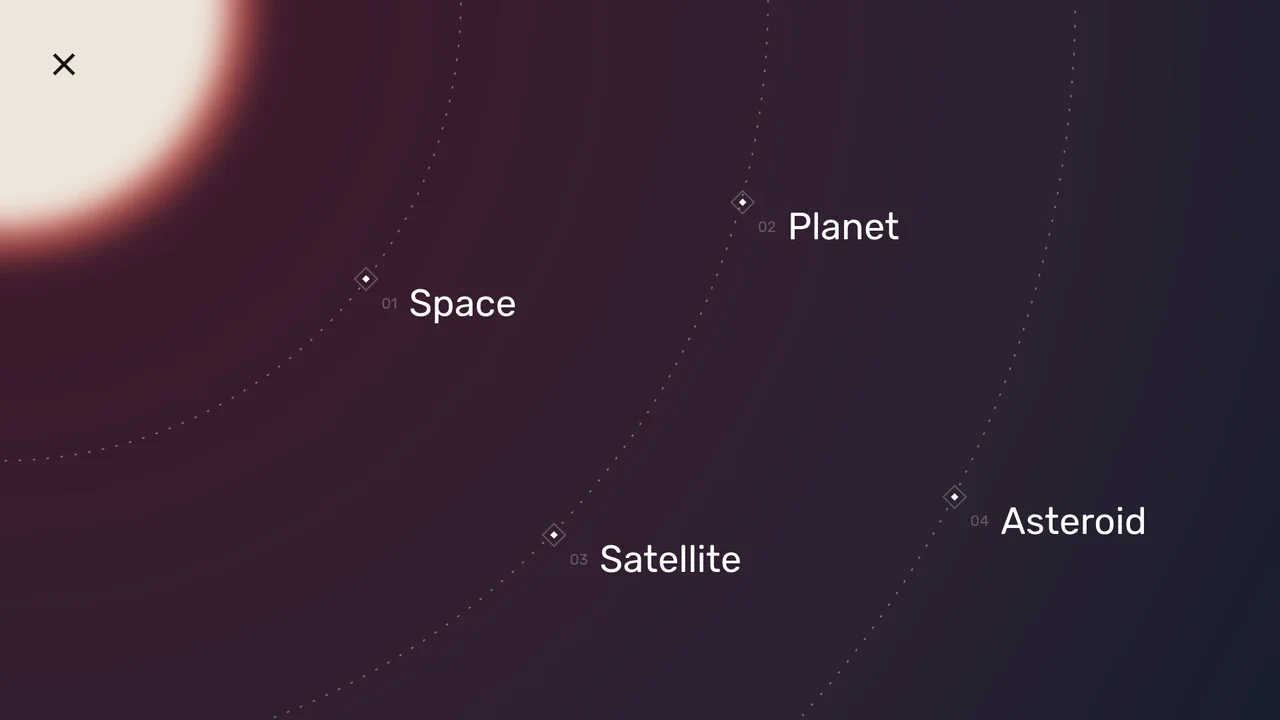
Space Nav: A Full-Screen Menu
An impressive menu example where all visuals are built with pure CSS and SVG. Clicking the burger icon triggers smooth animations for gradients, SVG arcs, and the background, while changing the overall page state with a single class.
See the Pen Space Nav: A Full-Screen Menu.


Vanilla burger menu. Classes toggle without libraries. CSS animations — rendering stays fast.

Toggle via jQuery. FadeIn/FadeOut — simple, but not native. Button built with pseudo-elements, zero extra nodes.

Checkbox hack, no scripts. Circle expands — CSS animation. Hamburger turns to cross with zero extra nodes.

Circle grows via transform. Links cascade up. No frameworks.
Pure JavaScript modal: open, close, click-outside handling. Semantic markup and adaptive breakpoints for accessibility. Animation on user trigger only — no main thread blocking.

Navigation state is managed via class toggles: logic stays visible in the DOM, not hidden in scripts. Overlay size calculated from viewport diagonal — minimal geometry for smooth scaling. Icon and background animations are time-separated to avoid main thread contention.

Menu state handled via checkbox hack: no JavaScript, logic lives in native input. Menu items animate in staggered sequence — each appears in logical order. Icon and overlay transformations sync via cubic-bezier, avoiding unnecessary repaints.

Menu controlled via native checkbox: state visible in markup, no hidden logic. Icon transforms into cross via pseudo-elements — one animation, two states. Overlay fades in with opacity transition, no content repaint.
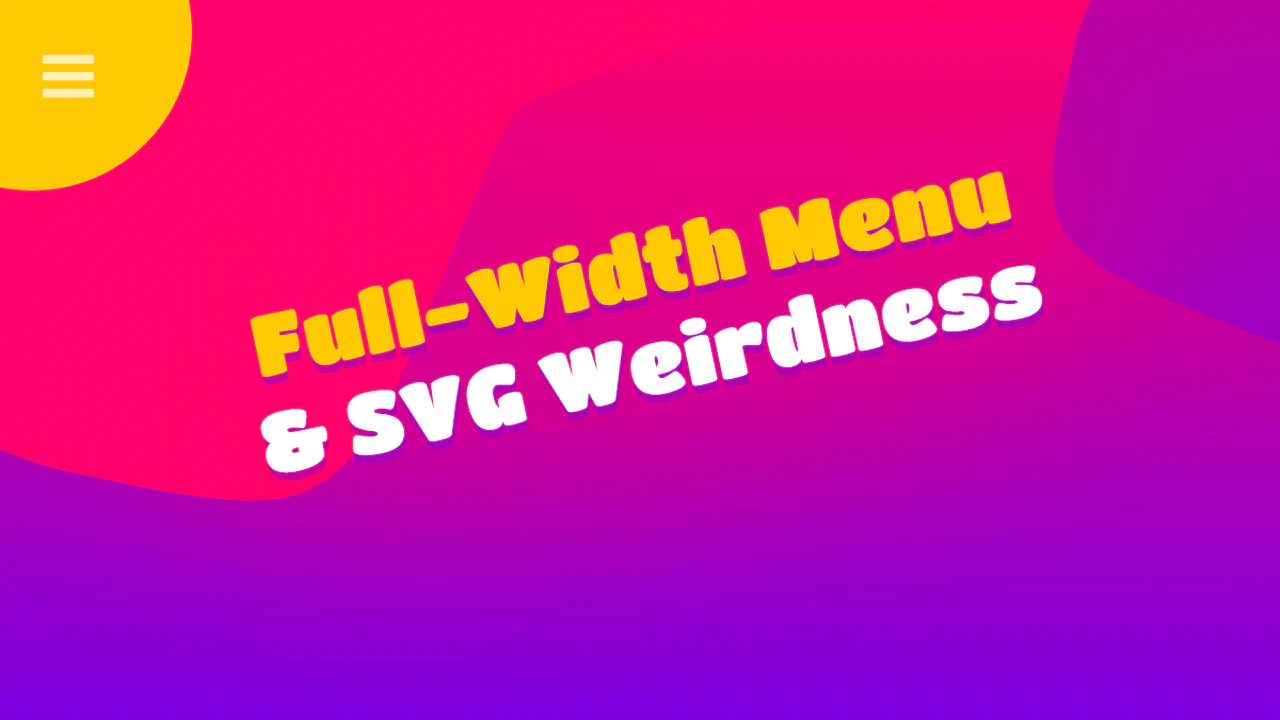
Menu toggles via explicit class manipulation: state visible in DOM, logic in open code. Items appear in staggered sequence with fixed delay — animation doesn’t block main thread. Container and icon transformations sync via transition, no unnecessary repaints.
Menu controlled via checkbox hack: state lives in native input, zero JavaScript. Sidebar slides in via transform: translateX, icon animates through line rotation and middle bar hide. Logic transparency: all interactivity visible in markup and styles.
Menu activates via class toggle on body: state managed explicitly, no hidden flags. Icon transforms into cross via transform, items appear in staggered sequence with calculated delay. Background layers animate separately — each transition has its own delay and easing function.