50+ CSS Headers
Navigation dictates orientation. Pure CSS Header Examples remove the friction of heavy JavaScript listeners, allowing the interface to respond natively to scroll progress and hover intent. This collection provides professional blocks for modern UI design, organizing navigation into digestible, tactile sequences. Utilizing curated snippets replaces bloated scripts with raw, functional logic. No latency.
Technically, these examples rely on Flexbox and CSS Grid for precise layout alignment. Sticky positioning uses position: sticky and scroll-padding to maintain high layout stability without manual scroll calculations. Interaction states leverage hardware acceleration, animating properties like transform: translateY and opacity to ensure a locked 60fps performance on the compositor thread. The HTML structure remains strictly semantic, ensuring accessibility for all users.
Every free demo is fully responsive and cross-browser compatible. Users can instantly download the raw code or fork an updated interaction on CodePen. These assets are strictly optimized for performance, delivering a fast, frictionless experience across all modern desktop and mobile devices.
Examples

CSS Staggered Bars Reveal Animation
This Staggered Bars Reveal Animation creates a cinematic intro for landing pages using zero JavaScript. By orchestrating a single pseudo-element (::after) with complex linear-gradient backgrounds, the component simulates seven distinct bars sliding into place. The animation cleverly shifts the background-position of each gradient strip sequentially, creating a rhythmic “wipe” effect that culminates in the text appearing.
 Chrome 100+
 Edge 100+
 Safari 14+
 Firefox 90+
See the Pen CSS Staggered Bars Reveal Animation.

Shrinking Header on Scroll without JavaScript
A smooth and performant header transformation: from tall and spacious to compact and fixed upon scrolling down, achieved entirely without JS scroll events.
See the Pen Shrinking Header on Scroll without JavaScript.
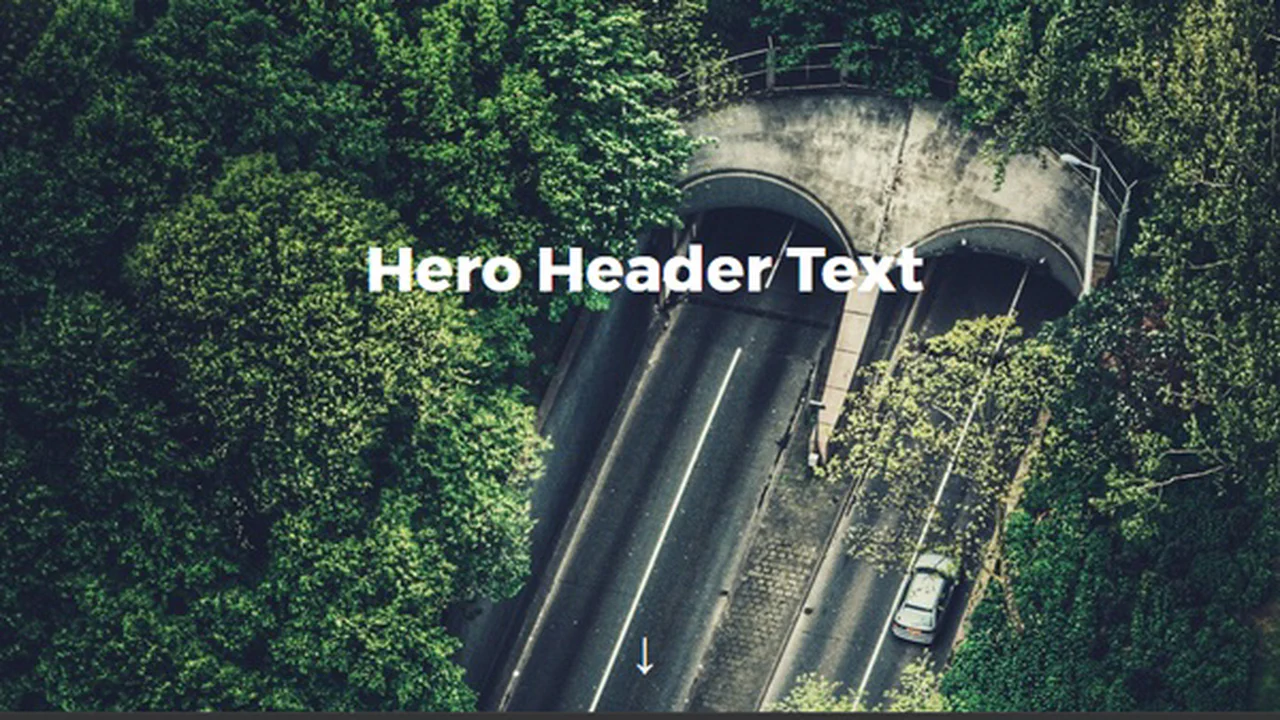

A full‑screen header with a parallax background image on scroll. Smooth anchor navigation is handled by jQuery. Minimal code, predictable behaviour.
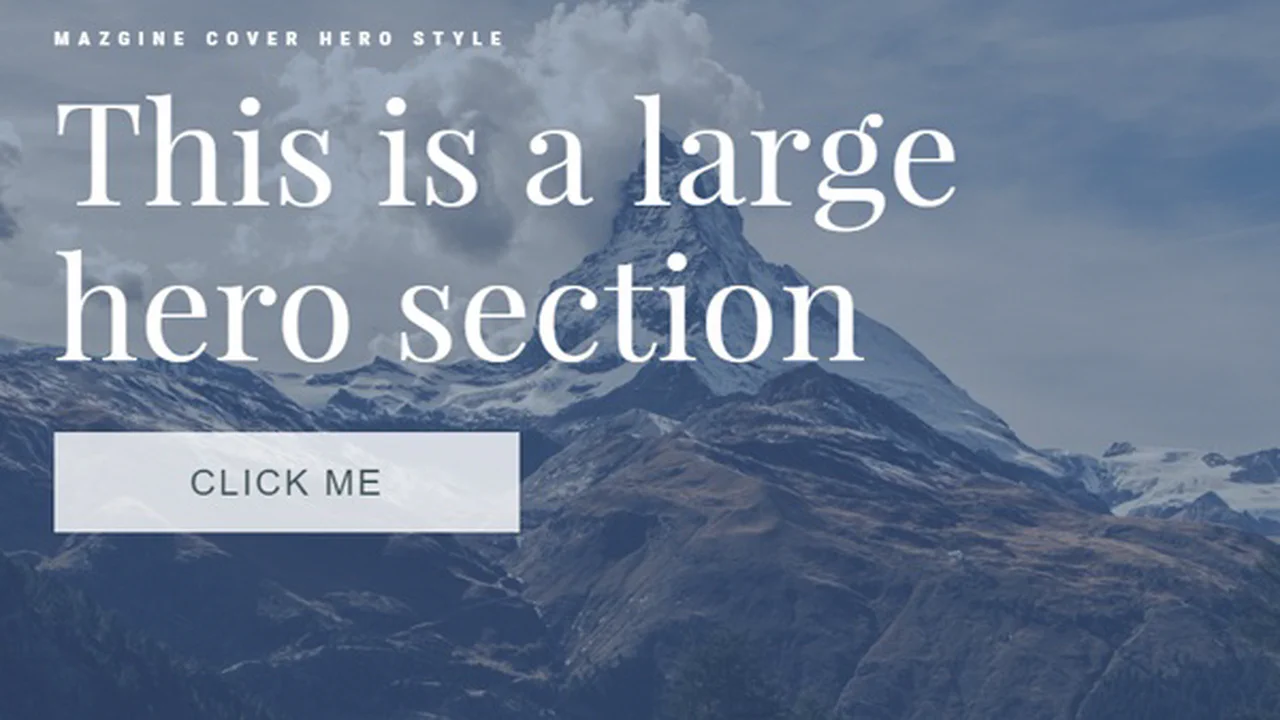
The code creates a hero section with a background image. On scroll, its opacity fades out — handled by a minimal jQuery script. The headline, subtitle, and button fade in with CSS delays and animations. Minimal scripting, focus on visual impact.

The code creates a parallax effect using ScrollMagic and GSAP. The background image scales on scroll, the title transforms in 3D, and content blocks fade in smoothly. Individual images animate when they enter the viewport. Minimal scripting, maximum visual impact.
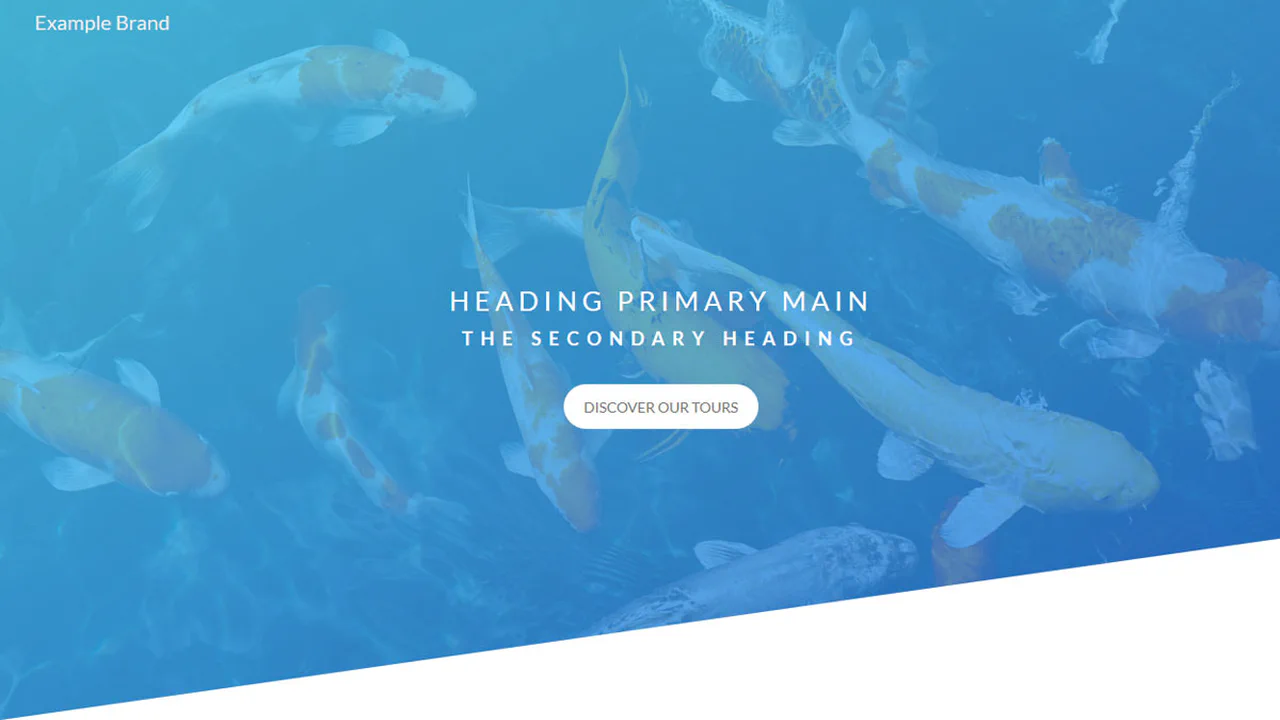
A header with a background image overlaid by a colour gradient. The bottom edge is diagonally clipped via clip-path. The heading and button are centred; the button has hover effects. No JavaScript — just CSS.
The stylesheet creates full‑height sections with a fixed footer, employs scroll-snap for smooth vertical navigation, and adds lightweight hover effects (opacity, scale, position) using only CSS. Each concept is built with grid or flex layouts, and interactive parts are controlled via sibling selectors, avoiding any JavaScript.
The SCSS variables and mixins provide consistent easing and responsive breakpoints, while the .about widget expands social icons purely with CSS transitions, avoiding JavaScript. The navigation and hero section rely on flex layouts and keyframe animations for smooth motion and responsive behavior.
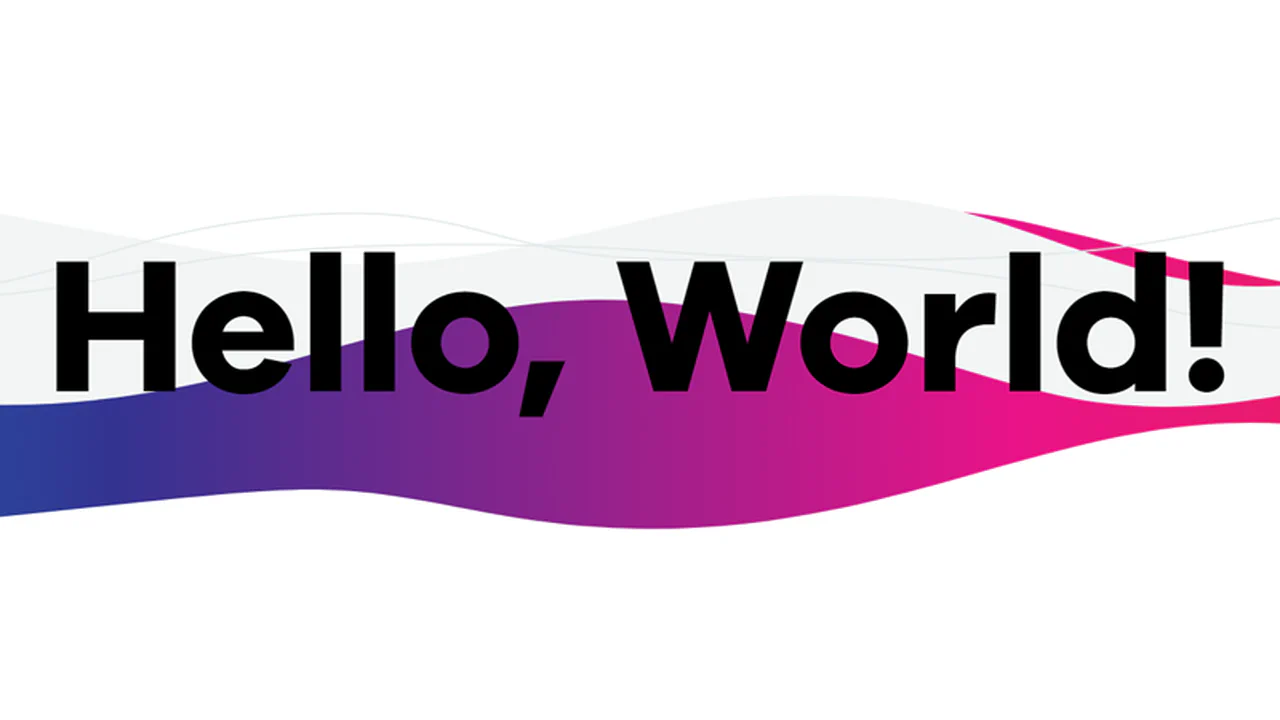
Wave animation runs via an infinite @keyframes a lasting ~17 seconds, and the SVG text and logo are positioned absolutely over the animated background.

Minimalist header featuring a subtle animated gradient line effect. The stylized text uses the Oswald font and pure CSS for a modern look. The design emphasizes conciseness and a clear visual hierarchy.

A striking pure CSS parallax demo achieved using perspective and translateZ transformations on DOM elements. The header image scrolls at a different rate than the content, creating a depth illusion without any JavaScript.
A minimalist header featuring a striking CSS background animation that simulates running bars via @keyframes. The text reveal is staggered using complex transformations, emphasizing a clean visual presentation without any JavaScript.
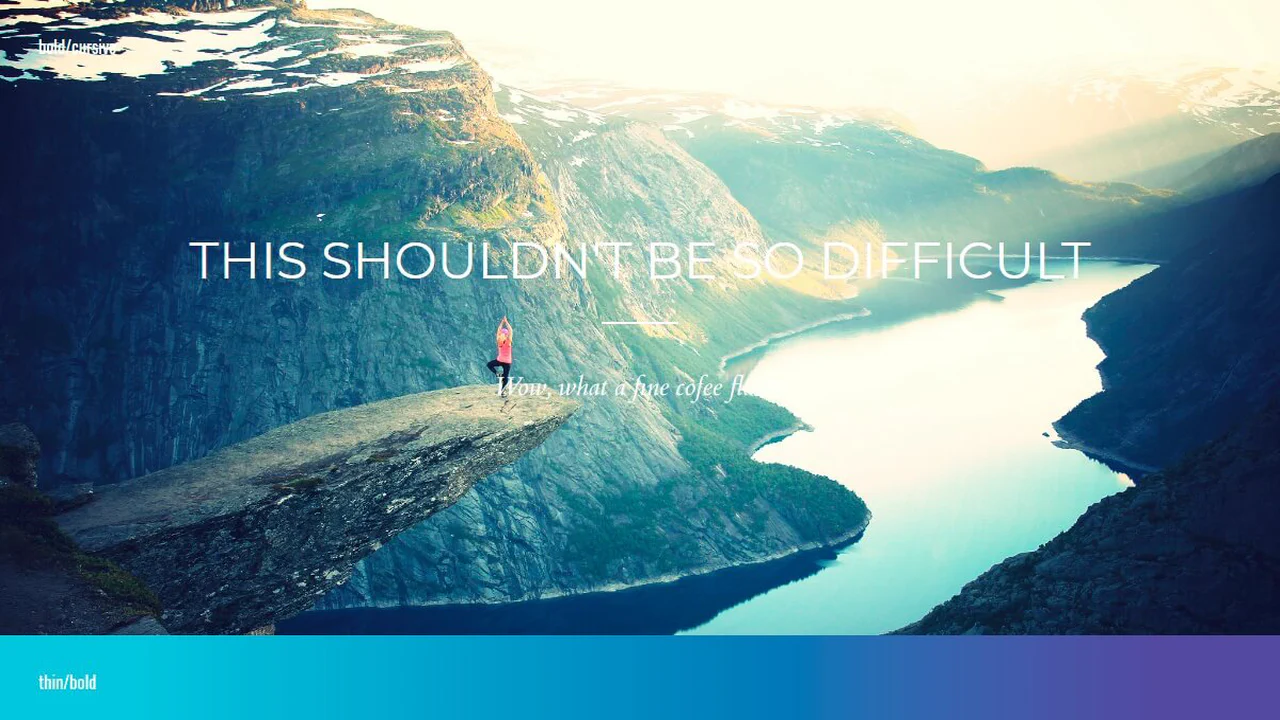
A demonstration of multiple typographic styles implemented using SCSS to manage extensive font settings, weights, and heading adornments. The content is presented over various backgrounds, including gradients and images, allowing for thorough inspection of readability and aesthetic consistency across diverse styles.