10+ CSS Horizontal Accordions
Data density requires directional control. Pure CSS horizontal accordion examples remove the script layers between human intent and the screen. This collection organizes information into linear, expandable sequences for modern UI design. Utilizing curated snippets eliminates visual noise, letting the raw logic dictate the structural form.
Technically, these examples rely on Flexbox and transition: width for horizontal expansion. The code utilizes the checkbox hack or :target pseudo-class for native state management. Motion leverages hardware acceleration, animating isolated properties like transform: scaleX and opacity to ensure a 60fps performance on the compositor thread. The HTML structure remains strictly semantic, maintaining high layout stability and rapid rendering.
Every free demo is fully responsive and cross-browser compatible. Users can instantly download the raw code or fork an updated interaction on CodePen.
Examples
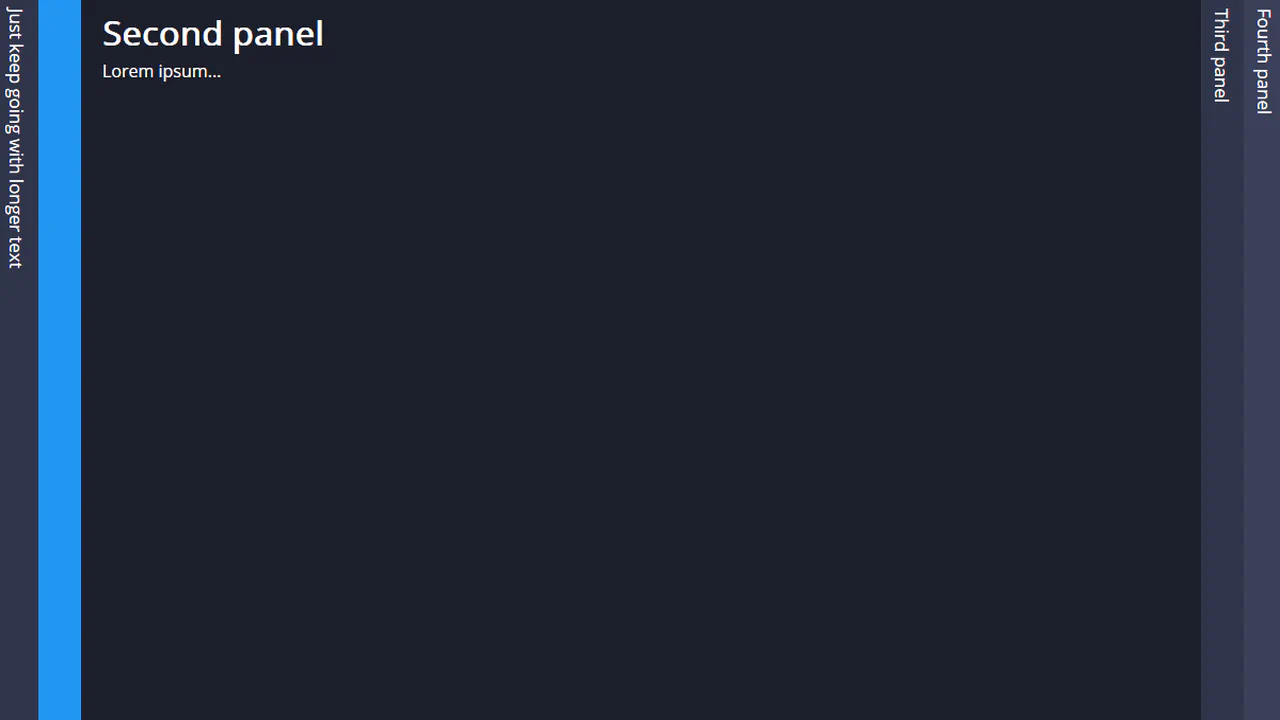

A vertical radio‑button accordion: each tab spans full viewport height, content slides in from the right with a smooth width transition. SCSS loops calculate exact widths for any number of tabs. Markup in Pug, styles in pure CSS. No JavaScript.
A pure‑CSS accordion gallery: list items sit in a row; hovering one expands it while shrinking the others. A checkbox toggles colour overlays via ::before. Layout uses floats, animations use transitions. No JavaScript.
The accordion uses table layout: items are table cells with a fixed height. Hovering a cell expands it while shrinking others, and text smoothly slides in from the left. Interactivity relies on CSS :hover and :focus. Responsive behaviour stacks items vertically on narrow screens.
A flex‑based image accordion: hovering a card expands it, the title rotates from vertical to horizontal and changes background colour. All animations use CSS transitions and transforms — no JavaScript. The code is minimal and easy to read.
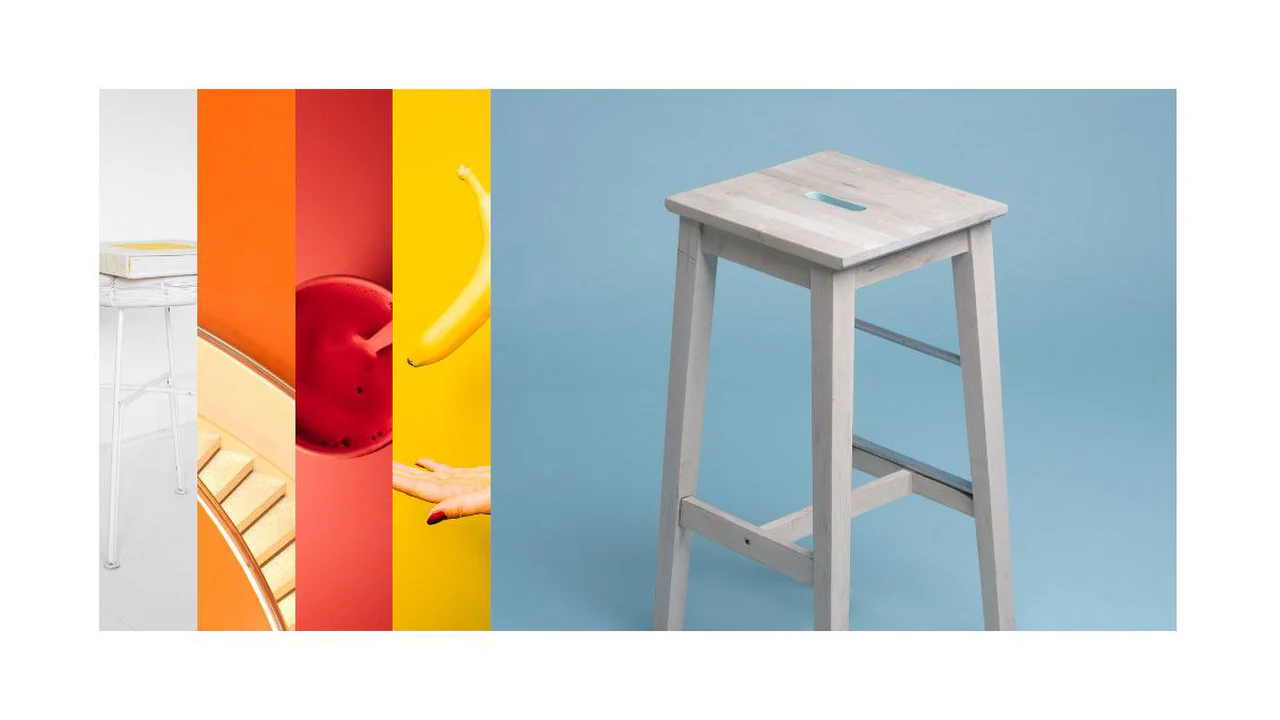
The gallery uses a flex container: items share equal width, hovering one expands it while others shrink. Background images are set via CSS; animation is a smooth flex transition. Code is concise, with no extra wrappers or JavaScript.
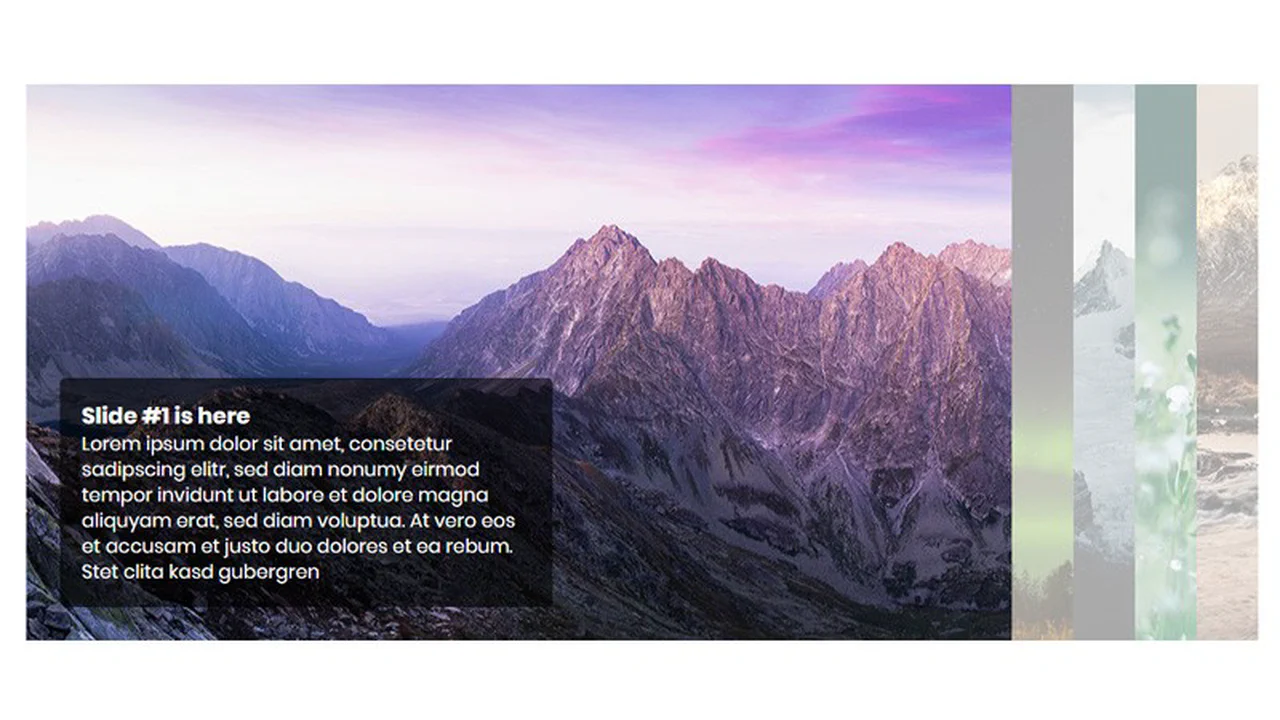
A flex‑based accordion of images. On hover, a card expands, the title rotates from vertical to horizontal and scales. Code is minimal, no extra scripts — just CSS transitions and transforms.
A flex‑based gallery: five cards with background images. Hovering over one smoothly expands it, taking up more space while the others shrink. The effect relies solely on changing the flex property and a CSS transition. Minimal code, maximum impact.
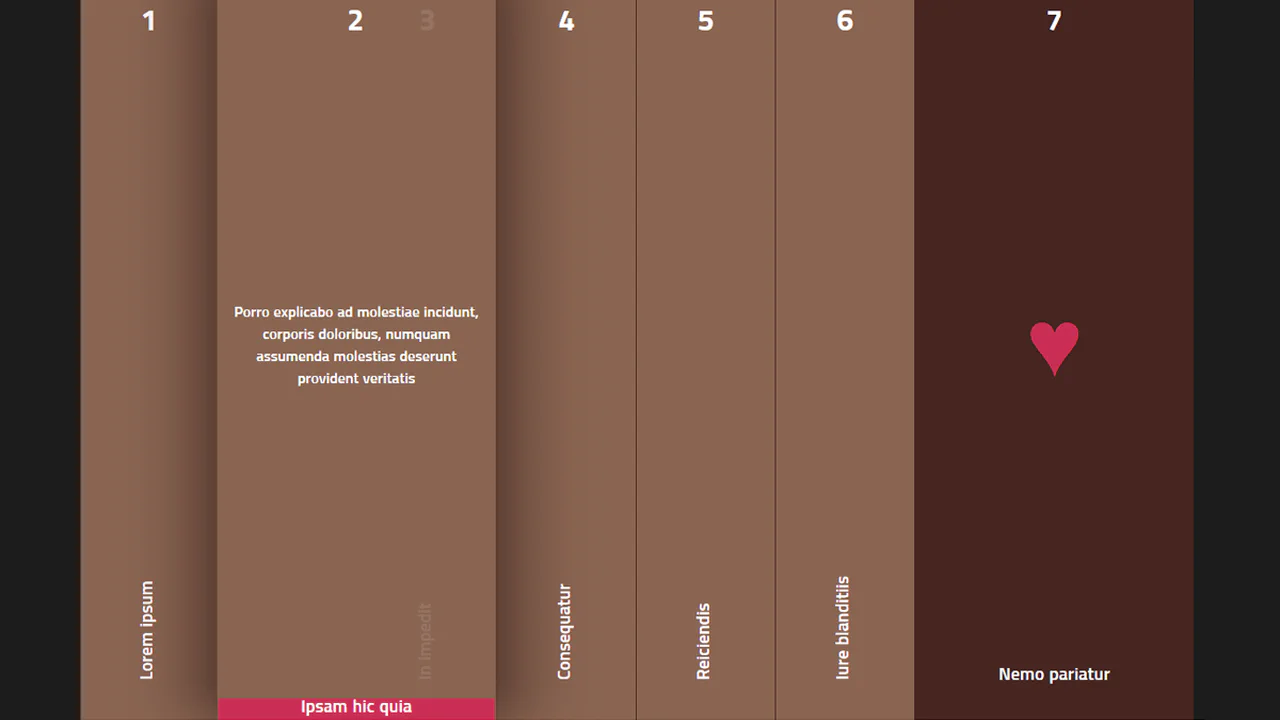
The navigation uses CSS transforms and grids. Each list item is shifted left; on focus (or hover) it slides out while the others adjust. Numbering is done with CSS counters, and entry animations with keyframes. No JavaScript, just modern CSS.
jQuery drives the slideshow by toggling CSS classes, triggering TweenMax animations. A parallax effect links container movement to scroll. Navigation arrows and pagination behave predictably, with logic cleanly separated from presentation.
A pure‑CSS accordion slider: hovering expands a box and reveals text. Below, an unfinished JavaScript form‑submission routine with AJAX contains errors and unused variables. The slider’s interactivity is entirely style‑based, unrelated to the script.