10+ CSS Hotspots: Free Visual Pin Examples & Map Code Snippets
CSS hotspots anchor dynamic, spatial metadata overlays directly onto background graphics and interactive diagrams, guiding users to deeper content nodes via pulsing visual indicators. By coordinating circular glowing targets, responsive tooltip anchors, and smooth transition sweeps natively, these templates present contextual details with absolute layout performance.
- Precision contextual tooltips are programmatically bound to their visual triggers natively using the CSS Anchor Positioning specification.
- Continuous ambient pulse highlights and coordinate glow cycles are calculated using infinite keyframes on transform and box-shadow properties.
- To preserve critical INP (Interaction to Next Paint) performance during rapid panel revelations, dynamic toggles execute on GPU layers.
Explore these interactive layouts to master the integration of native anchor coordinates and highly polished, layout-stable hotspots into your interfaces.
Table of Contents:
Examples
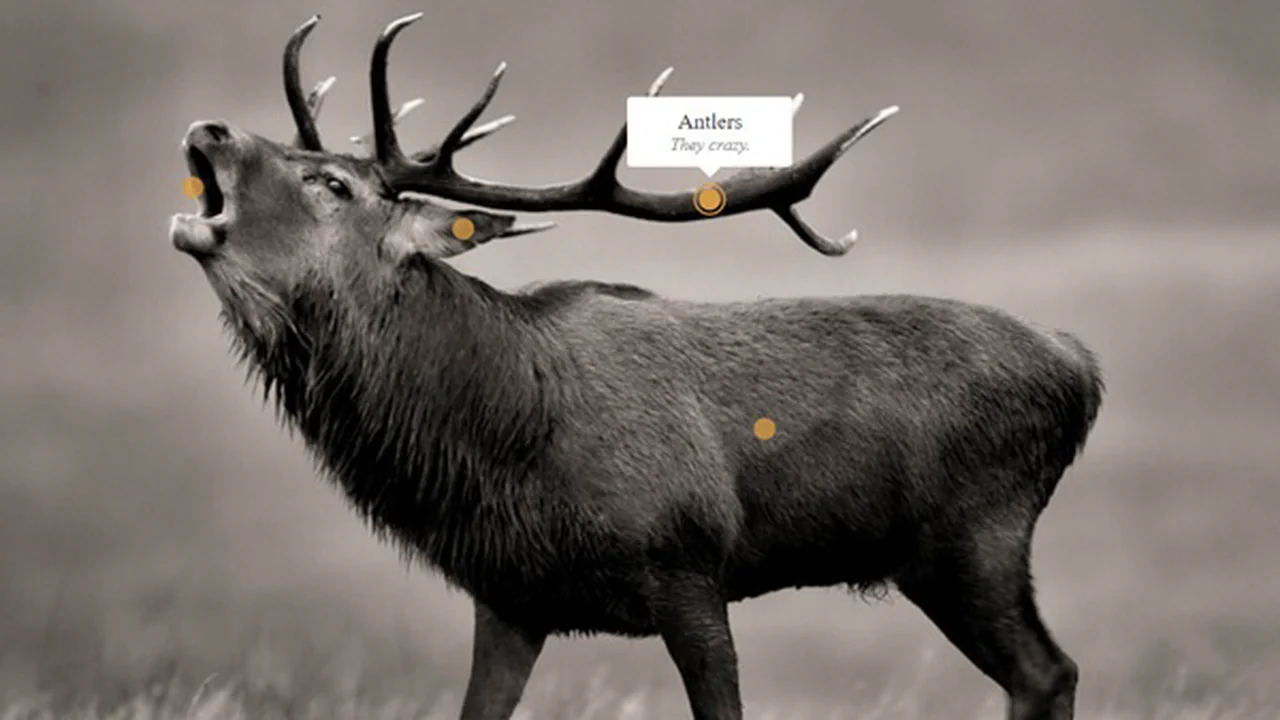
Centered Background Image With Hot Spots
An interactive image Hotspot layer implemented with jQuery and Stylus for dynamic positioning. The JavaScript calculates and sets CSS margins based on the aspect ratio difference between the window and the background image, revealing a speech bubble on mouseover.
See the Pen Centered Background Image With Hot Spots.
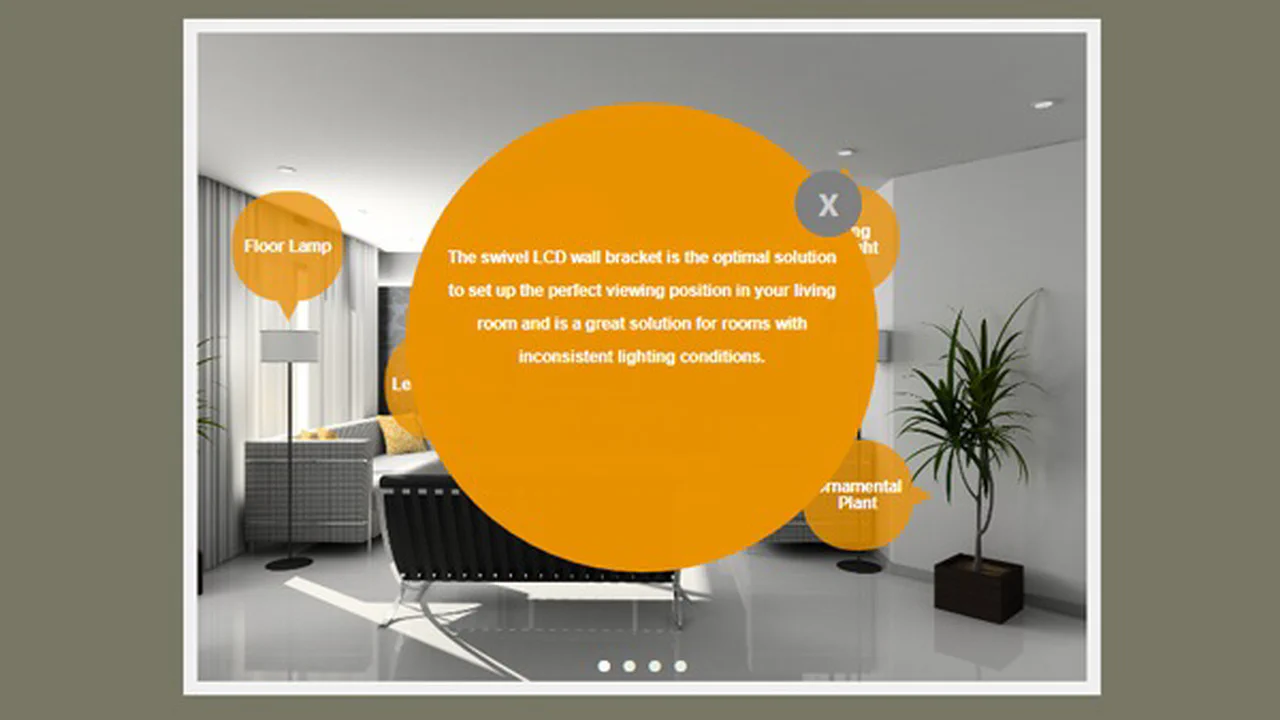
CSS Hotspots
An interactive image gallery featuring a pure CSS Hotspot solution powered by the :target selector for slide navigation. The component uses stylized vector graphics within pseudo-elements for navigational cues and on-demand tooltips, achieving full interactivity without relying on JavaScript.
See the Pen CSS Hotspots.

Hotspots Experiments
A gallery of ten pure CSS animations for circular UI elements, implemented using SCSS mixins for structure and keyframes for unique visual effects. Each item showcases a distinct animation style (pulse, spin, fill), offering developers a rich set of visual indicators.
See the Pen Hotspots Experiments.

Image Hotspots
An interactive Image Hotspot overlay controlled by JavaScript for pinpointing features on a background image. The SCSS styles manage the appearance of the circular triggers and adaptive speech bubble tooltips, relying on CSS transitions for a smooth user feedback experience.
See the Pen Image Hotspots.
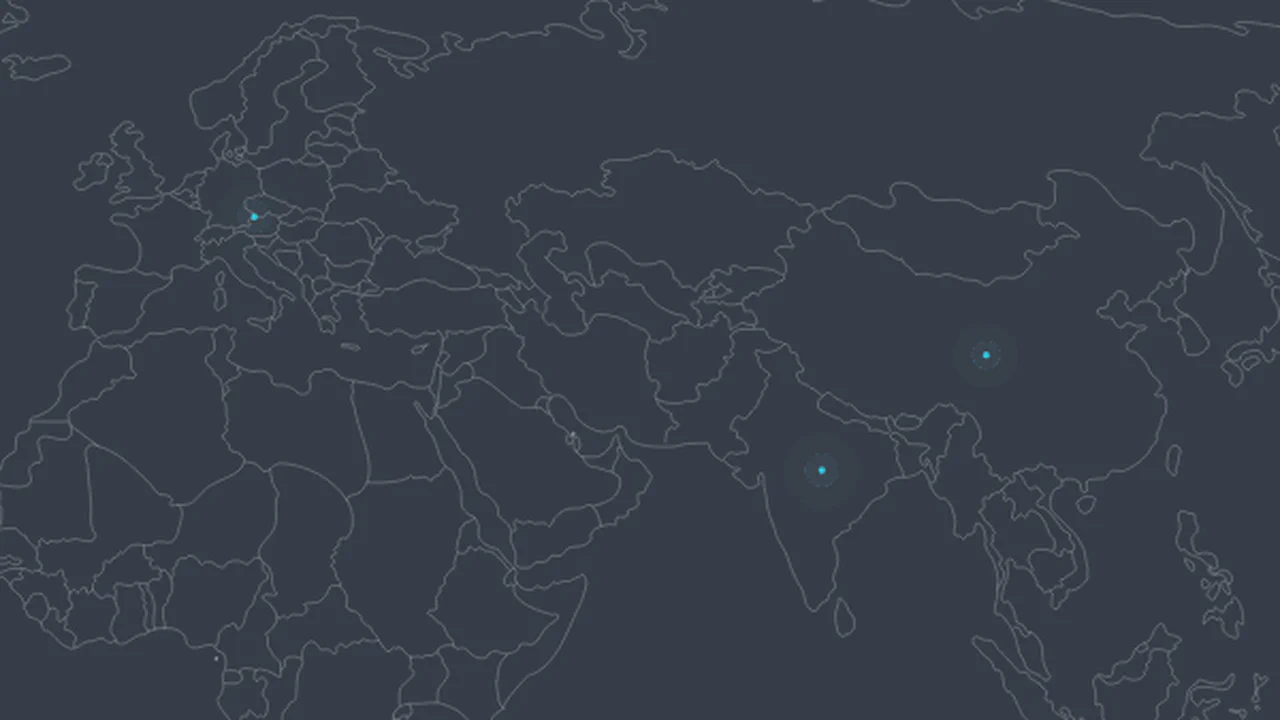
Animated ViewBox Data Visualization
An interactive SVG map featuring animated CSS Hotspots driven by jQuery interactions. The script controls SVG layer visibility and SVG map scaling upon hotspot clicks, while CSS animations manage the pulsing effect of the hotspots and the smooth slide-in of informational panels.
See the Pen Animated ViewBox Data Visualization.

Hotspots In 3D
An interactive 3D tour featuring hotspots on a curved map, implemented using A-Frame and custom JavaScript components. The JavaScript toggles the visibility of information panels, creating a clean separation between the interactive triggers and the descriptive UI elements.
See the Pen Hotspots In 3D.
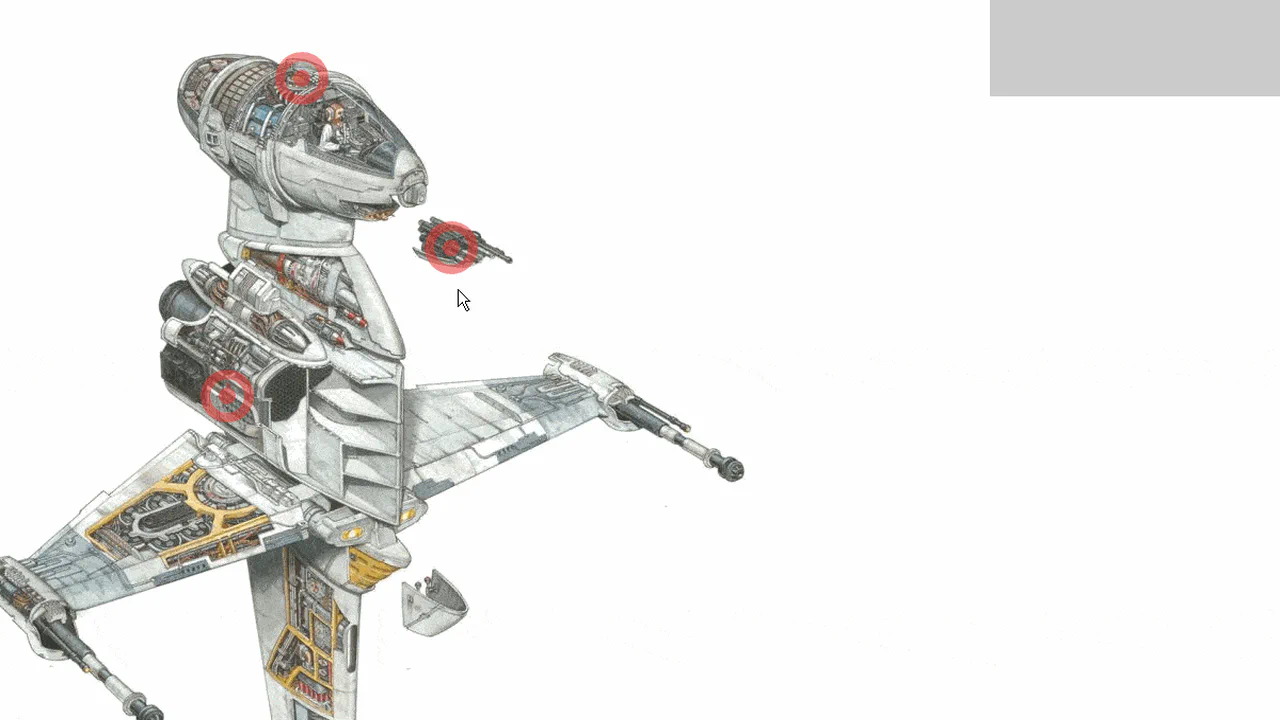
Simple Hotspots
An interactive image map featuring dynamically generated SVG hotspots controlled by JavaScript. This JS-driven UI component maintains a clean aesthetic with minimal CSS styling, revealing contextual data upon mouse hover over the defined points.
See the Pen Simple Hotspots.
Tracking Hotspots
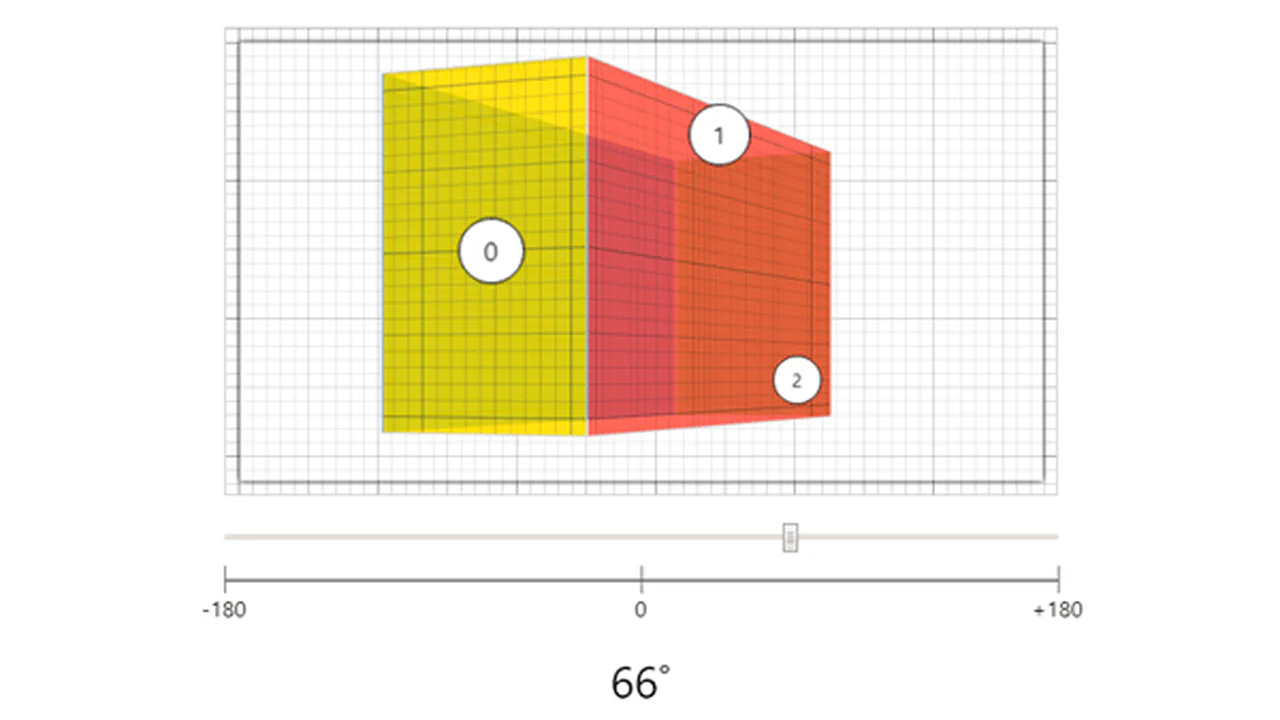
An interactive 3D slider featuring JavaScript-controlled hotspots that react to rotational changes. The component uses CSS 3D transforms and frame-based logic to toggle hotspot visibility, providing a predictable and maintainable way to annotate 360-degree imagery.
See the Pen Tracking Hotspots.
Draggable Image Hotspots
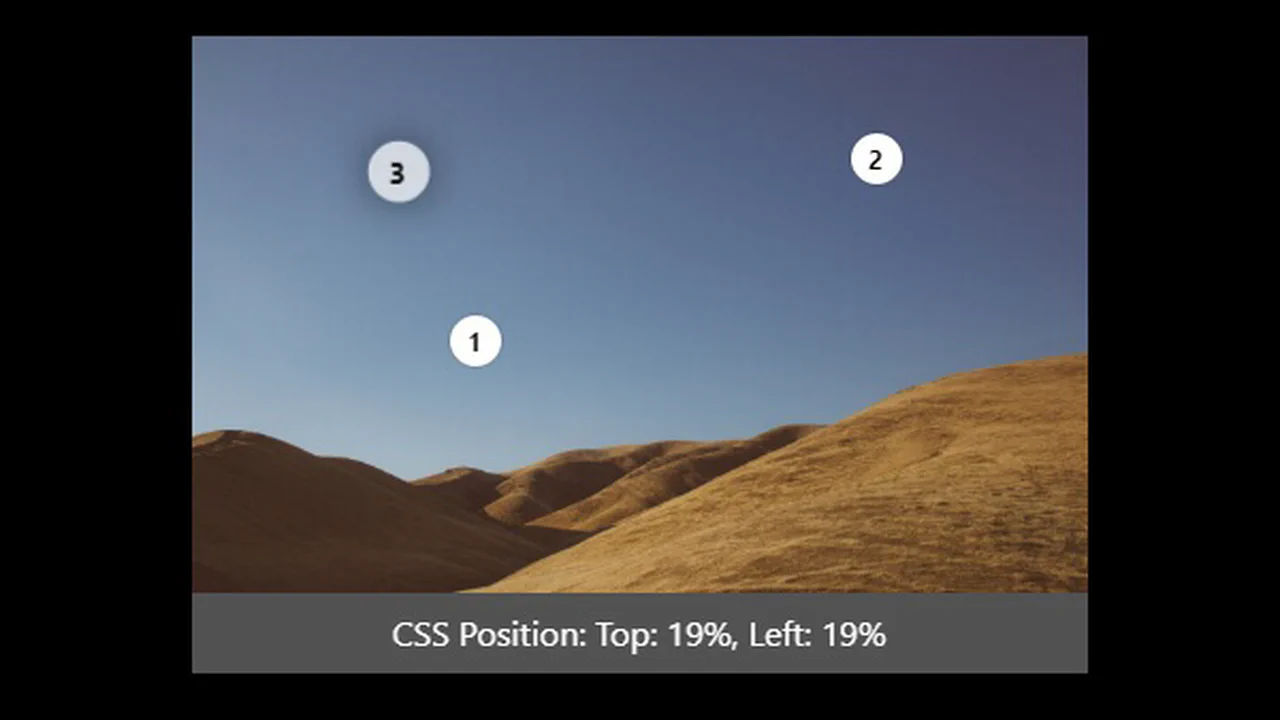
An interactive Image Hotspot editor built with jQuery and Stylus. The JavaScript allows users to click to add numbered markers with calculated percentage coordinates, which are then draggable, displaying the live CSS position data.
See the Pen Draggable Image Hotspots.

Image Hotspot Concept With Vue.js
A dynamic “Twitter Link” component using JavaScript and SCSS for interactive hover effects. The CSS handles the transition of the SVG icon and accompanying text on hover, providing a smooth and branded interaction without manipulating the structure.
See the Pen Image Hotspot Concept With Vue.js.

Responsive Map Hotspots
An interactive hotspot map with edge-aware popups. Uses jQuery to toggle visibility and calculate viewport overflow, flipping the UI if it hits the screen boundary. Features absolute-positioned markers, CSS border triangles, and stopPropagation for clean state management. Simple, effective, and responsive.
See the Pen Responsive Map Hotspots.

Image Hotspots Mobile Friendly
Absolute hotspots positioned over responsive images using percent-based coordinates. A small JS script manages the .lg-hotspot--selected state, ensuring only one label opens per container. Features a CSS button-pulse animation and directional classes for label alignment. Simple, functional, and scoped.
See the Pen Image Hotspots Mobile Friendly.
Interactive Web Accessibility Cheat Sheet with Hotspots
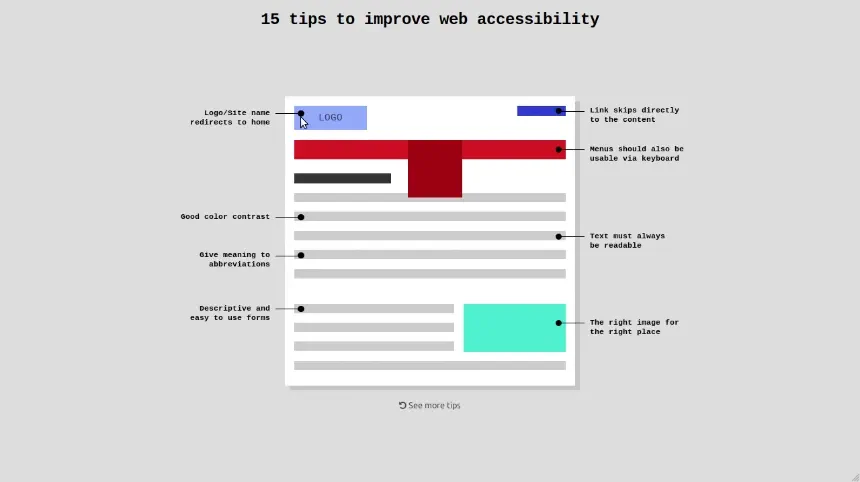
An educational 3D interface teaching accessibility through a flipping card. Built with CSS preserve-3d and backface-visibility, it swaps a visual mockup for its semantic code. Using responsive vmin units and :focus states, it remains accessible while explaining it. A simple JS toggle triggers the rotateY transition.
CSS Hotspots with Pulse Effect
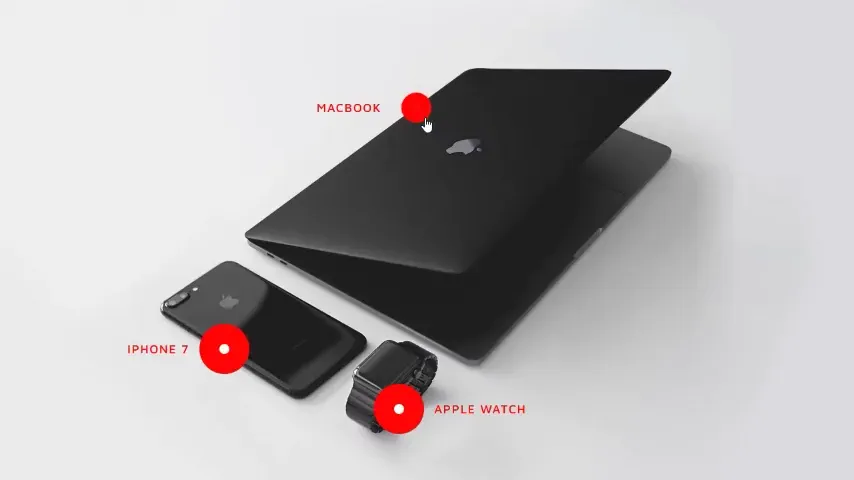
Pure CSS hotspots pinned via absolute coordinates. A scale-driven @keyframes pulse draws the eye to products. On :hover, the red CTA scales down through a cubic-bezier transition while text labels remain static. Employs percentage-based positioning and aggressive media queries for mobile scaling. Clean, semantic, and zero-JS.
See the Pen CSS Hotspots with Pulse Effect.
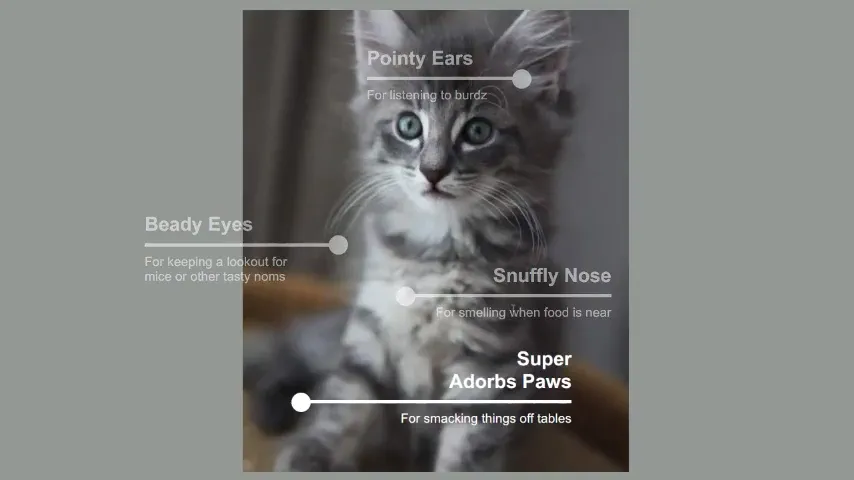
Cat Tips
An interactive anatomy map using absolute positioning and em units for fluid scaling. Hovering the list dims inactive markers while the active one expands, creating a focus effect. Built with semantic <ul> structures and .sr-only accessibility. It relies on vw font-sizing to maintain proportions across viewports.
See the Pen Cat Tips.
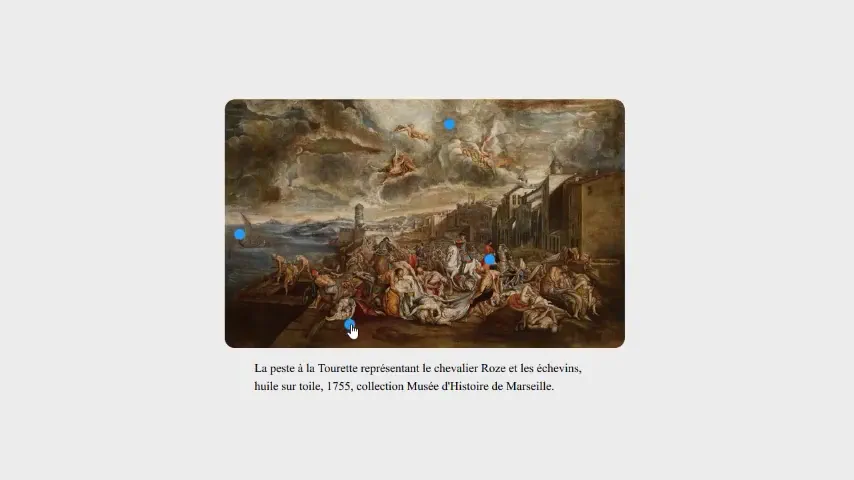
CSS Explanation of Different Points of the Image
An interactive CSS-only image explorer built using the checkbox hack for state management. Clicking hotspots triggers a precise zoom via transform-origin and scale, driven by CSS variables. Sibling selectors handle text reveal with a typewriter animation and backdrop-filter glassmorphism. Zero JavaScript required for full interactivity.
See the Pen CSS Explanation of Different Points of the Image.
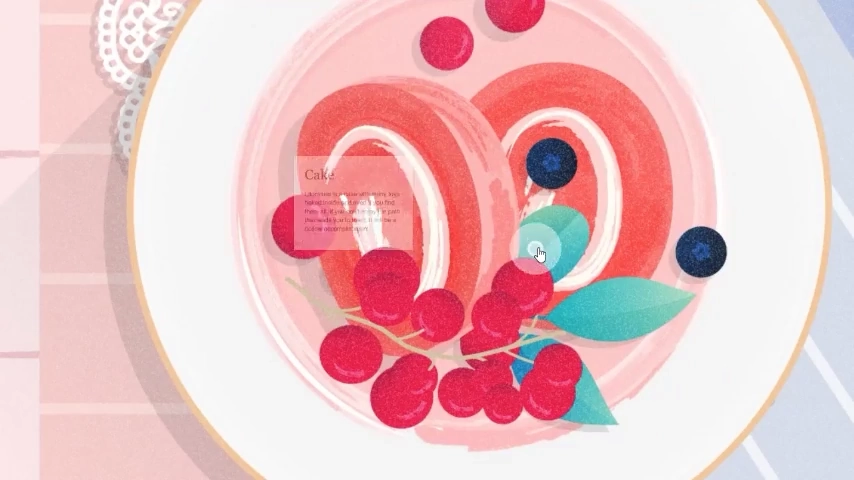
Interactive Image Hotspot
A clever image map utilizing display: grid for precise hotspot placement. Each marker is positioned via grid coordinates over a shared image area. It uses :focus-within and tabindex to reveal info cards without a single line of JS. Features a custom pulse animation and smooth transitions. Simple, accessible, and lightweight.
See the Pen Interactive Image Hotspot.