10+ CSS Keyboards
Input methods dictate interaction. Pure CSS Keyboard Examples bridge the gap between physical hardware and the screen. This updated collection delivers structural blocks for virtual typing interfaces in modern UI design. Utilizing these curated snippets eliminates the need for heavy image assets, allowing raw code to render tactile keys.
The logic relies on CSS Grid for precise QWERTY and numpad alignment. Visual depth utilizes box-shadow and border manipulation to simulate mechanical switches. Press interactions leverage hardware acceleration, animating transform: translateY for tactile feedback without layout reflows. The HTML structure remains strictly semantic, ensuring high layout stability and fast rendering.
Every free demo is responsive and cross-browser compatible. Users can instantly download the raw code or fork a layout on CodePen. These assets are optimized for performance, delivering a transparent input experience across all modern devices.
Examples
Isometric 3D Mechanical Numpad
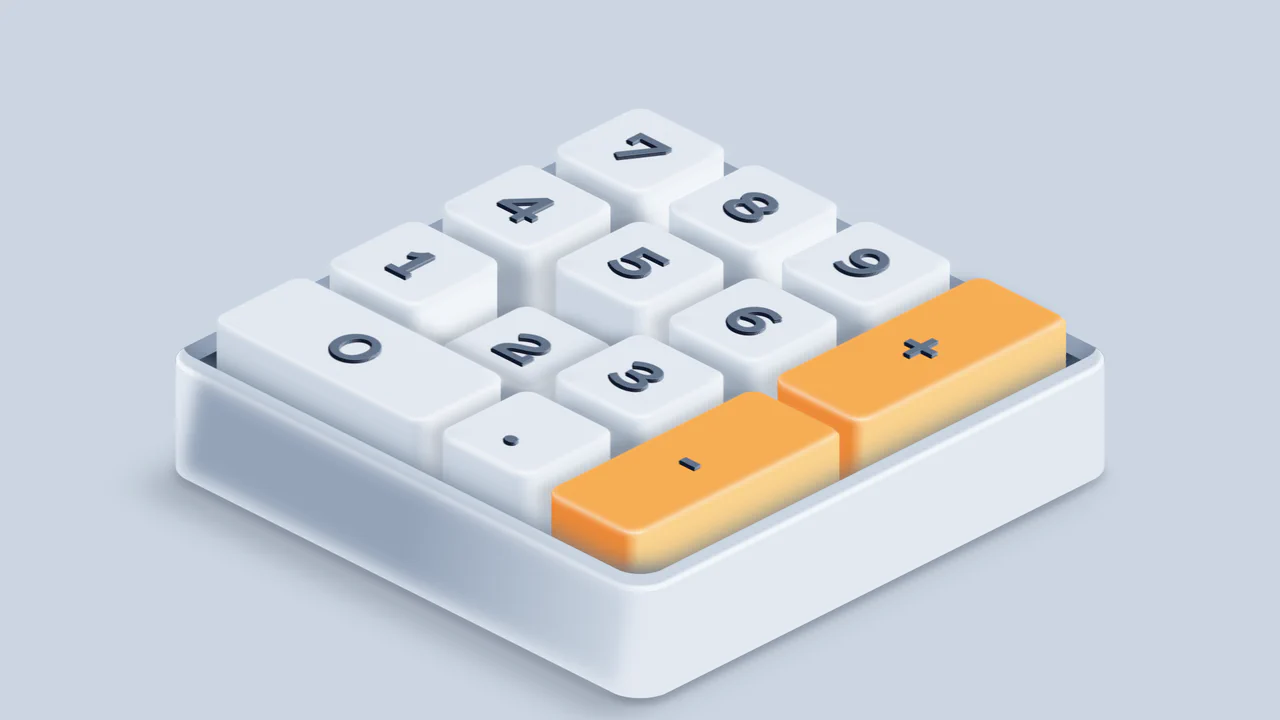
An interactive 3D mechanical numpad built with React and SCSS. The component utilizes CSS preserve-3d and isometric rotations to render realistic, elevated keycaps with complex drop shadows and gradient highlights. Pressing physical keys on the user’s keyboard triggers synchronized visual depressions on the virtual numpad, accompanied by satisfying mechanical switch audio feedback via the HTMLAudioElement API. (Requires: react.js, react-dom.js)
 Chrome 53+
 Edge 79+
 Firefox 51+
 Safari 10+
See the Pen Isometric 3D Mechanical Numpad.
Interactive Mechanical Keyboard Audio Simulation
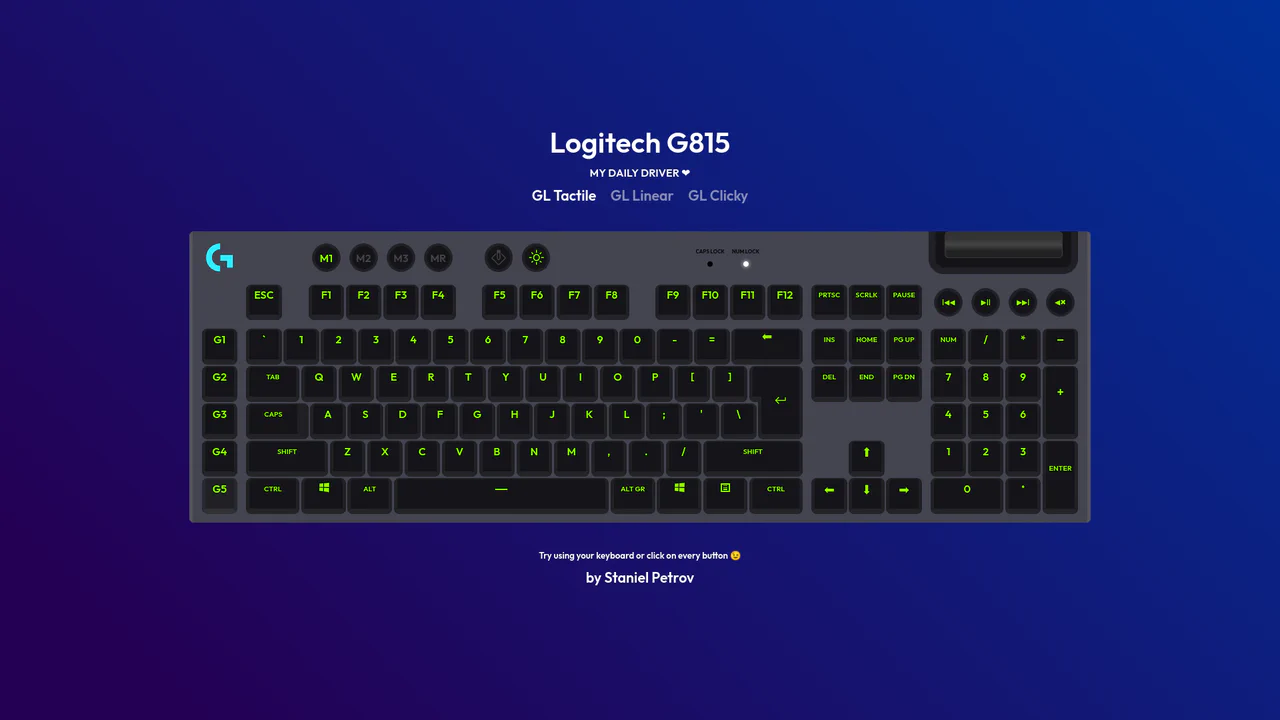
Interactive Mechanical Keyboard Audio Simulation utilizes a highly detailed CSS grid structure to align complex multi-row vector keys and simulate a physical G815 layout. A central event listener handles key interaction by mapping event.code to correspond with data-key attributes on target DOM nodes, simultaneously triggering dedicated audio samples of tactile, linear, or clicky switch sounds. While the visual depth is elegantly achieved with layered CSS shadow offsets and custom hex shading, firing unthrottled HTML5 audio playback on rapid typings can lead to output buffer congestion or slight audio delays on standard browsers.
Chrome 57+
Edge 16+
Firefox 52+
Safari 10.1+
See the Pen Interactive Mechanical Keyboard Audio Simulation.

RGB Mechanical Keyboard Grid
Digital interfaces often feel flat and lifeless. This component brings the tactile satisfaction of high-end mechanical hardware to the web. By simulating physical properties like keycap depth, under-glow, and randomized RGB lighting, we create an object that begs to be touched. It is a study in skeuomorphic revival, blending modern CSS capabilities with the gamer aesthetic to produce a UI element that feels solid, expensive, and reactive.
Chrome 105+
Edge 105+
Firefox 110+
Safari 16+
See the Pen RGB Mechanical Keyboard Grid.

ctrl+c ctrl+v Keys RGB
A decorative keyboard with a realistic press effect and dynamic, iridescent RGB backlighting, reminiscent of gaming keyboards.
See the Pen ctrl+c ctrl+v Keys RGB.

Neuromorphic Keyboard
A sleek neuromorphic keyboard UI crafted entirely with CSS Grid and Pug. The design leverages layered box-shadow properties to create the signature soft, extruded button effect, while :hover and :active pseudo-classes simulate tactile key presses.
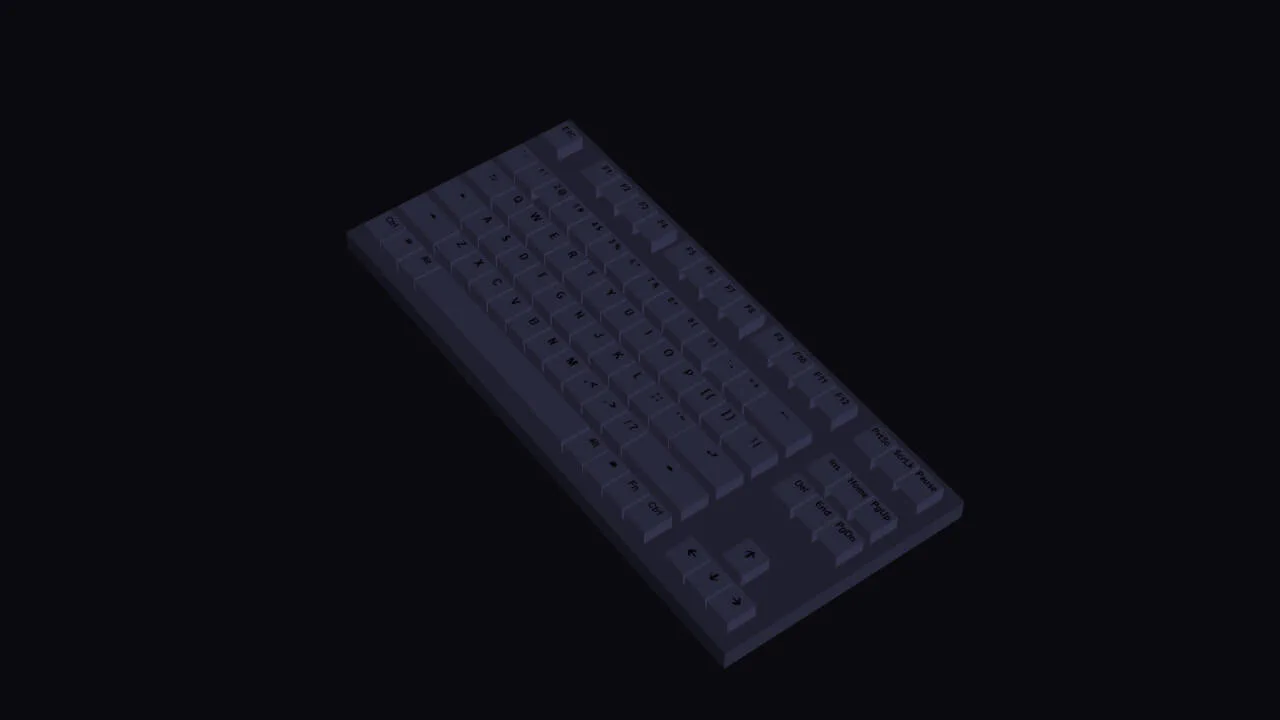
RGB Keyboard with Dark Mode
A detailed, volumetric, and animated keyboard model that smoothly changes its backlighting and reacts to user actions, demonstrating the power of CSS for creating 3D objects.
See the Pen RGB Keyboard with Dark Mode.
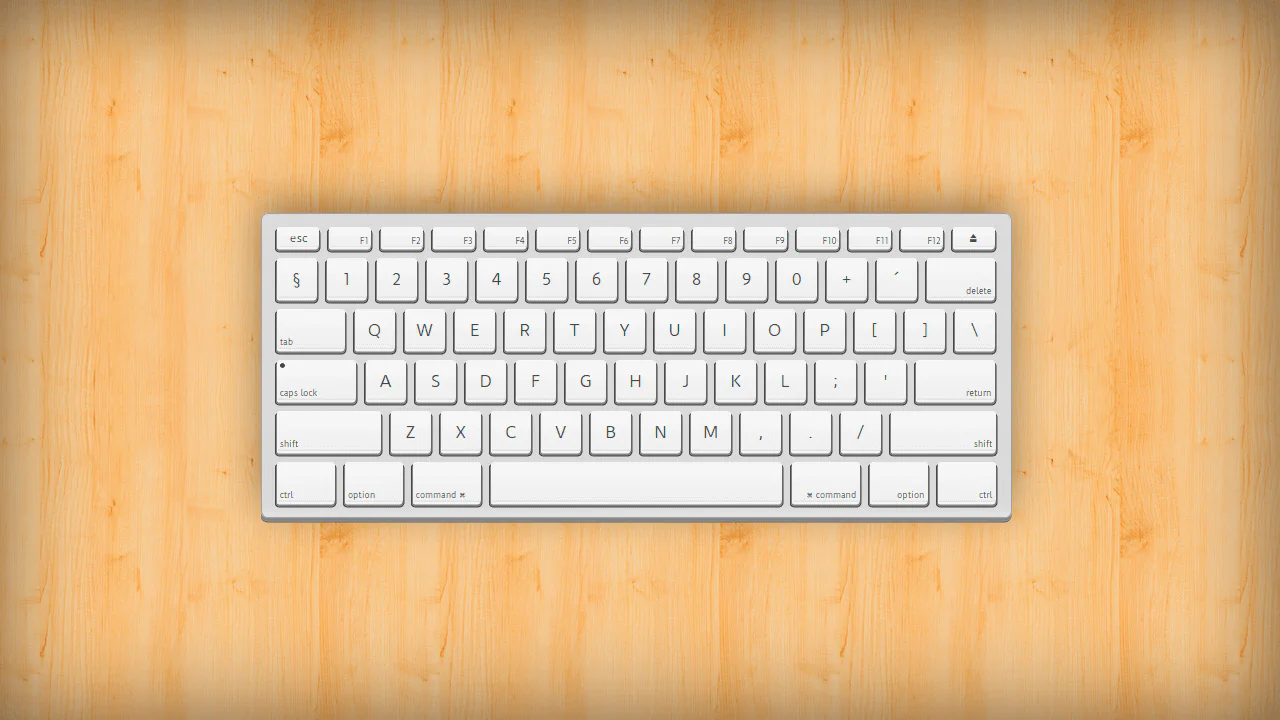

A static replica of a Mac keyboard built with floated <div> elements — each key has layered box‑shadows to simulate depth. Modifier classes control size and function‑row styling; the layout is fixed‑width and non‑interactive.
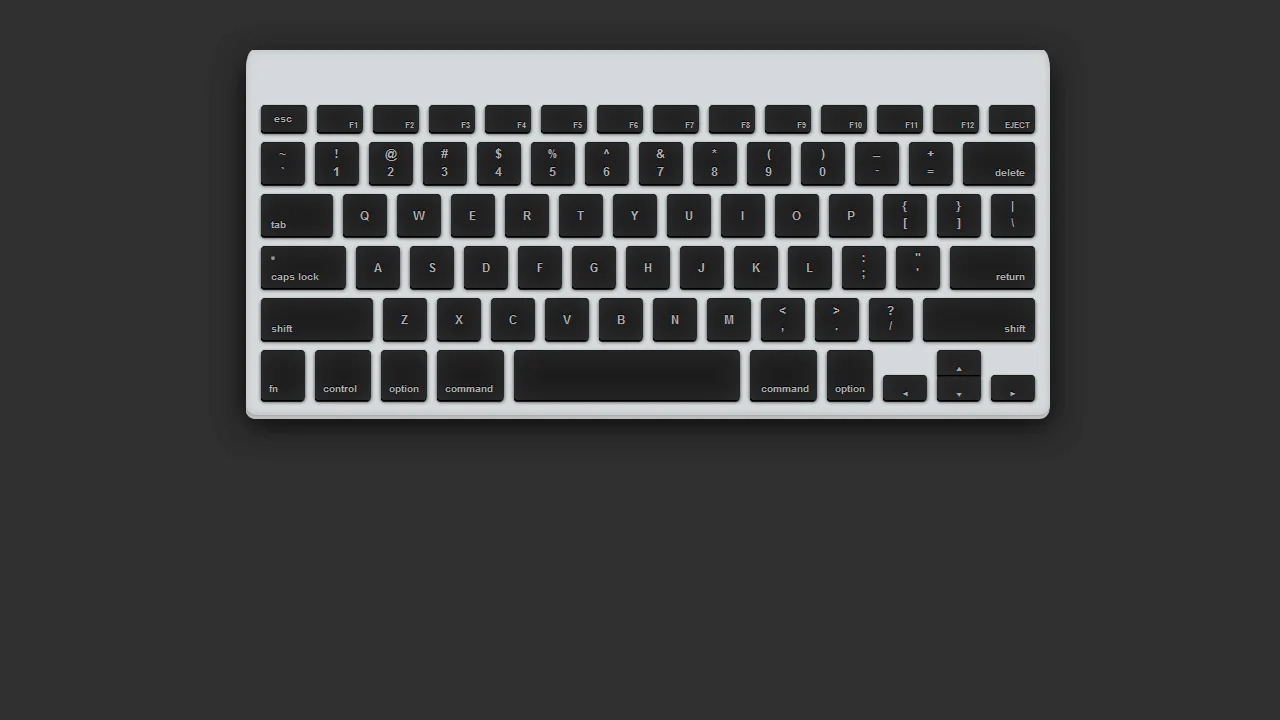
A static, fixed‑width keyboard built with floated <li> elements — each key is an <a> styled with multiple box‑shadows and gradients to simulate depth. Modifier classes and IDs control key sizes and label positions (e.g., #delete, .shiftleft). The :active state changes shadows to mimic a press, but the keys are non‑functional links.
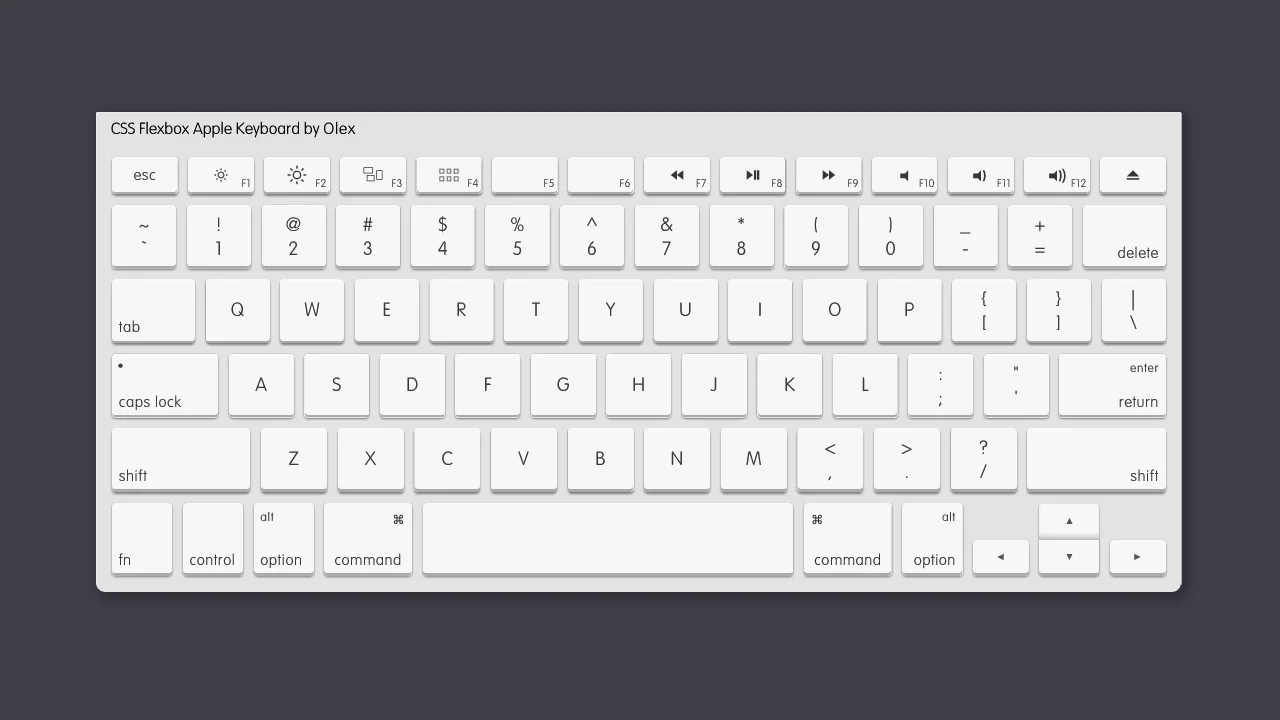
A static, fixed‑width keyboard built with floated <li> elements — each key is an <a> styled with multiple box‑shadows and gradients to simulate depth. Modifier classes and IDs control key sizes and label positions (e.g., #delete, .shiftleft). The :active state changes shadows to mimic a press, but the keys are non‑functional links.
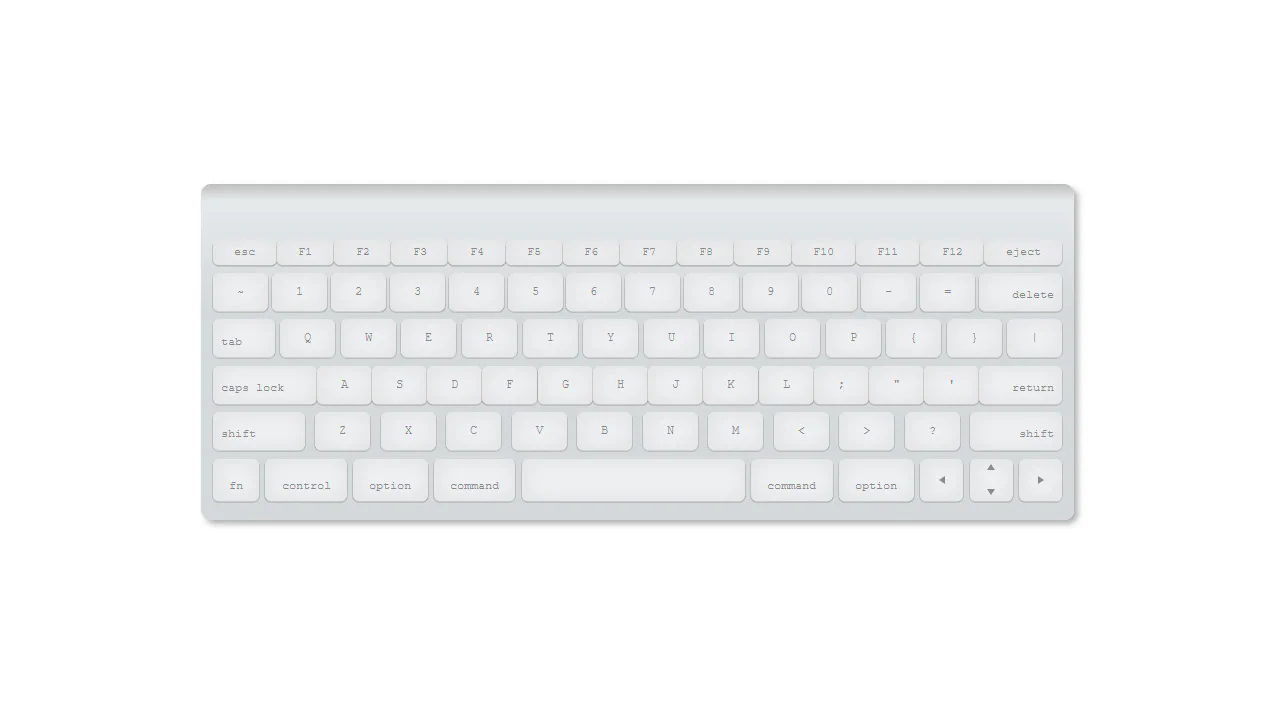
HAML loops generate each keyboard row from predefined arrays — every key becomes a <div> with appropriate classes. SCSS applies gradients, shadows, and an :active press effect via nested rules. The layout uses flexbox for alignment; arrow keys are drawn with pseudo‑elements. No JavaScript — the design is static and purely visual.
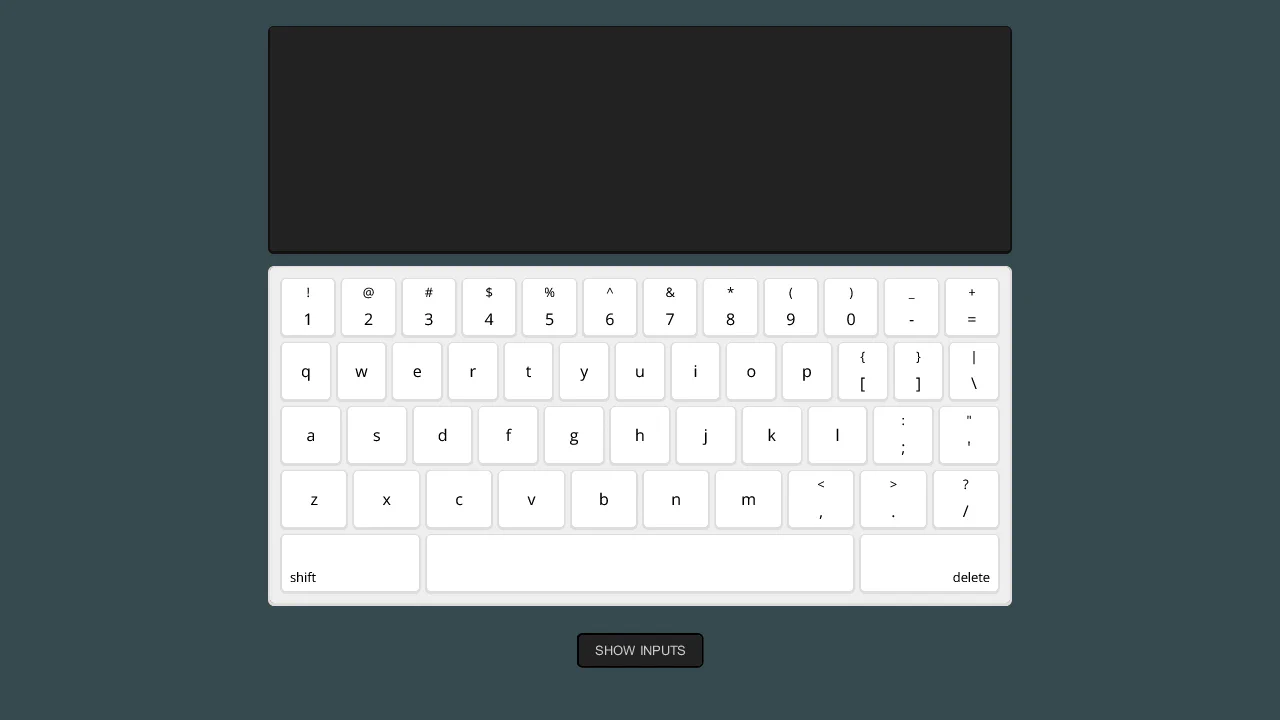
This is a CSS‑only typing simulator — twenty keyboard layouts (boards) are generated via SCSS loops, each controlled by hidden radio inputs. Selecting a key hides the current board, shows the next, and appends the character to the output. Shift toggles uppercase via a checked checkbox. No JavaScript is used; the entire interaction relies on :checked, sibling combinators, and dynamically generated selectors.
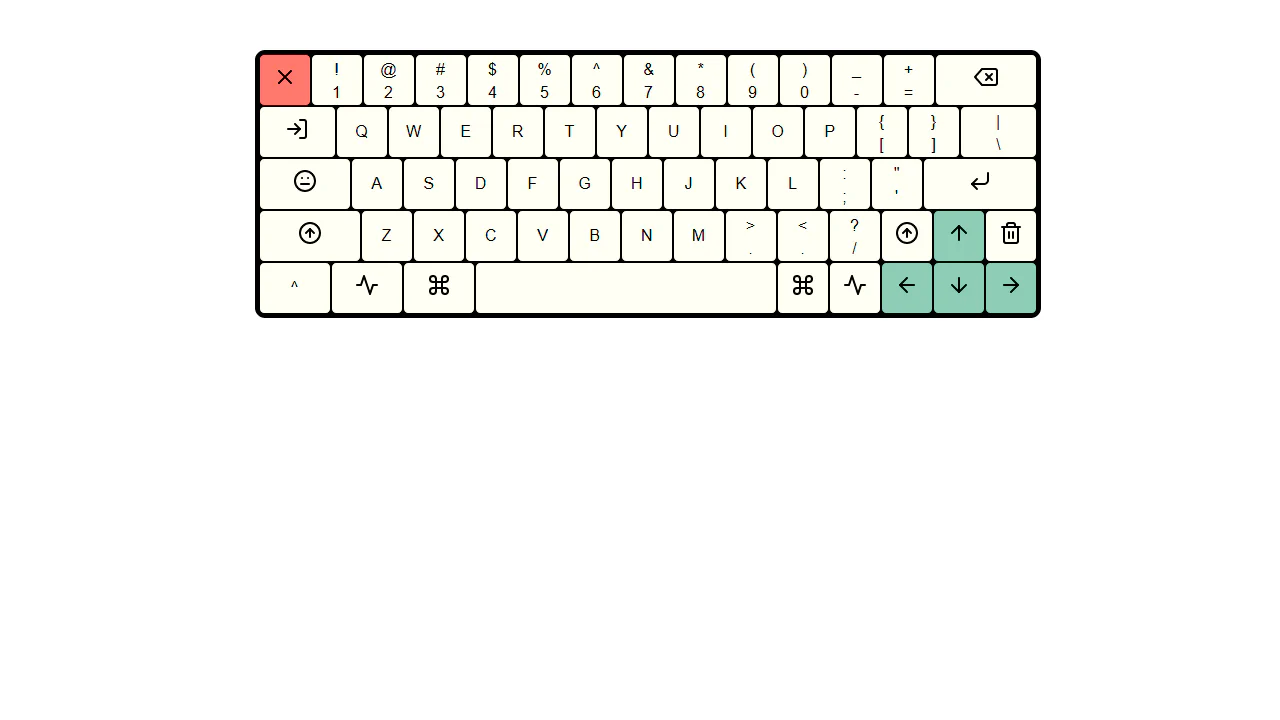
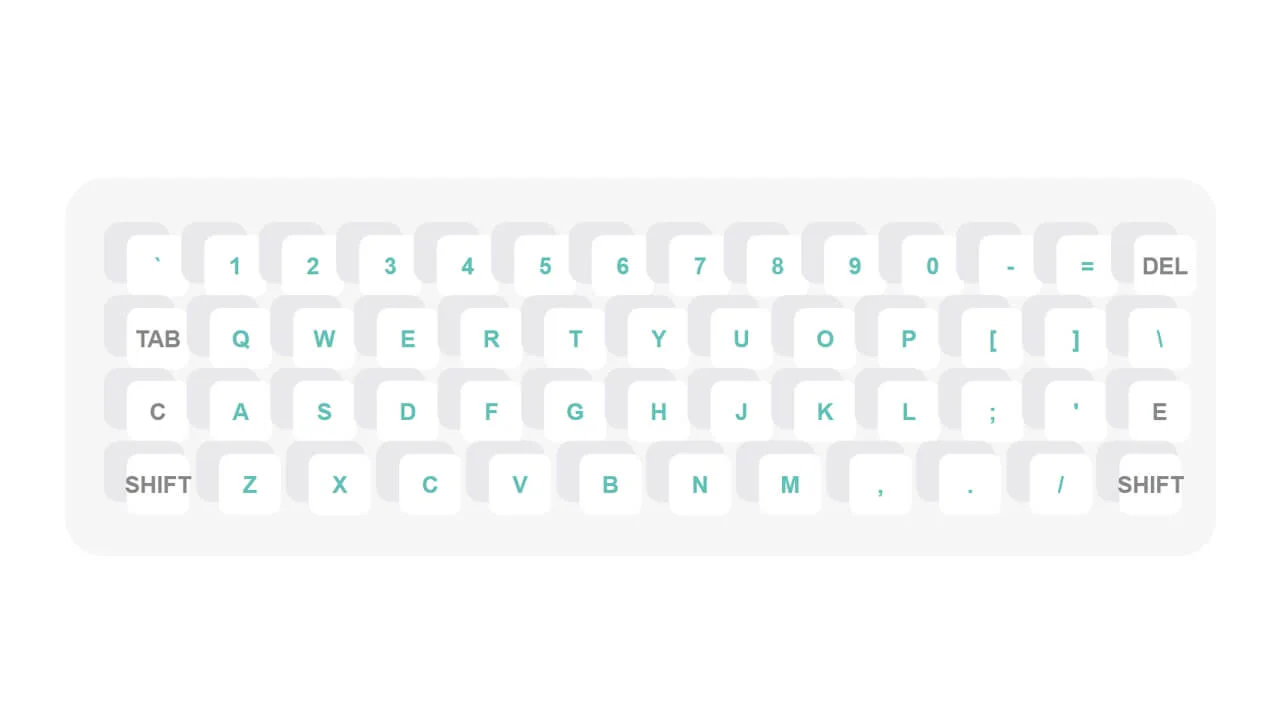
Fixed‑width keyboard mockup using CSS classes for key sizes and Feather icons for symbols. No JavaScript beyond icon initialization — keys are non‑functional, purely decorative.
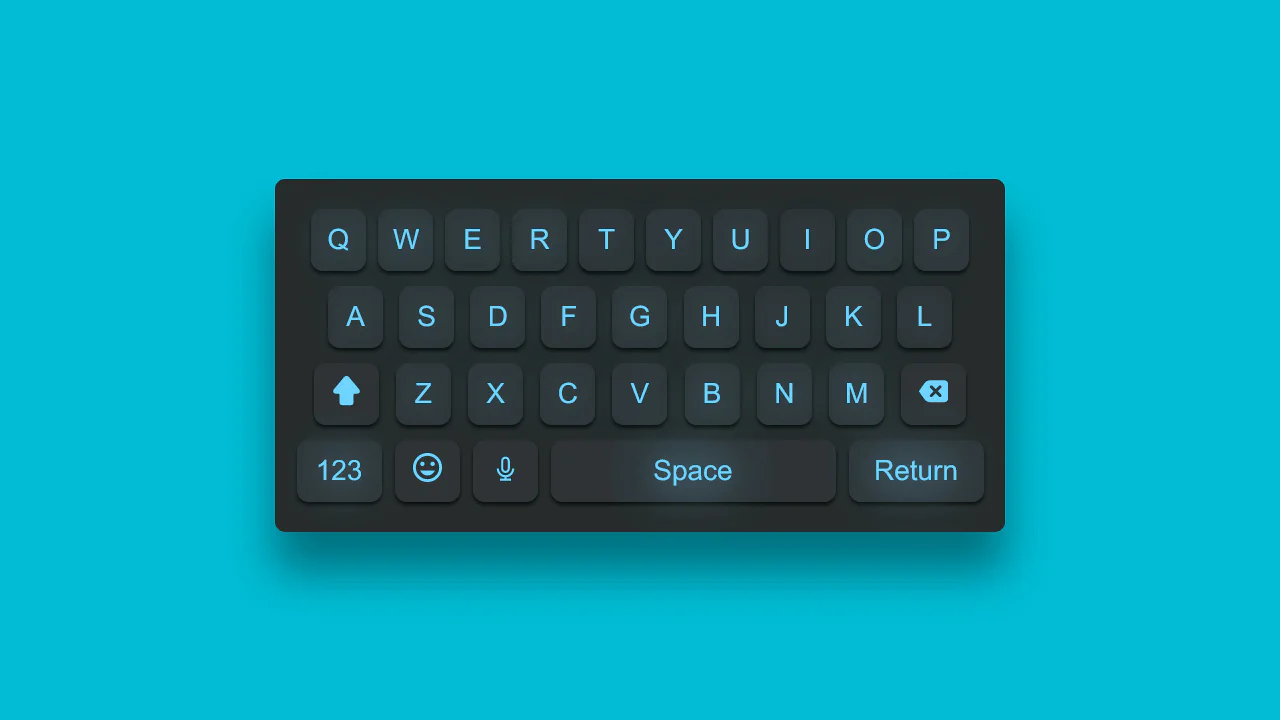
This is a static keyboard mockup with glowing hover effects — each key is a <span> styled with gradients, shadows, and a subtle press transform. The layout uses flexbox for alignment; SVG icons for arrow, backspace, smiley, and mic are embedded inline. No actual typing functionality — purely visual.
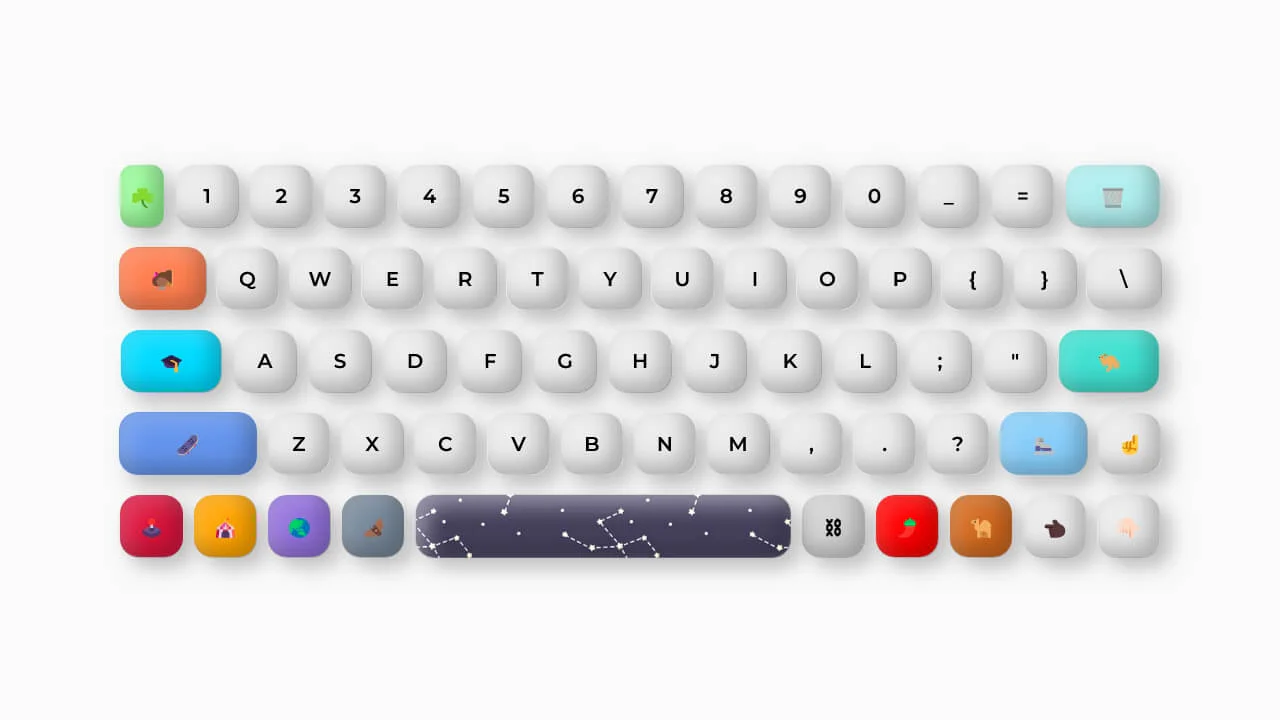
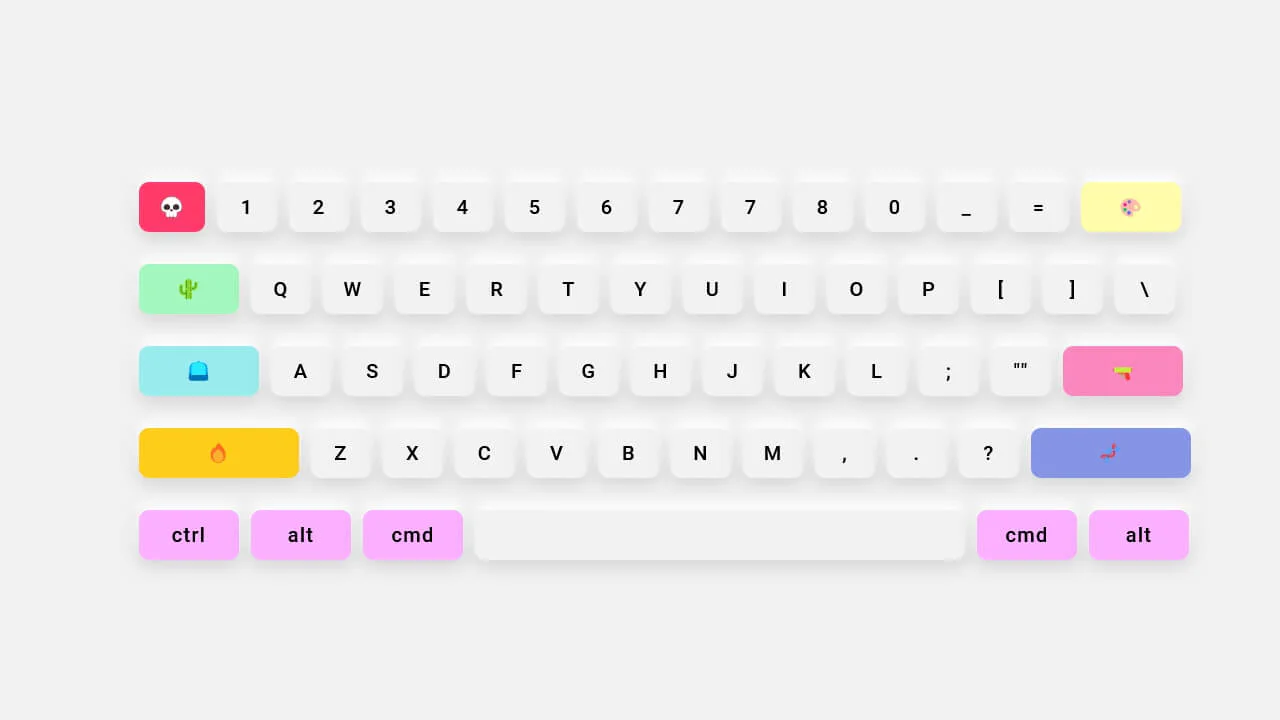
This keyboard is purely visual — no actual input functionality. Custom CSS properties control the clay‑morphism style; hover effects and emoji icons are decorative. The layout relies on fixed widths and flexbox lists.