50+ CSS Lists
Data requires order. CSS Lists transform raw information into structured, readable sequences. This updated collection provides modular layouts for modern UI design. Utilizing these curated snippets removes the visual clutter of default browser styles. Focus on content hierarchy, not manual bullet alignment.
These examples rely on ::marker and counter-increment for precise, automated indexing. The code utilizes CSS Grid and Flexbox to control item spacing and alignment. Hover states leverage hardware acceleration, animating properties like transform and opacity. This ensures a 60fps frame rate without reflows. The HTML structure remains strictly semantic, maintaining high layout stability and fast rendering.
Every free demo is fully responsive and cross-browser compatible. Users can instantly download the raw code or fork a style on CodePen.
Examples

Interactive Vertical Parallax Cursor Navigation
This is an Interactive Vertical Parallax Cursor Navigation. It combines large-scale typography with a dynamic image-reveal system. Its function is to provide an immersive, tactile menu experience for high-end creative portfolios, where the user’s cursor physically “steers” the list and uncovers visual content linked to each item.
 Chrome 80+
 Edge 80+
 Firefox 75+
 Safari 13.1+
See the Pen Interactive Vertical Parallax Cursor Navigation.

Interactive Morphing Task List Item
This Interactive Morphing Task List Item is a high-fidelity productivity component. It combines path interpolation with auditory feedback to validate user actions. Its function is to elevate simple “to-do” lists into rewarding, tactile experiences through state-driven motion. (Requires: GSAP, MorphSVGPlugin)

See the Pen Interactive Morphing Task List Item.

Scroll-Driven Sticky Text Reveal
Scroll-Driven Sticky Text Reveal is a high-end typographic interface. It utilizes modern CSS scroll timelines to synchronize the visual state of a list with the user’s scroll position. As items move through a designated “focal point,” they transition from a dimmed state to a vibrant highlight, creating a seamless reading experience. (Requires: tweakpane)
Chrome 115+
Edge 115+
Safari 26+
See the Pen Scroll-Driven Sticky Text Reveal.

CSS 3D Stacking Card List Effect
This 3D Stacking Card List Effect transforms a standard vertical list into an immersive, layered user interface. By leveraging CSS 3D transforms and focal blur filters, it simulates a physical deck of cards where background items appear distant and out of focus, settling into a clear layout only upon interaction.
Chrome 84+
Edge 84+
Firefox 63+
Safari 14.1+
See the Pen CSS 3D Stacking Card List Effect.

Pure CSS ASCII File Tree
This Pure CSS ASCII File Tree brings the nostalgia of command-line directory structures to the web without typing a single pipe character manually. By cleverly utilizing CSS pseudo-elements (::before), it automatically draws the connecting lines (│, ├, └) for nested lists. It’s perfect for technical documentation, sitemaps, or retro-themed interfaces.
Chrome 4+
Edge 12+
Firefox 3.5+
Safari 3.1+
See the Pen Pure CSS ASCII File Tree.

Nested List Style
An elegant, modern list of track properties featuring custom graphic icons and smooth micro-interactions like padding shifts and color changes on hover.
See the Pen Nested List Style.

Literally Linked Lists
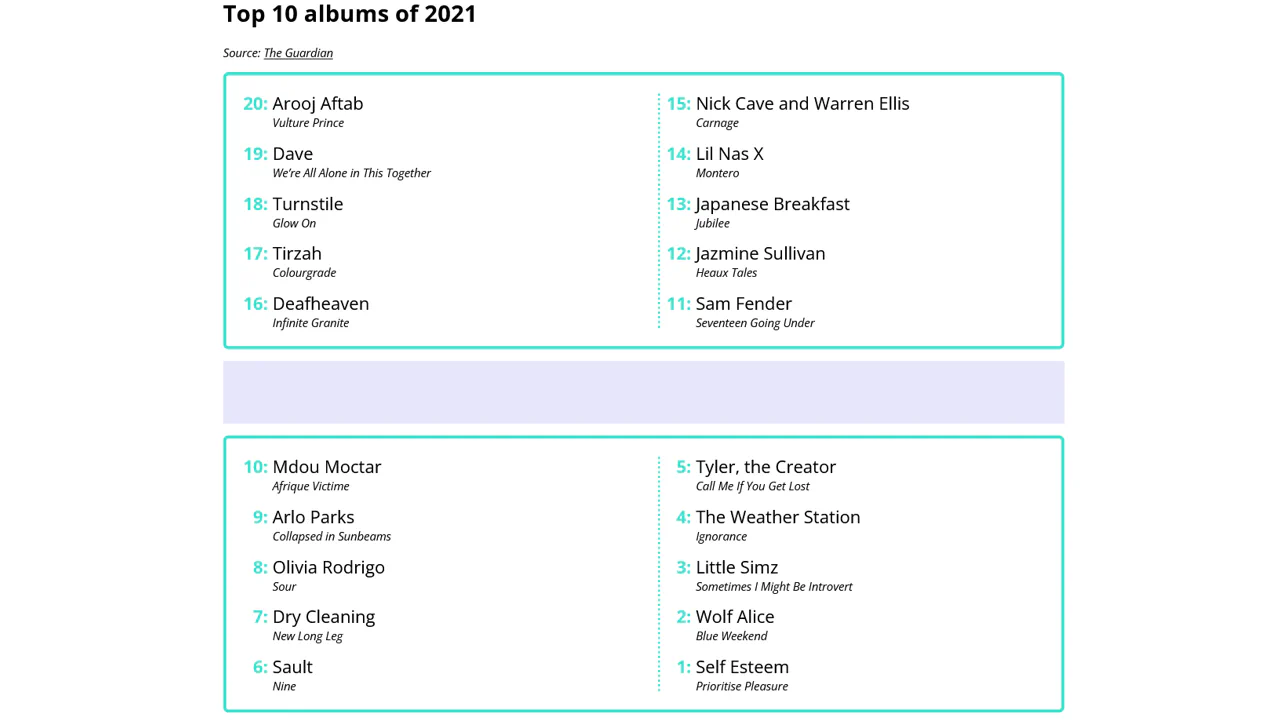
An engaging data comparison tool that transforms static lists into a dynamic relationship map, clearly visualizing taste overlaps via connecting lines.
See the Pen Literally Linked Lists.

AutoSort ToDo List (CSS Only)
A ToDo list with a unique feature: automatic sorting of completed tasks to the end of the list, implemented without JavaScript, using the Flexbox order property and the powerful CSS :has() selector.
See the Pen AutoSort ToDo List (CSS Only).

Layout Switcher with :has()
Discover a pure CSS solution for dynamic layout switching between List and Grid views. It leverages the powerful CSS :has() selector to conditionally apply grid-template-columns based on the state of a radio input, all without a single line of JavaScript.
See the Pen Layout Switcher with :has().

CSS Staircase Hover Effect Using :has()
This “staircase” hover effect is a prime example of the power of the new CSS :has() selector. It enables elements to react to the state of their siblings, creating a complex and elegant animation without JavaScript.
See the Pen CSS Staircase Hover Effect Using :has().

Interactive CSS counter demo with draggable sections. Sortable enables nested block reorganization, tweakpane controls counter start and increment values. shiki generates live syntax highlighting. Visualizes CSS variables --section-start and --section-increment.
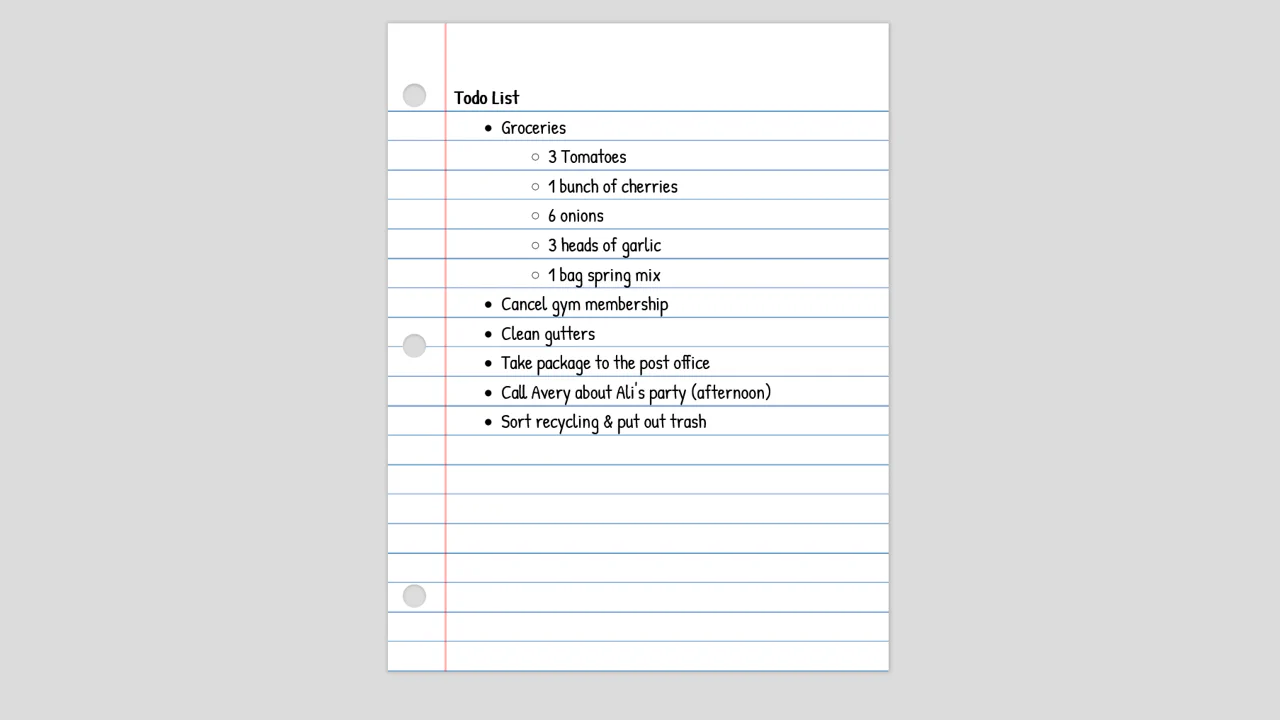
Lined paper simulation with tear-off holes. Red vertical line mimics margin, repeating linear gradient creates rows. Mobile adaptation via scale with different transform-origin. Content editable (contenteditable).
Task list with animated emoji markers. SCSS loop creates increasing animation delay for each item, producing wave-like moon pulsation effect. transform: scale animates marker size.
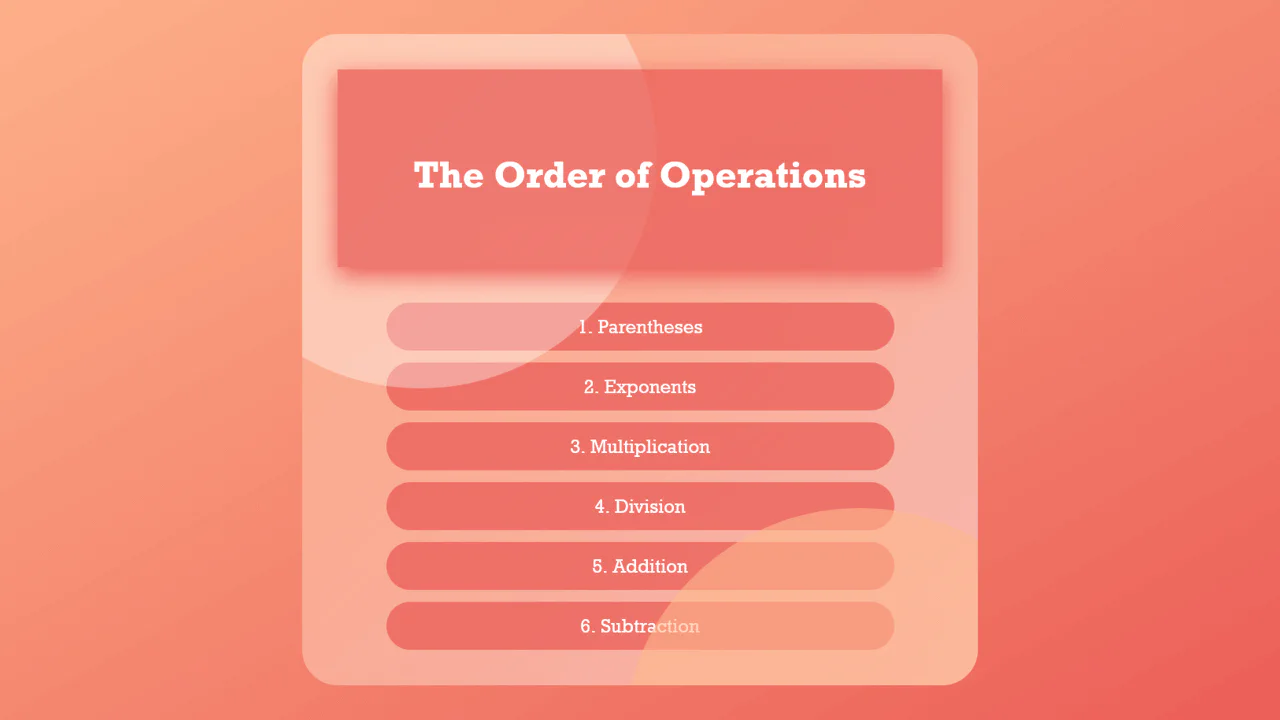
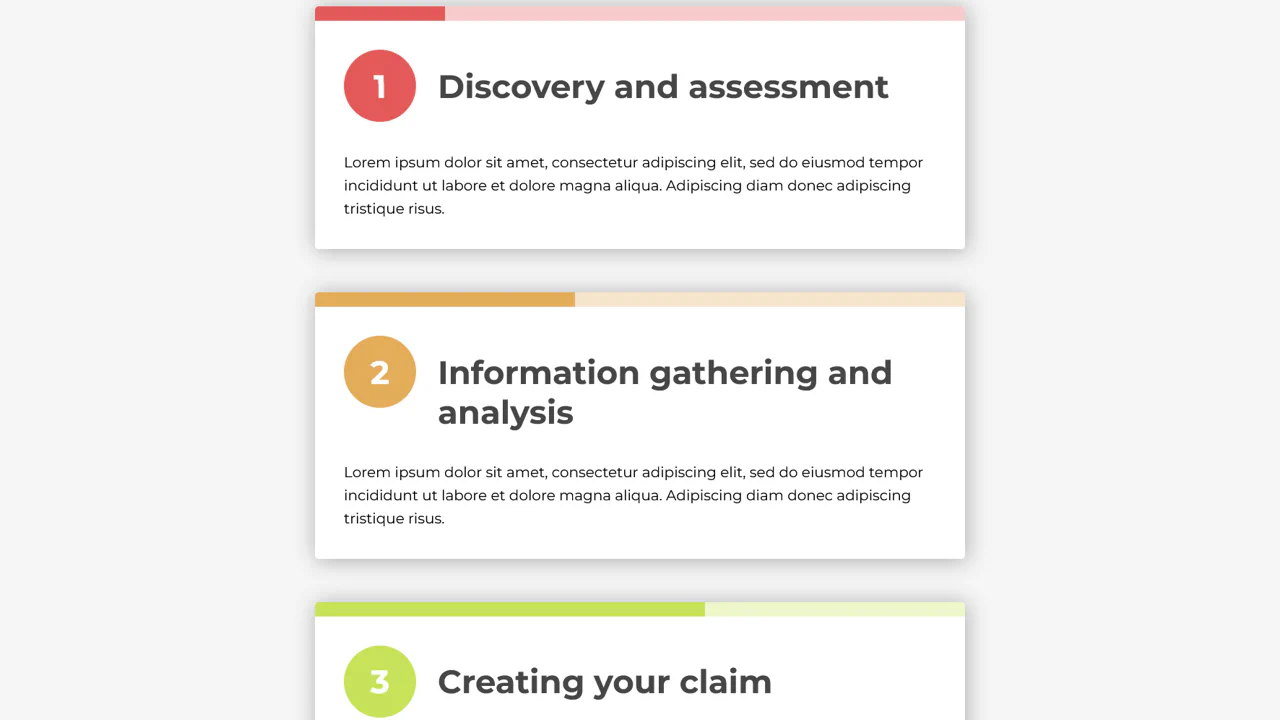
Styled list with automatic numbering via CSS counters. Two pseudo-elements ::before and ::after create blurred circles in container background. Header sticky with shadow on scroll.
Interactive todo list with 3D hover effect. CSS variable --levitate controls transforms: items lift, tilt, and cast shadow. ::after pseudo-element adds highlight via mix-blend-mode. Click toggles .done class via JavaScript.