20+ CSS Music Players
Audio controls require tactile feedback. Pure CSS Music Player Examples decouple the visual interface from heavy audio engines. This collection delivers structural blocks for modern UI design — from rotating vinyls to equalizer bars. Utilizing these curated snippets ensures the aesthetic remains lightweight, letting the browser render the form without script overhead.
The logic relies on the checkbox hack to toggle states between play and pause. Visualizers utilize CSS animations linked to multiple div elements, simulating frequency response. Motion leverages hardware acceleration, animating transform: rotate and height to maintain a locked 60fps performance on the compositor thread. The HTML structure remains strictly semantic, ensuring high layout stability.
Every free demo is fully responsive and cross-browser compatible. Users can instantly download the raw code or fork a specific player on CodePen. These updated assets are strictly optimized for performance, delivering a clean, visual audio experience across all modern devices.
Examples
Custom Audio Player
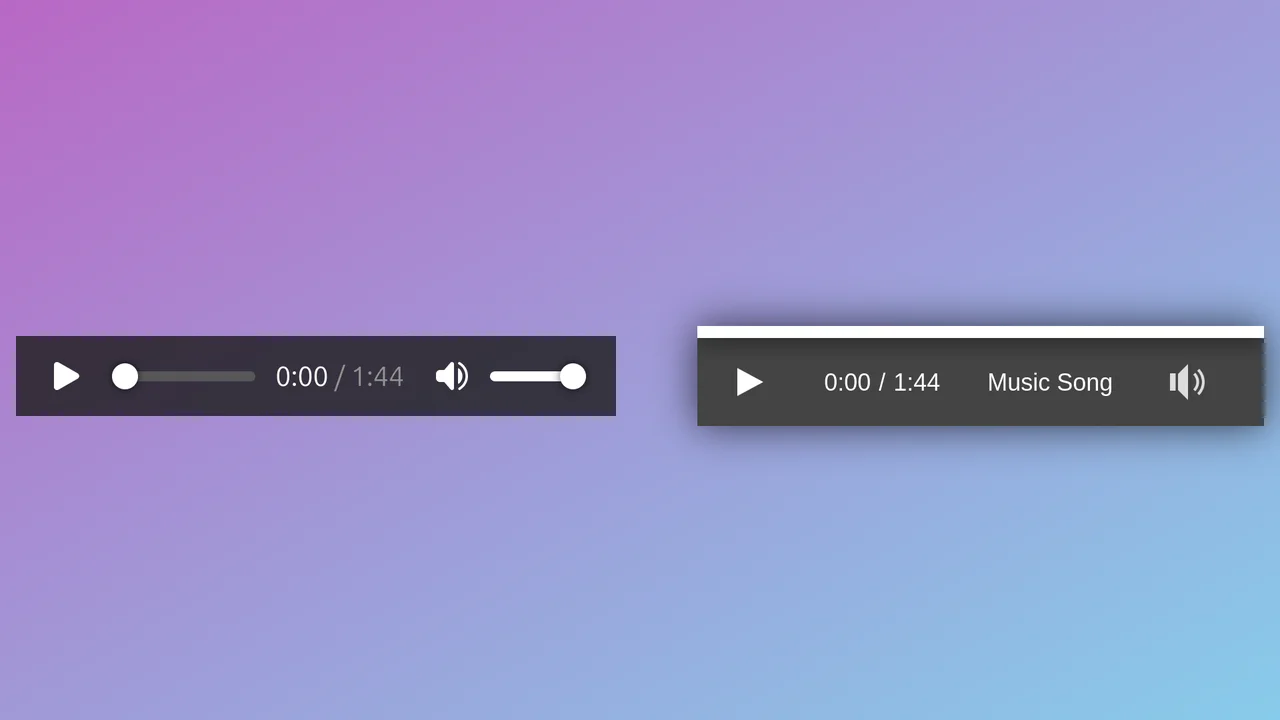
A custom minimalist audio player interface built on top of the HTML5 Audio API.
See the Pen Custom Audio Player.
View Transitions: Playlist Header
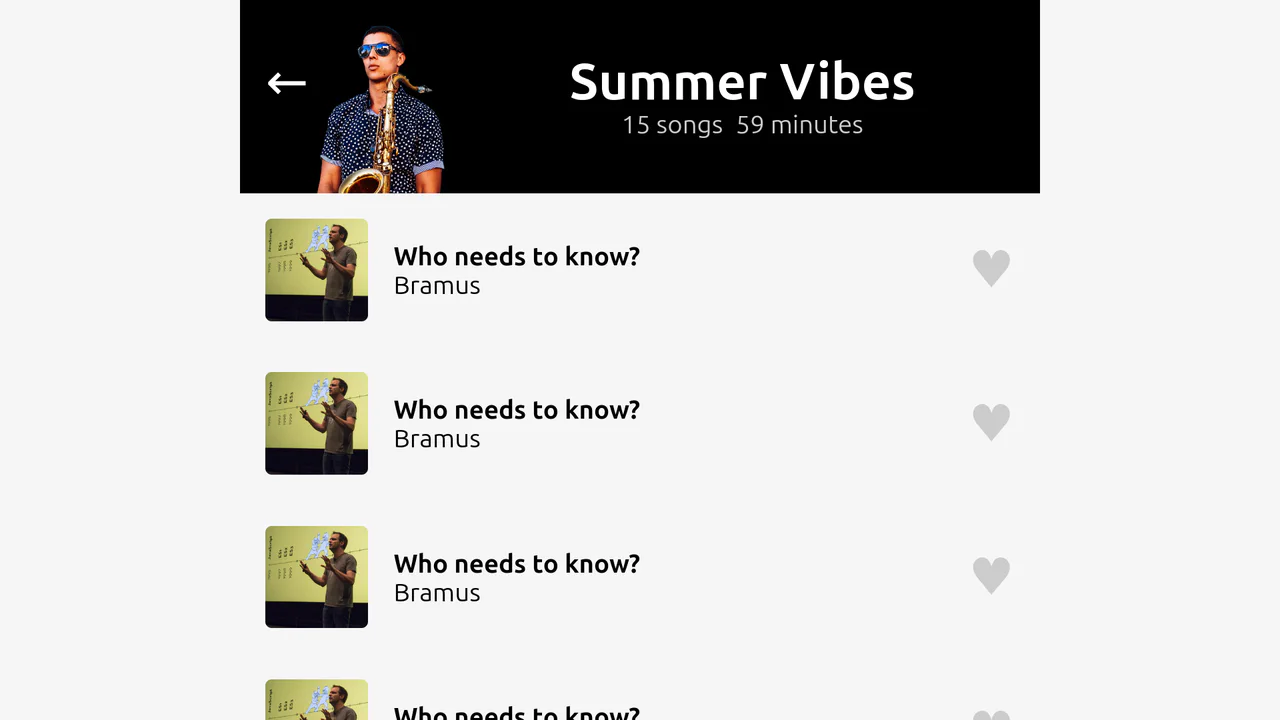
A music player UI demo showcasing the power of the View Transitions API. By assigning unique view-transition-name properties to key elements (cover, title, tracks), the browser orchestrates a complex morphing animation between “expanded” and “mini-player” states, fine-tuned with custom CSS durations and delays.
See the Pen View Transitions: Playlist Header.
Responsive Music Player UI with Flexbox and Grid
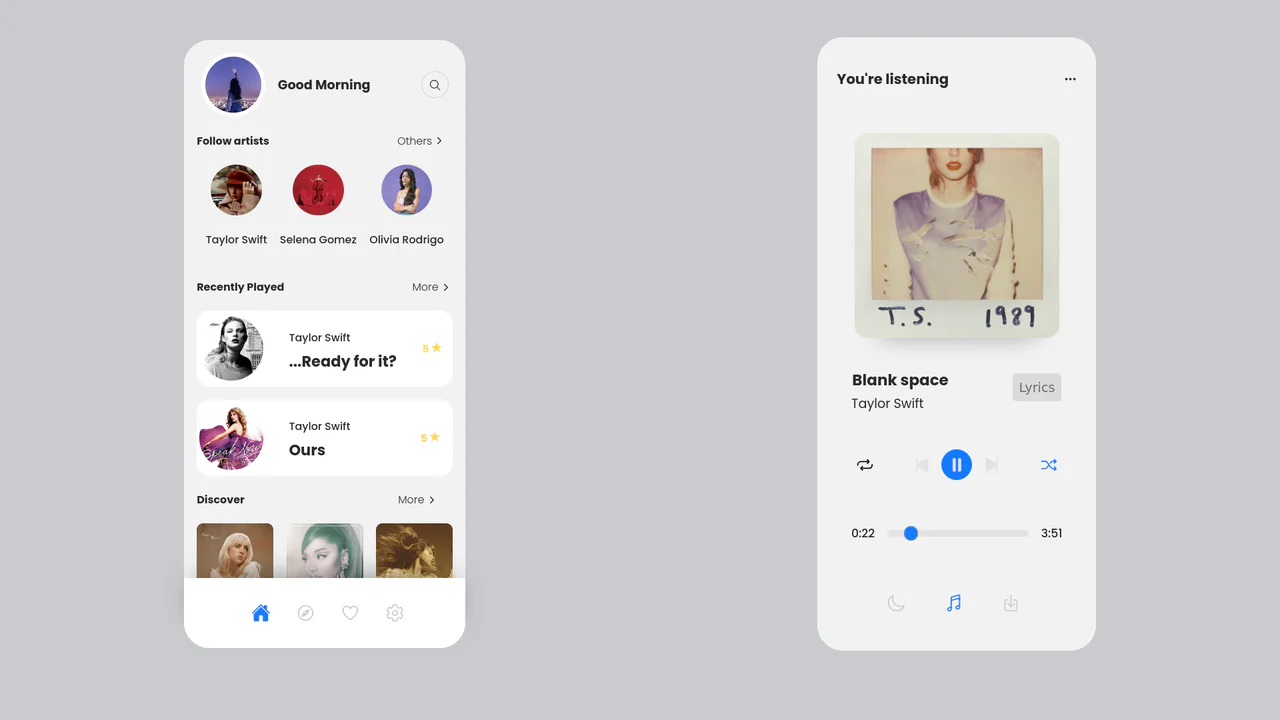
A sleek, dual-screen music player UI built with clean CSS/SCSS and a responsive Flexbox/Grid layout, featuring custom JavaScript logic for dynamic track time updates via a range input.
See the Pen Responsive Music Player UI with Flexbox and Grid.

Apple Liquid Glass UI (2025)
A sophisticated glassmorphism UI component that achieves a distorted, frosted glass effect using a multi-layered CSS structure and an inline SVG filter.
See the Pen Apple Liquid Glass UI (2025).
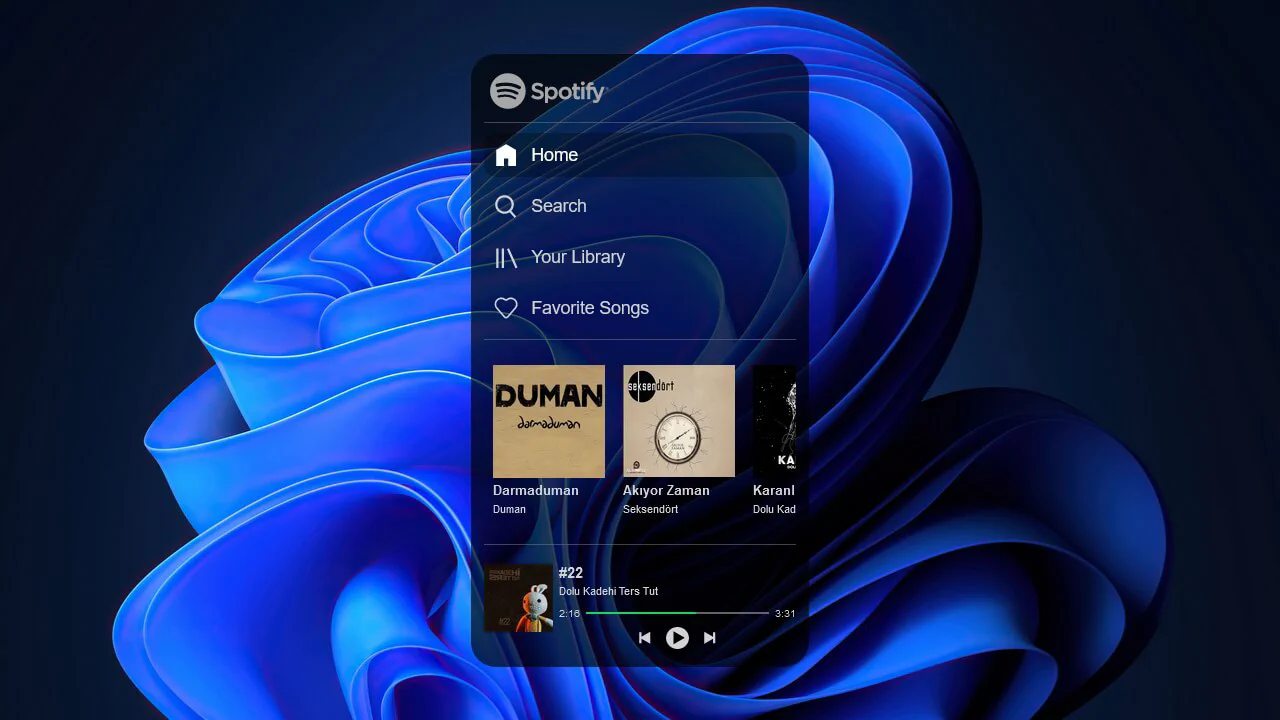
Spotify Music Player
A detailed UI mockup of the Spotify player, featuring a draggable navigation panel enabled by jQuery UI.
See the Pen Spotify Music Player.
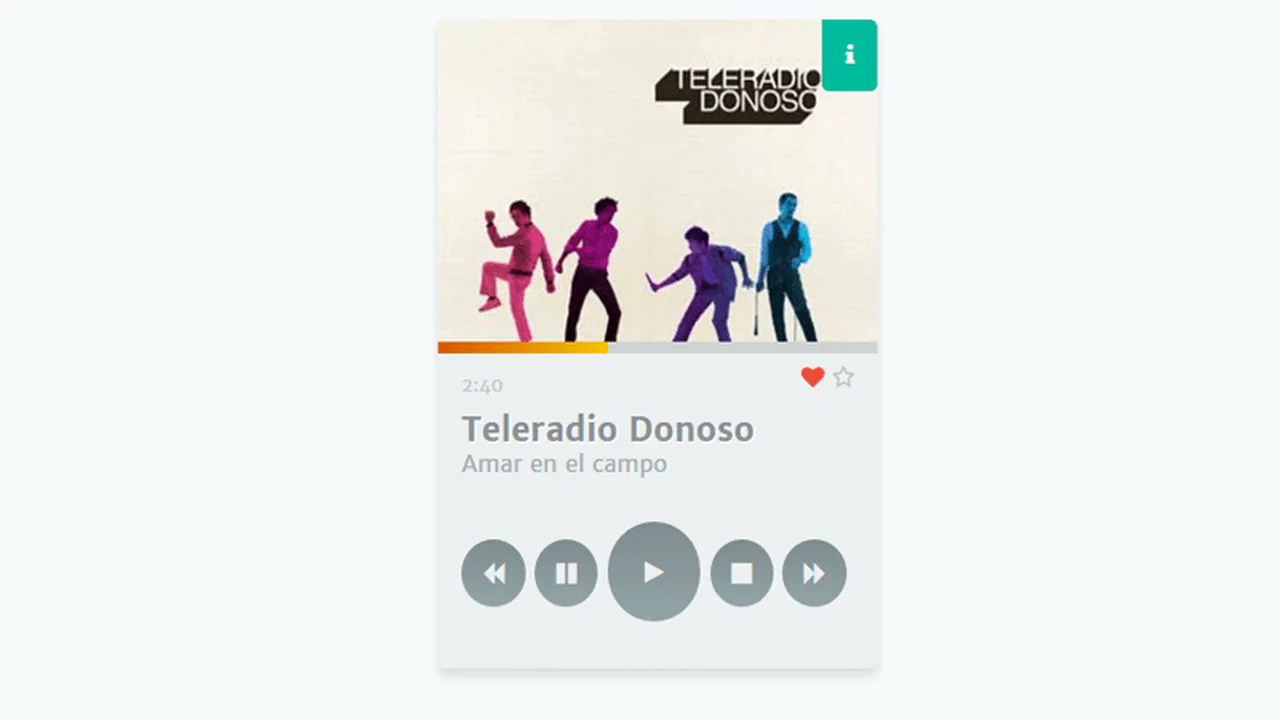

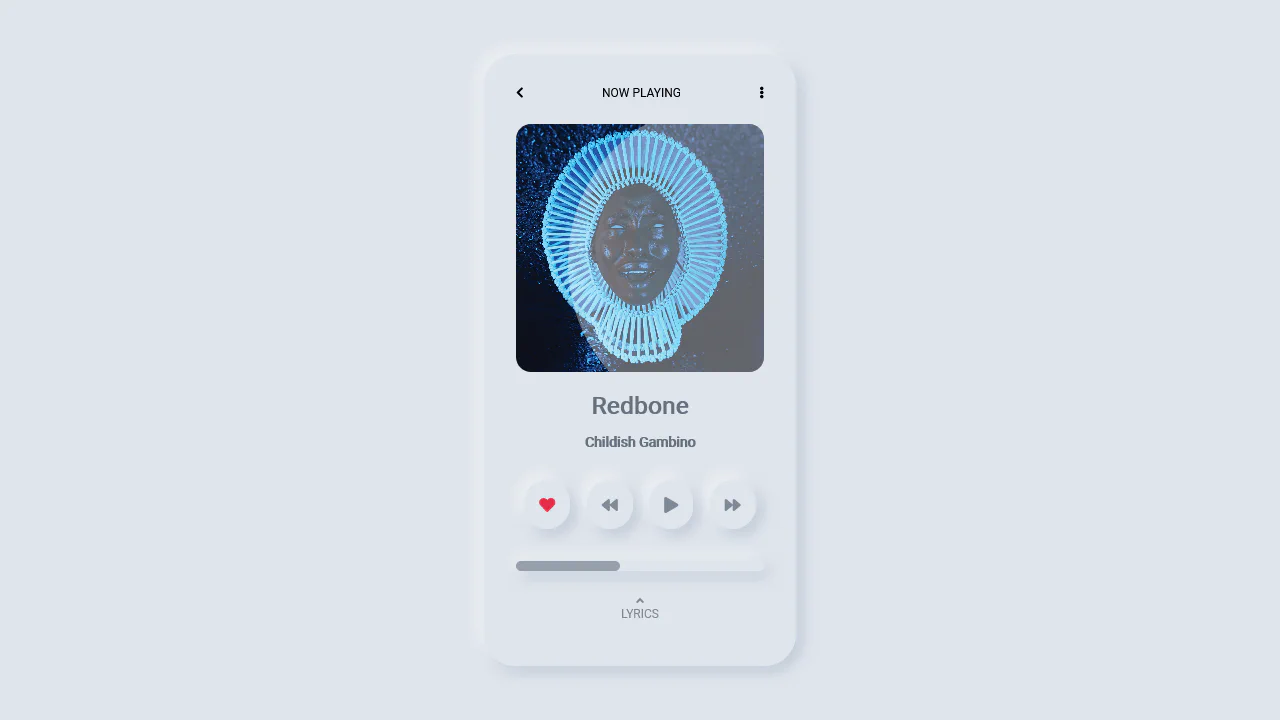
This is a static music player UI built with HTML and CSS — no actual audio functionality. The progress bar animates infinitely via keyframes, simulating playback. Hovering the “more” button expands a hidden bio panel. All controls are decorative; the design is fixed‑width and purely visual.
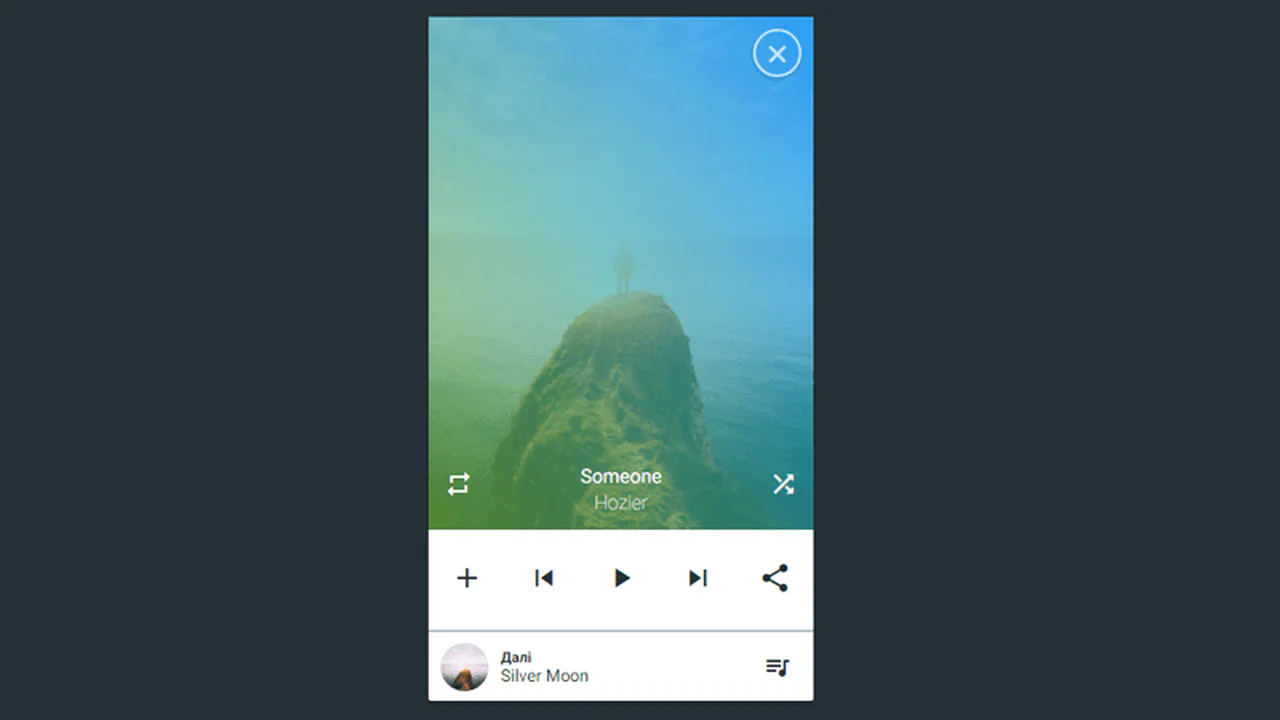
Static music player mockup with album art, playback controls, and upcoming track info. The close button, repeat/shuffle, and play buttons are decorative — no actual functionality. Layout relies on absolute positioning and flexbox.
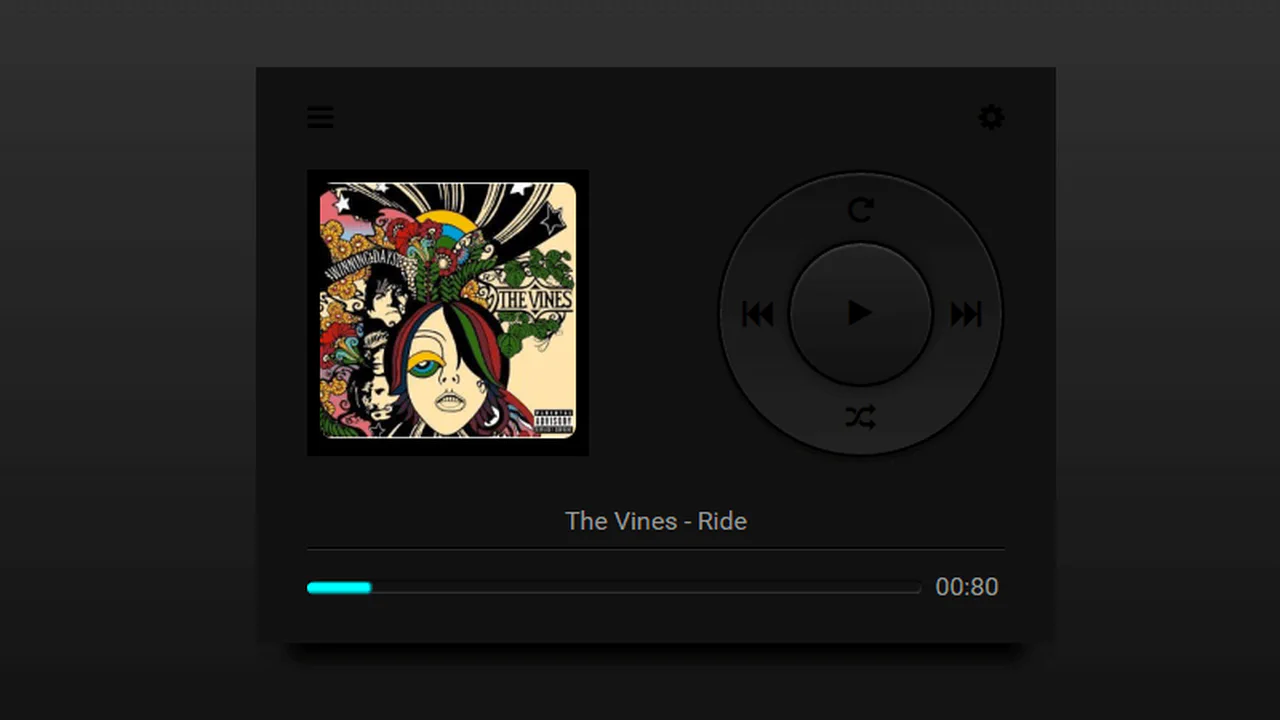
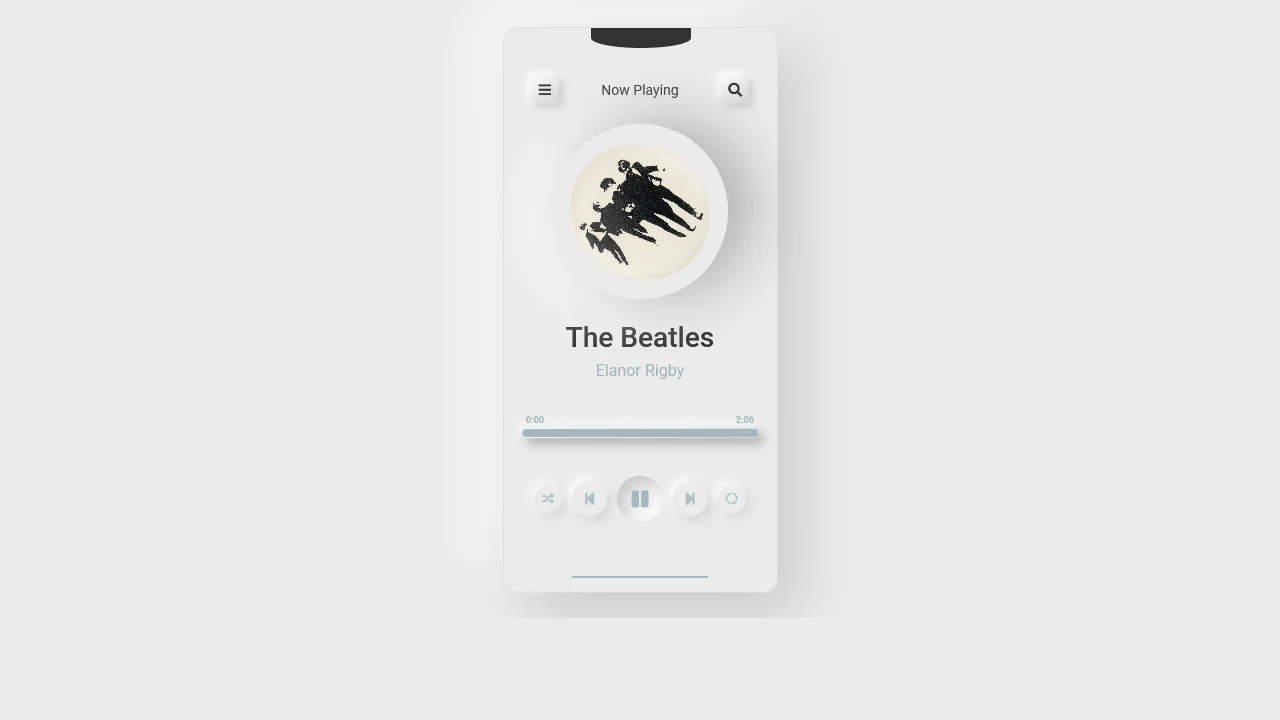
Static music player mockup — album art floats left, a stylized disc with control icons positioned absolutely around it. Less mixins handle centering and sizing. The progress bar is a fixed‑width pseudo‑element; the time “00:80” is hardcoded. No actual audio functionality.
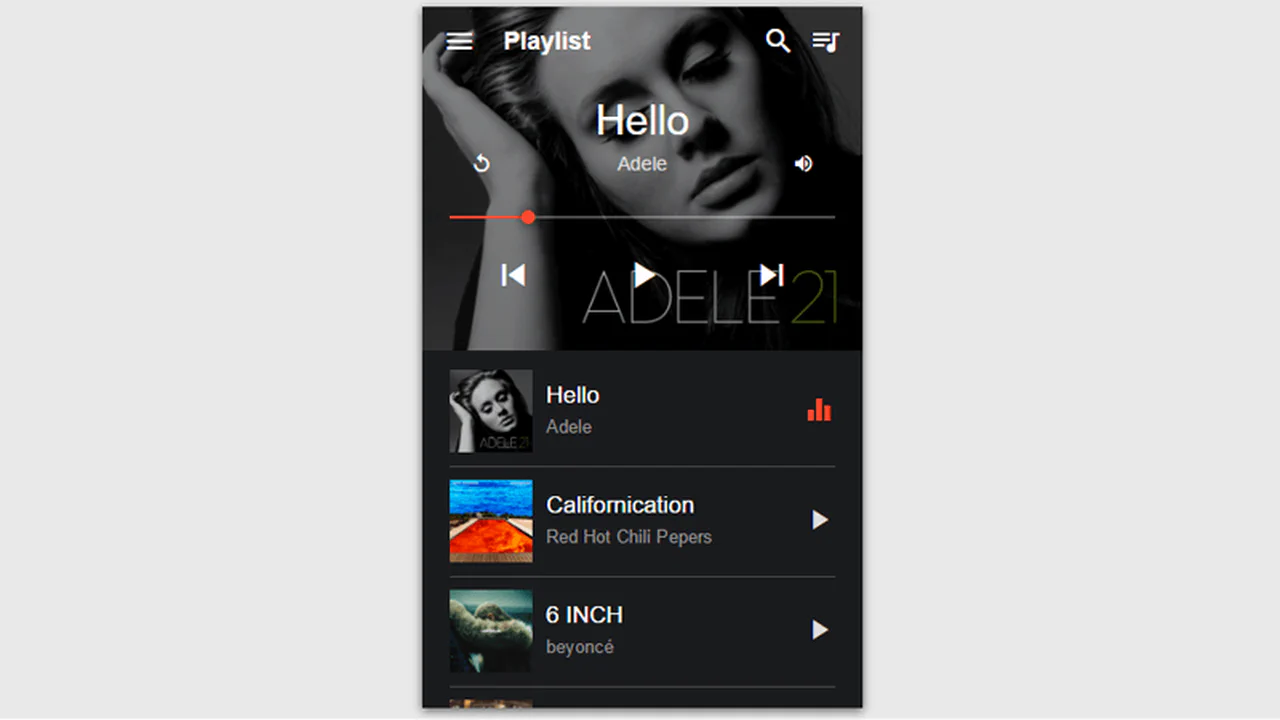
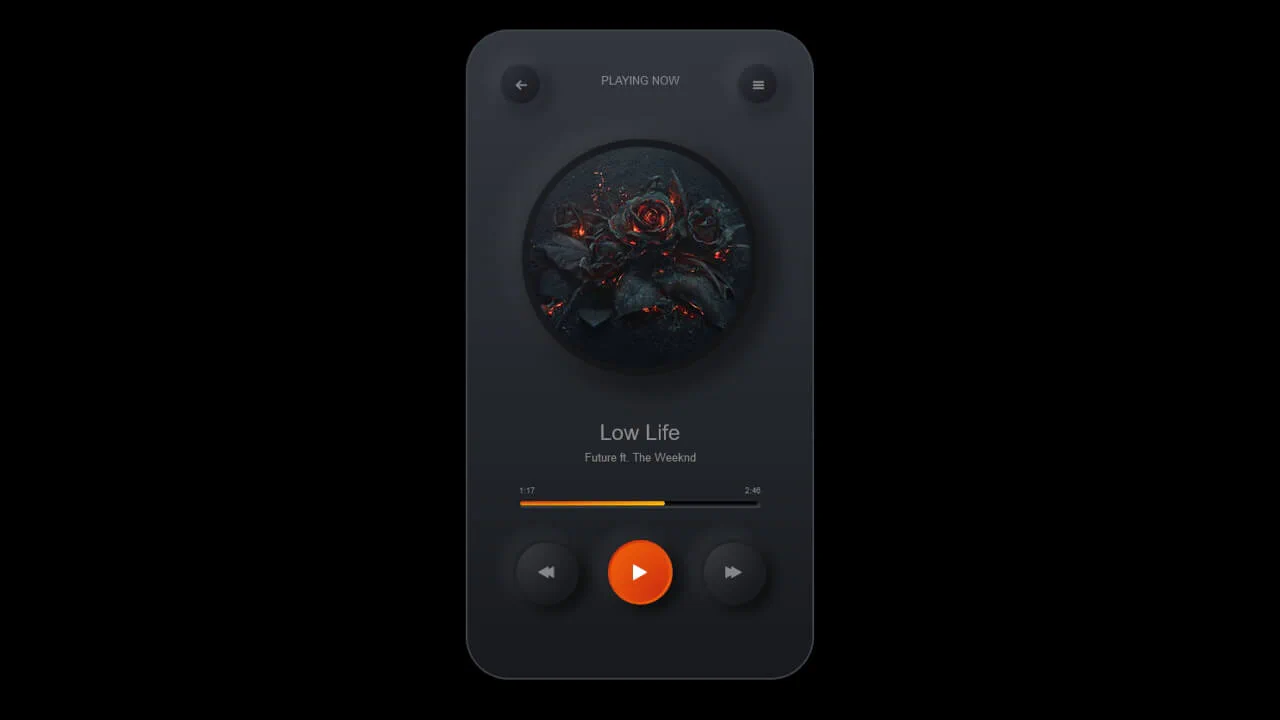
Static music player UI with a fixed‑size layout — the cover image has a dark gradient overlay. The progress bar is a fixed‑width element with a styled circle, and the playlist shows hardcoded tracks with playing states indicated by icons. All controls are decorative; no actual functionality.
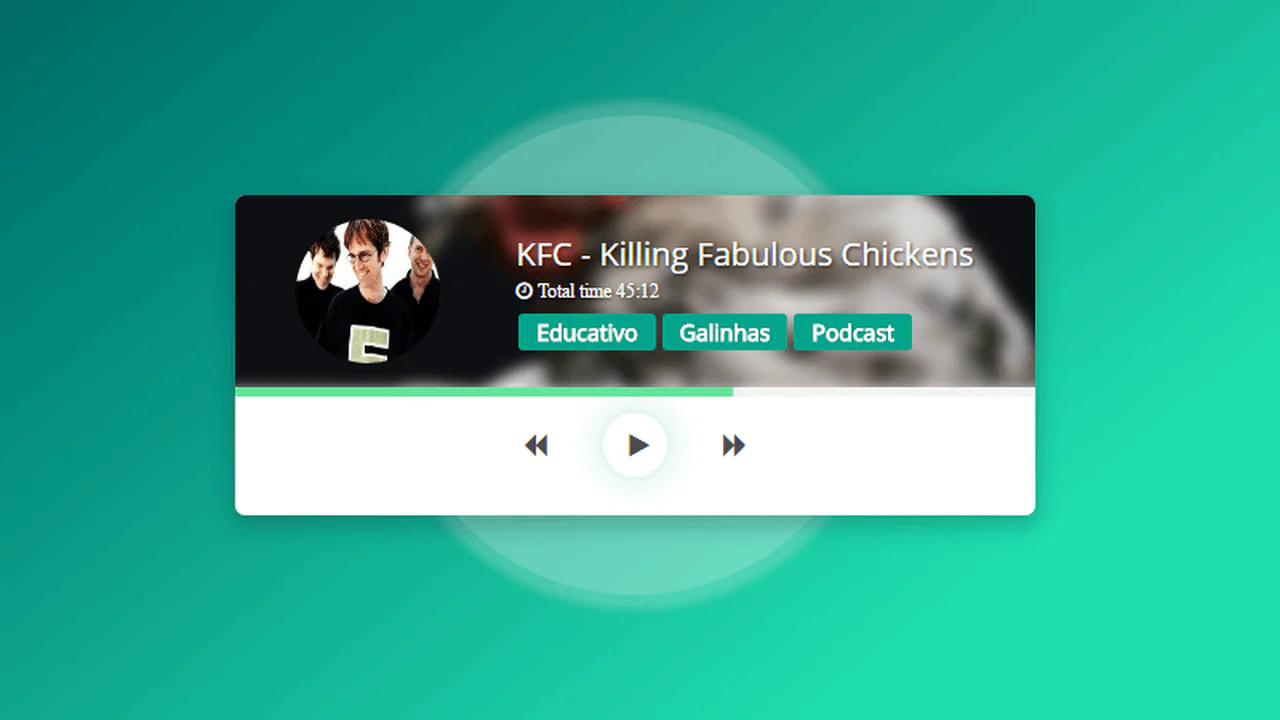
This is a static music player mockup with a blurred background image, profile avatar, and song info. The play button has a pulsing shadow animation; the progress bar animates infinitely from 0% to 100%. The rotation effect behind the player is purely decorative. No actual audio functionality.
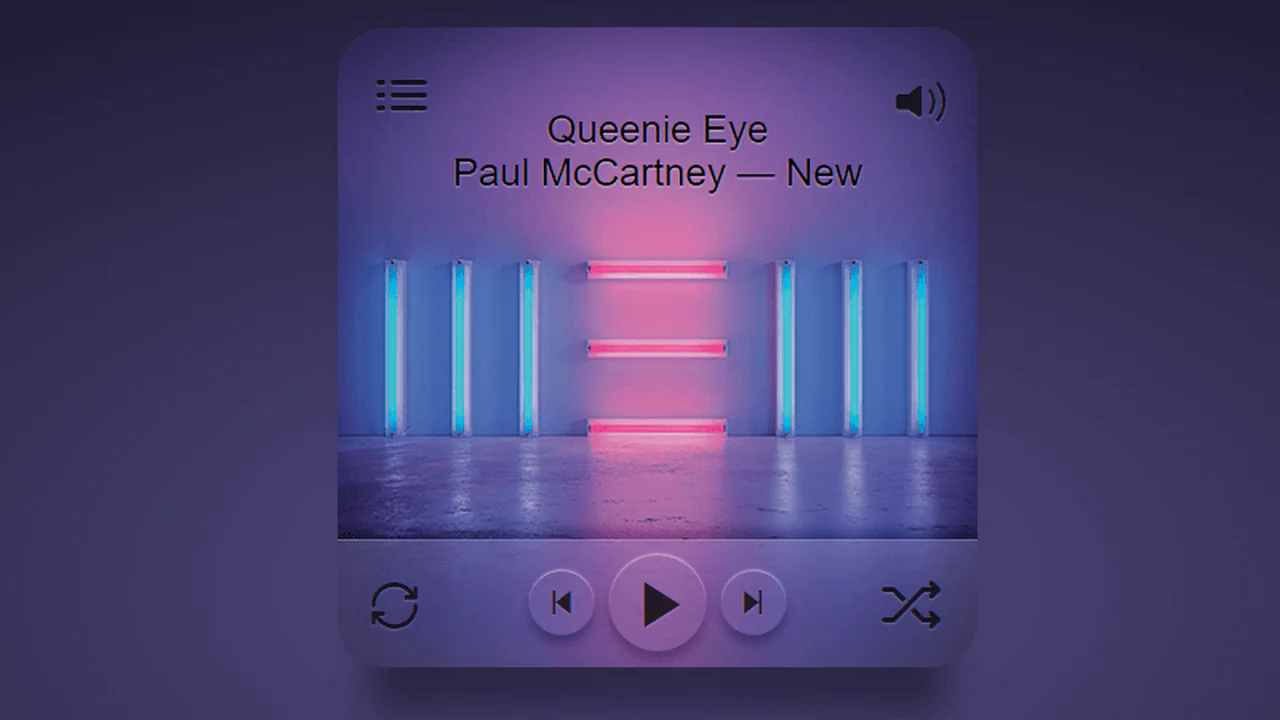
This is a static music player mockup built with Stylus and HTML — no actual playback functionality. The design uses layered backgrounds, blur effects, and animations (progress bar, pulsing play button) to simulate an interactive interface. All controls are decorative; the code demonstrates advanced CSS techniques rather than a working player.
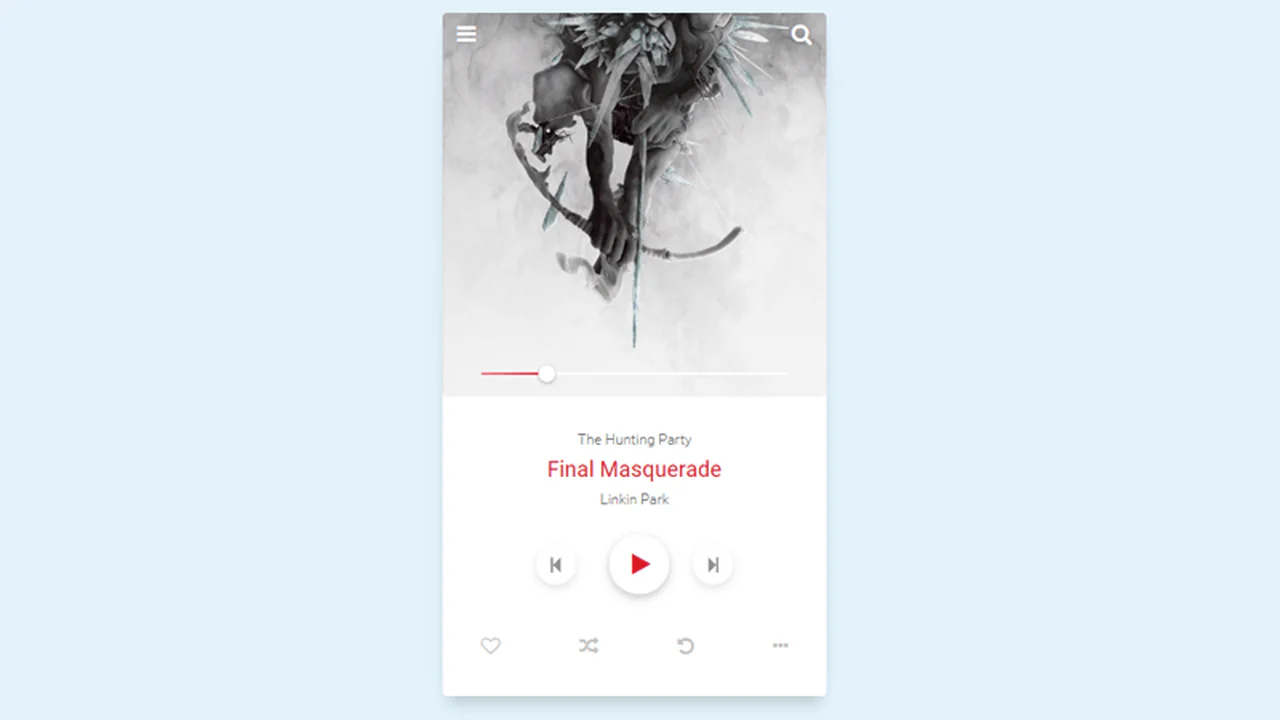
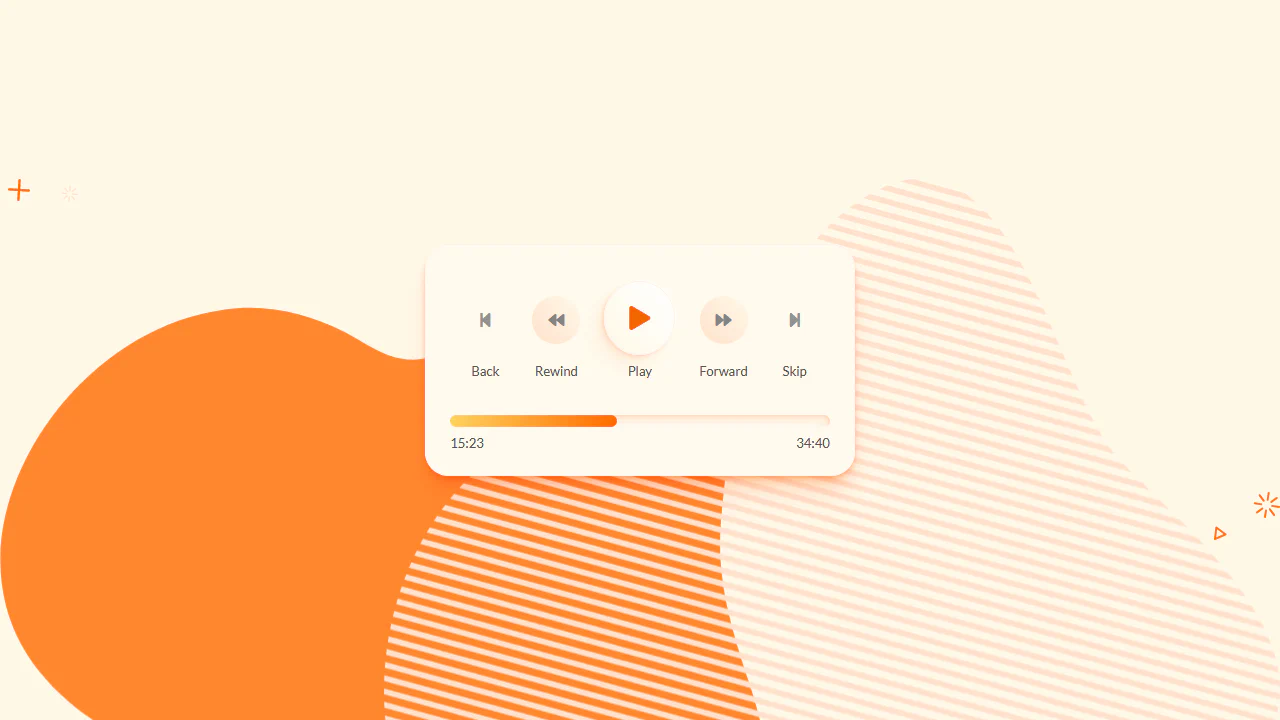
This is a static music player interface built with SCSS — the progress bar is simulated via pseudo‑elements with a fixed width, and hover effects adjust the thumb’s background. The layout relies on flexbox and lists for the control icons; no actual audio functionality is present.
A working audio player with custom visualisation — the <audio> element plays an actual track, while animated bars below pulse independently via keyframes. Each bar has a unique animation-delay, creating a staggered wave effect. The animation is purely decorative and not linked to the audio spectrum.