10+ CSS Page Transitions: Free Code Snippets & Examples
CSS page transitions govern the visual flow between structural layouts, converting abrupt document loads into fluid, animated spatial movements. By coordinating state changes cleanly across route mutations, these templates establish a continuous visual narrative that guides user navigation without interrupting focus.
- Modern transition pipelines leverage the native View Transitions API, taking automatic DOM snapshots to interpolate states with zero client-side routing overhead.
- Cross-document multi-page transitions use native stylesheet directives like
@view-transition, executing complex entry and exit timelines directly on the browser’s compositor thread. - To preserve optimal INP (Interaction to Next Paint) performance, animations animate compositor-friendly properties like opacity and transform, bypassing layout recalculations.
Investigate these native routing visual paradigms to master the implementation of high-performance, layout-stable page animations.
Table of Contents:
Examples

Scroll-Driven View Transitions
This is a Scroll-Driven View Transitions component. It simulates app-like, full-screen transitions between content sections using only native CSS properties. Its function is to replace traditional vertical scrolling with a more engaging, cinematic experience, where each scroll action triggers a complex animation (like a “melt”, slide, or zoom) rather than a simple positional change.
 Chrome 115+
 Edge 115+
See the Pen Scroll-Driven View Transitions.

Spectacular Pure CSS Screen Transition
See how spectacular, complex animations built with pure CSS and JavaScript create dynamic, memorable screen changes.
See the Pen Spectacular Pure CSS Screen Transition.
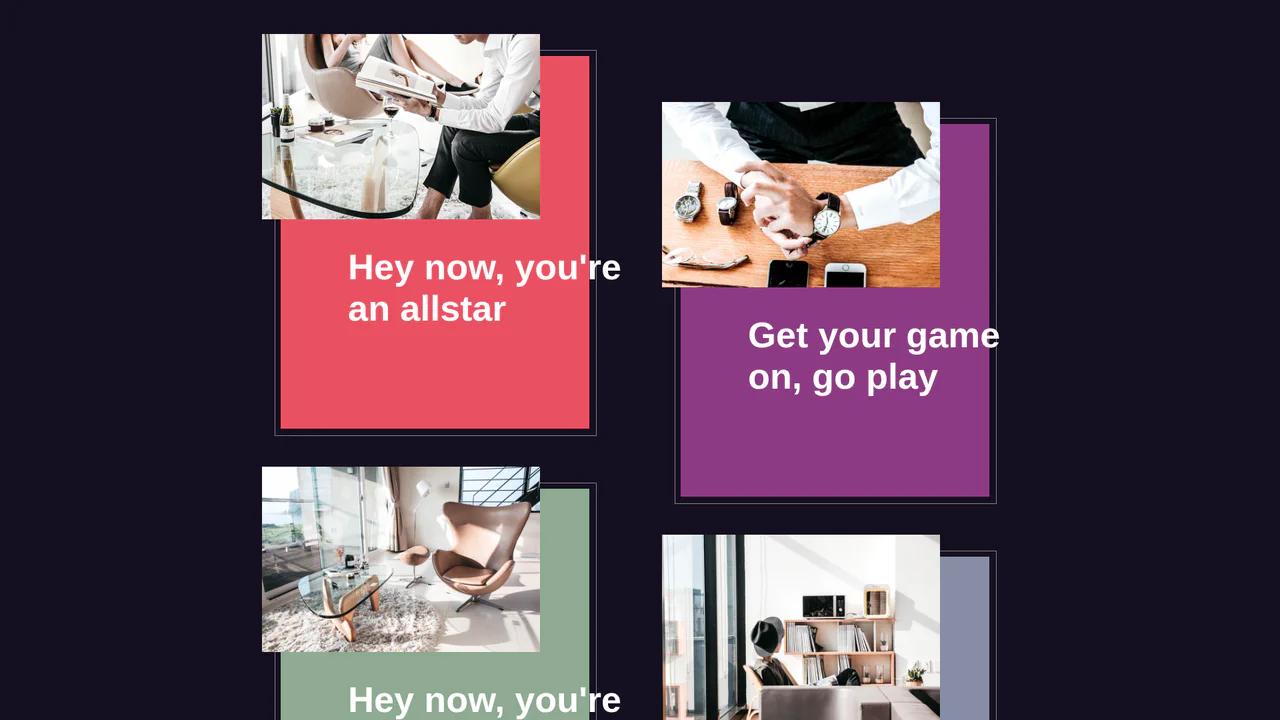
Expanding Card Page Transition
This demo illustrates how to create a smooth transition effect from a card to a full-screen page, simulating an expanding animation. It relies on native JavaScript for precise element positioning and sizing, coupled with CSS transitions to deliver a visually pleasing and performant user experience.
See the Pen Expanding Card Page Transition.
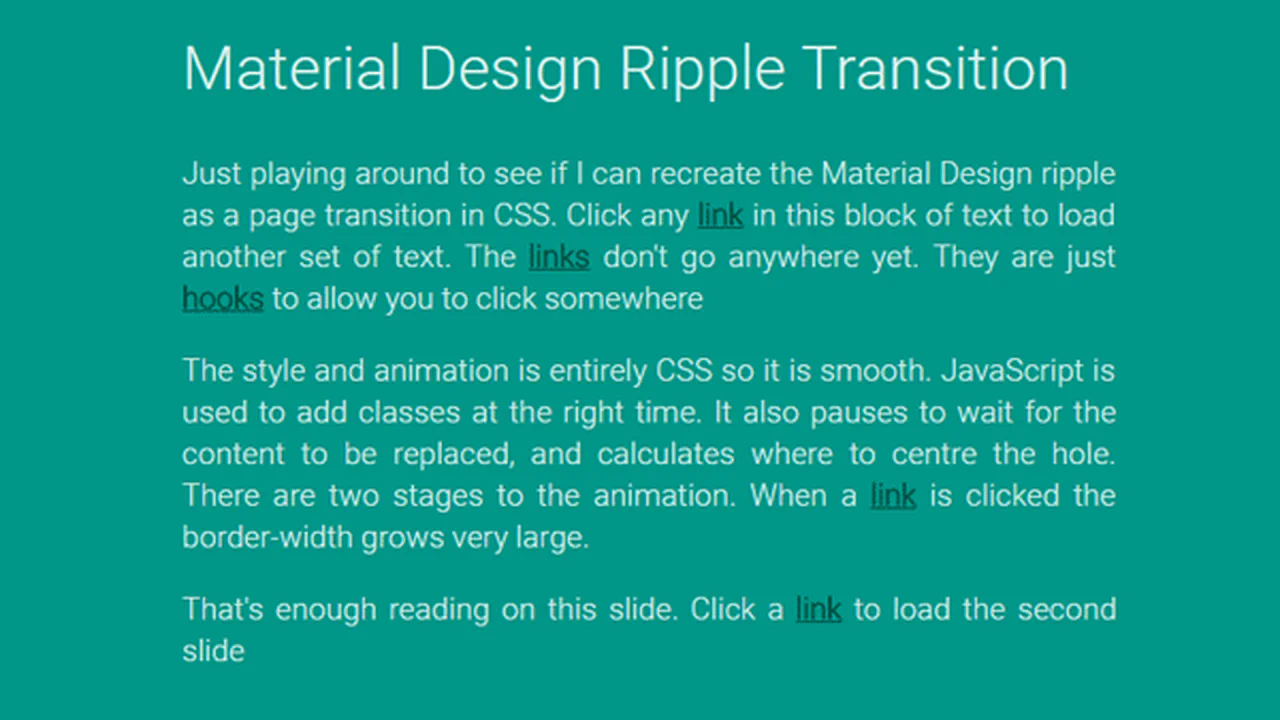
Material Design Transition
An impactful full-screen transition that recreates the Material Design ripple animation for dynamic content swapping. This snippet leverages CSS3 Keyframes to control border-width expansions and JavaScript for precise click-point positioning, delivering a smooth and native-feeling UI/UX transition.
See the Pen Material Design Transition.
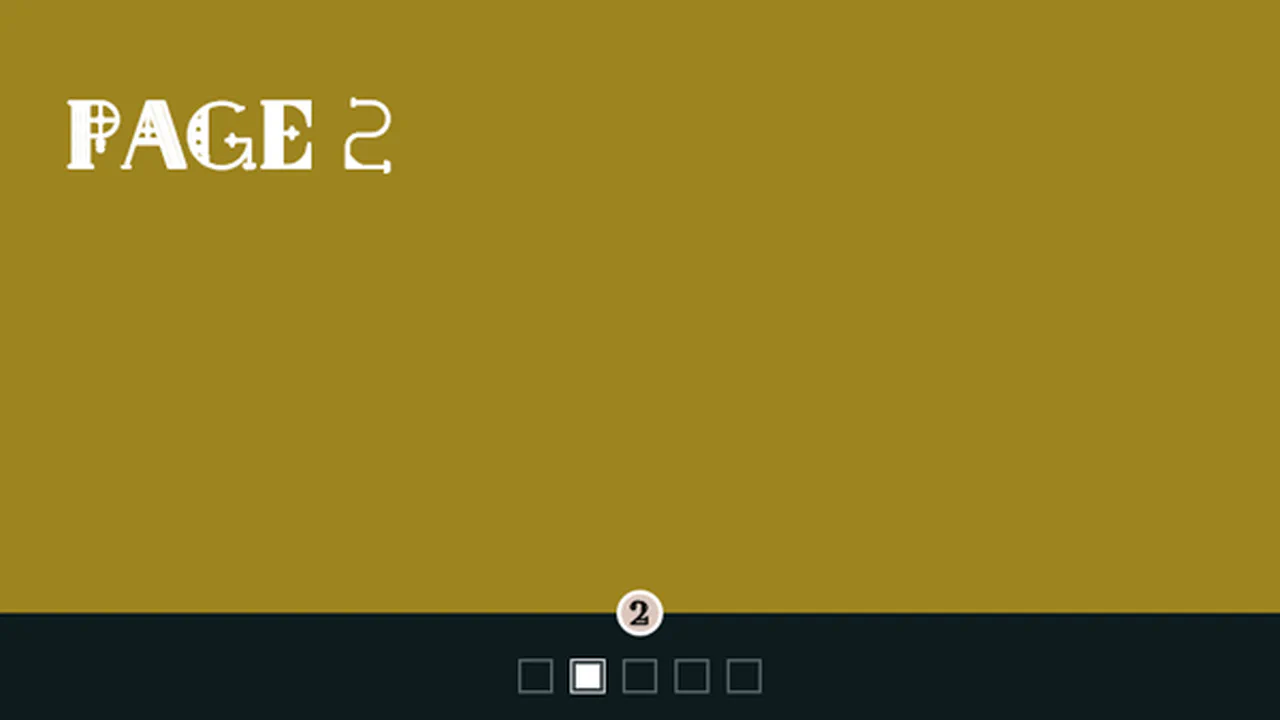
SVG Path Pagination And Rotating Page Transition
A sophisticated full-page slider featuring a unique navigation system built with animated SVG paths and Velocity.js. It implements a rotating page transition effect around a fixed pivot point, providing a seamless and highly interactive UI with mousewheel and click support.
See the Pen SVG Path Pagination And Rotating Page Transition.

Page Transition Loader
A stunning full-screen loader using concentric SVG layers and SCSS-driven animations to mimic a realistic page transition. This snippet features a smooth reveal of skeleton screen placeholders, providing a polished and engaging UI/UX for handling application loading states.
See the Pen Page Transition Loader.
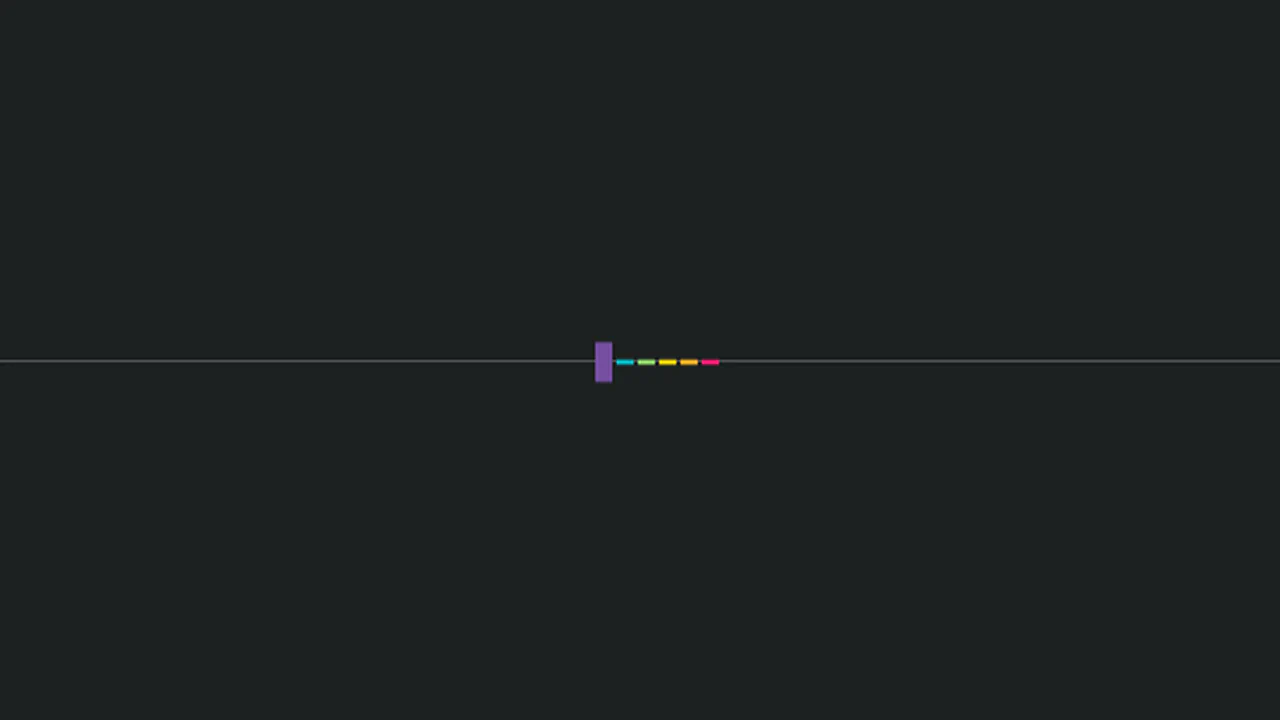
Page Transition With Loader
A smooth full-screen transition powered by GSAP and the CSSRulePlugin to orchestrate body pseudo-element animations. It features a curtain-like closing effect and a synchronized colorful bar loader, making it an ideal choice for high-end frontend page transitions.
See the Pen Page Transition With Loader.
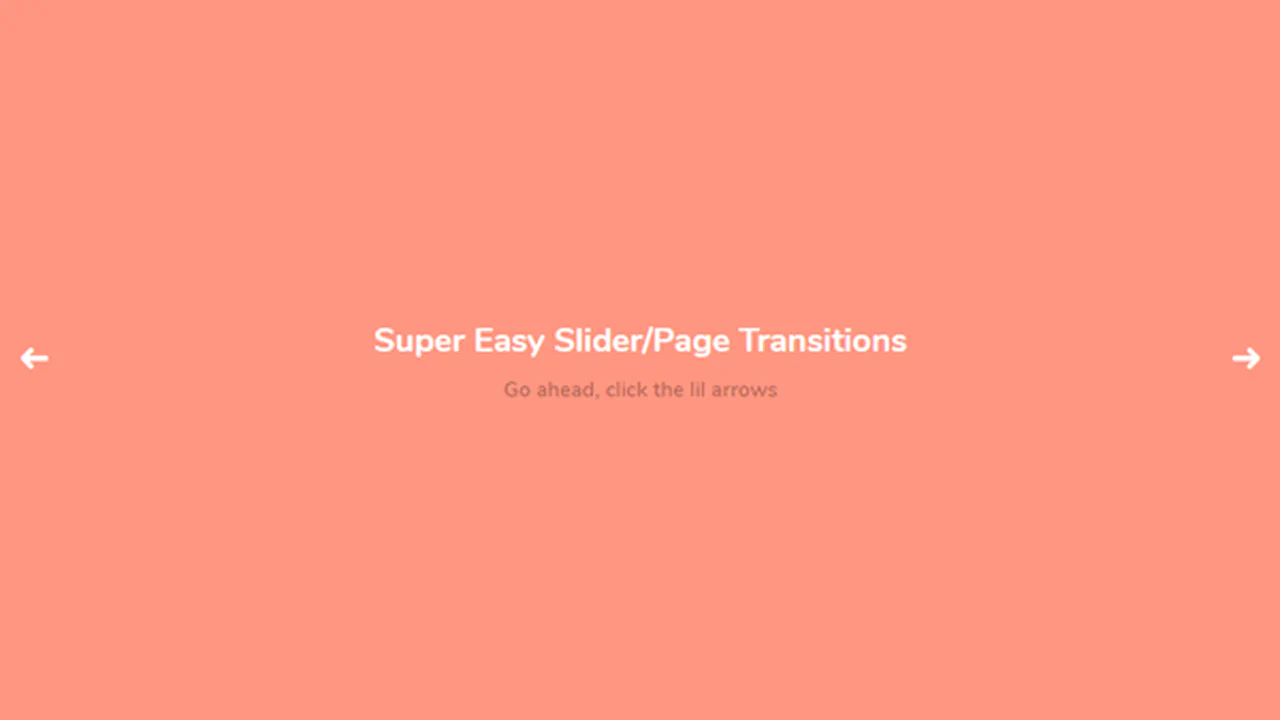
Easy CSS Page/Slide Transitions
A lightweight collection of CSS and JS transitions for pages and sliders that uses data attributes to trigger modular animations. It features various geometric effects like diagonal splits and diamond wipes, all built on SCSS keyframes to ensure high-performance UI/UX.
See the Pen Easy CSS Page/Slide Transitions.
Splash Page
Splash Screen with Clip-Path Reveal is a pure CSS intro animation. It uses inline SVG rectangles and timed keyframes to animate clip-path polygon coordinates. No JavaScript is used here. It also triggers a typewriter text effect using steps. Though the CSS is bloated with legacy vendor prefixes, the geometric layout transition technique remains highly reliable.
See the Pen Splash Page.
Page Transitions
CSS Radio Slider Transition is a slide-switching interface built without JavaScript. It relies entirely on hidden <input type="radio"> tags and associated <label> elements. Checking a radio button triggers transition styles via the ~ sibling combinator, altering opacity and transform on sections. While simple, it has structural limitations for scaling beyond a few hardcoded slides.
See the Pen Page Transitions.
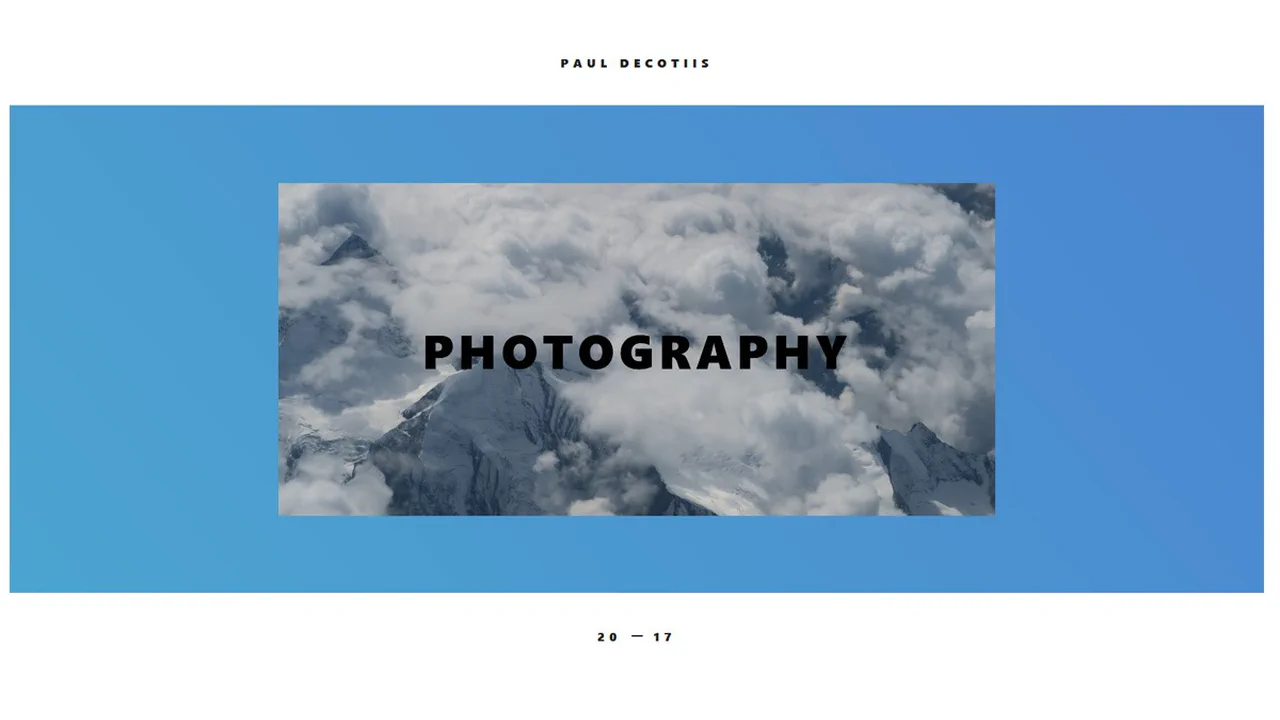
Simple CSS3 Page Transition
Interactive 3D Card Transition combines a hover-controlled parallax tilt effect with a fullscreen expanding layout. jQuery calculates cursor coordinates to dynamically apply rotateX and rotateY transforms. Clicking the card toggles the .is-open class to scale the view and shift typography. While the mix-blend-mode visuals are clean, the math depends on legacy jQuery event handlers.
See the Pen Simple CSS3 Page Transition .
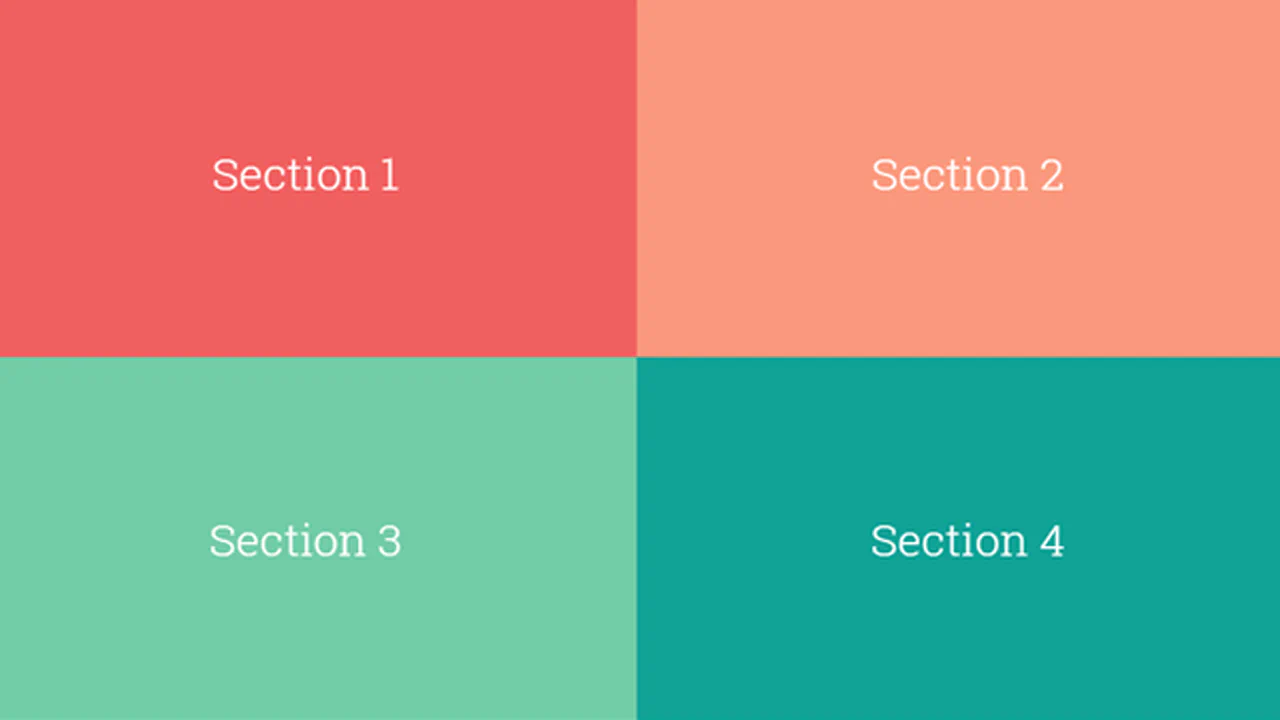
Fullscreen Layout Page Transitions
Grid-to-Fullscreen Layout Transition splits the viewport into a 2x2 grid. When a user clicks a quadrant, a small vanilla JavaScript controller toggles state classes on the parent and targets. CSS cubic-bezier transitions scale the active block to full-screen while shrinking the remaining quadrants to scale3d(0,0,0). It is a lightweight, performant alternative to animation libraries.
See the Pen Fullscreen Layout Page Transitions.

React Animated Page Transitions
3D Perspective SVG Transition coordinates dynamic layout states inside React using GSAP timelines. It splits paragraphs into lines using SplitText for staggered typography reveals and animates geometric paths via DrawSVG. The visual centerpiece tilts the container and map image into a 3D perspective projection. It is a highly creative but rendering-heavy animation showcase.
See the Pen React Animated Page Transitions.
Article Transition Page
Editorial Layout Slide features a split-screen design that relies heavily on timed @keyframes for its initial state. On page load, CSS animations scale down the headings and slide open a hidden info panel using hardcoded delay offsets. Clicking “Read More” uses basic JavaScript style-injection to permanently apply this visual state. The animation flow is fragile and hard to adjust.
See the Pen Article Transition Page.
Tiles Page Transition
Staggered Tile Page Transition uses horizontal blocks to slide a colored overlay across the viewport. Five absolute-positioned .loader__tile divs change from width: 0 to 100%. The stagger effect is handled entirely by incremental CSS transition-delay properties. JavaScript is only used to toggle the active class. It is a highly performant, lightweight loading pattern.
See the Pen Tiles Page Transition.
Multi Layer Page Reveal Effect
Directional Multi-Layer Transition sweeps colored overlays across the screen from four directions. Inactive layers sit outside the viewport. When a button is clicked, a simple JS loop matches classes by the button’s ID and toggles .active. The cascading sweep effect is handled entirely by staggered CSS transition-delay values and smooth bezier easing. It is clean and highly performant.
See the Pen Multi Layer Page Reveal Effect.
transform: translate
Slide-In Split Screen Entrance is a pure CSS landing layout with no JavaScript. It divides the screen into flex columns and coordinates entrance animations using staggered delays. Titles, text, and buttons slide up from hidden boundaries by combining overflow: hidden on parent wrappers with translateY keyframes. It is clean, lightweight, and depends entirely on browser rendering engines.
See the Pen transform: translate.