30+ CSS Product Cards
Product cards form the functional core of e-commerce UI design. They strip away visual noise, presenting essential purchasing data directly to the user. Using this updated collection eliminates redundant coding. Developers deploy pre-tested, conversion-focused layouts instead of writing grid structures from zero. Technology must connect users to products instantly, without friction.
Technically, these examples rely on CSS Grid and Flexbox to manage dynamic content alignment. Product images and typography scale fluidly. Hover interactions utilize hardware acceleration, animating properties like transform and opacity. This ensures a seamless 60fps frame rate without layout reflows. The HTML markup remains strictly semantic, maintaining high layout stability and supporting Core Web Vitals.
Every free demo is fully responsive and cross-browser compatible. Users can immediately download the raw code or fork a specific layout on CodePen.
Examples

E-Commerce Product Viewer
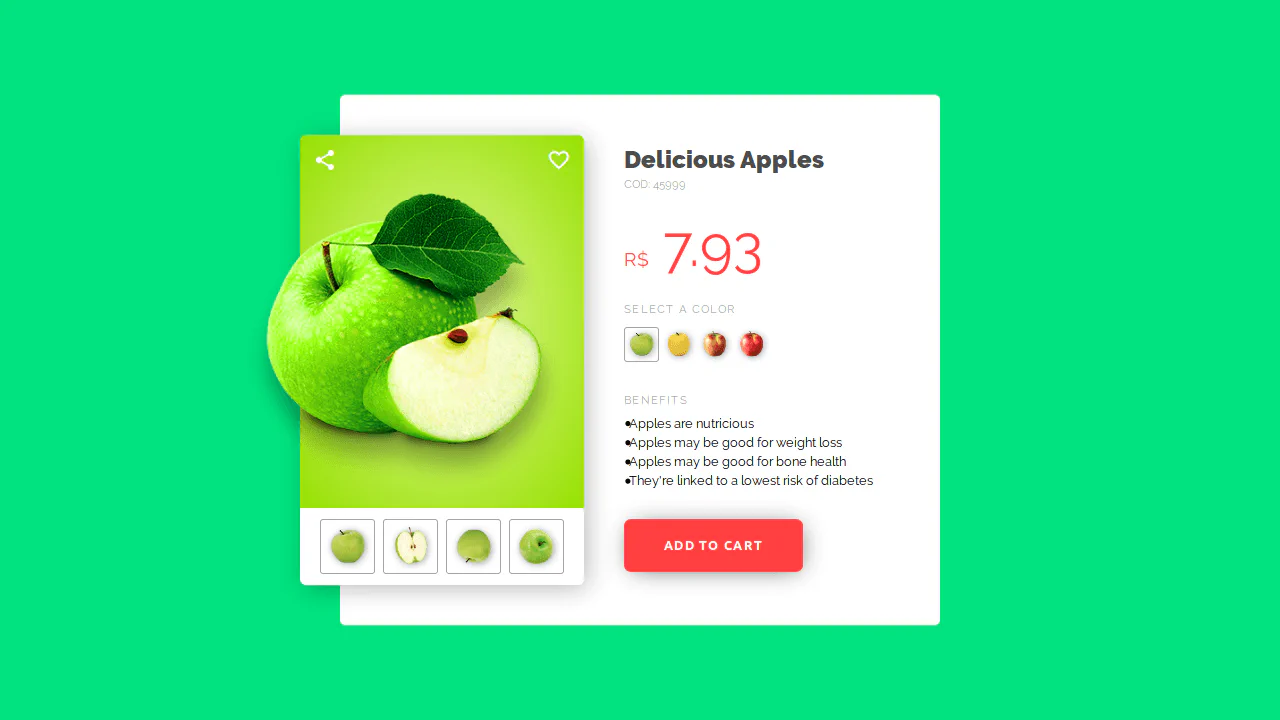
This is a CSS-Only E-Commerce Product Viewer. It implements a fully functional product configurator — including color variant swapping, synchronized background theme changes, and an interactive details accordion — without a single line of JavaScript. Its function is to demonstrate complex UI state management and immediate visual feedback using native CSS capabilities.
 Chrome 43+
 Edge 12+
 Firefox 16+
 Safari 9+
See the Pen E-Commerce Product Viewer.

Interactive 3D Floating Product Cards
This is an Interactive 3D Floating Product Card. It uses CSS spatial transforms to separate internal elements into distinct Z-axis layers upon interaction. Its function is to elevate standard e-commerce grid displays into tactile, physics-based focal points. (Requires: VanillaTilt.js)
Chrome 53+
Edge 79+
Firefox 53+
Safari 15.4+
See the Pen Interactive 3D Floating Product Cards.

Modern Container Query Product Cards
This snippet showcases Modern Container Query Product Cards. It represents the bleeding edge of CSS architecture, utilizing @scope, @layer, and @property to create highly encapsulated, fluid components. Its function is to provide a robust e-commerce card layout that automatically adjusts its internal styling and grid distribution based on the physical size of its container, not the viewport. (Requires: kiso.css)
Chrome 118+
Edge 118+
Firefox 128+
Safari 17.4+
See the Pen Modern Container Query Product Cards.

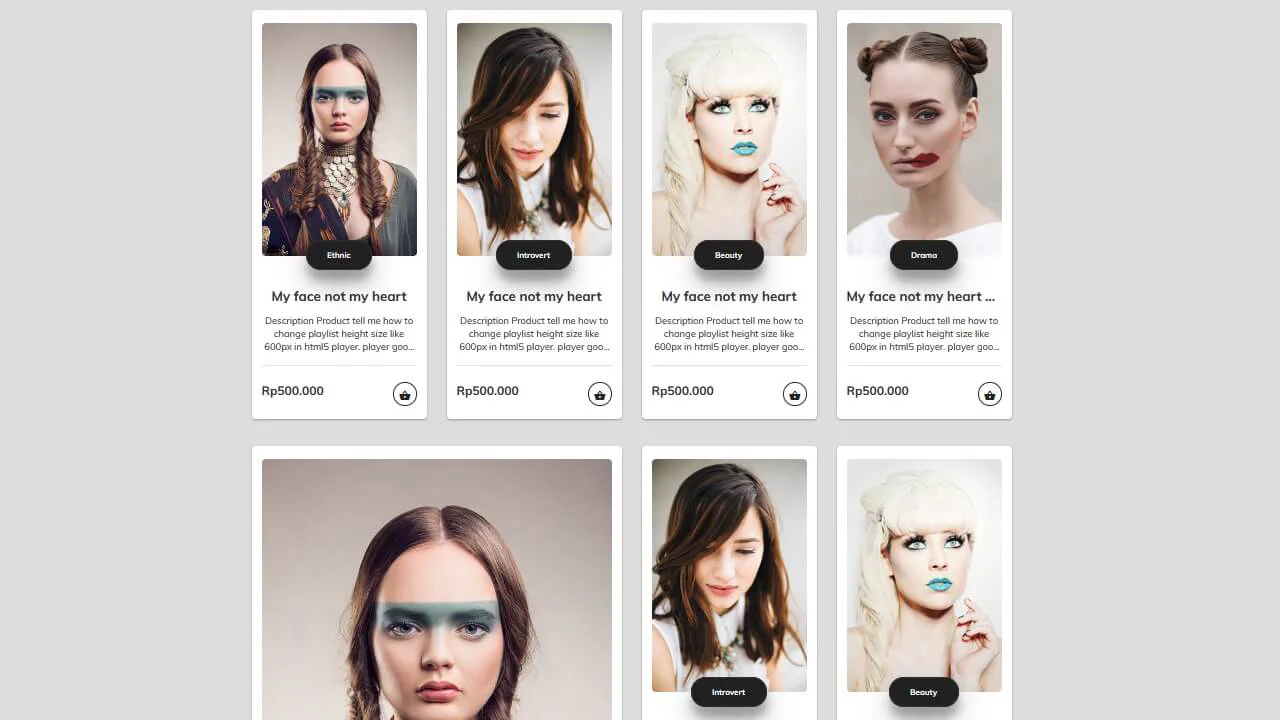
Animated Fluid Grid Product Filter
This is an Animated Fluid Grid Product Filter. It structures a dynamic catalog where elements don’t just disappear but physically slide into their new positions. Its function is to solve the jarring layout shifts common in standard filtering by using the Web Animations API to interpolate container height and element coordinates simultaneously.
Chrome 75+
Edge 79+
Firefox 67+
Safari 13.1+
See the Pen Animated Fluid Grid Product Filter.

E-commerce Product Filter
This is a Pure CSS E-commerce Product Filter. It replaces JavaScript-based array filtering with native CSS relationship selectors. Its function is to toggle product visibility based on multiple checkbox states within a sidebar, offering an instant, script-free sorting mechanism for catalog grids.
Chrome 105+
Edge 105+
Firefox 121+
Safari 15.4+
See the Pen E-commerce Product Filter.

Nike Product Card Interaction
This Nike Product Card Interaction is a dynamic UI component designed for e-commerce listings. It transforms a standard static product grid into an engaging experience. When a user hovers over a card, the product image rotates and shifts to make room for a vertical brand label that slides in from the side. This clever use of space allows for a clean initial view while revealing branding details on demand.
Chrome 57+
Edge 16+
Firefox 52+
Safari 10.1+
See the Pen Nike Product Card Interaction.
Skateboard Product Grid
This demo showcases a responsive grid built on modern CSS technologies: CSS Grid for layout, Custom Properties for centralized theme management, and Fluid Typography using clamp() for ’elastic’ font sizes. The key feature is a complex animation system, including a staggered appearance of cards and advanced :hover effects using animated SVG.
See the Pen Skateboard Product Grid.
Sleek Product Item
This demo showcases advanced card styling, utilizing pure CSS for a complex gradient background, a hover shadow effect, and smooth image scaling.
See the Pen Sleek Product Item.
E-Commerce Card
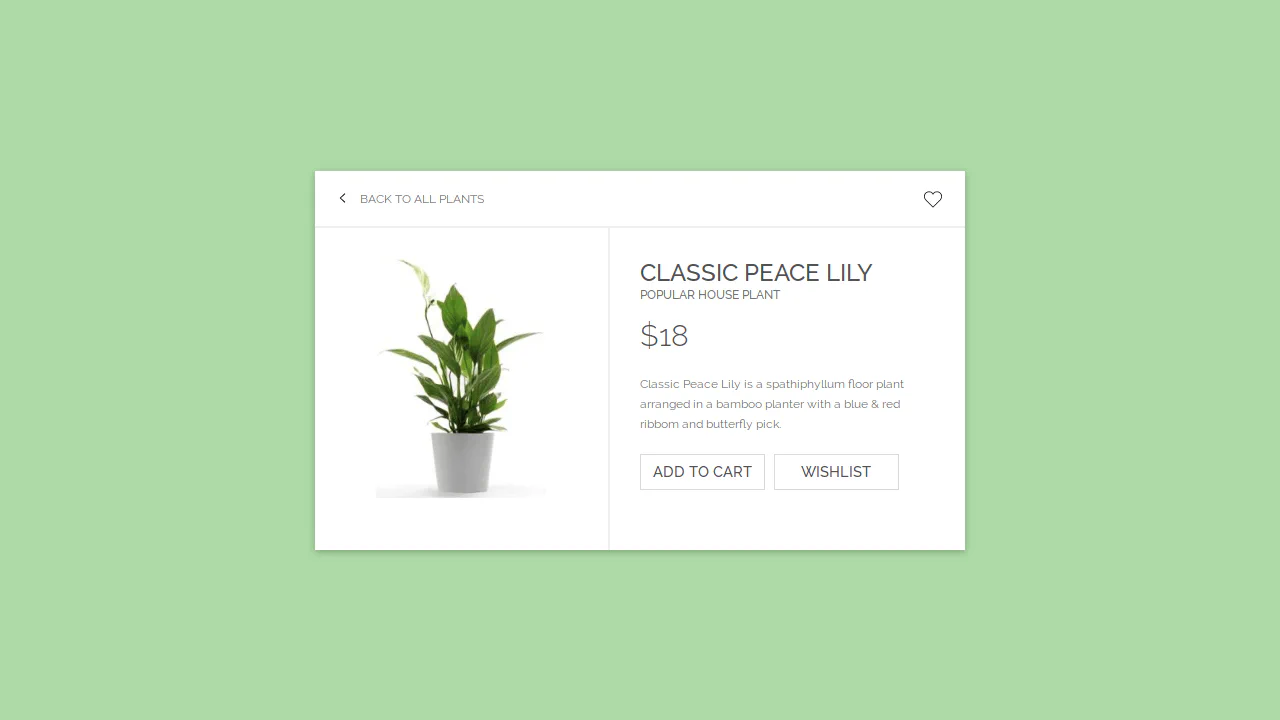
This interactive card template, built with Sass/CSS, showcases a clean and flexible layout centered using transform: translate, focusing on smooth transition effects for box-shadow and detailed styling of interactive elements like buttons and SVG icons using the :hover pseudo-class.
See the Pen E-Commerce Card.
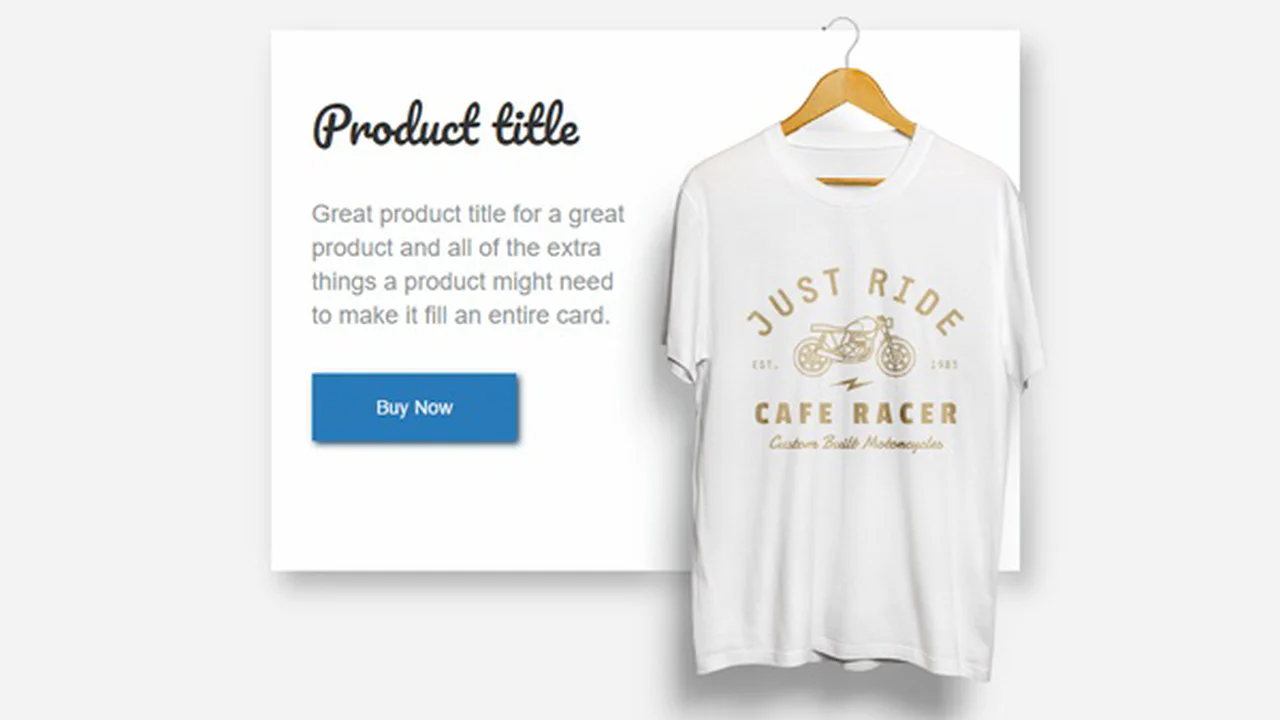

The image extends beyond the card boundaries. Text occupies the left half. The button sits at the bottom. Shadows create depth, and responsiveness keeps it readable on any screen.
Image, description, and price form a clean horizontal structure. A hidden action sidebar appears on hover, extending functionality without visual clutter. The price stands alone as a distinct block with large typography for emphasis.
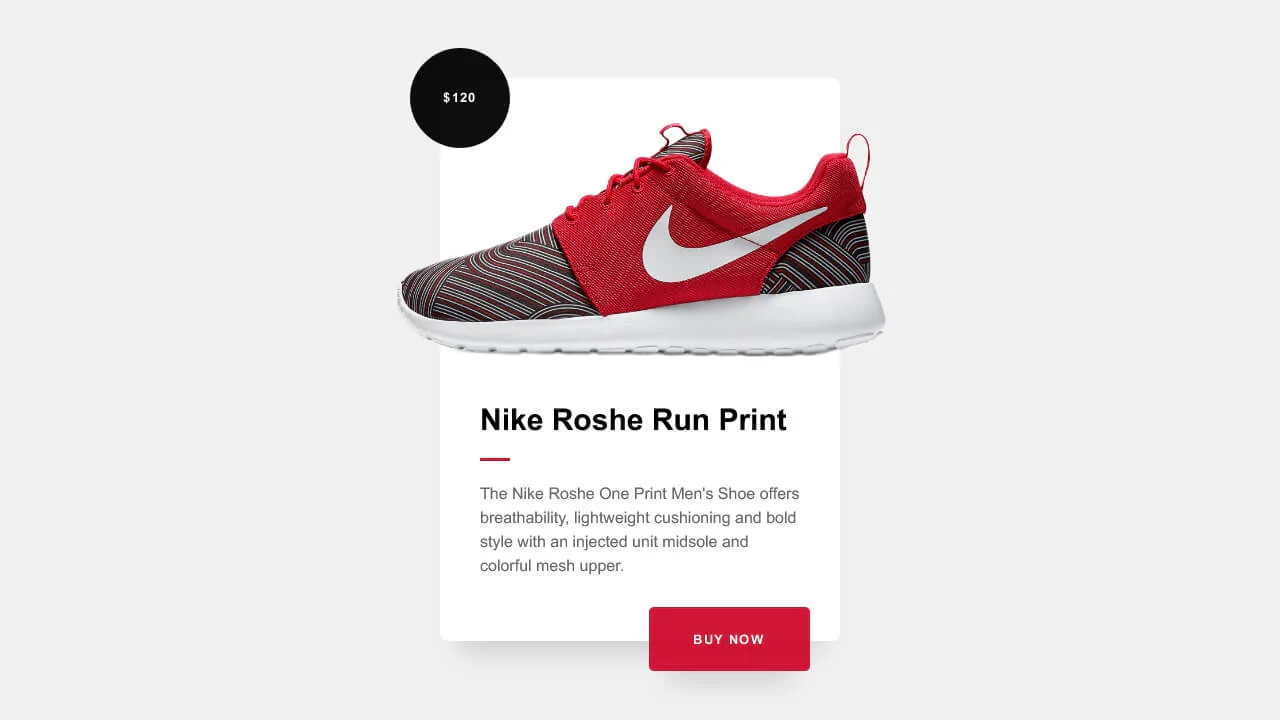
Product card with a prominent price badge and call-to-action button. Clean layout, smooth shadow transitions on hover, and SCSS variables for maintainability. Focus on readability and visual hierarchy.
Interactive product card with add-to-cart logic. Clicking the cart button toggles a confirmation state, and the corner hover reveals detailed specs. Uses jQuery for class switching and CSS transitions for smooth feedback.
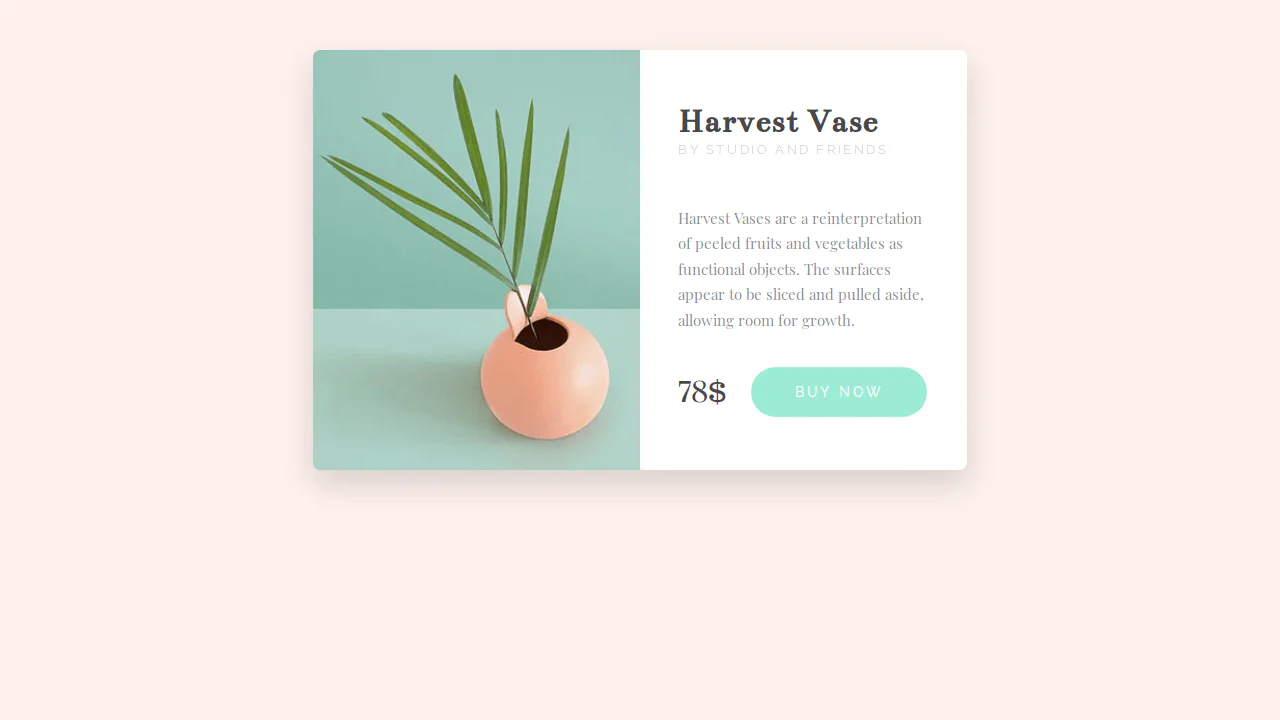
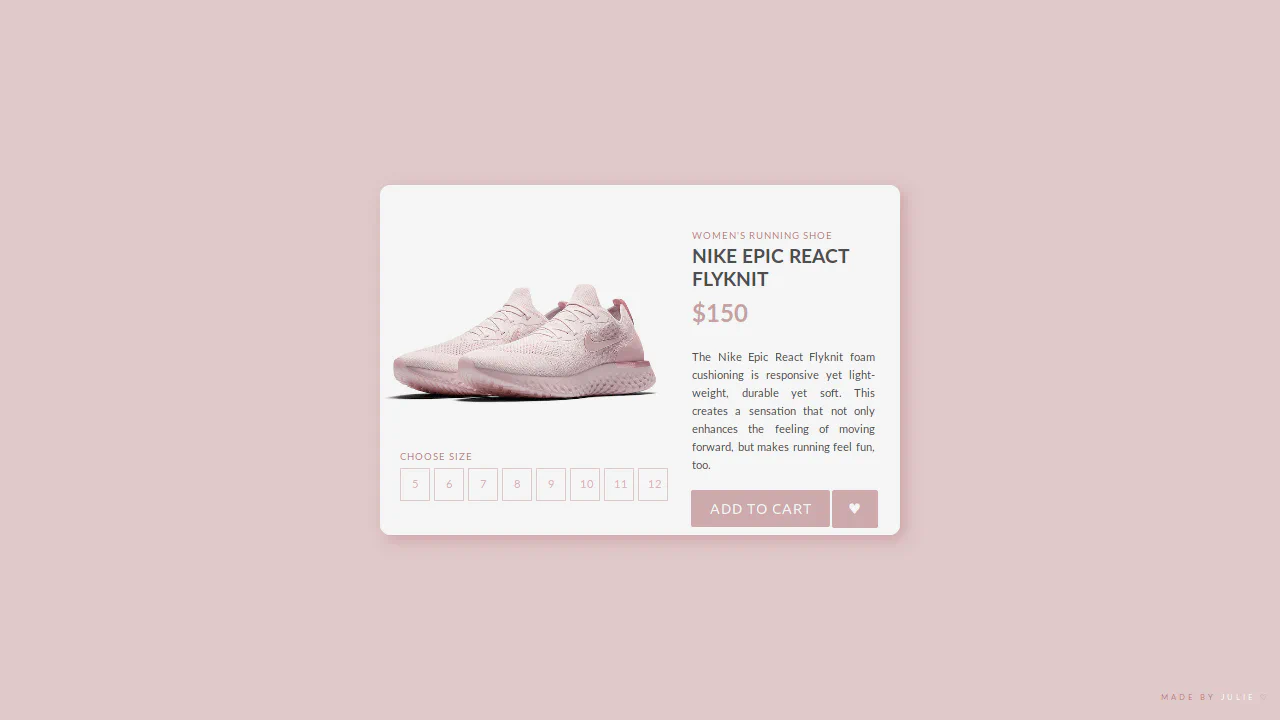
Classic product card with a two-column layout. Combines serif headings and sans-serif details for clear typographic hierarchy. Rounded corners and a soft shadow give depth; the button darkens on hover.
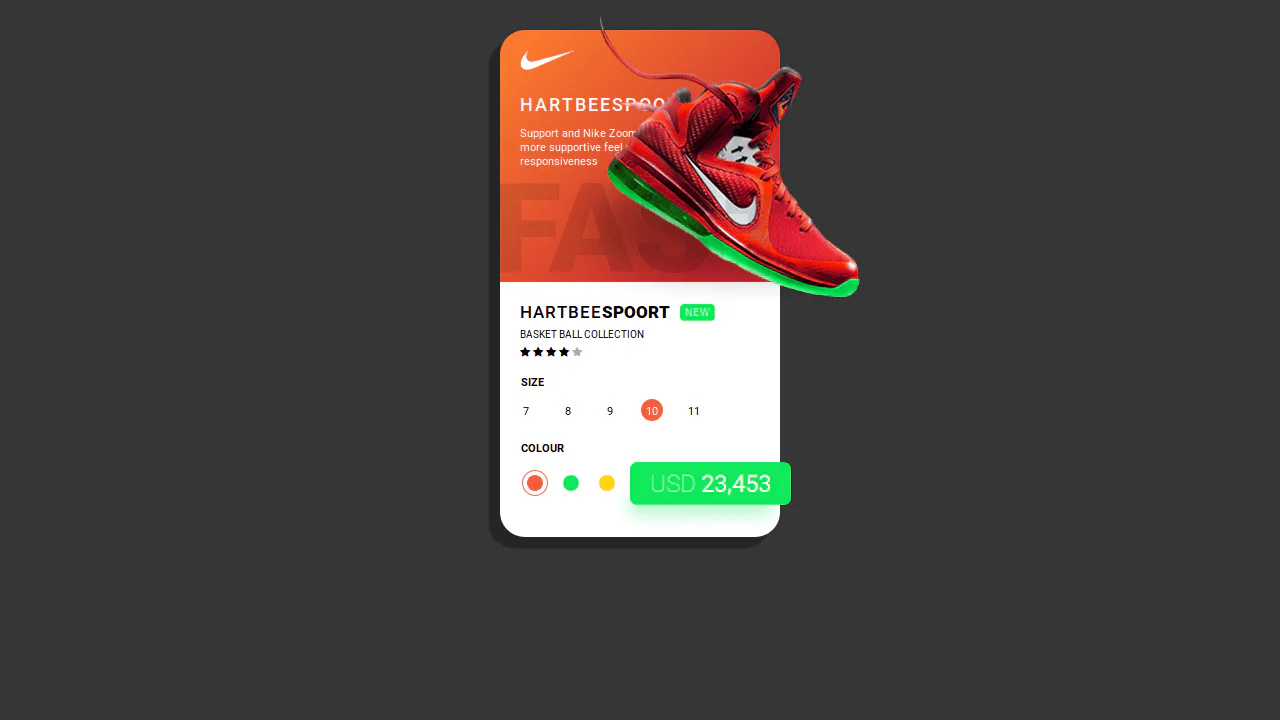
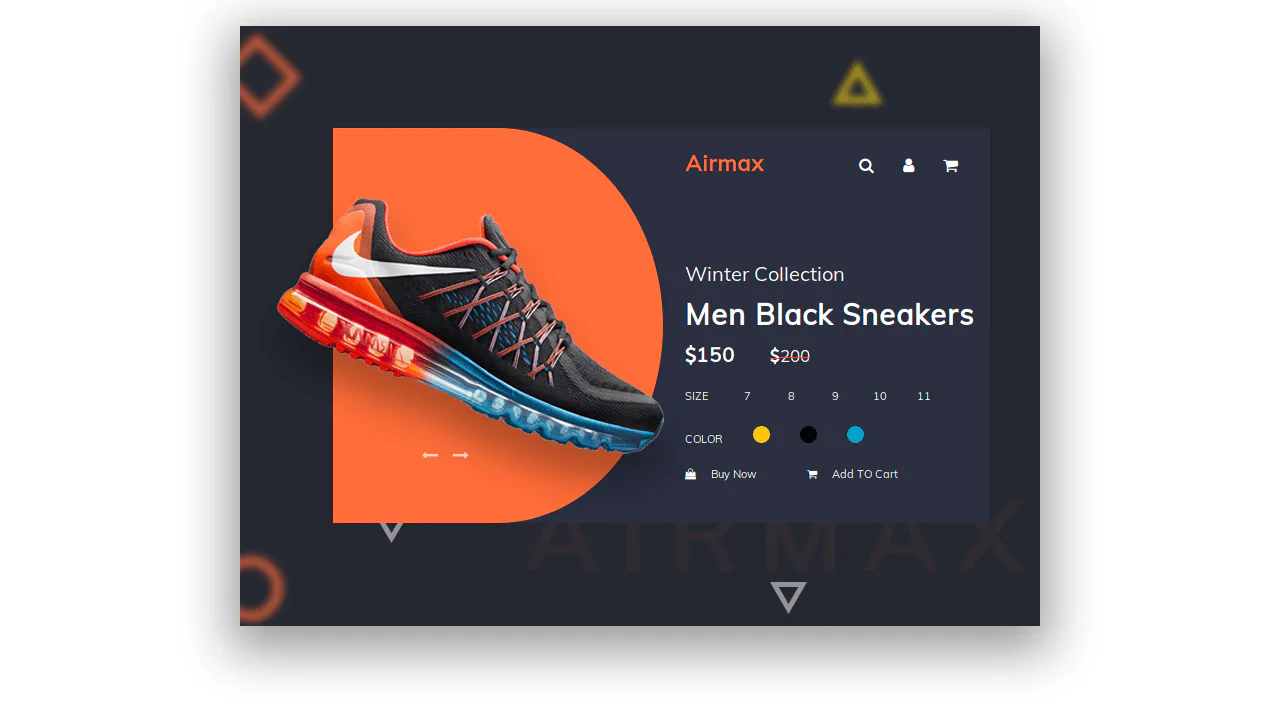
Shoe product card with layered visual hierarchy. Gradient background, large back‑text element, and floating image create depth. Size and color selectors with active states, plus a prominent price badge.
T-shirt card with hover-triggered animation. On hover, a colored panel slides in, price shifts left, and “Add in cart” appears. Image blurs slightly, product details and size info move up with a delay. Built with CSS transitions and cubic‑bezier easing.
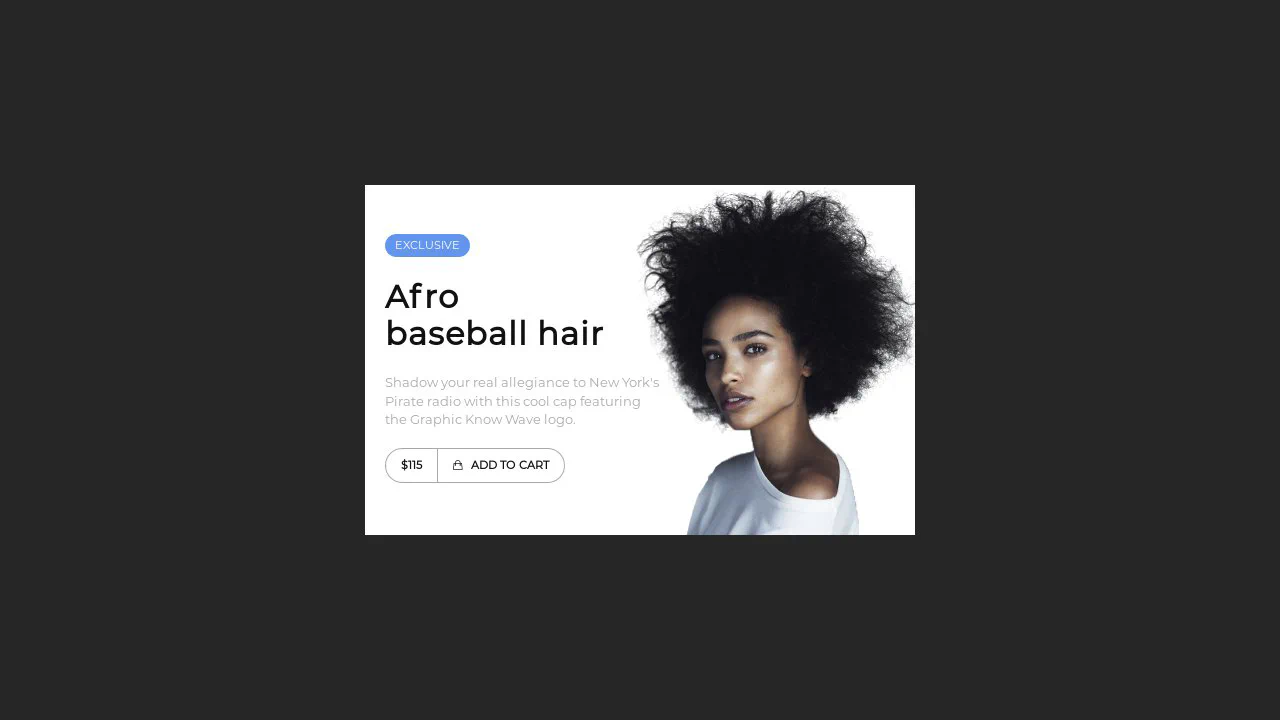
Clean product card with left-aligned content and right-aligned image. Entrance animations via CSS classes; button group features a skewed fill on hover. Minimal typography and subtle color accents.
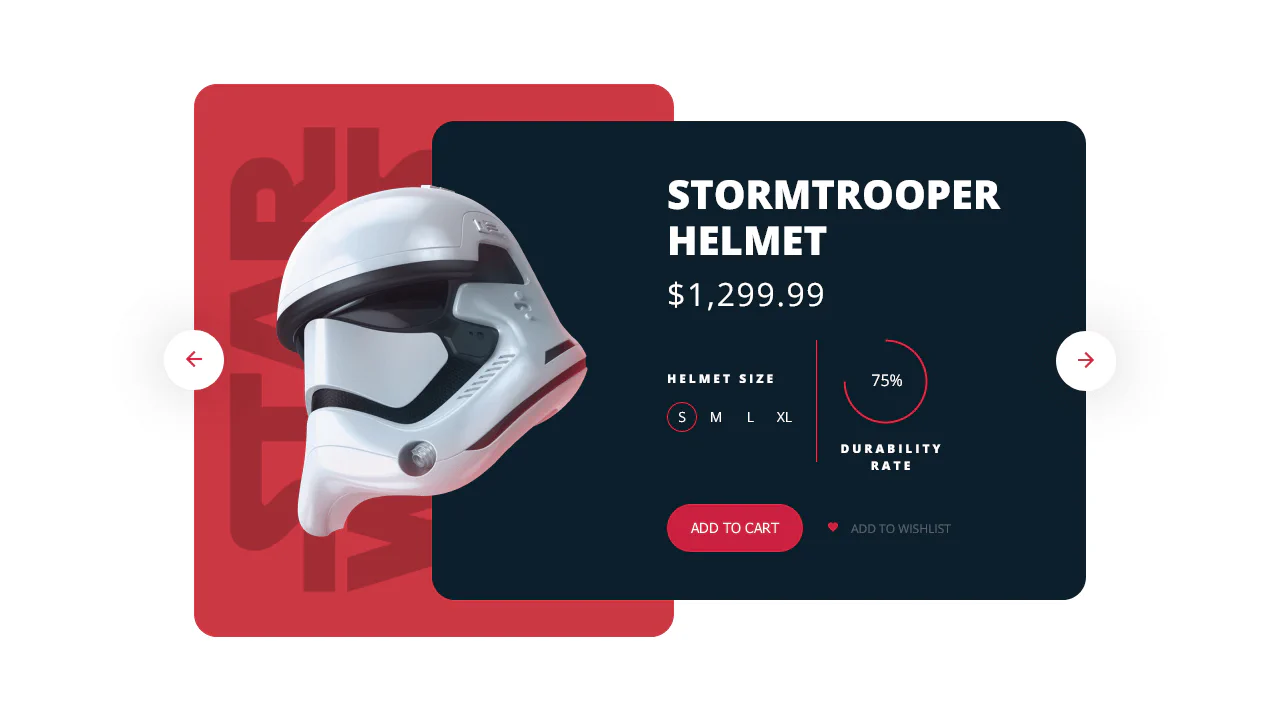
Comprehensive product card with image slider, specification/information toggle, and quantity controls. Uses vanilla JavaScript for slideshow autoplay, tab switching, and input handling. Multiple interactive elements: color radio buttons, star rating, and add-to-cart button. Background layers and shadows create visual depth.