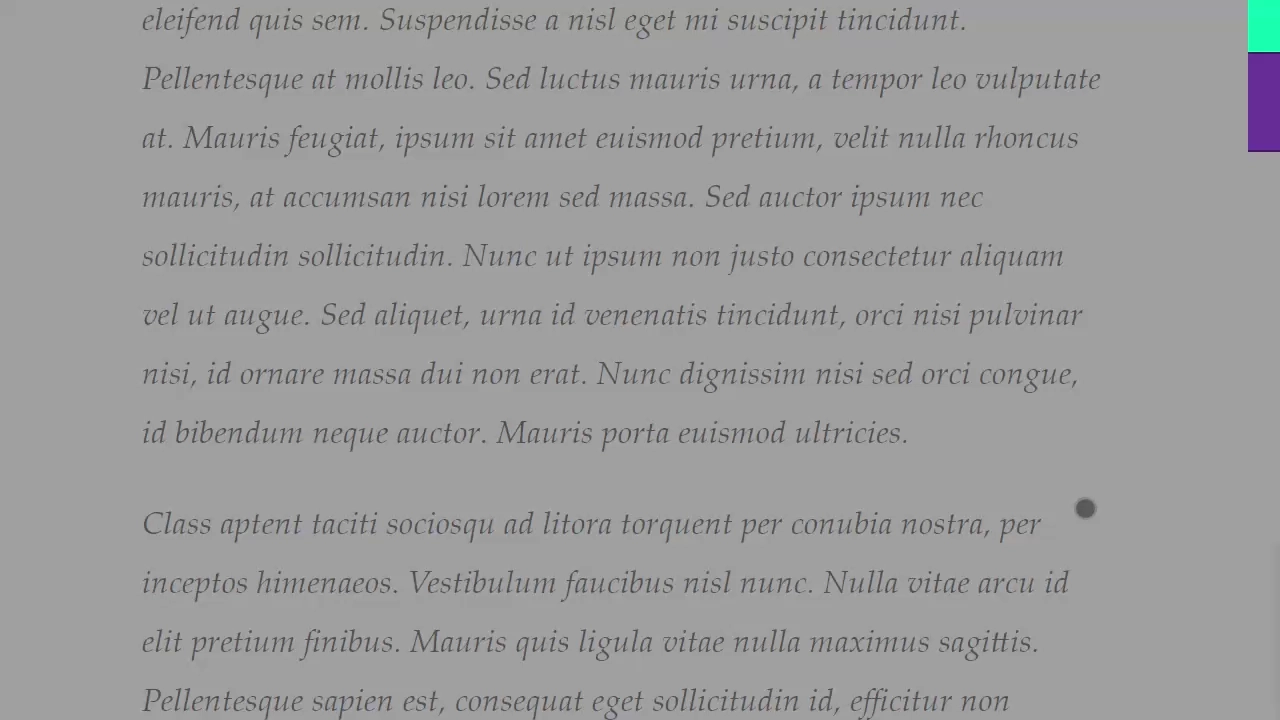
Vertical side scroll progress bar with a purple to red gradient effect that fills based on scroll depth using vanilla JavaScript

Gradient Vertical Scroll Progress Bar

This is a Gradient Vertical Scroll Progress Bar. It maps the user’s vertical position to a visual meter along the right edge of the viewport. Its function is to provide an unobtrusive sense of reading progress without cluttering the main content area.

Technologies:
HTML CSS JavaScript
Difficulty:Beginner
Browser Support (as of Mar 2026):
Chrome Chrome 61+ Edge Edge 17+ Firefox Firefox 64+ Safari Safari 11+
Features:
Scroll Tracking Gradient Fill Dynamic Opacity
Code by: Emma Bostian Emma Bostian
License: MIT
Nice Content Scroller – Lesson Variant

Nice Content Scroller – Lesson Variant

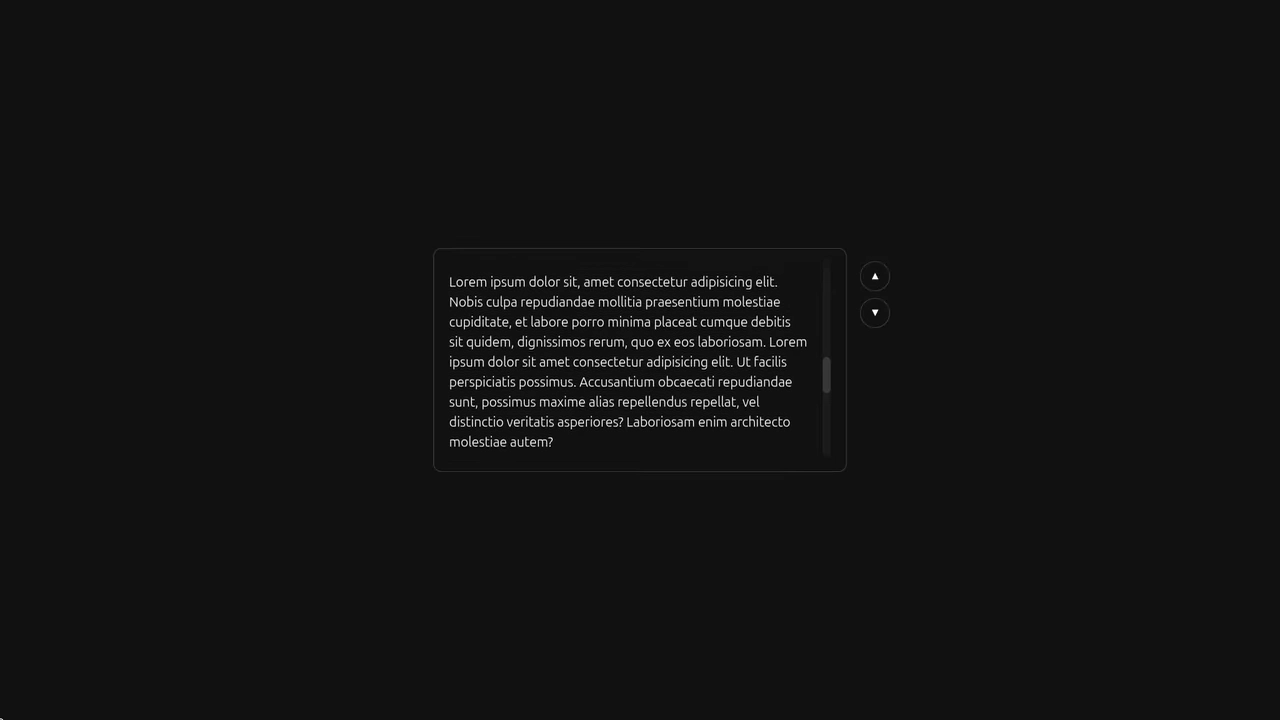
This advanced CSS demo uses @layer for structure and achieves cross-browser scrollbar customization with theme-aware coloring via color-mix and light-dark; it integrates experimental features like CSS Anchoring and the ::scroll-button(*) pseudo-element for customizable scroll arrows, ensuring accessibility through enhanced :focus-visible feedback on the custom thumb.

Progress Scrollbar CSS Only

Progress Scrollbar CSS Only

A scroll progress indicator effect created with a clever CSS trick - a massive box-shadow with a negative offset on ::-webkit-scrollbar-thumb creates the illusion of filling the traversed track as you scroll.

See the Pen Progress Scrollbar CSS Only.

Dashboard Layout Design - iPad Pro

Dashboard Layout Design - iPad Pro

The interface includes a responsive sidebar, a sticky header, and a scrollable grid of cards with custom progress bars and status indicators, ensuring a polished, app-like user experience without relying on JavaScript.

Frequently Asked Questions

What is the advantage of using scrollbar-color and scrollbar-width over vendor-prefixed pseudo-elements?

scrollbar-color and scrollbar-width are standard CSS properties that work across Firefox and Chromium-based browsers with a single declaration. Vendor-prefixed pseudo-elements like ::-webkit-scrollbar require separate rules for each engine and may not be supported in future browser versions.

How do I ensure custom scroll bars remain accessible?

Ensure the custom scroll bar has sufficient contrast with scrollbar-color: thumb track using accessible color values. Never set scrollbar-width: none without providing an alternative scroll mechanism, as this removes scroll functionality entirely for users with reduced mobility.

Which CSS properties create custom scroll bar thumb styling without triggering reflows?

Use scrollbar-color for thumb and track colors — this is a native property that does not trigger layout recalculations. For rounded thumbs, use border-radius on ::-webkit-scrollbar-thumb in supporting browsers.

How should custom scroll bars adapt to different operating system themes?

Use @media (prefers-color-scheme: dark) and @media (prefers-color-scheme: light) to provide different scrollbar-color values for each theme. Use light-dark() function for automatic theme-aware scroll bar colors in modern browsers.

What fallback works for browsers that do not support scrollbar-color?

Detect support with @supports (scrollbar-color: auto). For unsupported browsers, the browser renders its native scroll bar as a fallback, ensuring scroll functionality remains intact without the custom styling.