30+ CSS Scroll-Driven Animations
Scroll-driven motion bridges the gap between static layouts and user interaction. This updated collection of CSS scroll-driven animation examples removes the barrier of heavy JavaScript scroll listeners. Pure CSS ensures the interface reacts directly to movement, stripping away the friction of legacy script-based parallax. Technology serves the content, making the transition between states transparent.
The logic relies on animation-timeline: scroll() and view(). These snippets prioritize hardware acceleration, offloading coordinate calculations to the browser’s compositor thread. Native execution guarantees 60fps performance and high layout stability. The HTML remains semantic and lightweight, avoiding the DOM bloat typical of external animation libraries. Logic dictates the form.
Every free demo is designed for modern browsers. You can instantly download the raw code or fork a logic pattern on CodePen. These UI design components are strictly optimized for responsiveness, providing a performant experience across all mobile and desktop devices.
Examples
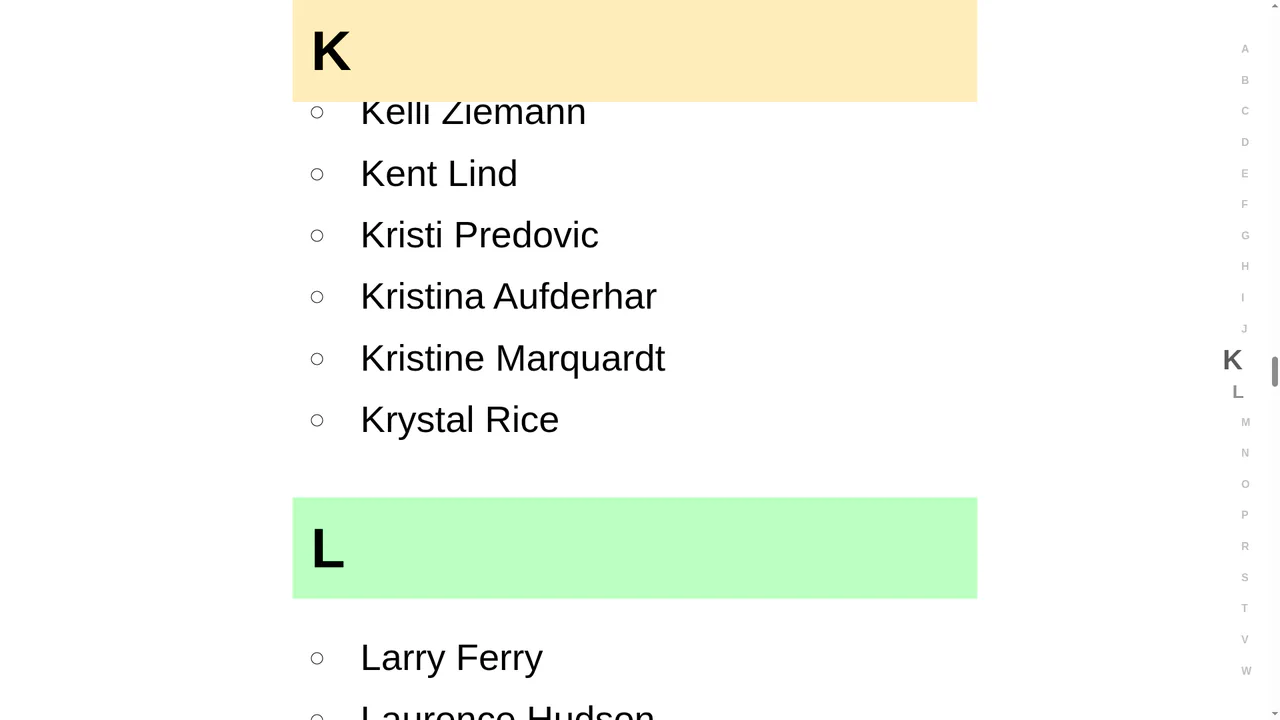
Scroll-Driven CSS Alphabet Indicator Sidebar
The “Scroll-Driven CSS Alphabet Indicator Sidebar” connects a scrollable contact list to a sidebar index using CSS Scroll-Driven Animations. It defines a timeline-scope on the parent and a view-timeline on each alphabetical section. Floating sidebar letters scale dynamically as sections cross the viewport, creating smooth, scroll-linked feedback without high-overhead JS scroll listeners. (Requires: react.js, react-dom.js, faker.js)
 Chrome 115+
 Edge 115+
 Safari 26+
See the Pen Scroll-Driven CSS Alphabet Indicator Sidebar.
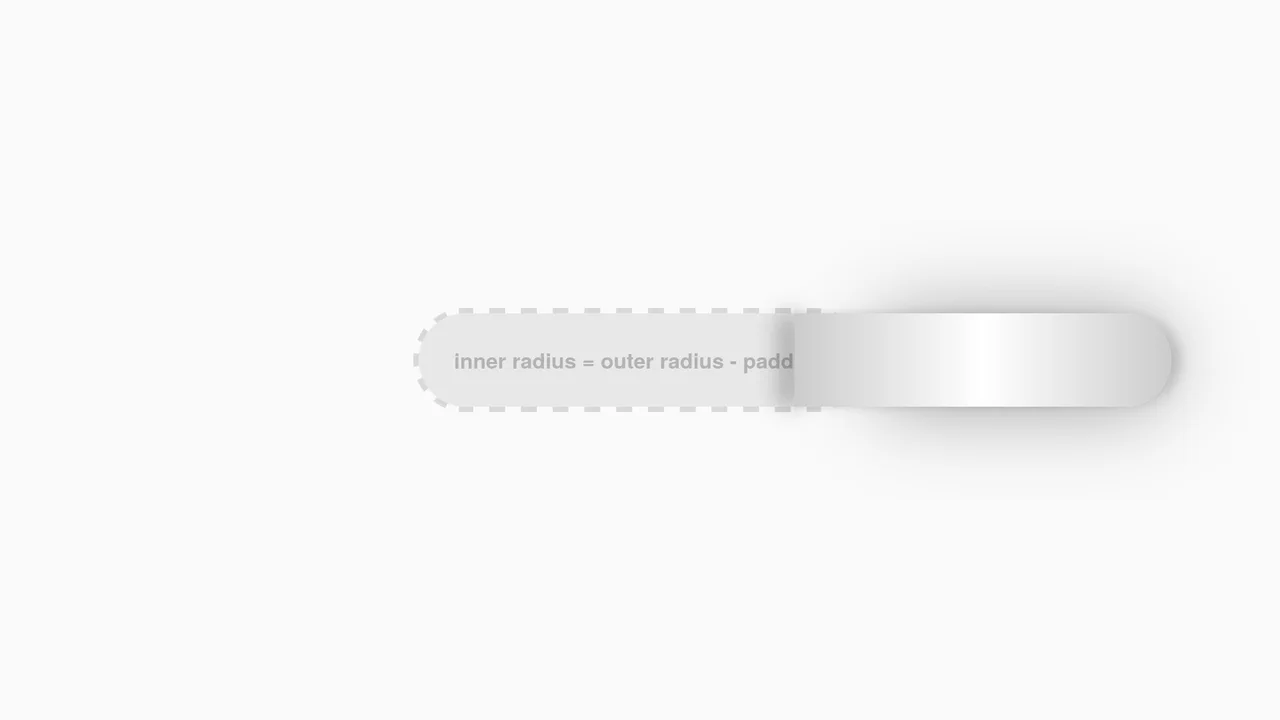
Interactive CSS Tear Strip Animation
Interactive CSS Tear Strip Animation simulates the satisfying physical action of tearing open a cardboard package. It cleverly uses an invisible <input type="range"> linked to the CSS Scroll-Driven Animations API (animation-timeline: --thumb). As the user drags the slider, CSS variables dynamically update clip-path, box-shadow, and transform properties to reveal the content beneath while curling the torn strip. A JavaScript fallback ensures compatibility for browsers without native scroll-timeline support.
Chrome 115+
Edge 115+
 Firefox 110+
Safari 16.4+
Firefox 110+
Safari 16.4+See the Pen Interactive CSS Tear Strip Animation.
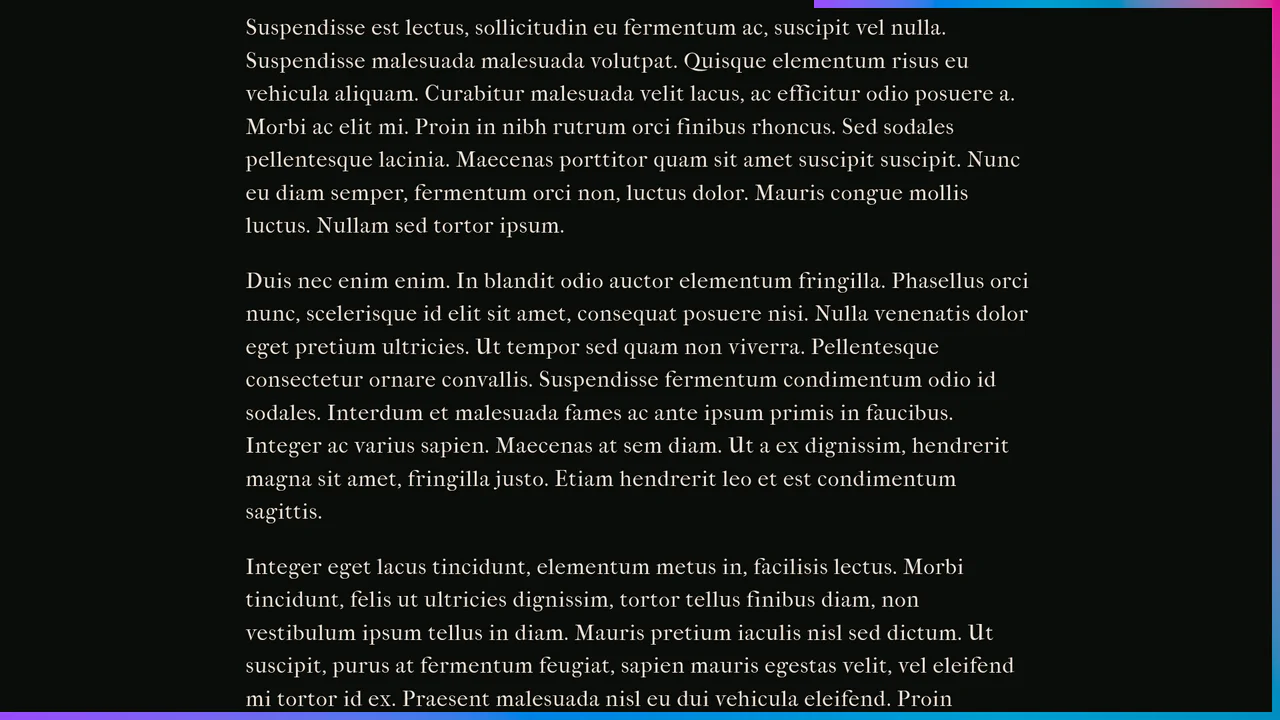
Scroll-Driven Crawling Border Frame
Scroll-Driven Crawling Border Frame draws a colorful frame around the viewport as the user scrolls. Utilizing native CSS Scroll-Driven Animations (animation-timeline: scroll()) and sequence keyframes, the borders of two fixed elements expand in height and width. The styling utilizes modern oklch() color math for a vibrant gradient. Clean, pure CSS decoration with no JS overhead.
Chrome 119+
Edge 119+
Firefox (with polyfill)
Safari (with polyfill)
See the Pen Scroll-Driven Crawling Border Frame.
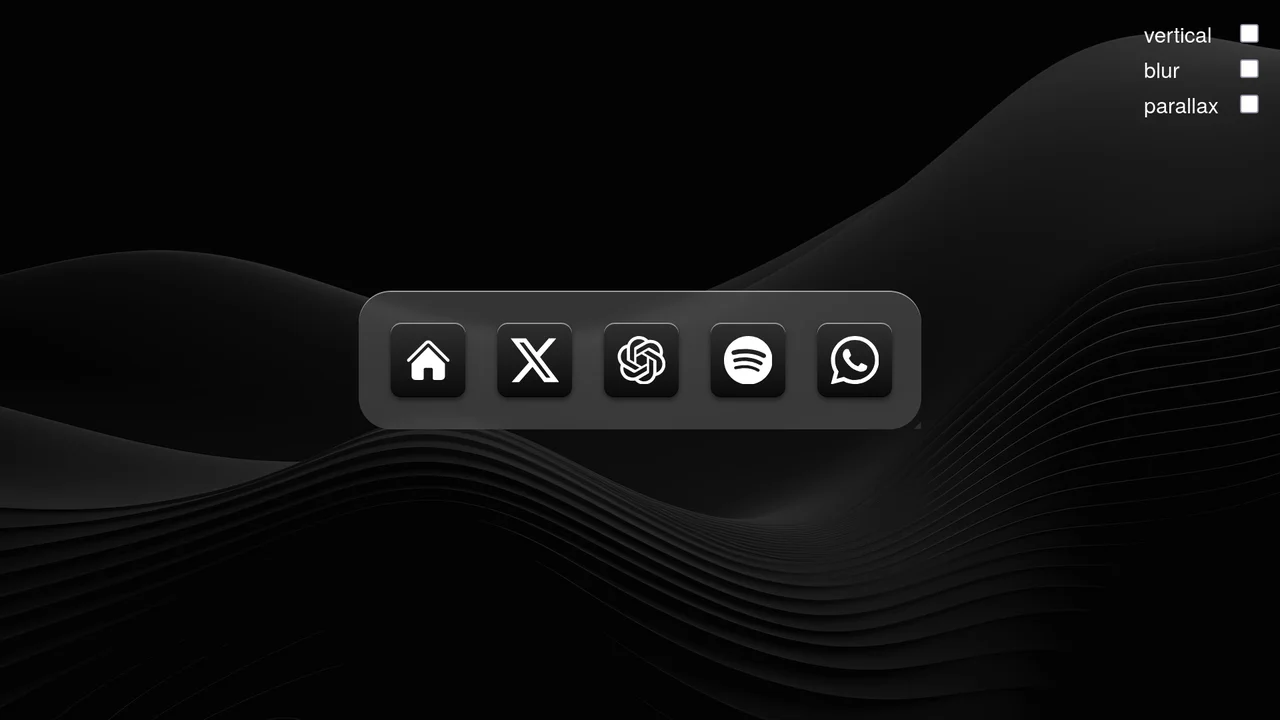
Scroll-Driven macOS iOS Dock Concept
Pure CSS Scroll-Driven macOS iOS Dock recreates Apple’s legendary dock using the native CSS Scroll-Driven Animations API. Icons dynamically scale, blur, and shift depth completely without JavaScript. Utilizing @supports (animation-timeline: scroll()), the layout safely handles horizontal and vertical snaps. A zero-dependency, ultra-lightweight demonstrator of modern CSS capabilities. (Requires: gsap.js, scroll-trigger.js)
Chrome 115+
Edge 115+
Safari 26+See the Pen Scroll-Driven macOS iOS Dock Concept.

Animated Scroll Highlight Annotations
This is an Animated Scroll Highlight Annotations component. It combines a spatial theme toggle with progressive reading indicators that colorfully highlight key text passages as they enter the viewport. Its function is to enhance long-form reading experiences by guiding the user’s eye to critical information through contextual, scroll-bound motion.
Chrome 115+
Edge 115+
Firefox 55+ (via fallback)
Safari 26.0+See the Pen Animated Scroll Highlight Annotations.

CSS Scroll-Driven Radial Gallery
This is a Scroll-Driven Radial Gallery. It binds a circular, rotating layout directly to the viewport’s scroll position. Its function is to transform linear page scrolling into a dynamic, spatial carousel, keeping only the active item in sharp focus while pushing others into a blurred, grayscale periphery.
Chrome 132+
Edge 132+
Safari 26.2+
See the Pen CSS Scroll-Driven Radial Gallery.
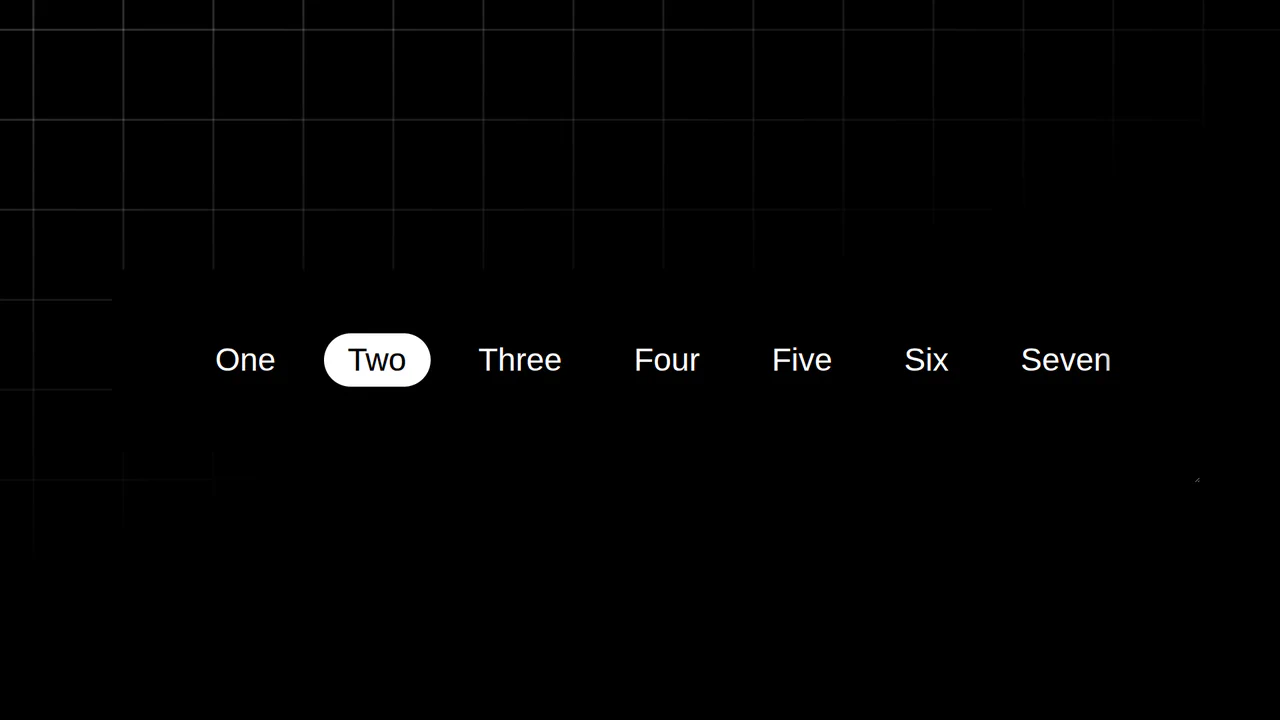
Resizing Tab Bar with Anchor Positioning
This is a Resizing Tab Bar with Anchor Positioning. It demonstrates a modern approach to building a horizontally scrollable navigation menu with a sliding “active” indicator. Its function is to provide a highly fluid, decoupled visual highlighter that perfectly tracks the currently selected tab — even when the container is resized or scrolled — without relying on heavy JavaScript coordinate calculations. (Requires: Normalize.css)
Chrome 125+
Edge 125+See the Pen Resizing Tab Bar with Anchor Positioning.

Scroll-Driven Glowing Slider
This is a Scroll-Driven Glowing Slider. It completely restyles a standard <input type="range"> into a high-fidelity, glowing interface component. Its primary function is to demonstrate how experimental CSS features (animation-timeline: scroll()) can link native input states directly to complex visual changes — like a dynamically resizing, blurred glowing track — without relying on heavy JavaScript event listeners. (Requires: Tweakpane, Normalize.css)
Chrome 115+
Edge 115+See the Pen Scroll-Driven Glowing Slider.

Scroll-Driven Sticky Parallax Header
This is a Scroll-Driven Sticky Parallax Header. It replaces static profile headers with a deeply integrated, cinematic scrolling experience. Its function is to transform a large hero image and avatar into a compact, sticky navigation bar, using native CSS animation-timeline: scroll() to orchestrate complex parallax, scaling, and fading effects without any JavaScript. (Requires: Open Props)
Chrome 115+
Edge 115+See the Pen Scroll-Driven Sticky Parallax Header.

Scroll-Driven View Transitions
This is a Scroll-Driven View Transitions component. It simulates app-like, full-screen transitions between content sections using only native CSS properties. Its function is to replace traditional vertical scrolling with a more engaging, cinematic experience, where each scroll action triggers a complex animation (like a “melt”, slide, or zoom) rather than a simple positional change.
Chrome 115+
Edge 115+See the Pen Scroll-Driven View Transitions.

CSS Scroll-Driven Circular Typographic Scramble
This is a Scroll-Driven Circular Typographic Scramble. It utilizes experimental CSS animation-timeline to bind complex trigonometric and geometric transitions directly to the user’s scrollbar. Its function is to create a highly engaging, interactive hero section where chaotic, scattered letters perfectly align into a readable circular sentence as the user scrolls down.
Chrome 115+
Edge 115+See the Pen CSS Scroll-Driven Circular Typographic Scramble.

CSS Scroll-Animated Accordion Vertical Timeline
This is a Scroll-Animated Bootstrap Accordion Timeline. It structures sequential data into a central vertical axis, combining visual anchor points (images) with collapsible text modules (accordions). Its function is to compress dense historical or process-oriented information into a scannable format. Nodes remain hidden until scrolled into the viewport, forcing user focus on the active temporal step. (Requires: bootstrap, font-awesome)
Chrome 115+
Edge 115+
Firefox 114+ (flag)
Safari 26+
See the Pen CSS Scroll-Animated Accordion Vertical Timeline.

Scroll-Driven Sticky Text Reveal
Scroll-Driven Sticky Text Reveal is a high-end typographic interface. It utilizes modern CSS scroll timelines to synchronize the visual state of a list with the user’s scroll position. As items move through a designated “focal point,” they transition from a dimmed state to a vibrant highlight, creating a seamless reading experience. (Requires: tweakpane)
Chrome 115+
Edge 115+
Safari 26+See the Pen Scroll-Driven Sticky Text Reveal.
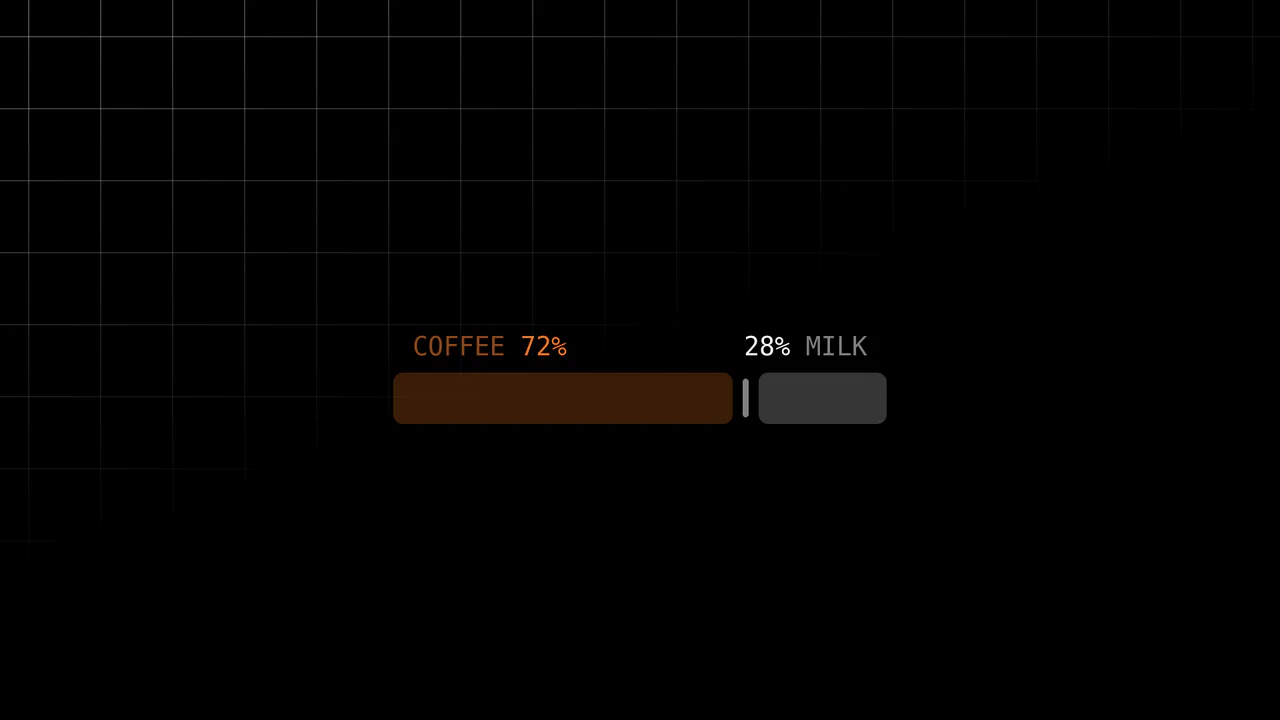
Scroll-Driven Range Slider
Inputs are usually dumb components; they report values but rarely visualize them meaningfully. This slider breaks that mold. It uses the cutting-edge Scroll-Driven Animations API to map the “thumb’s” movement directly to the visual output — without a single line of JavaScript logic for the animation. It creates a tactile, liquid connection between the user’s action and the “mixing” of coffee and milk.
Chrome 115+
Edge 115+
Firefox (polyfill)
Safari 26+ (or polyfill)See the Pen Scroll-Driven Range Slider.

3D Rotating iOS Time Picker
This 3D Rotating iOS Time Picker recreates the tactile feel of native mobile controls on the web. It features three independently rotating wheels (Hours, Minutes, Meridiem) that snap into place with satisfying physics. The component leverages the cutting-edge Scroll-driven Animations API for buttery-smooth performance on supported browsers, while seamlessly falling back to GSAP for others. The 3D perspective creates a “drum” effect where numbers fade and rotate away as they leave the center view. (Requires: GSAP, Draggable, InertiaPlugin, Tweakpane)
Chrome 115+
Edge 115+
Safari 26+
Firefox (support via GSAP Fallback)See the Pen 3D Rotating iOS Time Picker.

CSS Scroll-Driven Masonry Reveal
This Scroll-Driven Masonry Reveal creates a playful, tactile experience where content cards appear to be “dealt” onto the screen as the user scrolls. By leveraging the native CSS Scroll-driven Animations API, it achieves smooth, main-thread-free entrance effects without a single line of JavaScript. The layout adapts intelligently from 2 to 8 columns, making it a robust solution for image galleries or blog archives. (Requires: Open Props (CSS Library))
Chrome 115+
Edge 115+
Safari 26+
Firefox (flag/polyfill)
See the Pen CSS Scroll-Driven Masonry Reveal.
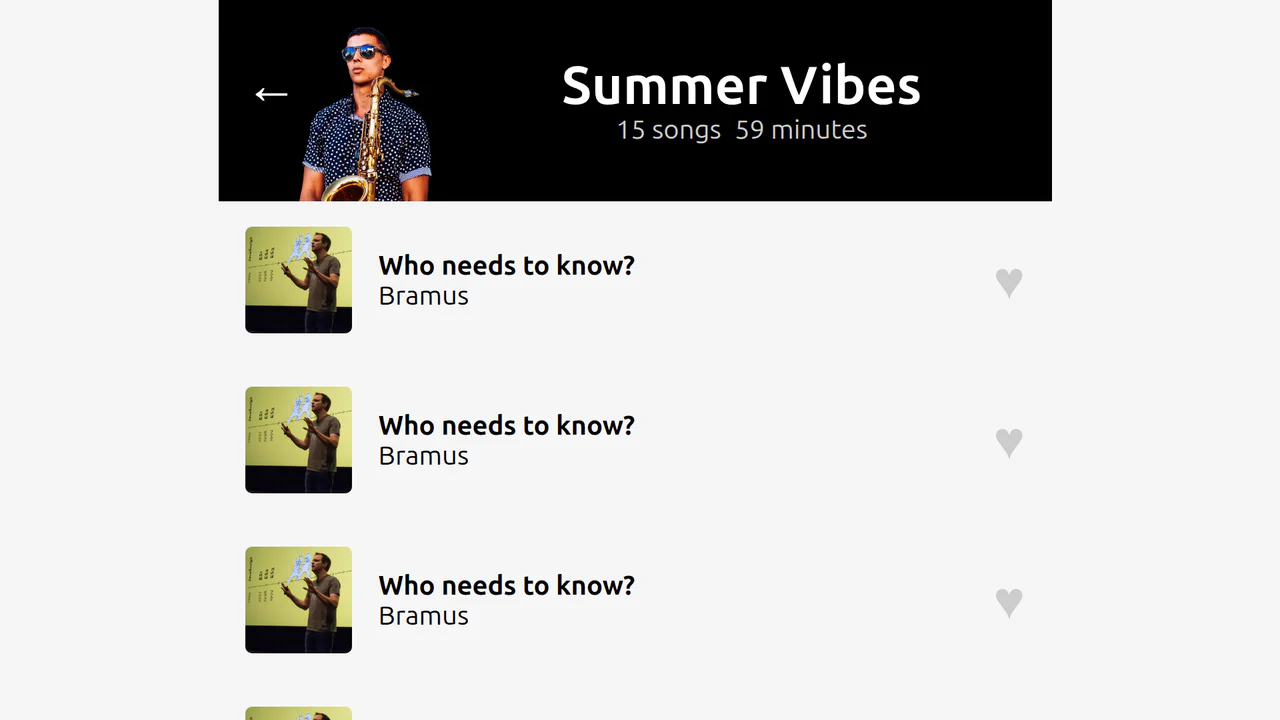
Scroll-Linked View Transition Header
This Scroll-Linked View Transition Header demonstrates a cinematic UI pattern common in music apps like Spotify. It uses the View Transition API to morph a large album hero section into a compact, sticky navigation bar, but with a twist: the animation progress is scrubbed directly by the user’s scroll position rather than a fixed timer. (Requires: @bramus/sda-utilities)
Chrome 115+
Edge 115+
Safari 26+
See the Pen Scroll-Linked View Transition Header.

Scroll-Driven Image Swapper
This Scroll-Driven Image Swapper demonstrates the bleeding edge of web animation. It uses the native CSS Scroll-driven Animations API to create a complex parallax-like effect where two columns of different heights scroll in sync. As you scroll, the images in the shorter column slide and crossfade to match the context of the taller column. Crucially, the code implements a Progressive Enhancement strategy: it checks for native browser support and falls back to GSAP ScrollTrigger for browsers that haven’t implemented the spec yet. (Requires: GSAP, ScrollTrigger)
Chrome 115+
Edge 115+. Firefox/Safari (via GSAP Polyfill)See the Pen Scroll-Driven Image Swapper.

Scrollable Timeline with Animated Year Counter and Media
An elegant, kinetic, presentation-like website that uses scrolling to drive deep, layered animation and audio feedback.

CSS Scroll-Driven Content Wave
A fluid, tactile selection interface where elements “live” and react to scroll, creating a “fisheye” or lens effect.
See the Pen CSS Scroll-Driven Content Wave.

Scroll-Driven Content Wave #2
A horizontal scroll interface featuring a “lens” effect powered by CSS Scroll-Driven Animations (animation-timeline: view(inline)).
See the Pen Scroll-Driven Content Wave #2.

Sliding List with Scroll-Driven Animations
This demo uses a single scroll event listener to calculate the individual progress of each list item as it enters the viewport. The progress value is then passed to a CSS Custom Property, which drives a staggered transform: scale() and opacity animation for a fluid, app-like reveal effect.
See the Pen Sliding List with Scroll-Driven Animations.

Scroll-Driven Web Gears Animation
A complex technical example demonstrating how to ensure animation functionality even without CSS animation-timeline: scroll() support. The code first checks for support and, if absent, uses GSAP ScrollTrigger as a polyfill for scroll-driven animation.
See the Pen Scroll-Driven Web Gears Animation.

CSS in 2024 (Experimental Features)
Using experimental CSS features to build an advanced UI component, showcasing CSS Anchoring to attach the tooltip to the slider and Scroll-Driven Animations to drive the slider’s value and color change.
See the Pen CSS in 2024 (Experimental Features).
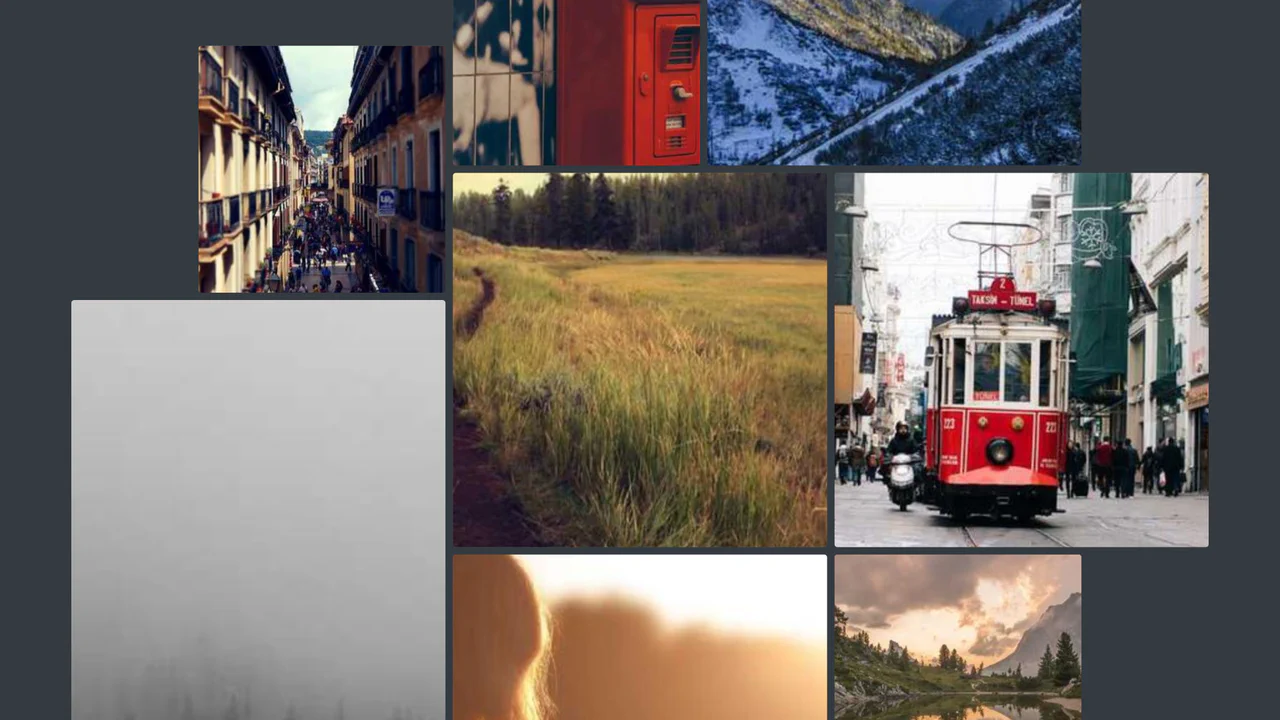
Scroll-Driven Gallery
A demonstration of the new CSS Scroll-Driven Animations (SDA) API, where the scroll position of the entire page directly drives a complex, scaling, and rotating grid of images, achieving a high-performance, engaging visual effect purely with CSS.
See the Pen Scroll-Driven Gallery.

Filter Prototype with React
A dynamic React list component with search and filtering features, demonstrating optimized user experience by automatically sorting checked items to the top of the list, thereby enhancing navigation.
See the Pen Filter Prototype with React.
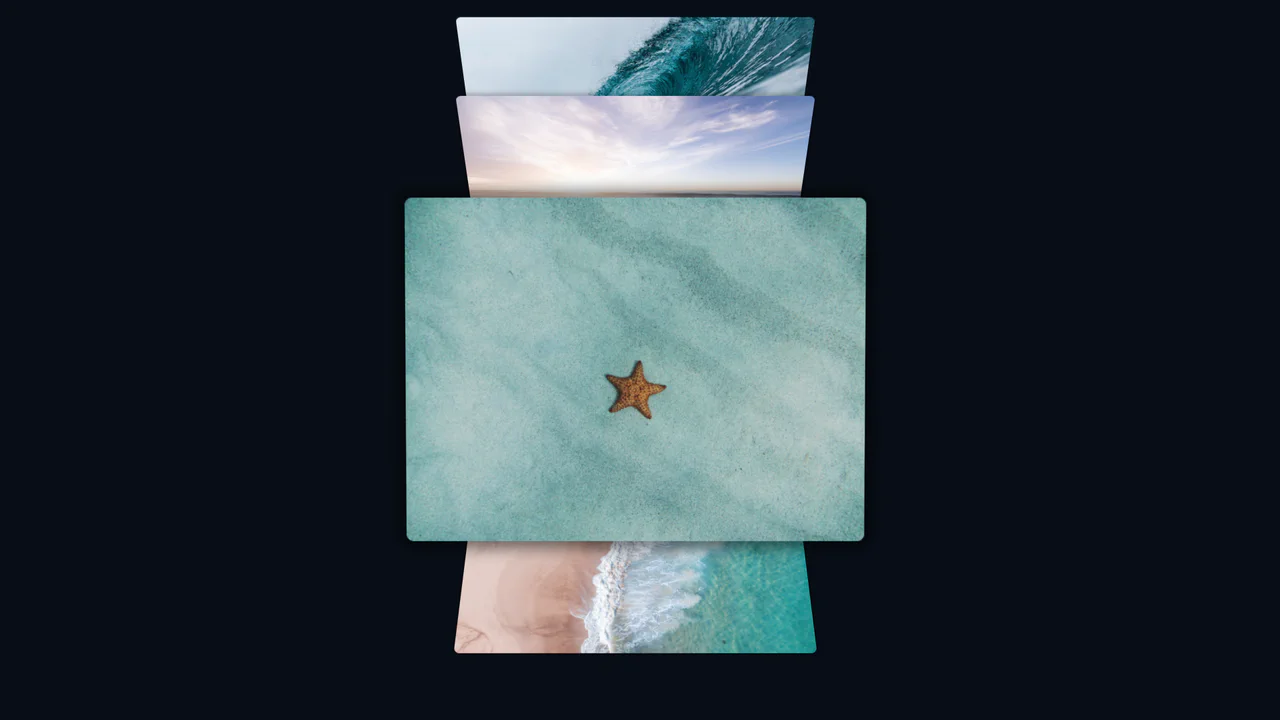
Coverflow 3D Effect with CSS
A truly modern image flow powered by CSS Scroll-driven Animations and view-timeline. This demo uses pure CSS to create a 3D perspective effect where images pop out and rotate as they enter the viewport, with no JavaScript required.
See the Pen Coverflow 3D Effect with CSS.
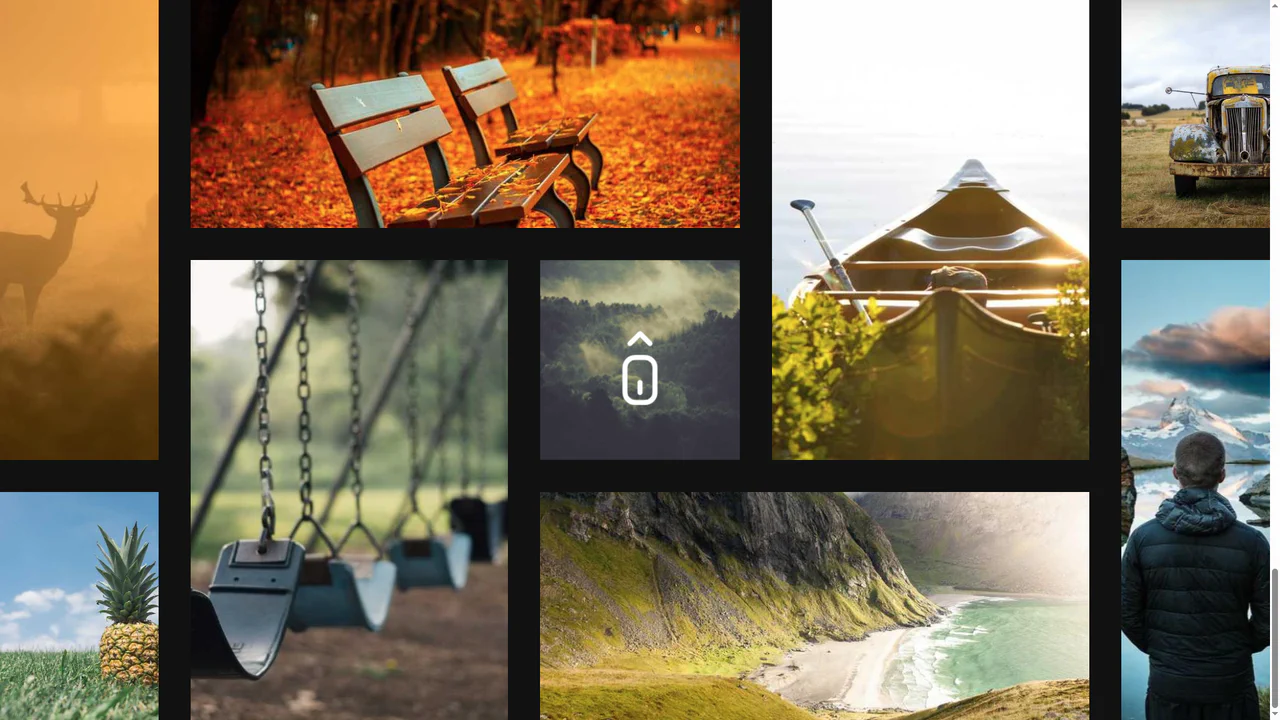
Sliding Images Using Animation-timeline
This scroll-driven animation effect is built entirely with CSS Scroll-Driven Animations, using animation-timeline: scroll(). It smoothly translates and transforms elements based on scroll position, creating a dynamic and high-performance parallax effect without JavaScript.
See the Pen Sliding Images Using Animation-timeline.

CSS Only Parallax Layers
A parallax effect implemented entirely in pure CSS using animation-timeline: view(). This modern solution ensures high performance as the animation is tied directly to the scroll position, eliminating the need for JavaScript.
See the Pen CSS Only Parallax Layers.
Scroll-Driven Grid Animation with CSS-Doodle
A mesmerizing scroll-driven image grid powered by the cutting-edge animation-timeline: view() CSS property and the <css-doodle> web component.
See the Pen Scroll-Driven Grid Animation with CSS-Doodle.