20+ CSS Sidebar Menus
Data segregation requires structure. CSS Sidebar Menu Examples remove the friction of bloated scripts, allowing navigation to persist as the user explores. This collection provides professional, minimalist blocks for modern UI design, organizing links into digestible vertical sequences. Utilizing curated snippets guarantees layout stability while keeping the DOM transparent and fast.
Technically, these examples rely on Flexbox or CSS Grid to manage vertical alignment. Toggles utilize the checkbox hack to maintain state without external dependencies. Motion leverages hardware acceleration — animating properties like transform: translateX and opacity — to maintain a locked 60fps performance on the compositor thread. The HTML structure remains strictly semantic, supporting accessible navigation.
Every free demo is fully responsive and cross-browser compatible. Users can instantly download the raw code or fork an updated interaction on CodePen. These assets are strictly optimized for performance, delivering a fast, frictionless experience across all modern desktop and mobile devices.
Examples

Sliding Theme Toggle Sidebar Menu
This is a Sliding Theme Toggle Sidebar Menu. It integrates an interactive light/dark mode switch directly into a scrollable navigation panel. Its function is to provide centralized control over the application’s visual environment while maintaining immediate access to primary routing options.
 Chrome 59+
 Edge 79+
 Firefox 52+
 Safari 10.1+
See the Pen Sliding Theme Toggle Sidebar Menu.

Side Navigation with Icons
A vertical CSS-only navigation menu where hovering triggers a smooth animation: the icon scales up and changes color while the text label fades out, emphasizing the visual symbol.
See the Pen Side Navigation with Icons.

CSS Var Only Sidebar Toggle
This animated sidebar is built entirely with pure CSS using modern features. The key is @property for a smooth width transition and the :has() selector to track a checkbox’s state, enabling animation control without a single line of JavaScript.
See the Pen CSS Var Only Sidebar Toggle.
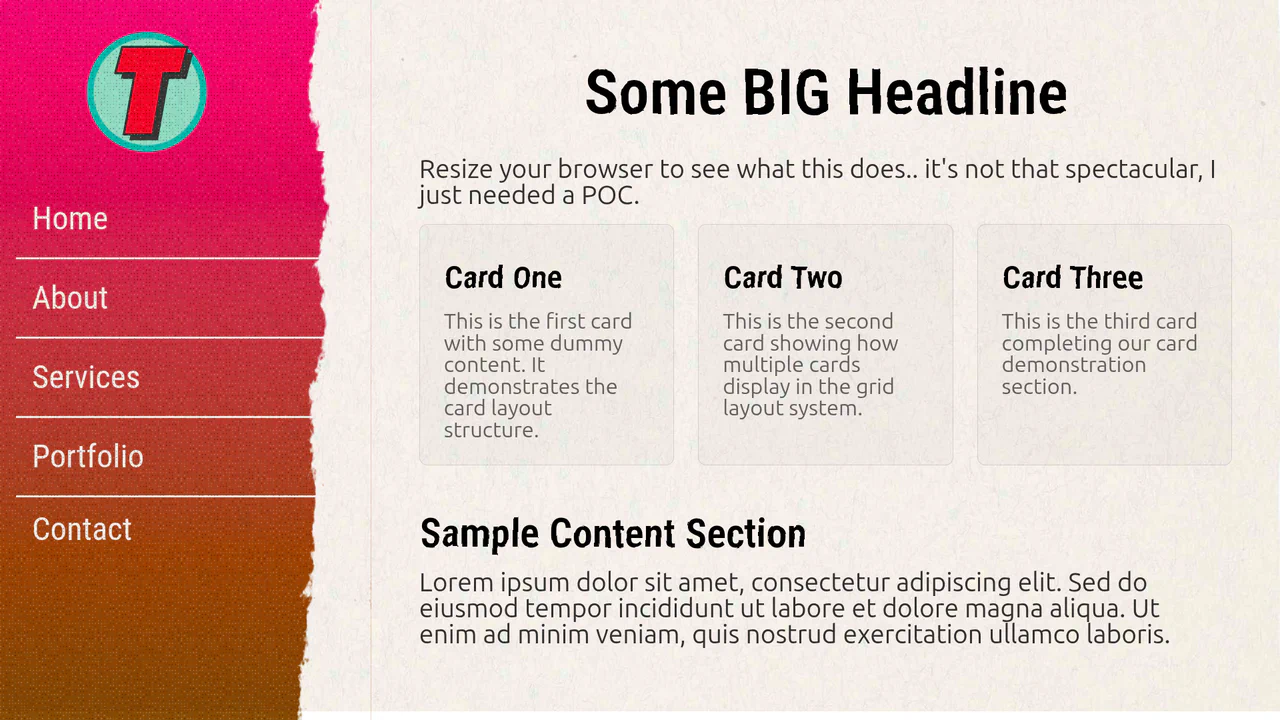

An adaptive navigation system featuring a CSS Grid/Flexbox layout. Hover effects on menu items are styled with smooth color shifts and box-shadow changes, offering a clean and responsive UI experience.
A flexible and customizable sidebar built with CSS Custom Properties - sizes, spacing, and colors are easily configurable. The complex choreography of element appearance is achieved through transition-delay, and tooltip content is sourced from data-* attributes.
This combined snippet showcases a fixed sidebar navigation with a slide-out submenu effect (using SCSS/Compass) alongside a separate, visually distinct horizontal menu item featuring a text-capture hover style. The overall aesthetic is dark and minimalist, emphasizing clear transitions.

A fixed sidebar navigation featuring a sliding submenu effect built with SCSS/Compass. Main navigation items are static, and submenus slide out from under the icons using width transitions upon hover.

A fixed sidebar navigation menu styled with SCSS, featuring a horizontal slide-in gradient highlight effect on list items. The interaction is achieved using a pseudo-element that animates its width from the left edge, offering a clean visual feedback mechanism.

A complex, multi-level adaptive menu styled with SCSS, mimicking a sidebar navigation with hover effects that include floating and horizontal sliding. The design leverages CSS transitions and cascading delays for smooth sub-menu reveals across different viewport sizes.
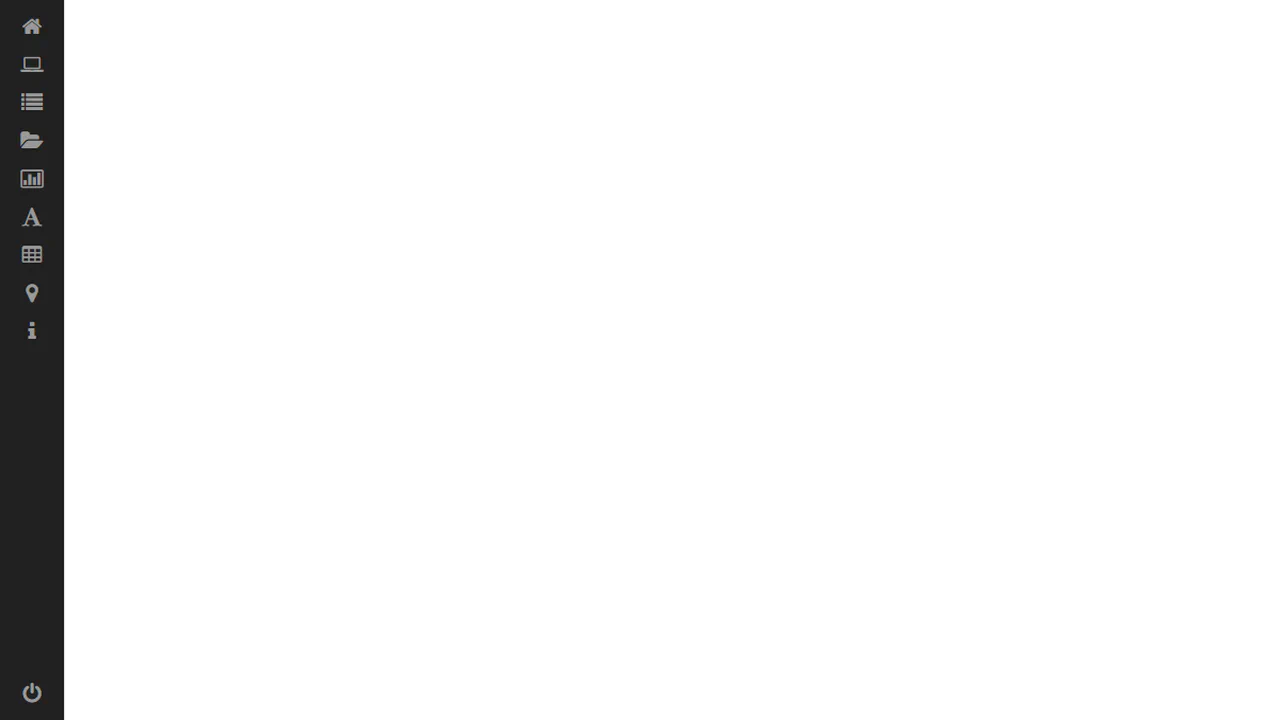
A fixed sidebar navigation menu that expands on hover using smooth width transitions. The design leverages SCSS/Compass to keep icons visible while the text slides out, creating a clean and functional UI pattern.

A list navigation component styled as a set of volumetric, partially rotated 3D objects hidden by default. The aesthetic mimics retro rendering, leveraging complex CSS transforms for a sense of depth on interaction.
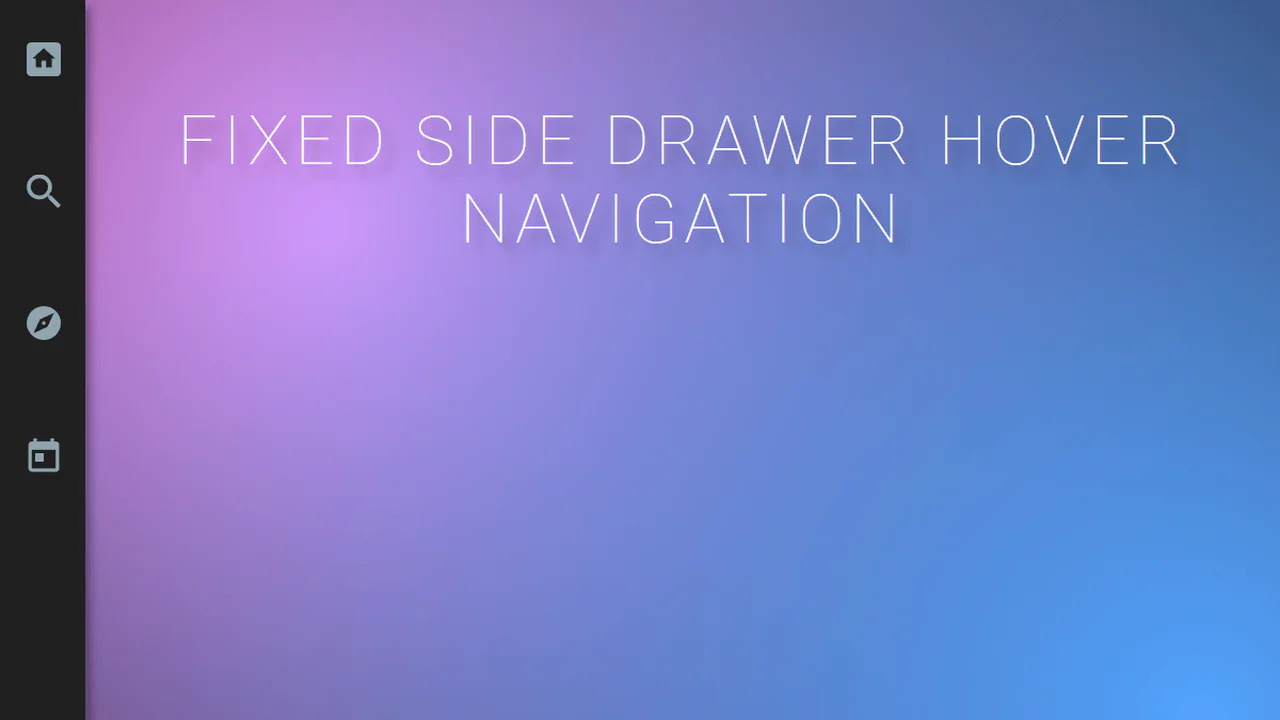
A minimalist sidebar navigation component featuring a horizontal slide-out effect on hover. The SCSS styling controls the container’s width transition and text offset, maintaining icon visibility for a clean, compact navigation UI.
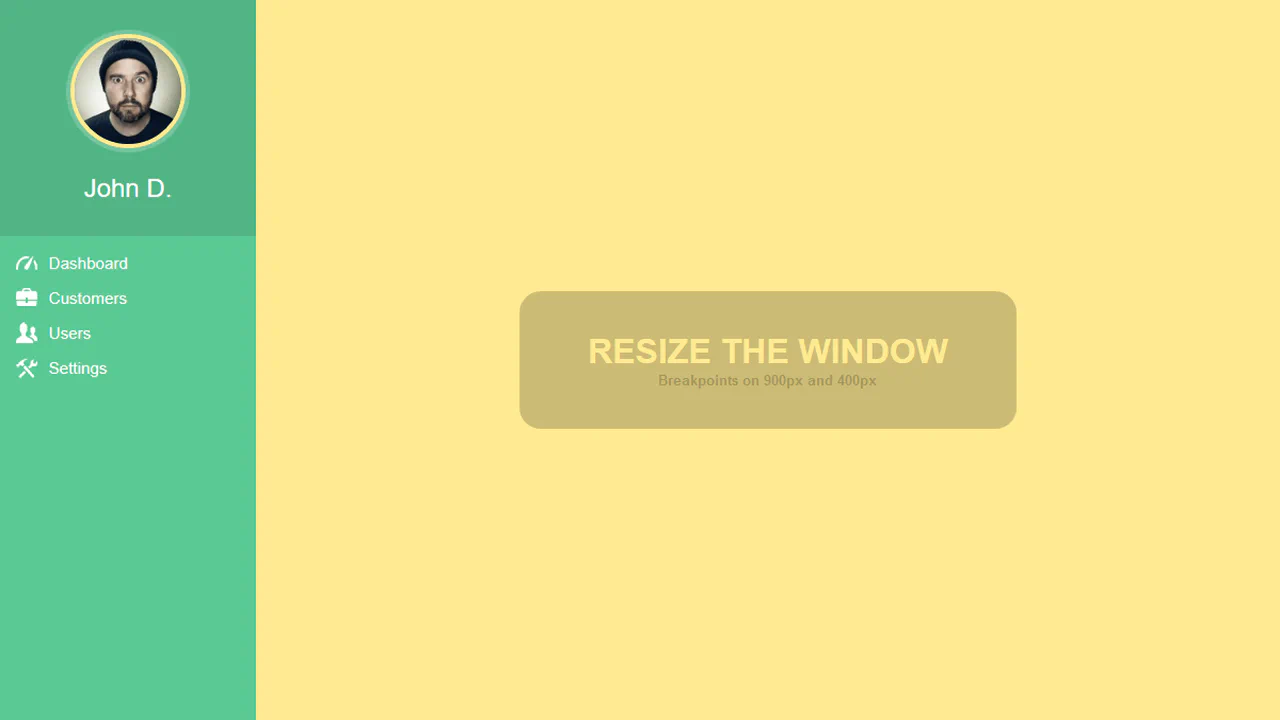
A responsive sidebar navigation featuring an expand-on-hover effect controlled by SCSS. The design smoothly transitions the width of the container while text labels slide out from behind the icons using CSS transitions and transforms for a clean interaction.
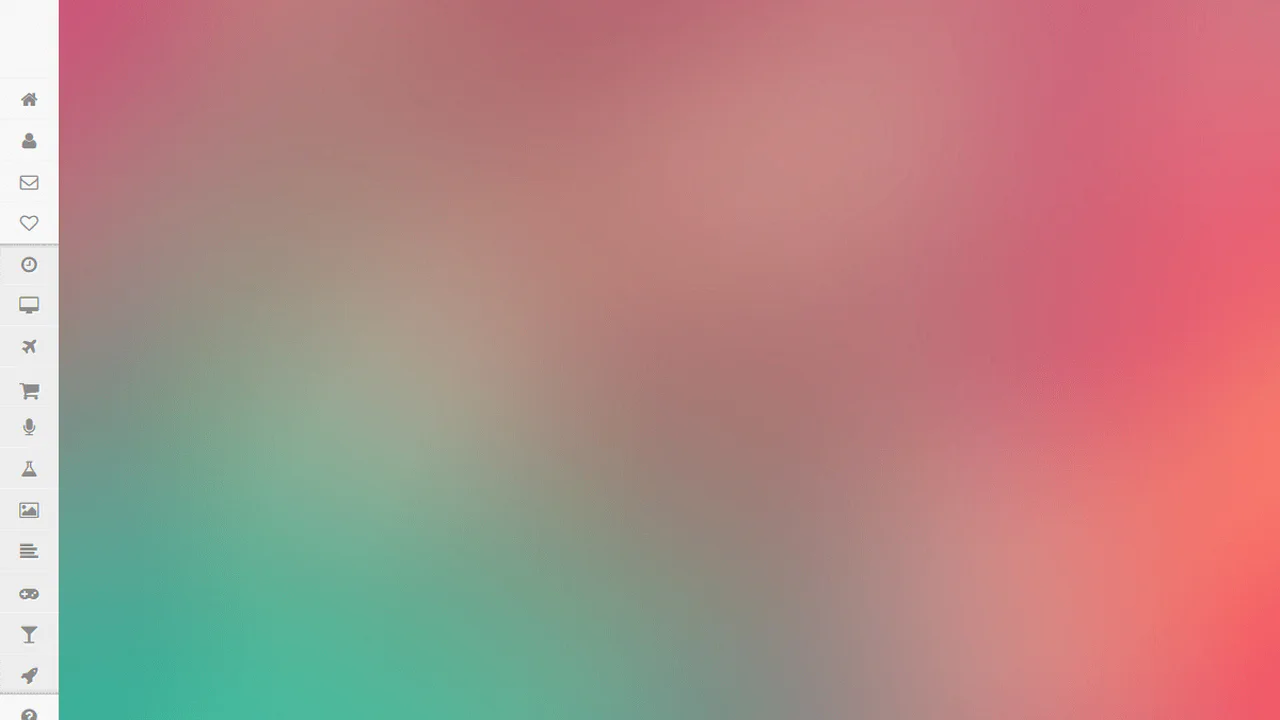
A fixed sidebar navigation component featuring a horizontal slide-out effect on hover. The CSS implements smooth width transitions for the container while the text elements slide into view, providing a clean visual expansion mechanism.

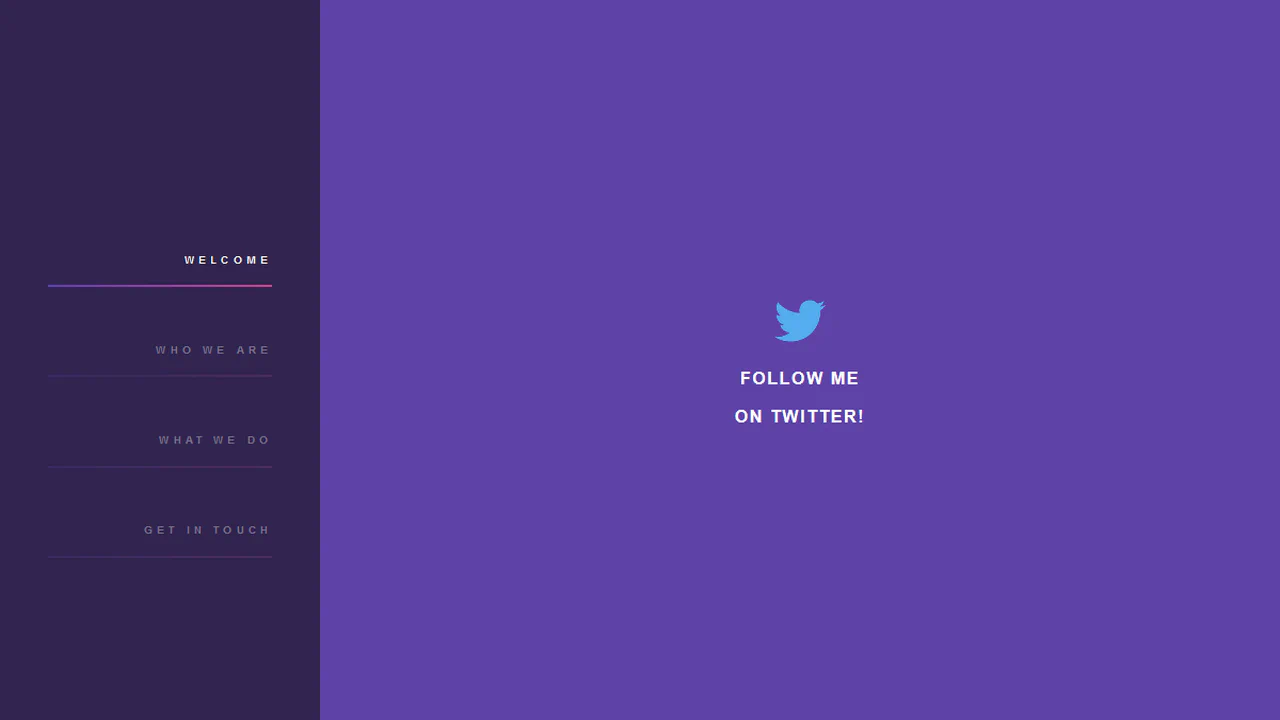

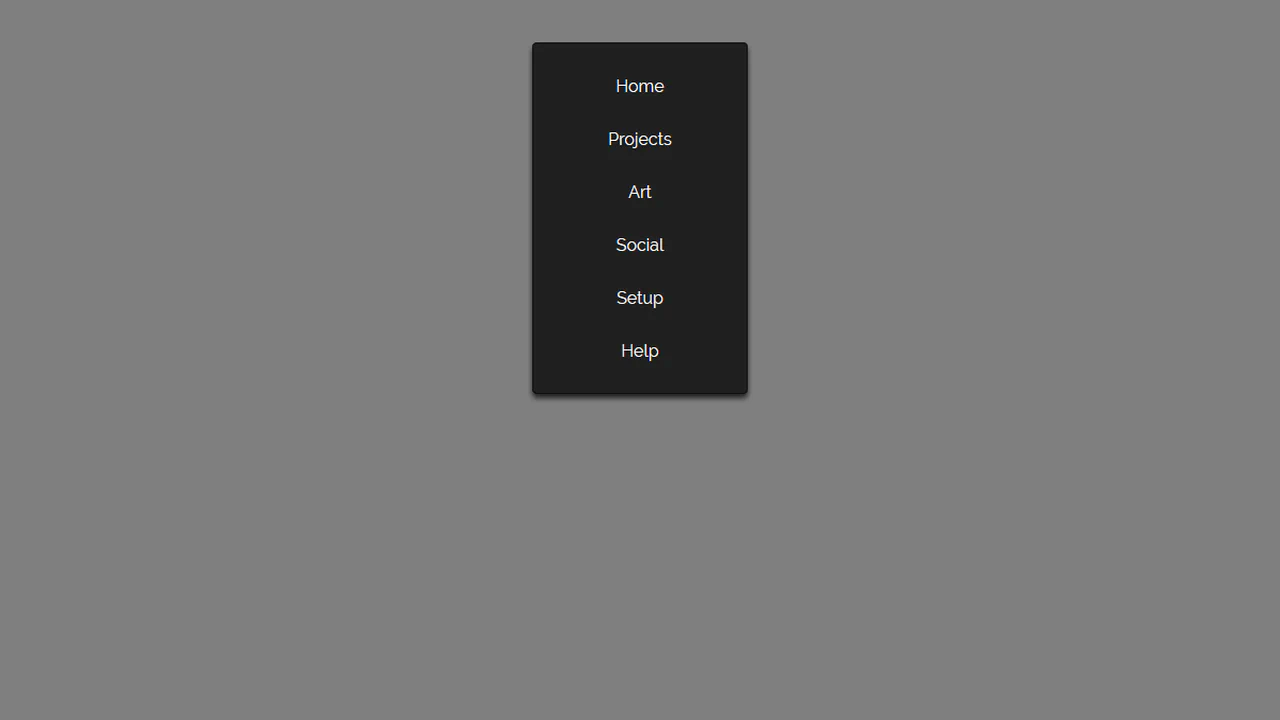
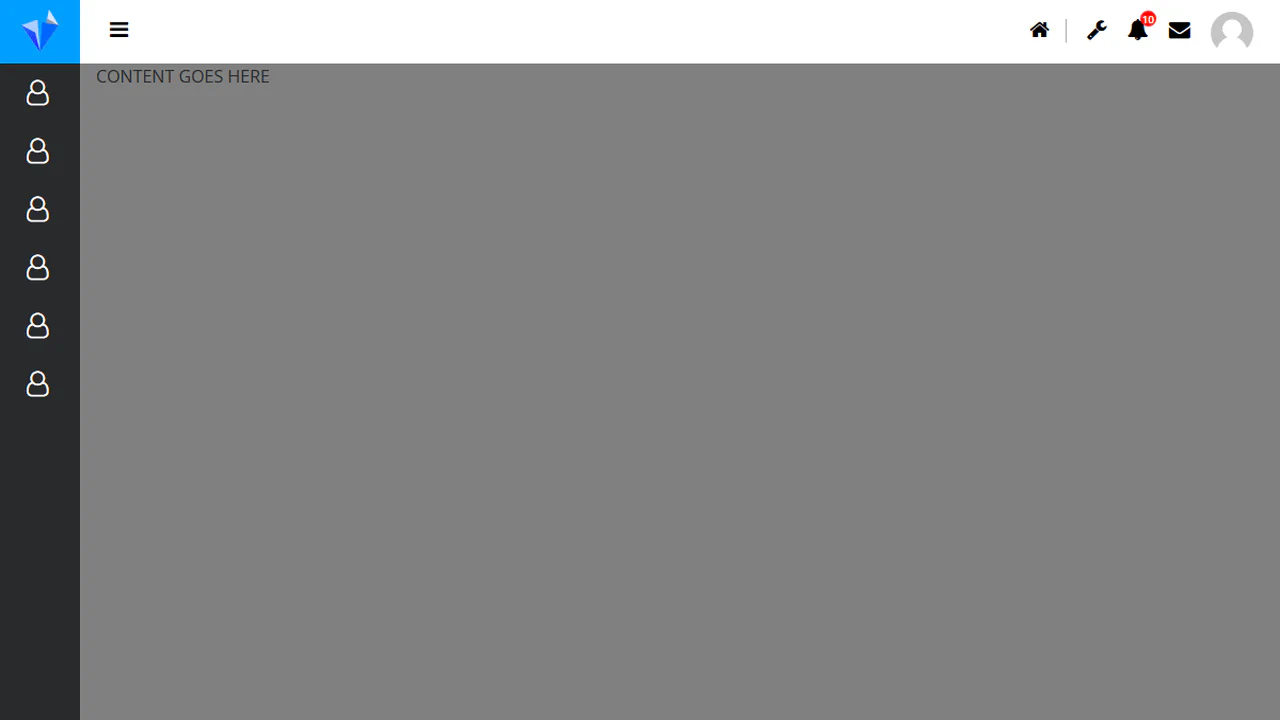
A simple navigation list featuring a unique hover effect that mimics text capture. This effect is achieved by animating a circular pseudo-element fill using mix-blend-mode: difference for high-contrast interaction.

CSS Circle Notifications
A library of pure CSS animations for notification badges, where different effects like swing, tada, or bounce are triggered on parent element hover. The technique uses classes to switch the animation-name property via the :hover pseudo-selector, demonstrating a modular approach to creating microinteractions.
See the Pen CSS Circle Notifications.
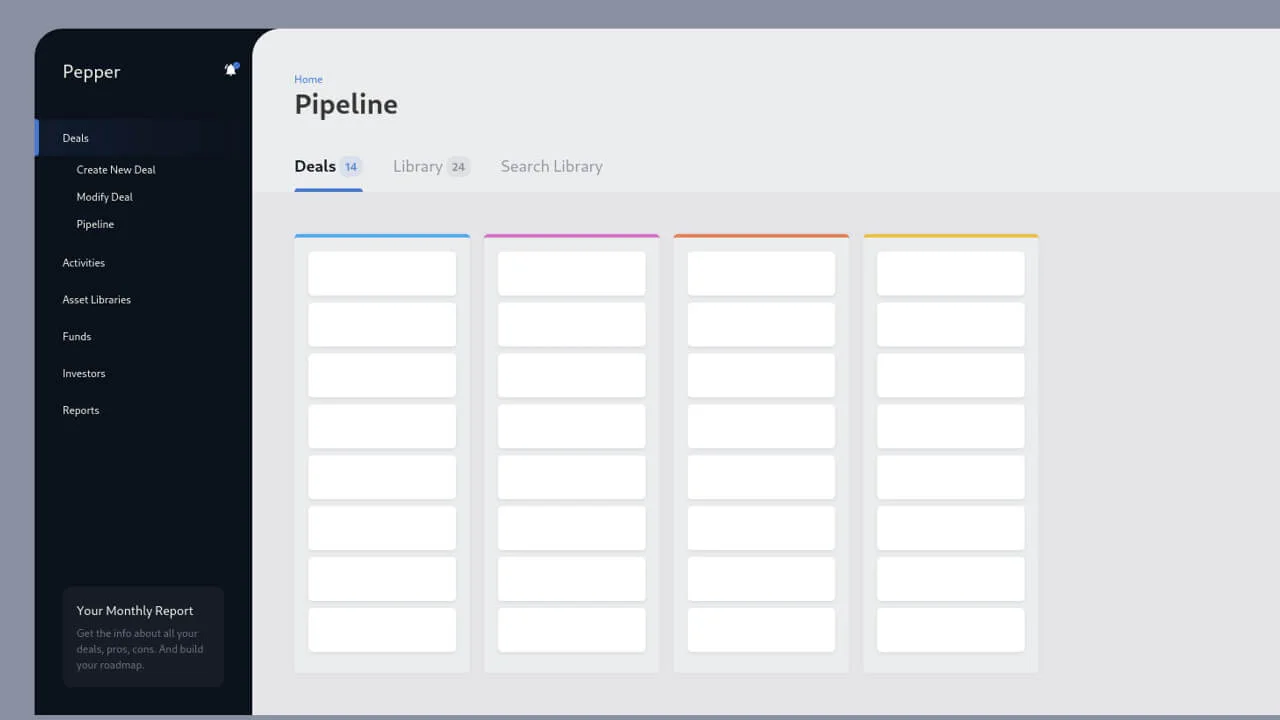
Deals Management Dashboard for Account Managers
A clean, professional task management interface showcasing an application structure with side navigation and a workspace divided into stages (columns).
See the Pen Deals Management Dashboard for Account Managers.