9 CSS Squircle Effects: Free Code Snippets & Examples
CSS squircle effects eliminate mathematically rigid rounded corners in favor of continuous G2 curvature, recreating the iconic, organic superellipses popularized by premium hardware industrial design. By smoothly transitioning straight container edges into rounded arcs, this styling method brings natural, fluid unity to standard user interface frames.
- Modern rendering engines compile native superellipses using the corner-shape: squircle property, defining custom corner geometries without any clip-path overhead.
- Dynamic, resolution-independent smoothing masks leverage the CSS Paint API (Houdini) to draw procedural superellipse() paths directly into the layout pipeline.
- To maintain an optimal INP (Interaction to Next Paint) metric, the complex math required for continuous curves is computed off the main thread inside sandboxed paint worklets.
Explore these advanced organic corner layouts to elevate your component containers, buttons, and app icon grids with consistent visual continuity.
Table of Contents:
Examples
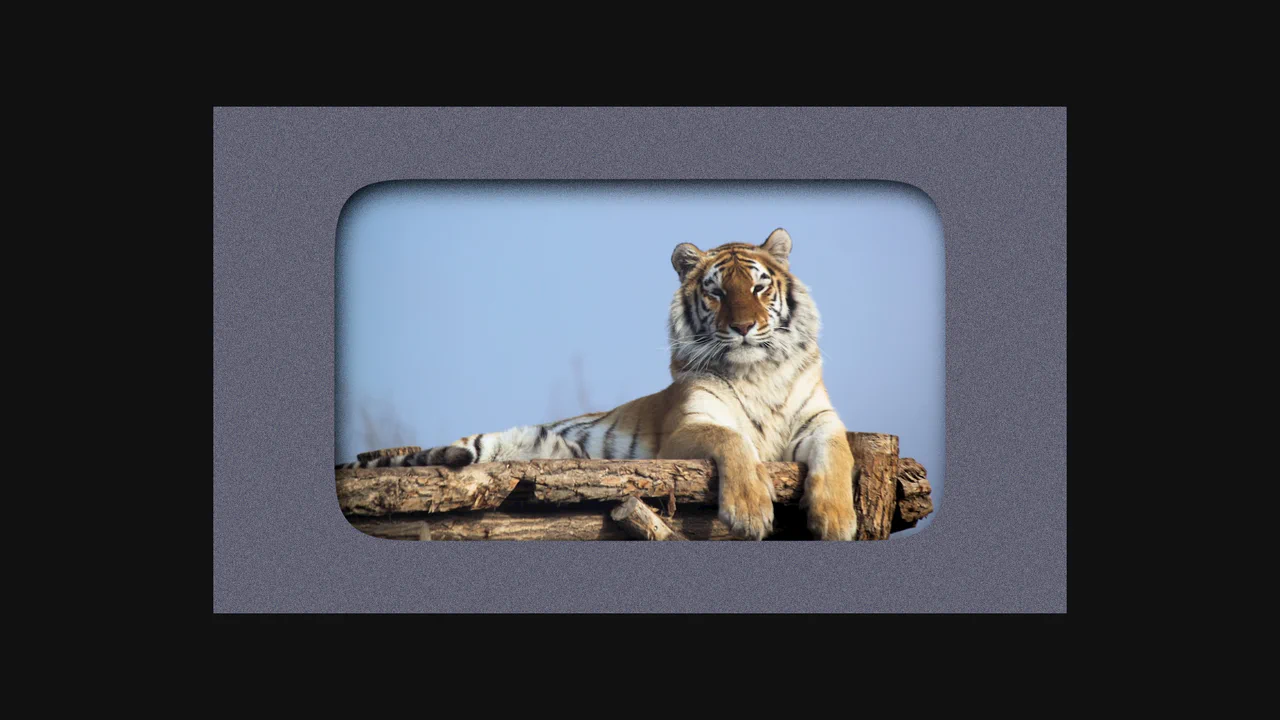
SVG Filter Noise Mask & Squircle Layout
This is an SVG Filter Noise Mask & Squircle Layout. It demonstrates the profound visual impact of chaining SVG <filter> primitives onto standard HTML elements. Its function is to transform a pristine photograph and a flat background into a gritty, atmospheric, cyberpunk-style composition using native browser rendering math instead of pre-processed images in Photoshop.
 Chrome 60+
 Edge 79+
 Firefox 55+
 Safari 11+
See the Pen SVG Filter Noise Mask & Squircle Layout.

Auto-Generated Anchor Positioned TOC
This is an Auto-Generated Anchor Positioned TOC. It parses an article’s heading structure on the fly and constructs a sticky navigation menu. Its primary function is to replace heavy JavaScript scroll-spies (Intersection Observers) with native CSS Anchor Positioning and Scroll Targeting, moving an animated highlight alongside the active content section. (Requires: Tweakpane, GSAP)
Chrome 125+
Edge 125+
See the Pen Auto-Generated Anchor Positioned TOC.
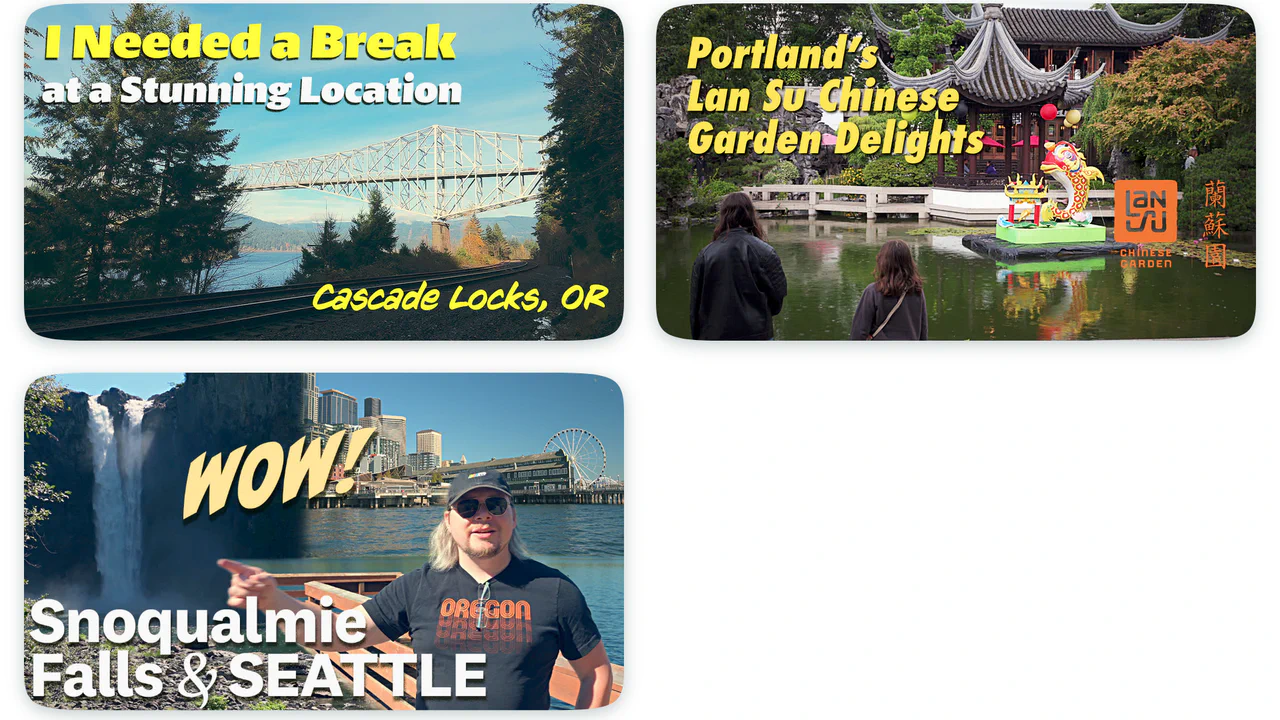
Squircle Image Web Component
Images take on an aesthetic, modern squircle shape (resembling iOS icons) with a soft drop shadow that perfectly follows their contour.
See the Pen Squircle Image Web Component.
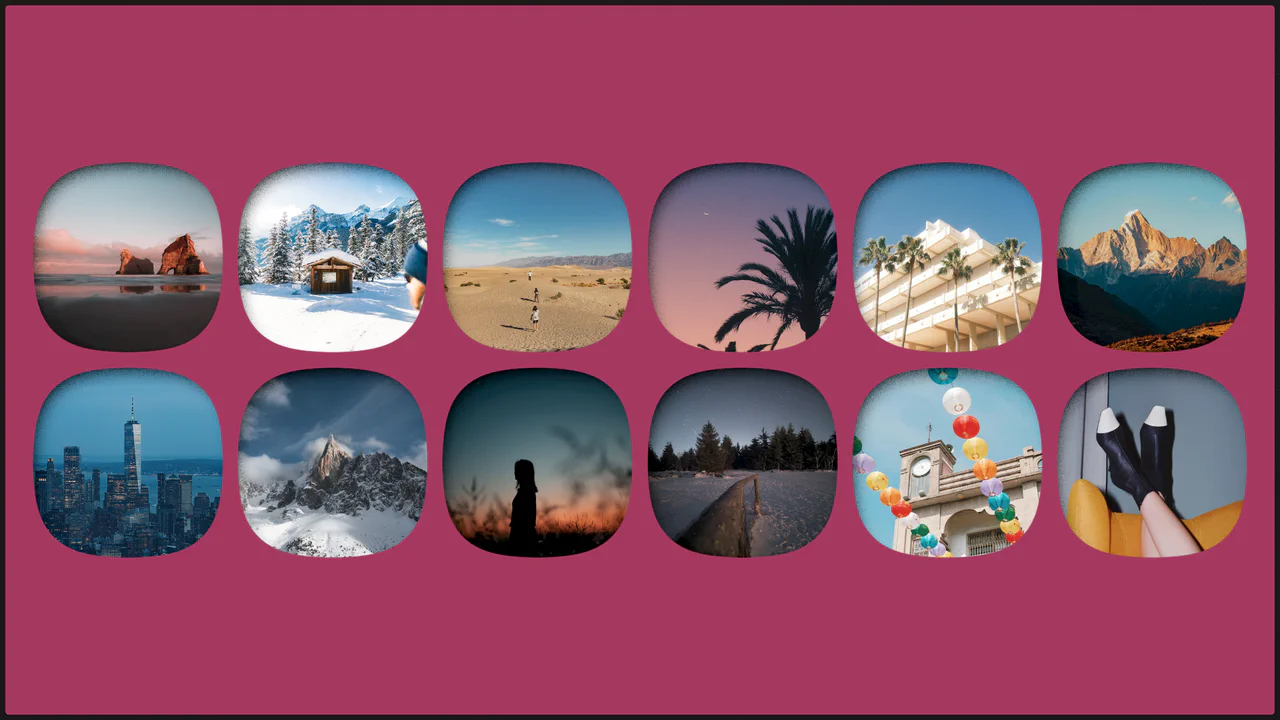
Single Image with Squircle Shape and Inner Shadow
Explore the power of CSS Grid with auto-fit for a responsive layout and SVG filtering techniques to give images a trendy squircle outline and unique shadow effect.
See the Pen Single Image with Squircle Shape and Inner Shadow.
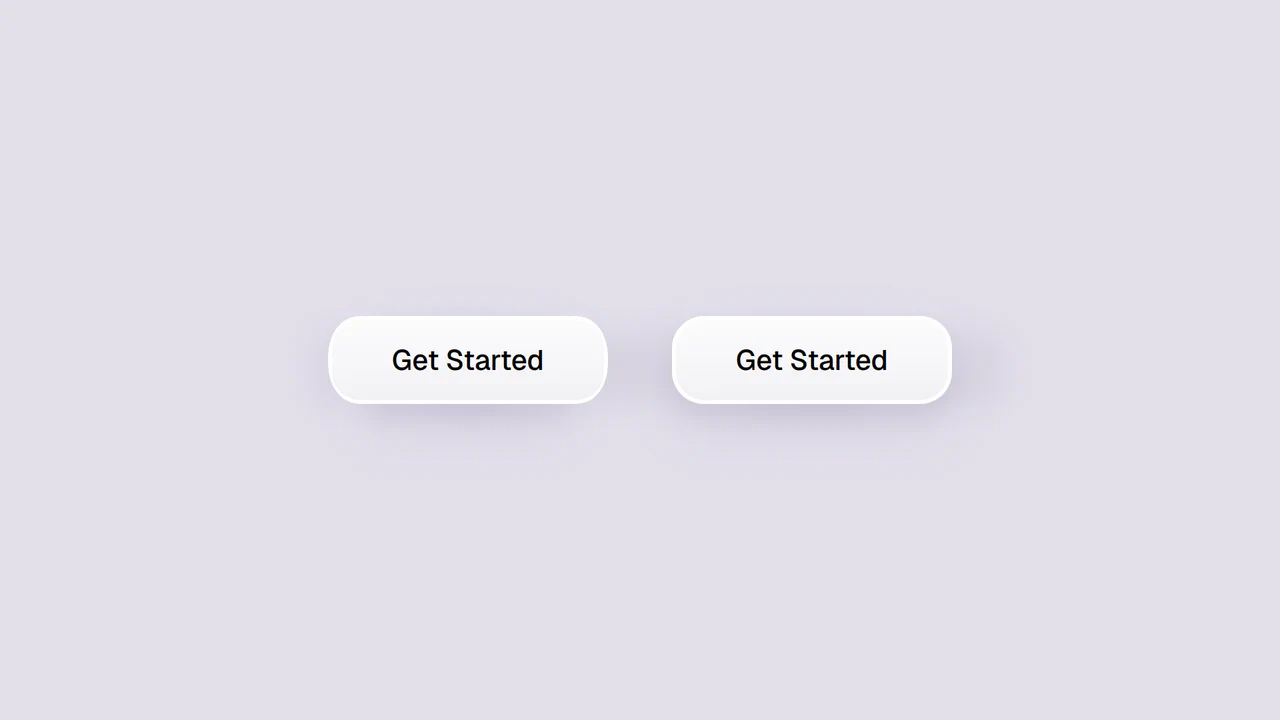
Smooth Corners with CSS
A progressive technique for creating complex UI shapes using the CSS Houdini Paint API - a squircle is generated by the smooth-corners worklet, surpassing the capabilities of border-radius. The shape’s curvature is dynamically controlled via the --smooth-corners CSS Custom Property, while the effect itself is built with a combination of pseudo-elements, mask, and clip-path.
See the Pen Smooth Corners with CSS.

Squircle Image Crop
A sleek squircle avatar implementation using CSS clip-path referencing an inline SVG definition. The technique applies a superellipse mask to a background image, creating a modern, iOS-style rounded shape that scales responsively while maintaining its geometry.
See the Pen Squircle Image Crop.
Squircles Gallery with View-Transition
A dynamic CSS Grid gallery featuring SVG squircle masking and advanced animations via the @starting-style property. This snippet showcases a responsive layout with sophisticated transition effects using the linear() easing function, providing a high-end frontend UI solution with optimal performance.
See the Pen Squircles Gallery with View-Transition.
Squircle With a Border on Hover
A sophisticated squircle shape implementation for images using SVG clip-paths and pure CSS. This snippet features a fluid hover animation with spring-like physics, offering a high-performance and visually polished solution for modern frontend UI components.
See the Pen Squircle With a Border on Hover.
Glassmorphism: Modern Landing Page with Squircle Buttons
A sleek landing page concept for a UI tool that blends glassmorphism aesthetics with responsive typography. This snippet showcases advanced CSS clip-path techniques for custom button shapes and the integration of complex SVG patterns to create a dynamic and modern background grid.